
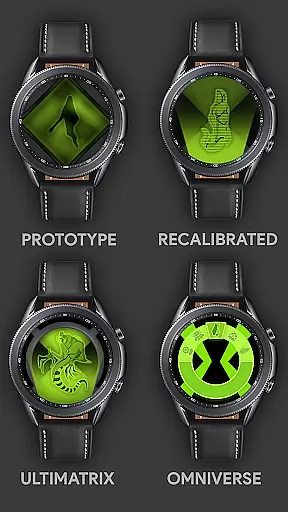
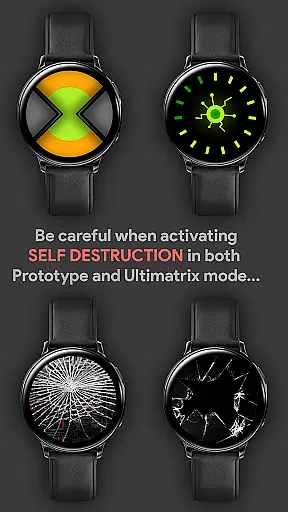
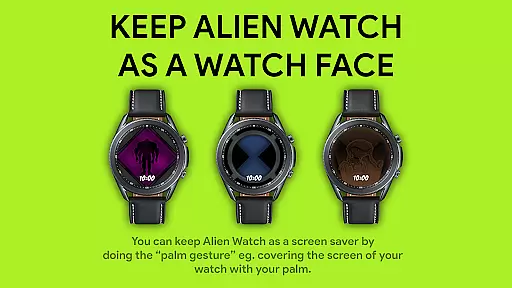

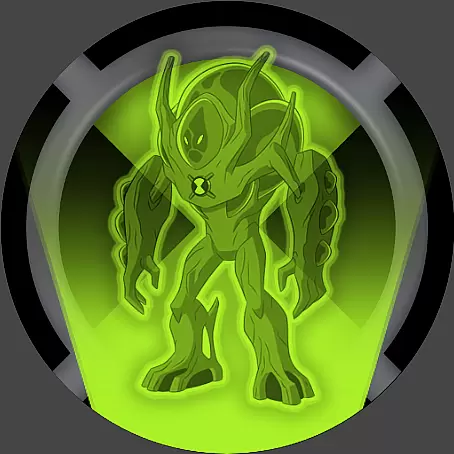




Alien Watch is a feature-rich simulation app designed for fans of the Ben 10 series, offering an authentic Omnitrix experience on Wear OS smartwatches. The app allows users to transform their smartwatch into the iconic Alien Watch, featuring multiple modes such as Prototype, Recalibrated, and Omniverse. Each mode offers unique sub-modes and functionalities, including DNA Scanning, Master Control, Self Destruction, Fusion Transformations, and more.
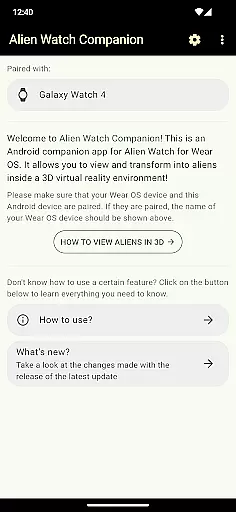
The app provides an immersive experience with 3D transformations, voice commands, and customizable features. Users can unlock additional aliens by completing step goals or entering activation codes. With specialized sound effects and color customization options, Alien Watch delivers an engaging and personalized user experience. Whether reliving childhood memories or exploring new features, this app caters to dedicated Ben 10 enthusiasts.
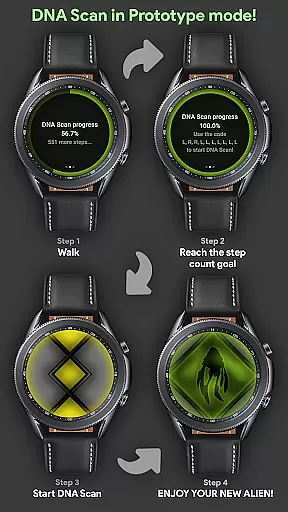
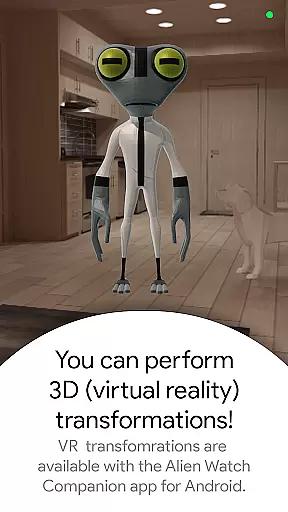
Alien Watch stands out with its diverse range of innovative features tailored for an interactive user experience. The app includes three main modes: Prototype, Recalibrated, and Omniverse. Prototype mode offers functionalities like DNA Scan, Master Control, Self Destruction, Voice Commands, and Virtual Reality transformations. DNA Scan allows users to unlock more aliens either by walking and achieving step goals or by using activation codes.
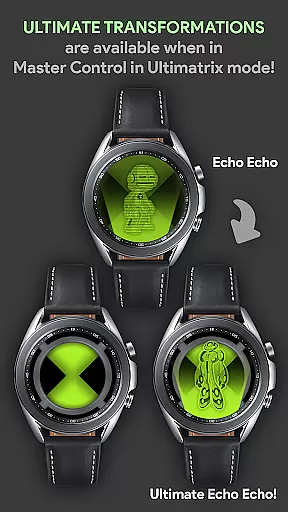
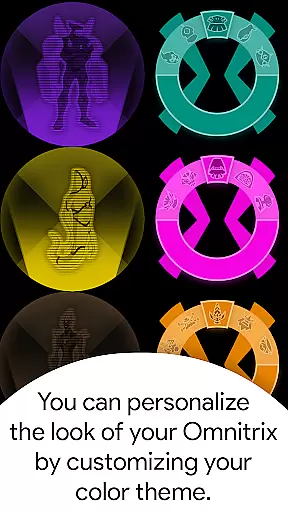
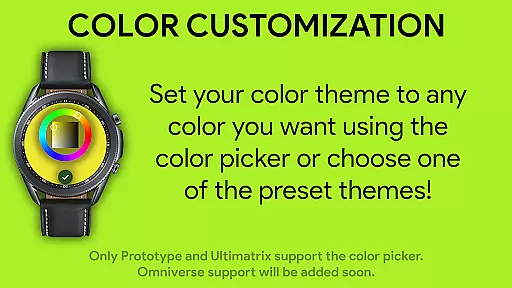
Re-calibrated mode supports Ultimate Transformations, Azmuth Easter Egg, and extensive color customization with 12 available colors, including Albedo mode. It also features custom voice sound effects where aliens vocalize their names during transformations. Omniverse mode incorporates a Randomizer function that selects a random alien every 15 seconds and supports Albedo mode for enhanced visual appeal. These comprehensive features ensure an unparalleled and realistic Omnitrix experience.
In the realm of simulation apps, Alien Watch stands out with its intricate economic system that mirrors the complexity of its source material. The app features multiple modes such as Prototype, Recalibrated, and Omniverse, each offering a unique set of resources and challenges akin to managing an economy. Users must strategically manage their transformations, using features like DNA Scan and Master Control to optimize their in-app assets.
The dynamic feedback mechanism within Alien Watch is designed to adapt to user actions, providing real-time responses to transformation choices. For instance, when users unlock aliens through step goals or codes in DNA Scan, they receive instant feedback on their progress. This responsive system ensures that every decision impacts the gameplay, keeping users engaged and invested in their strategic outcomes.
Players benefit from this sophisticated economic simulation by experiencing a sense of accomplishment as they successfully navigate the complexities of the game's resource management. With features like Self Destruction and Fusion Transformations, users learn to anticipate consequences and adapt strategies accordingly, much like managing an ever-evolving economic landscape.
This depth in the economic system offers significant value to users who appreciate detailed simulations. By mirroring the intricacies of real-world economies, Alien Watch not only entertains but also educates players on resource allocation and strategic planning, making it an enriching experience for simulation enthusiasts.
Alien Watch introduces a compelling resource management system that strikes a delicate balance between strategy and accessibility. Players have at their disposal various modes including Prototype, Recalibrated, and Omniverse, each presenting distinct resources to manage. From utilizing DNA Scan to unlock new aliens to customizing watch faces with different colors, users must judiciously allocate their in-game resources to maximize efficiency and enjoyment.
The app provides an array of tools for effective resource management. For example, the Ultimatrix mode allows for ultimate transformations while Albedo mode offers unique customization options. These features require players to make thoughtful decisions about which resources to use and when, ensuring a balanced approach to gameplay that rewards strategic thinking without overwhelming the user.
Users reap substantial benefits from this well-balanced system as it enhances replayability and engagement. The ability to activate features through walking or codes adds another layer of strategy, encouraging diverse play styles and continuous interaction with the appu2019s rich content offerings.
Ultimately, Alien Watch delivers exceptional value through its balanced resource management mechanics. By providing varied strategic options within an intuitive framework, it caters to both casual gamers and simulation aficionados alike, ensuring broad appeal across different player demographics.
User-friendly interface
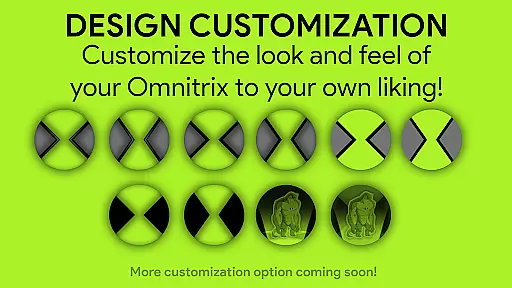
Extensive customization options
Authentic Ben 10 experience
Engaging sound effects
Regular updates with new features
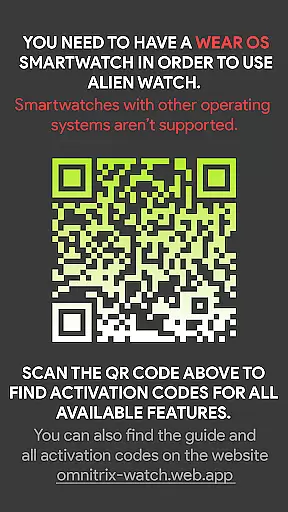
Dependent on Wear OS version
Limited without Android app
Complex for new users
High battery consumption
Premium features require codes

An Atmospheric Vehicle Adventure Game
 4.60
4.60
Advanced 3d bow simulator app for hunters, using real archery ballistics.
4.50
Dodge lasers and explore! Planetary Development Simulation
4.60
Design airplanes in this flight sim and see how they fly with realistic physics.
4.30
Explore open-world environments and hunt with a premium selection of firearms.
4.00
Build and explore your city as mayor! Create and simulate your own metropolis.
4.20
Demon Castle Building Dungeon Management Simulation
4.90
Gas station simulator. Play & earn money offline. Grow petrol station business!
4.40
One to rule them all
3.90
Your Empire Awaits: Forge a Realm in This City-Building Idle Game!
4.80
Pro Wrestling Team Management Sim, Face off with fearsome foes!
4.50
Laugh, play, take care, learn and relax with the cutest virtual friend
4.50
Decorate with stickers! DIY home decor and cute room design fun!
4.40
A fun and challenging bridge builder puzzle game.
4.20
A babysitting horror game
4.20
Prank and cause chaos in the house. But don’t get caught!
4.10
Create incredible parks in the original rollercoaster sim enhanced for mobile.
3.80 3.50
3.50
I made a game for a certain kind of person. To hurt them.
3.30


User Reviews