
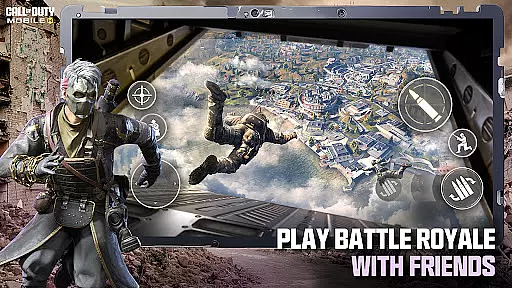
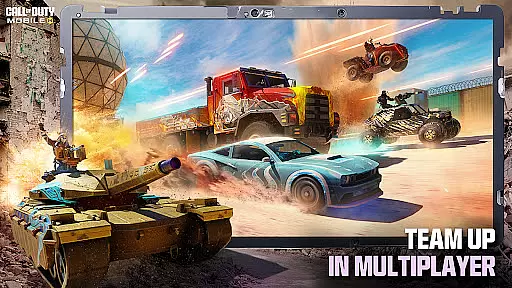
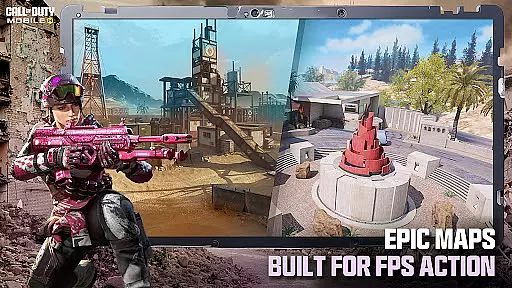
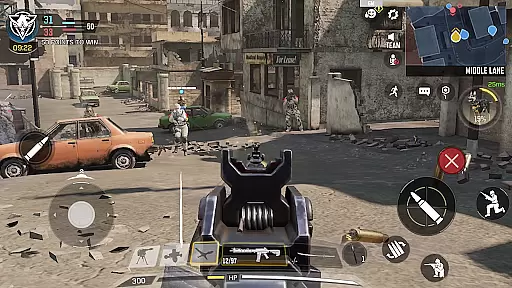
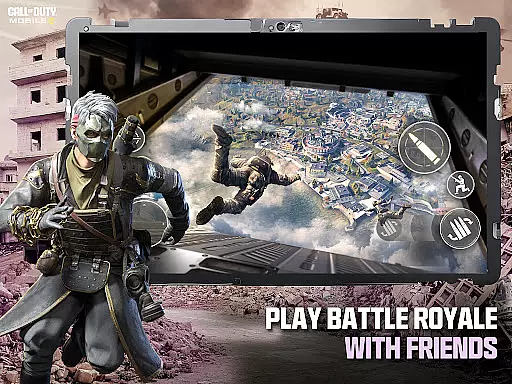
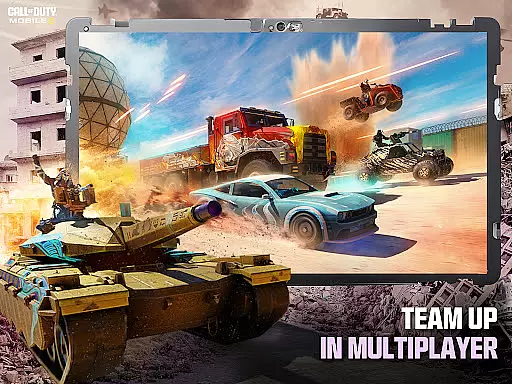

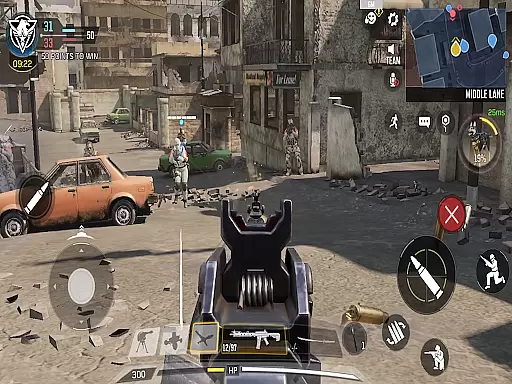
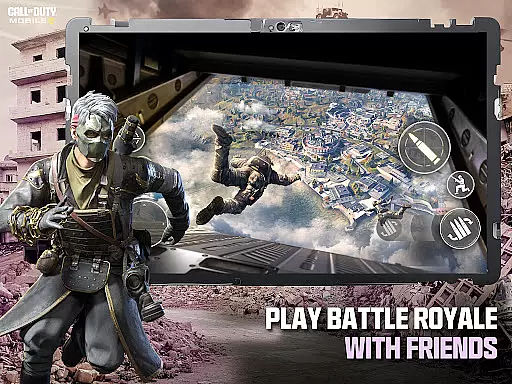
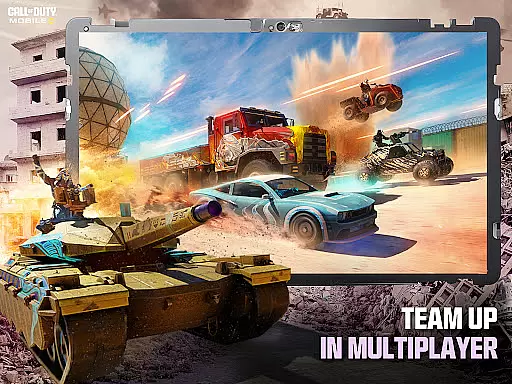

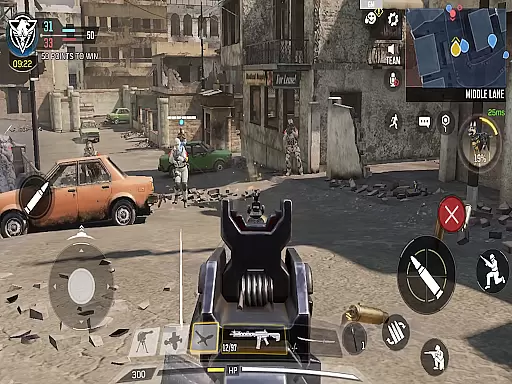
Call of Duty®: Mobile delivers the ultimate first-person shooter experience on mobile, combining fast-paced combat with iconic maps and modes. Players can engage in classic Multiplayer battles like Team Deathmatch or dive into the chaos of Battle Royale across massive maps. With console-quality graphics and precise controls, this free-to-play game brings the authentic Call of Duty® experience to your fingertips.
The app offers a variety of seasonal content, including new maps, themed events, and unlockable rewards, ensuring fresh gameplay every month. Whether you're battling solo or teaming up with friends, Call of Duty®: Mobile provides endless opportunities for competitive play and social interaction. Its customizable loadouts and ranked modes make it a standout choice for FPS enthusiasts looking for an immersive experience.
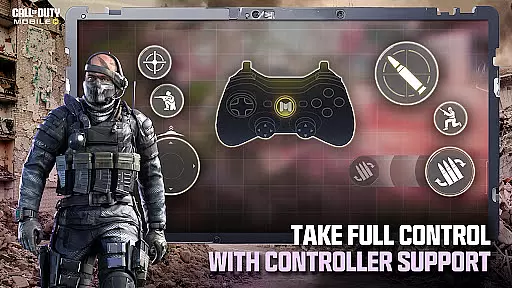
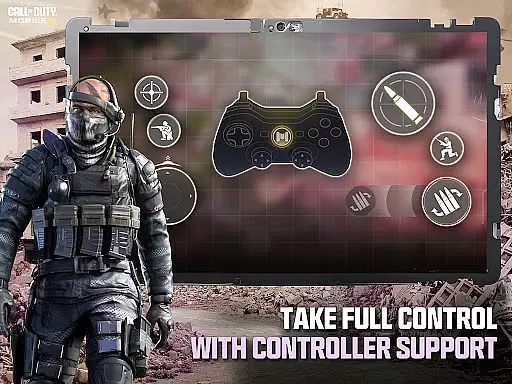
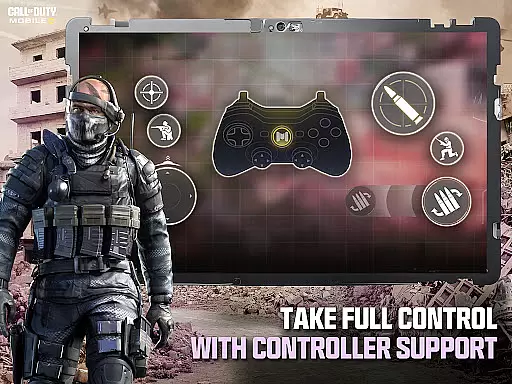
Call of Duty®: Mobile stands out with its diverse range of FPS game modes, from fast-paced 5v5 Multiplayer matches to large-scale Battle Royale showdowns. Each mode features legendary maps such as Shipment, Raid, and Nuketown, offering players familiar yet thrilling battlegrounds. The addition of unique mechanics like voice chat and controller support enhances accessibility while maintaining depth.
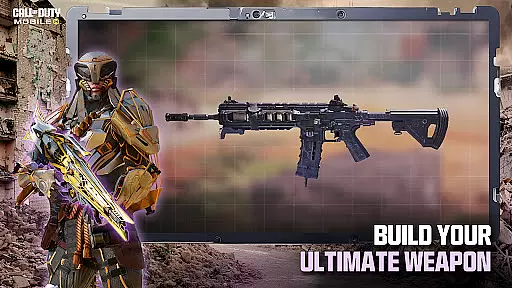
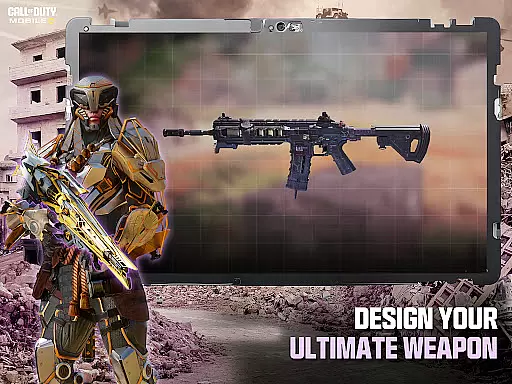
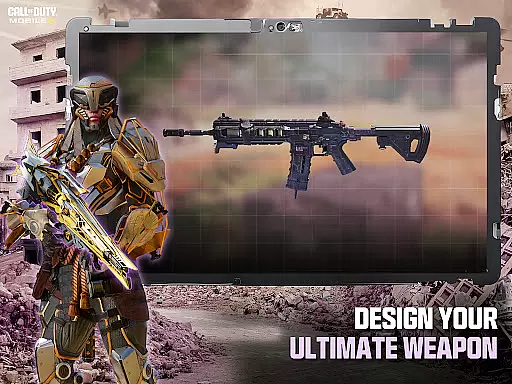
Customization is at the heart of the experience, allowing players to unlock operators, weapons, outfits, and score streaks tailored to their playstyle. Monthly updates introduce new story-driven content, keeping the gameplay dynamic and engaging. Additionally, options to reduce the app size ensure smooth performance across devices, making it easier than ever to jump into action without storage constraints.
Control responsiveness and latency are critical factors in any action-packed mobile game, especially in a fast-paced FPS like Call of Dutyu00ae: Mobile. These elements determine how quickly and accurately your inputs translate into in-game actions, directly impacting your performance and overall gaming experience.
Call of Dutyu00ae: Mobile ensures top-notch control responsiveness by offering customizable and intuitive controls that can be tailored to fit your playstyle. Whether you're engaging in a heated Team Deathmatch or trying to survive in Battle Royale, the game's responsive touch controls provide pinpoint accuracy, allowing for precise movements and quick reflex actions.
The game also minimizes input latency, ensuring that your commands are executed almost instantaneously. This is achieved through optimized game mechanics and server infrastructure that supports real-time gameplay, making every firefight feel immediate and immersive. Players can enjoy seamless interactions with the game environment, whether they're dodging enemy fire or lining up the perfect shot.
Ultimately, the combination of responsive controls and low latency enhances the competitive edge of players, allowing them to fully immerse themselves in the high-stakes world of Call of Dutyu00ae: Mobile. With these features, players can focus on strategy and skill, knowing their actions will be accurately reflected in the game.
In an action game like Call of Dutyu00ae: Mobile, combat feedback tightness refers to how the game communicates the impact of your actions during combat scenarios. This feedback loop is essential for player engagement, as it provides a sense of accomplishment and helps refine strategies in real-time.
Call of Dutyu00ae: Mobile delivers tight combat feedback through various means, including visual effects, audio cues, and haptic responses. When you land a successful hit, the game responds with distinct visual indicators such as blood splatter or hit markers, coupled with realistic sound effects that signify damage dealt. These elements work together to create an immersive battlefield experience where every shot counts.
Moreover, the game employs haptic feedback technology to simulate recoil and weapon impact, giving players a tactile sense of their combat effectiveness. This sensory input allows gamers to adjust their tactics based on the physical sensations they receive from their devices, enhancing both realism and strategic depth.
By providing clear and immediate combat feedback, Call of Dutyu00ae: Mobile ensures that players remain engaged and informed throughout each match. This heightened awareness not only improves individual performance but also fosters teamwork, as squad members can rely on shared experiences to coordinate more effectively and secure victory.
High-quality graphics
Wide variety of game modes
Frequent seasonal updates
Customizable controls
Active community engagement
Requires constant internet
In-app purchases available
Large initial download
Ads during gameplay
Steep learning curve
Weaphones is the ultimate firearms simulator for your phone or tablet.
 4.60
4.60
NEOGEO's masterpiece game is now available in the app!
4.70
Survive epic space battles in an offline roguelike bullet heaven adventure
4.60
The fast-paced FPS that changed gaming forever.
4.40
Command your army, crush the enemy, and reclaim the nation!
4.30
An unprecedented hardcore Soulsborn-like title on mobile
2.90
Survive the Wild West: Bullet Hell Roguelite Action Awaits!
4.70
Throw shurikens and cut through your enemies!
4.60
Keep an eye on the animatronics and you'll make it thru the night... probably.
4.70
Get pixel gun, kill hords of stupid zombies dead ahead, be a lone survivor
4.80
Action roguelike bullet hell where every choice could make or break your run.
4.80
A roguelike hack'n'slash game
4.70
Fast-paced multiplayer fun. 3v3 & 5v5 matches, PvP brawls and battle royales!
4.20
Run, jump, and escape in the ultimate endless jungle adventure game!
4.10
ANSWER THE SNIPER CALL
4.10
Hunt or hide? Choose your side: hunt down the fugitives or escape the back rooms
4.00
Rockstar Games invades the schoolyard in Bully: Anniversary Edition.
3.90
Welcome to the 1980s.
3.50
Five years ago, Carl ‘CJ’ Johnson escaped the haze of Los Santos, San Andreas…
3.30


User Reviews