
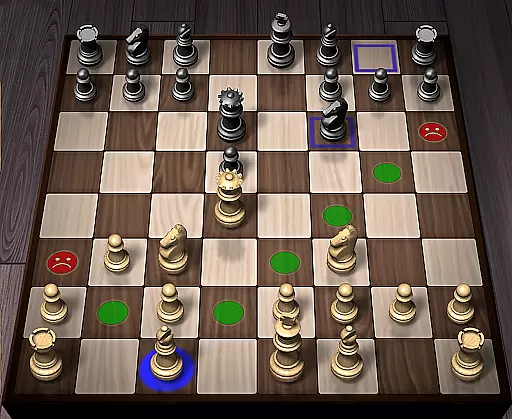
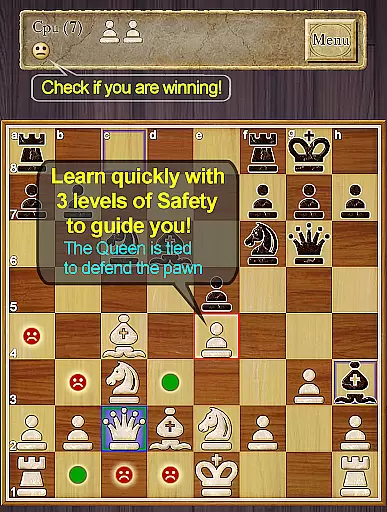
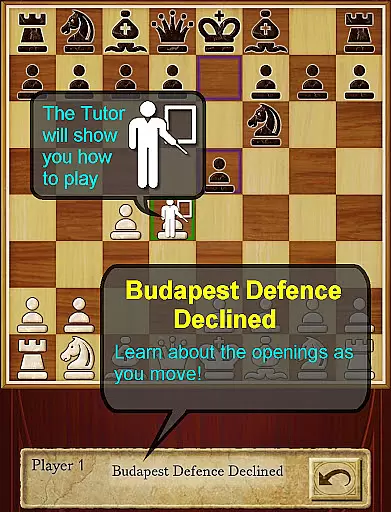
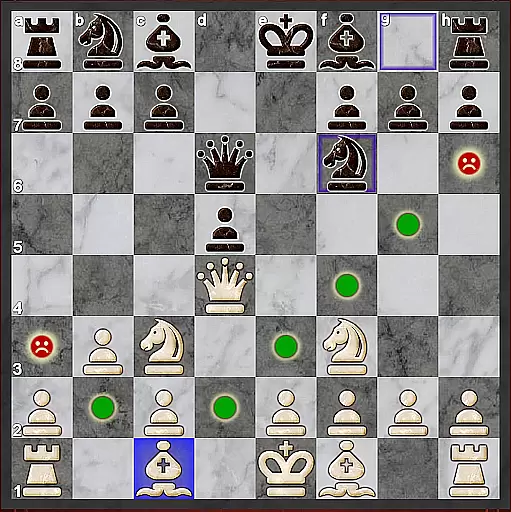
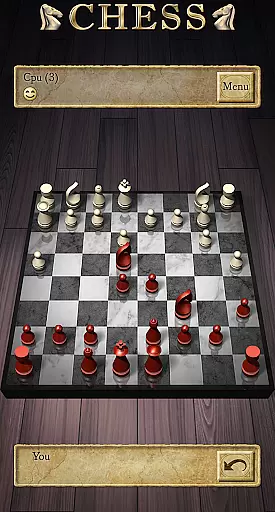
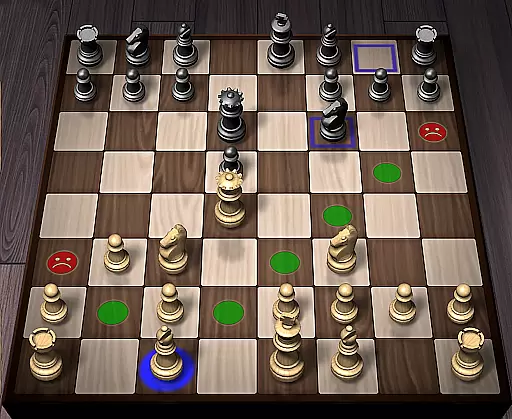
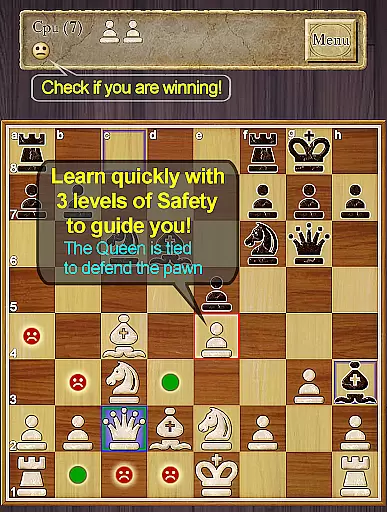
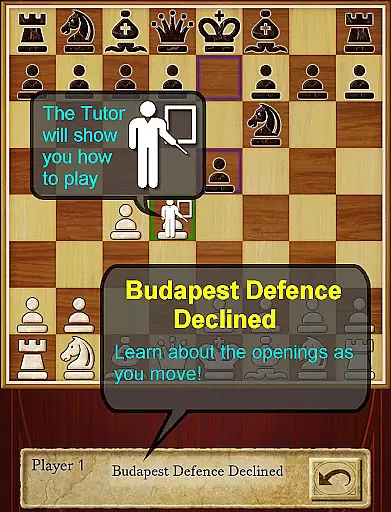
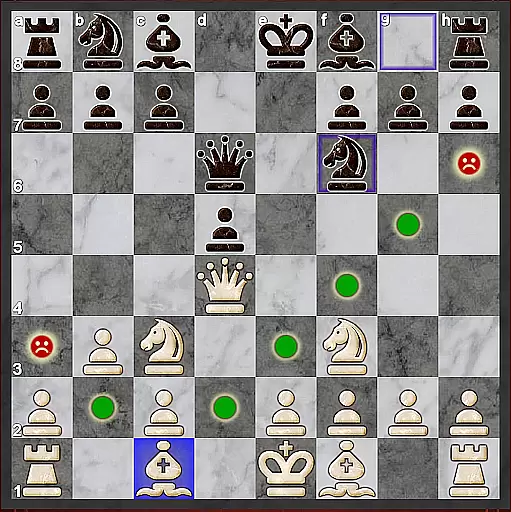
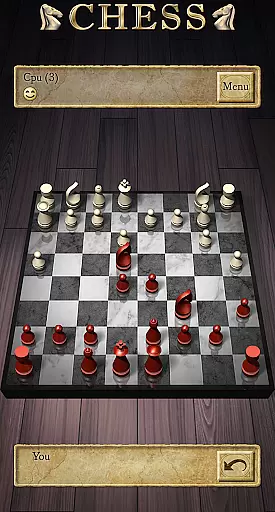
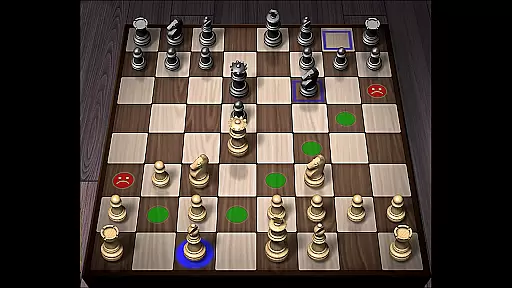
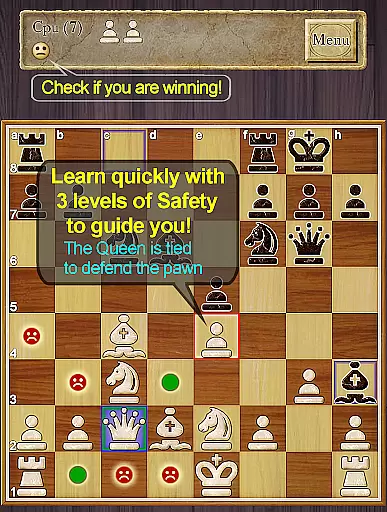
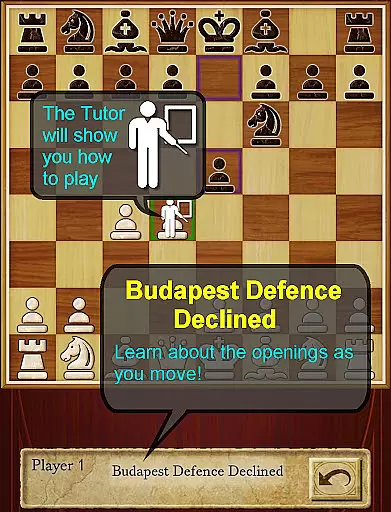
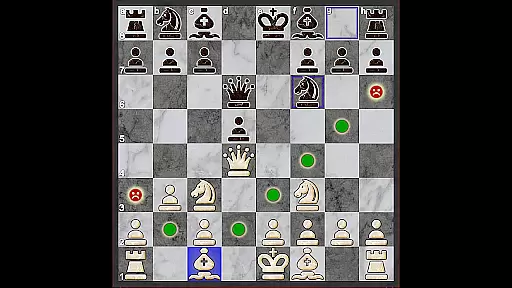
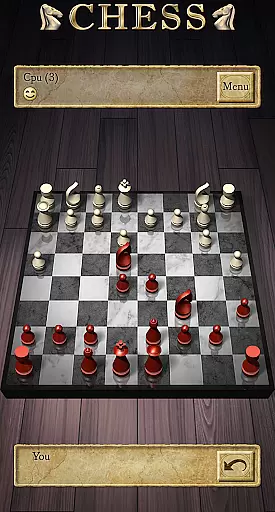

Chess Pro by AI Factory is a premier chess application for Android, offering an intuitive platform for both beginners and experienced players to learn and master chess. The app features a robust AI engine called Treebeard, which emulates human-like playing styles across 12 difficulty levels ranging from Novice to Master. This makes it ideal for users looking to progressively challenge themselves and refine their skills.
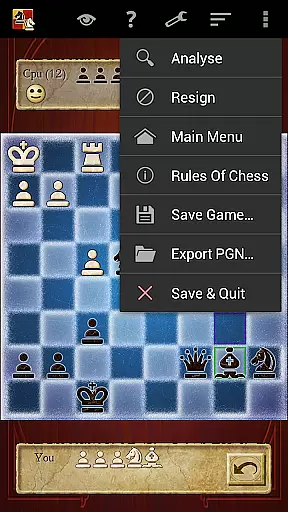
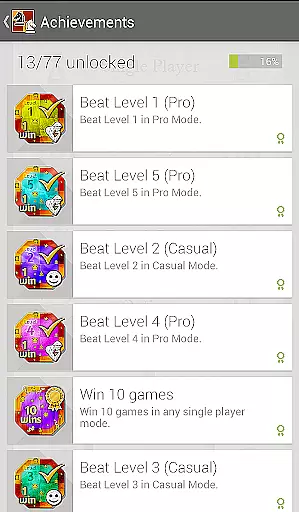
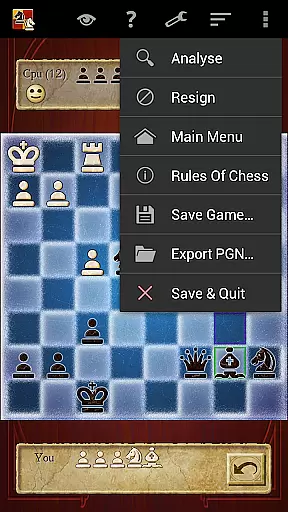
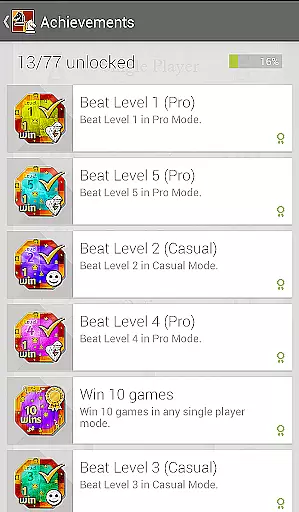
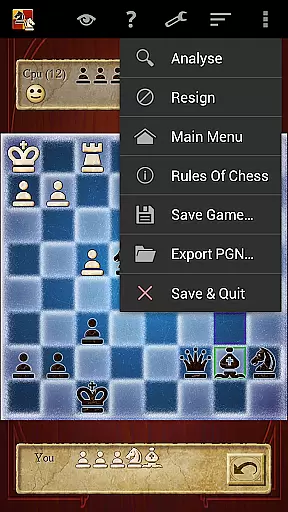
In addition to its sophisticated AI, Chess Pro provides comprehensive learning tools such as the Chess Tutor, which recommends moves and helps develop strategic thinking. With features like 'Show CPU Thinking' and 'Analyse Move', players can gain deeper insights into gameplay strategies. The app also supports online multiplayer modes, allowing users to compete with friends, while tracking progress through ELO ratings, achievements, and leaderboards.
Chess Pro stands out with its advanced teaching capabilities, including new features that highlight unsafe moves and offer enhanced safety options for complex scenarios like pins and ties. The app's indexed help system offers structured guidance on mastering chess, making it accessible even for newcomers. Additionally, the Smiley feature intuitively indicates who holds the advantage during gameplay, adding a friendly touch to competitive matches.
The app caters to diverse preferences with customizable 2D and 3D boards, various piece sets, and adjustable timers. It supports multiple play modes including casual, pro, two-player hot-seat, and online games via Google Play Games accounts. Players can review past games, export them in PGN format, and analyze their performance using detailed stats and ELO ratings. These rich functionalities ensure a dynamic and engaging chess experience tailored to individual needs.
Chess Pro offers an authentic and flexible experience of the classic board game. The app strictly adheres to official chess rules, ensuring that every move you make is within the boundaries of traditional gameplay. This rule authenticity provides a reliable platform for both beginners learning the nuances of chess and seasoned players honing their strategies.
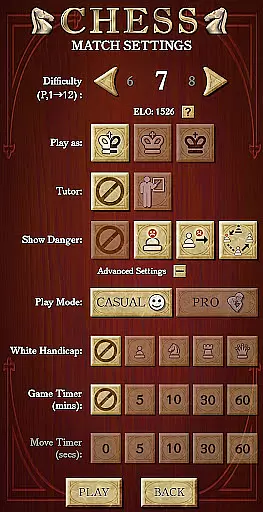
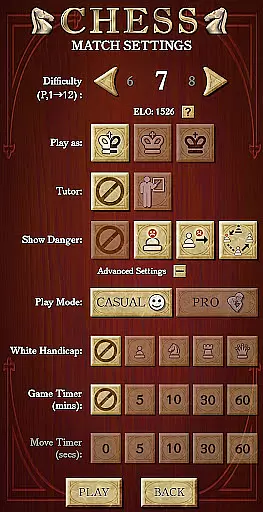
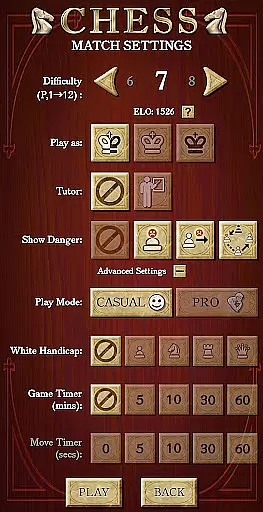
The flexibility of Chess Pro is evident in its multiple play levels ranging from Novice to Master. Each level intelligently adjusts the difficulty, offering a customized challenge that can evolve with the player's skill set. Whether you're taking your first steps in chess or looking for a brain-twisting opponent, this app accommodates all ranges with its adaptive AI engine.
Moreover, the inclusion of Casual and Pro modes allows users to choose their style of play. The Casual mode is perfect for those who are still getting acquainted with chess tactics, while the Pro mode challenges advanced players with more complex scenarios. This dual-mode system ensures that Chess Pro remains relevant and challenging to a wide demographic of players.
By providing features such as 'Show CPU Thinking' and 'Analyse move', the app adds another layer of flexibility, allowing players to delve deeper into understanding the consequences of their strategies and perhaps learn new ones. These options not only enhance the gaming experience but also contribute to a player's growth and adaptability in the realm of chess.
The AI opponent in Chess Pro represents a significant leap forward in mobile chess gaming. Powered by the Treebeard Chess engine, known for its 'human-like' style, the AI delivers a challenging and realistic chess experience. This sophisticated engine has been fine-tuned to provide an intelligent adversary that can adapt to any playing style, making each game as unpredictable as playing against a human opponent.
With 12 distinct play levels, the AI opponent scales its strength to match the player's expertise, ensuring that every match is competitive and engaging. Lower levels introduce deliberate weaknesses, ideal for newcomers to practice and build confidence. As players improve, they can increase the difficulty, facing more strategic and aggressive AI moves that push their skills to the limit.
One of the standout features of the AI opponent is its teaching ability. Through the Chess Tutor option, it recommends moves and helps players understand the reasoning behind them. This interactive learning approach not only sharpens a player's tactical acumen but also educates them on recognizing and avoiding common mistakes, thus improving overall gameplay.
Additionally, the 'Show CPU Thinking' feature at level 3 and above gives insight into the AI's decision-making process. Observing the potential moves the AI is considering can be an invaluable learning tool, offering players a chance to anticipate and counteract sophisticated strategies. With these comprehensive features, Chess Pro's AI opponent stands out as a high-quality sparring partner for any aspiring chess master.
User-friendly interface
Comprehensive learning tools
Multiplayer support
Customizable boards
Advanced AI engine
No offline multiplayer
Limited free content
Occasional bugs
Premium price
Complex for novices

Train your brain with classic backgammon and become the lord of this board game!
 4.30
4.30
Ludo King is a board game played between friends and family. A fun dice game.
4.20
Challenge friends in offline 2 player games. Play boxing, fighting, chess, snake
4.00
Lead your mages to victory in this deck building game with a twist!
4.30
Chose clever, score better!
4.60
Trade stickers & Get dice
4.70
Classic Mahjong Solitaire Game Classic Mahjong Tile Game
4.80
The official digital version of the world's favourite explosive cat-based game!
4.60
Strategic PvP bingo battles!
4.80
The Ultimate Chess Experience. For Beginners and Grandmasters!
4.80
Best Dice Game with Friends!
4.80
Mahjong Match: Relaxing and Fun Mahjong Tile Puzzle! Designed for seniors!
4.80
The official award-winning domino building strategy game comes to life!
4.80
The ultimate Chess app available. Install now for pure enjoyment!
4.80
Become a chess master
4.70
Relive your favourite childhood game, now on mobile and tablet.
4.60
online interactive board games
4.50
VENUS - the biggest DLC for Concorida has just been released!
3.80
The city of London has hired you to redesign their Underground lines!
4.5


User Reviews