
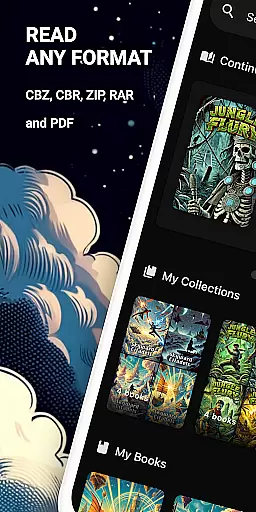
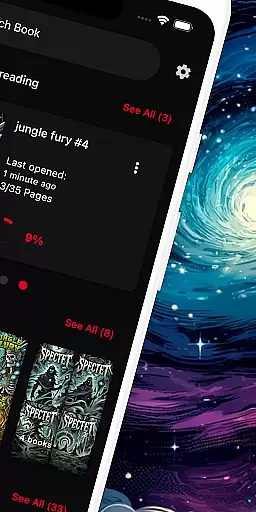
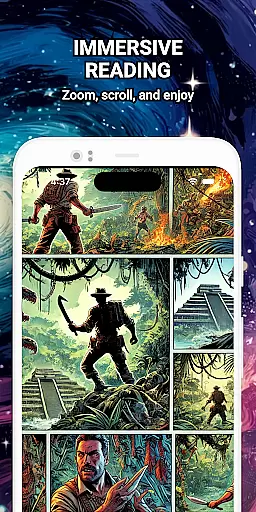
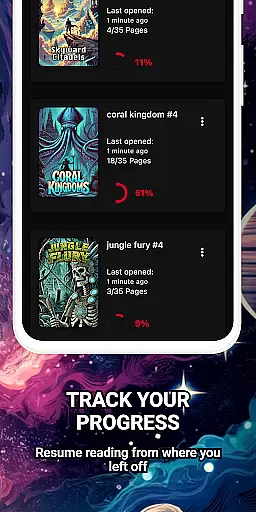
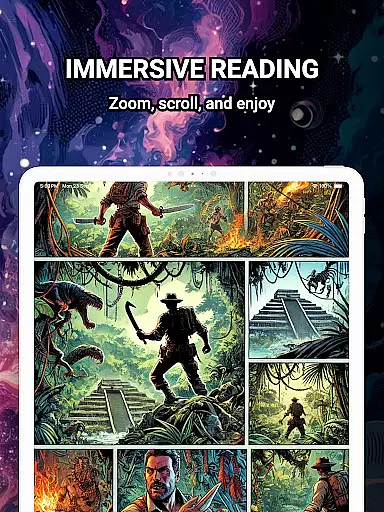
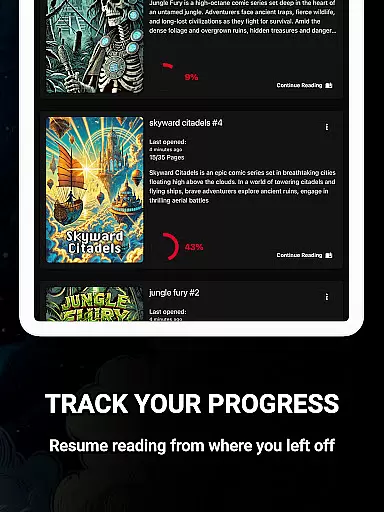
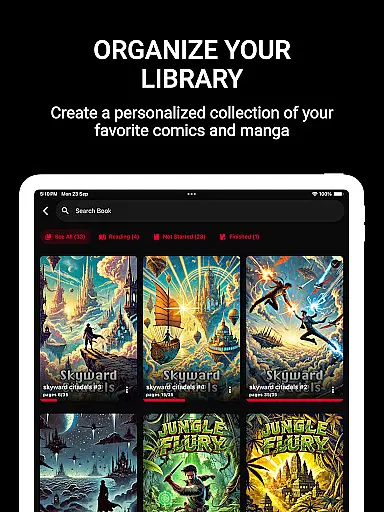
ComiQuest is a versatile comic reader app tailored for fans of CBR, CBZ, and PDF formats. It offers an elegant reading experience with smooth navigation and smart library features. Whether you're into graphic novels, manga, or webtoons, ComiQuest provides a seamless way to manage and enjoy your collection.
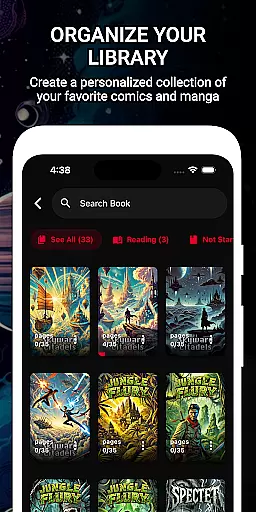
The app supports direct file imports from local storage or USB drives, ensuring effortless access to your comics. With automatic reading progress tracking and customizable collections, organizing your library has never been easier. Additionally, the ad-free interface and experimental eye comfort mode enhance your reading sessions by reducing distractions and eye strain.
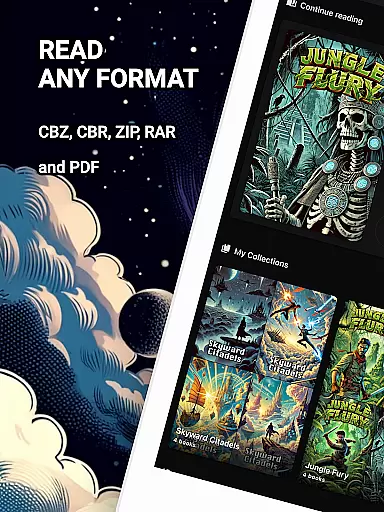
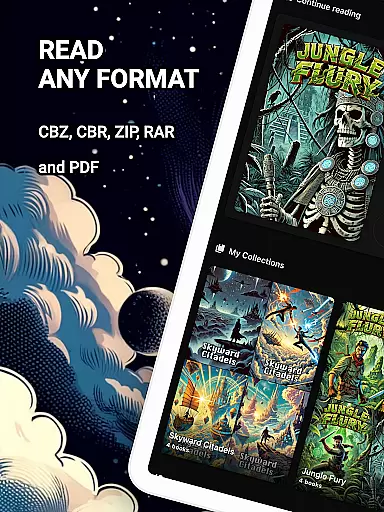
ComiQuest stands out with its comprehensive support for popular comic file formats, including CBR, CBZ, and PDF. This ensures that users can open their collections without needing to convert files or switch apps, providing unparalleled convenience.
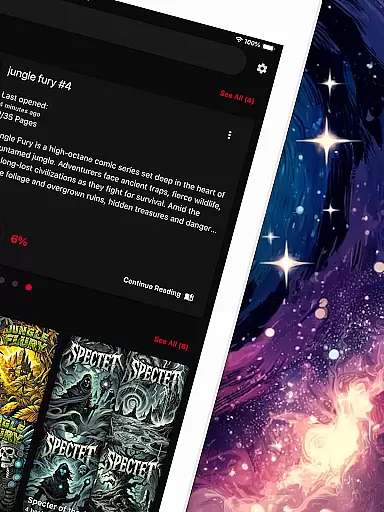
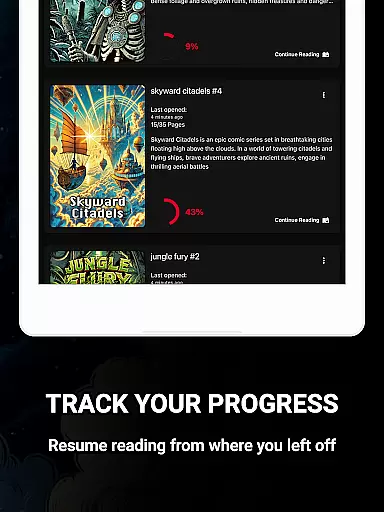
One of the key highlights is the ability to organize comics into custom collections, making it simple to categorize and access different types of content. The app also tracks reading progress automatically, allowing users to pick up where they left off effortlessly. Furthermore, the inclusion of an experimental blue light filter for CBR and CBZ files demonstrates a commitment to user comfort during extended reading sessions.
ComiQuest offers an extensive comic library that supports multiple formats including CBR, CBZ, and PDF. This ensures that users can access a wide variety of comic books without the need for conversion or switching between different apps.
The app allows easy file access from local storage or USB drives, making it convenient to import and manage your entire collection. Whether you are a fan of graphic novels, manga, or webtoons, ComiQuest recognizes and opens your files effortlessly, providing a seamless reading experience.
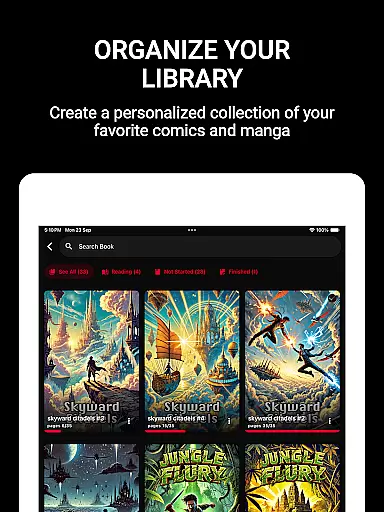
With the ability to sort comics into custom collections, users can organize their library according to personal preferences. This feature not only keeps your collection tidy but also enhances navigability, allowing you to dive into your favorite stories with minimal effort.
ComiQuest places a strong emphasis on content authenticity and licensing. By supporting direct imports from personal storage, it ensures that users are accessing their legally owned comic books. This approach respects copyright laws and promotes legitimate use of digital content.
The app provides a 100% ad-free reading experience, which is made possible through its premium model. By going premium, users unlock unlimited imports and continuous feature updates, ensuring long-term enjoyment of their comic book collection without any distractions or legal concerns.
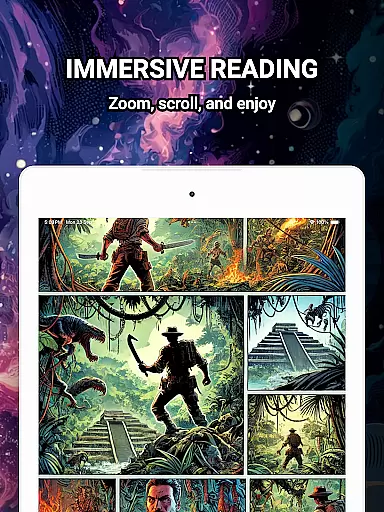
Additionally, ComiQuest's eye comfort mode, currently available for CBR and CBZ files, demonstrates the app's commitment to enhancing user experience while maintaining respect for intellectual property rights. This balance of functionality and legality makes ComiQuest a reliable choice for comic enthusiasts.
User-friendly interface
Automatic progress tracking
Customizable collections
Ad-free experience
Eye comfort mode
Premium features locked
Limited free imports
No cloud sync
Experimental filters only
USB import issues

Alpha Manga is a Japanese manga app where you can read isekai manga.
 4.10
4.10
Official digital-manga store. Quality translations that support artists.
3.10
Pocket Toons: Free Webtoons, Comics, & Manga - New Chapter Drops Everyday
4.30
The ultimate app for comic lovers
4.50
Manga reader for manga, manhua, manhwa & webtoon, online & offline, update daily
4.50
File management and show images, comics and pictures in compressed cbr, pdf file
4.70
Browse and read all your comics and mangas from YACReaderLibrary
4.20
The most popular comic book reader.
4.80
Comic Book Identifier Value - Scan comics & prices. Your comic book price guide!
4.50
Comics and stories from Japan
4.60
Dive into creative online comics, short video, graphic novels and web novels!
4.60
Follow your favorite manga and get notifications for new chapters!
4.50
Read your favorite mangas for free
4.50
The largest manga, comics, and manhwa community with millions of fans!
4.50
Manga Reader for Comics, Webtoons & Manhwa. Read Mangas, Chat Stories and Novel.
4.30
Read latest manga with this minimal reader with NO ADS.
4.30
Pose Tool 3D for the Artists, create any human figure pose quickly for your art.
4.00
Read officially manga titles from Japan including Attack on Titan
3.80
Goat sound simulator. This app makes for fun.
4.3


User Reviews