

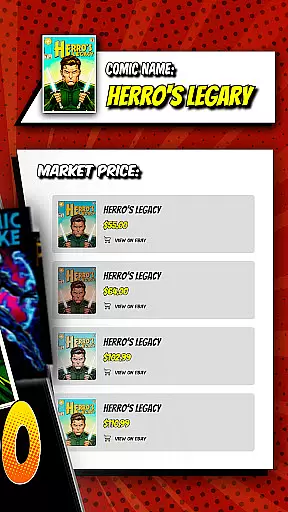

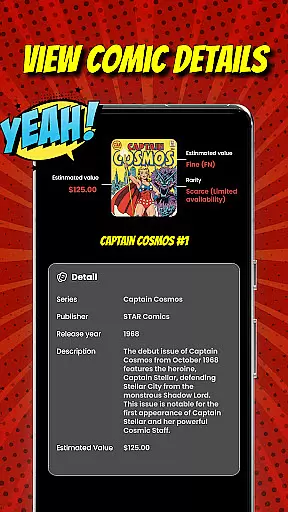

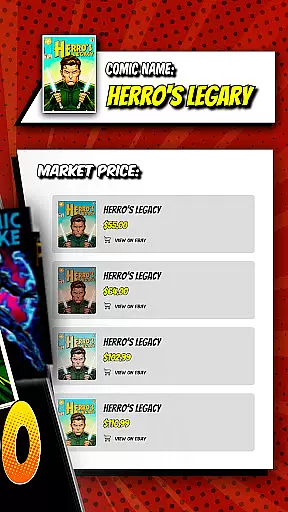
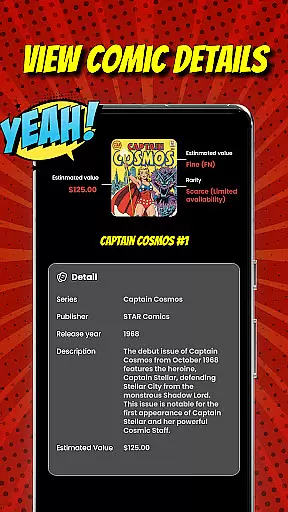

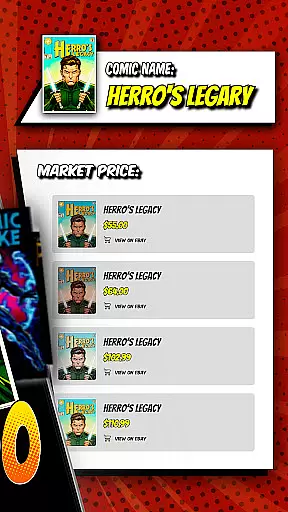


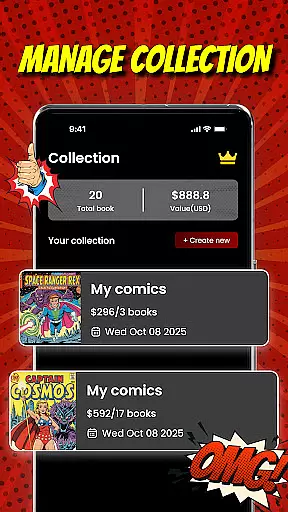
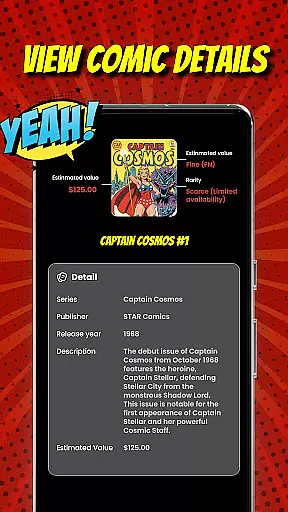

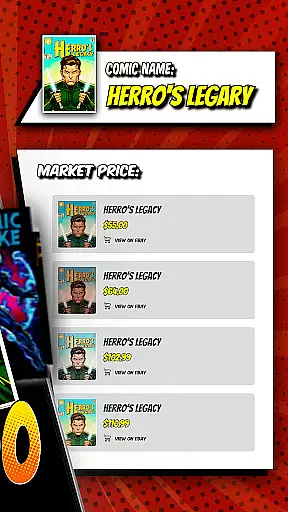
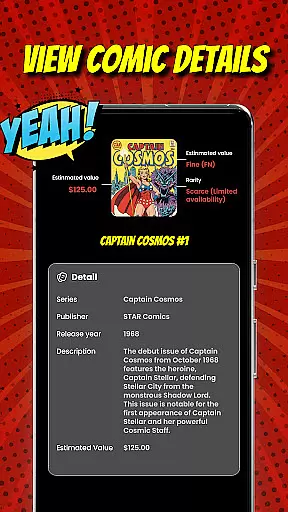
Comic Scanner is a revolutionary app designed for comic book enthusiasts and collectors who want to unlock the true value of their collections. By utilizing advanced AI technology, the app allows users to simply snap a photo of any comic cover, instantly identifying key details such as title, issue number, condition, rarity, and estimated market price. This functionality empowers collectors to make informed decisions when managing, trading, or expanding their libraries.
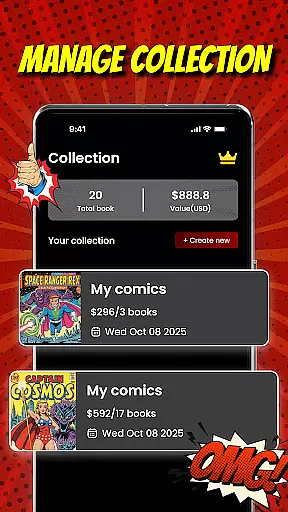
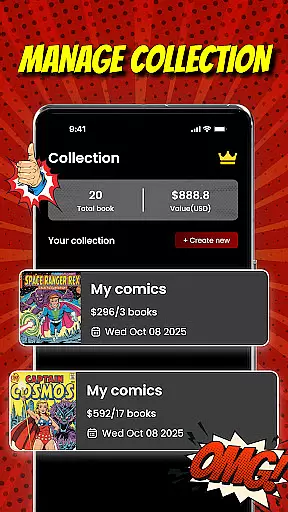
In addition to its identification capabilities, Comic Scanner offers robust organizational tools. Users can create a fully digital comic library, categorizing their collection by series, publisher, genre, or other preferences. The app also provides real-time valuation insights based on current market trends, ensuring that collectors have an accurate understanding of their comics' worth. Whether you're a seasoned collector or just starting out, Comic Scanner equips you with everything needed to organize, evaluate, and grow your comic book investments.
Comic Scanner stands out with its cutting-edge AI recognition system, which eliminates the need for manual searches. By capturing a photo of a comic's cover, the app delivers instant and precise identification of titles, issue numbers, and other critical details. This feature saves time while offering reliable data that enhances the collecting experience.
Beyond identification, Comic Scanner provides advanced tools for evaluation and management. Users can assess the condition and rarity of their comics, gaining valuable insights into how these factors impact market value. The app also features a personal dashboard where collectors can monitor their entire library’s worth, track price fluctuations, and analyze growth trends over time. With additional functionalities like a built-in selling platform, Comic Scanner bridges the gap between buying, trading, and showcasing prized editions.
The app's user-friendly interface ensures seamless navigation, making it accessible for both casual fans and serious collectors. Its beautiful, comic-inspired design reflects the passion of its users, while practical features such as collection categorization and real-time market updates provide tangible benefits for managing valuable assets.
Comic Scanner offers an extensive digital library that caters to a wide array of comic enthusiasts. The app's AI-driven recognition system allows users to scan and identify comics across various genres, from vintage classics to modern indie series. This ensures that no matter the user's preference, they can easily catalog and manage their diverse collection.
The application supports a vast database that is regularly updated with new entries, ensuring that even the most recent releases are recognized accurately. Users can expect a comprehensive experience as Comic Scanner identifies not only popular titles but also rare finds, making it an invaluable tool for both casual readers and serious collectors.
By providing detailed insights into each comic's title, issue number, and condition, Comic Scanner empowers users to maintain an organized digital archive. This feature is particularly beneficial for those looking to expand their collection strategically, as it provides information on a comic's rarity and estimated market price.
Overall, Comic Scanner's robust library size and variety ensure that every user can effectively track and grow their personal comic anthology, enhancing both the enjoyment and investment potential of their hobby.
Authenticity and proper licensing are crucial in the world of comic book collecting, and Comic Scanner excels in these areas. By utilizing advanced AI technology, the app verifies the authenticity of scanned comics, cross-referencing them with a reliable database to ensure accurate identification. This process helps prevent counterfeit issues from infiltrating users' collections.
In addition to verifying comic details, Comic Scanner respects intellectual property rights by adhering to strict licensing agreements. Users can confidently scan and catalog their comics knowing that the app operates within legal frameworks, protecting both collectors and creators.
The app also features a disclaimer and terms of use that outline its commitment to copyright compliance. This transparency assures users that their digital library is built on legitimate foundations, safeguarding their investment in the comic industry.
With Comic Scanner, collectors gain peace of mind regarding content authenticity and licensing, allowing them to focus on enjoying and expanding their collections without concern over legal or ethical issues.
Fast scanning
Accurate AI
User-friendly
Real-time data
Great design
Premium cost
Limited genres
Occasional bugs
Internet required
No offline mode

Follow your favorite manga and get notifications for new chapters!
 4.50
4.50
The best app for digital comics - Welcome to Lezhin!
3.10
More fun from BOM! Hurry up and do the following self-test, if you meet more than one item, come and experience the brand new world of comics!
3.40
The ultimate app for comic lovers
4.50
AsuraScans read manga, manhua, manhwa, and webtoon
3.90
The fastest and most convenient comic book reader - comics of all formats
4.40
매일 매일 새로운 네이버 웹툰
4.50
File management and show images, comics and pictures in compressed cbr, pdf file
4.70
The most popular comic book reader.
4.80
Artists wanting to use decent hand reference on the go, this app is for you!
4.70
Joke book collection with the funniest dad jokes and riddles for you to enjoy!
4.60
The largest manga, comics, and manhwa community with millions of fans!
4.50
SQUARE ENIX's official Manga app!
4.40
Read Manga, Comics & Manhwa of Romance, Action, Fantasy, Drama, BL and more!
4.40
Manga Reader for Comics, Webtoons & Manhwa. Read Mangas, Chat Stories and Novel.
4.30
Read webcomics & webnovels
4.20
Become a real PKM Card Maker, create or custom any Poke TCG cards and share them
4.10
Pose Tool 3D for the Artists, create any human figure pose quickly for your art.
4.00
Hot-blooded / Romance / Science Fiction All themes, Smart Recommendation + HD Reading
3.10


User Reviews