
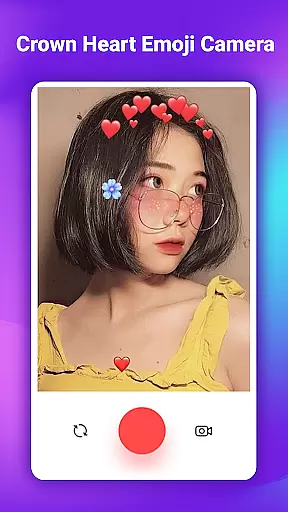
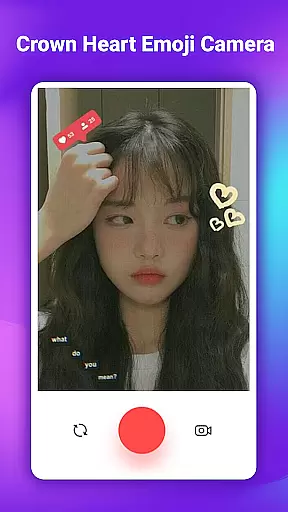
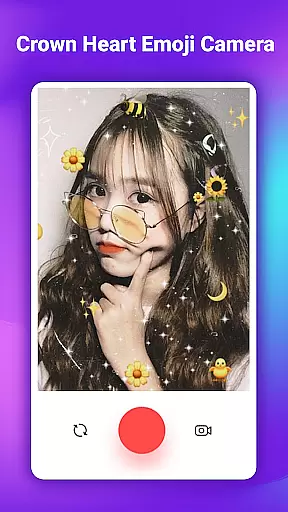
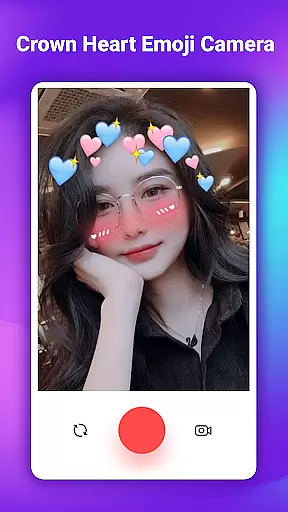
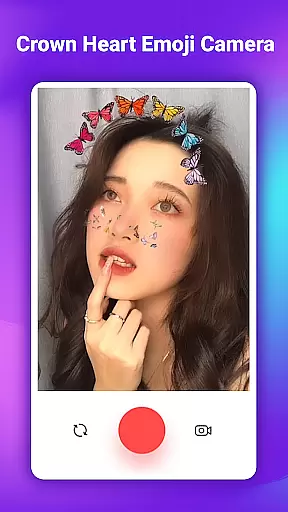
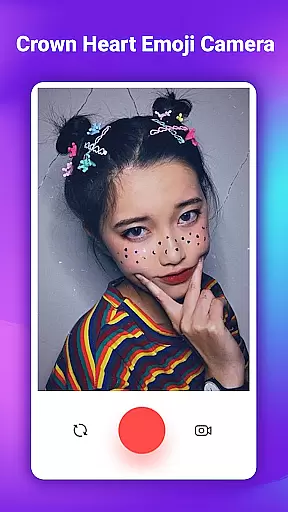
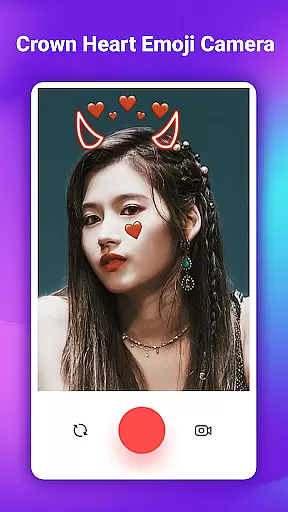
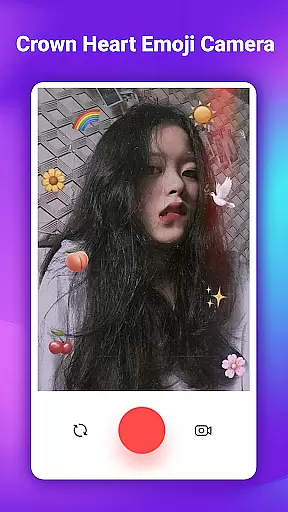
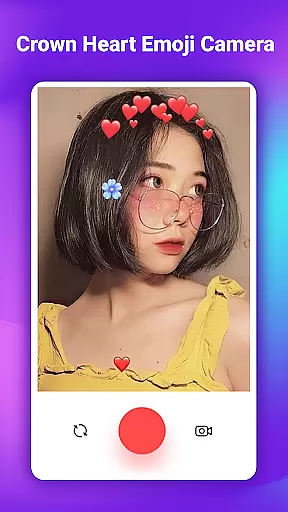
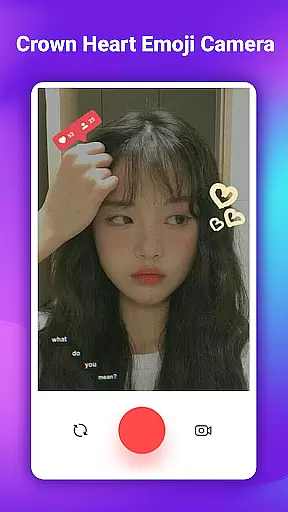
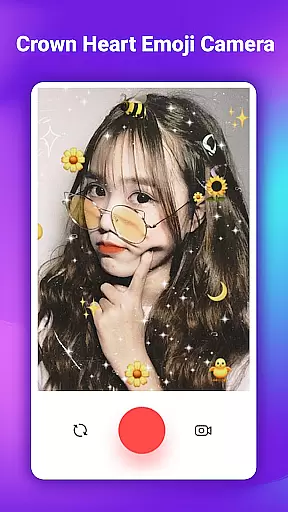
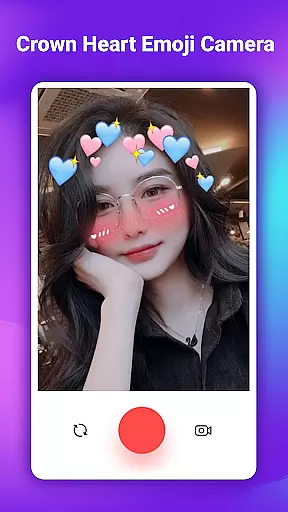
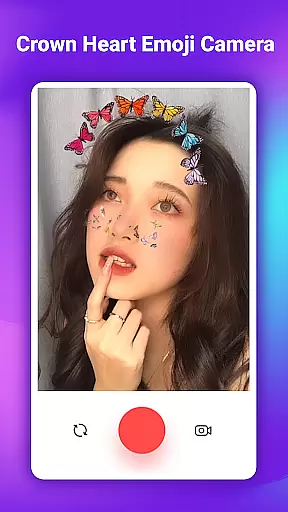
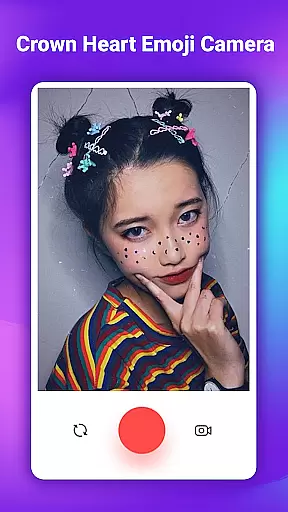
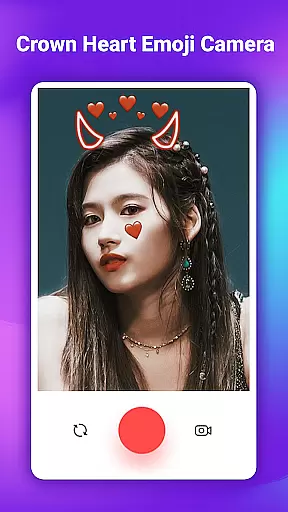
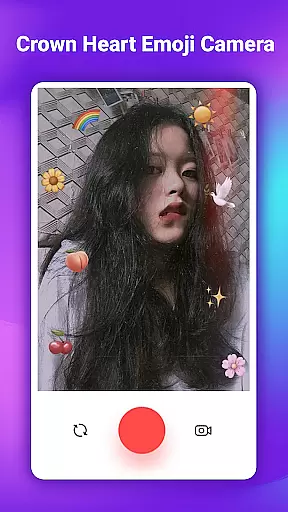
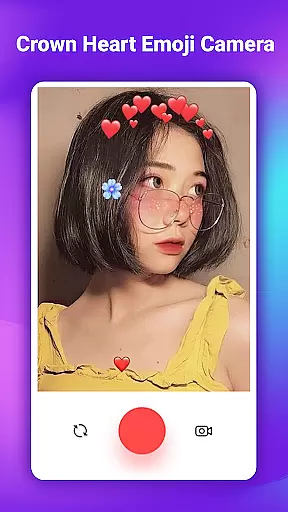
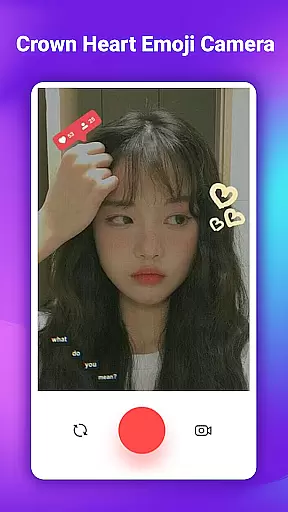
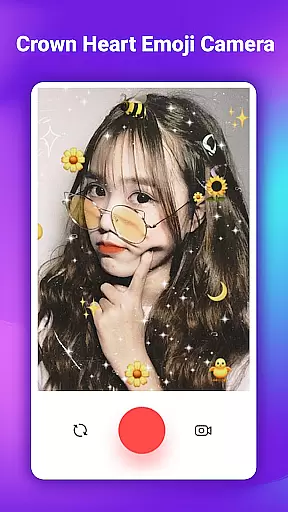
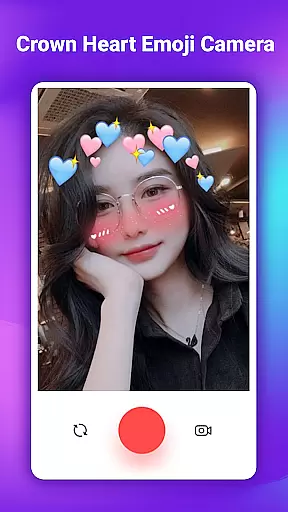
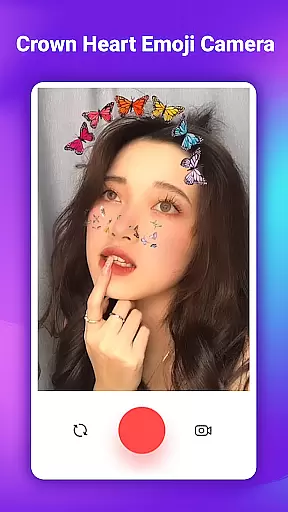
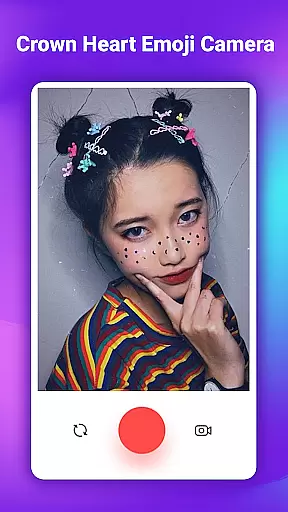
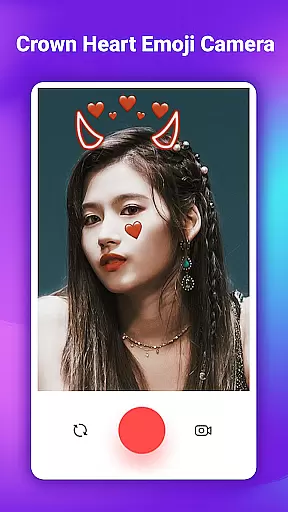
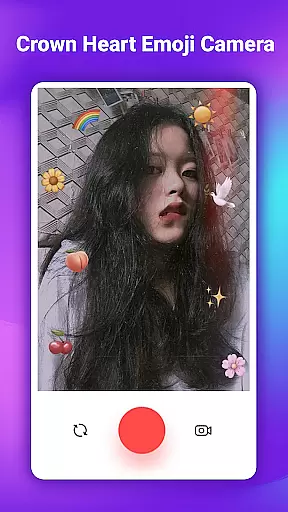
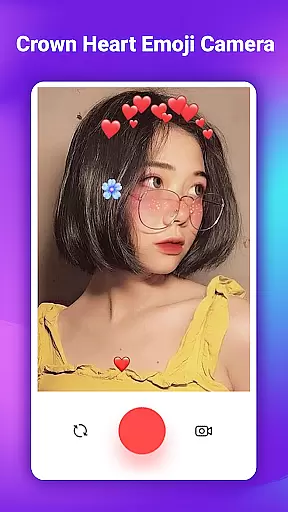
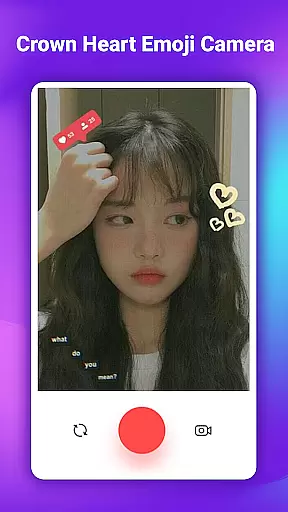
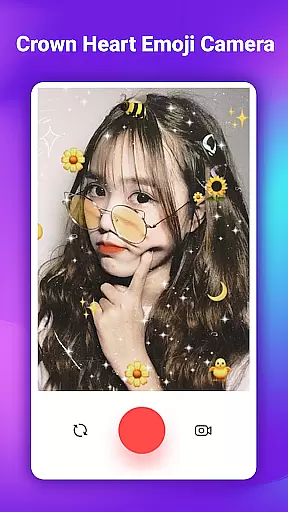
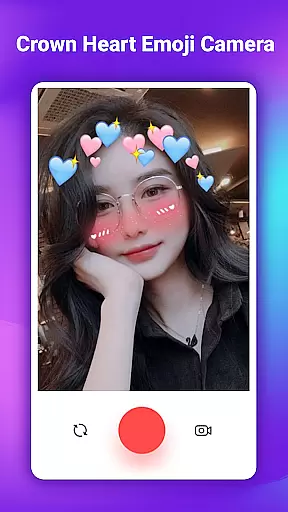
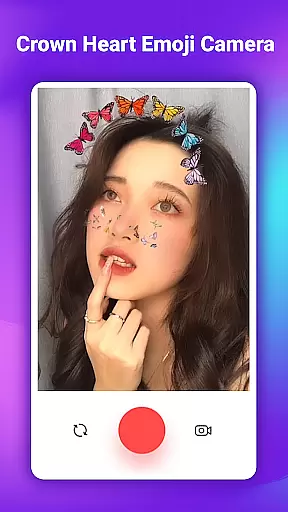
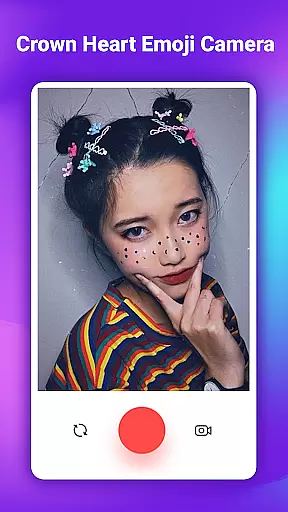
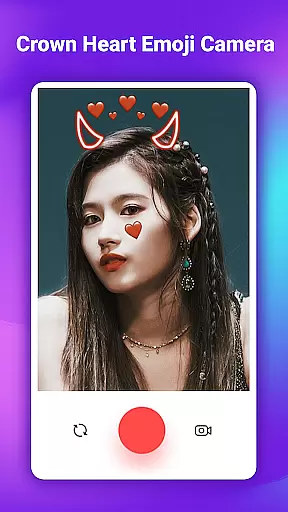
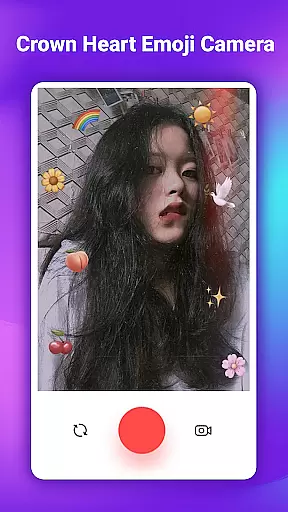
Crown Heart Emoji Camera is a feature-rich photo editing app designed to enhance your pictures with fun and creative elements. This app specializes in adding emoji stickers, flower crowns, and cute filters that are especially appealing to young users who enjoy expressing themselves through their photos.
The core functionality revolves around its extensive library of emoji stickers and crown effects. Users can choose from over 50 different stickers, including heart crowns, cat faces, and flower crowns. These features make it an ideal tool for transforming ordinary selfies into eye-catching images full of personality and flair.
Perfect for social media enthusiasts, this app allows you to save your creations in Full HD quality and share them directly on various platforms. Whether you're looking to spice up your Instagram feed or simply have fun with photo editing, Crown Heart Emoji Camera offers the tools to create memorable content.
One of the standout features of Crown Heart Emoji Camera is its diverse selection of photo stickers and filters. The app provides dozens of unique options such as flower crown emojis, heart crowns, and playful cat face stickers. Each sticker is designed to add a touch of creativity and fun to your photos.
In addition to its sticker library, the app includes multiple filter options that allow users to customize their images further. These filters range from subtle enhancements to bold transformations, ensuring there's something for every style preference. The intuitive interface makes it easy to apply these effects with just a few taps.
Another notable feature is the ability to save and share your edited photos in high resolution. This ensures that your creations maintain their quality when posted on social media platforms. With Crown Heart Emoji Camera, users can effortlessly increase their online engagement by posting visually appealing content that stands out.
When it comes to beauty and photo editing applications like Crown Heart Emoji Camera, the depth of the product database plays a crucial role in user satisfaction. A comprehensive database ensures that users have access to a wide variety of stickers, filters, and effects.
Crown Heart Emoji Camera offers an extensive collection of over 50 stickers, including flower crown emoji stickers, heart crowns, cat faces, and more. This vast selection allows users to find the perfect embellishments for any occasion, making their photos truly unique and personalized.
The benefit of such a deep product database is the creative freedom it provides. Users can experiment with different combinations of stickers and filters, transforming ordinary selfies into stunning works of art. The app's library is designed to cater to various preferences, ensuring that every user can find something that resonates with their style.
Ultimately, the depth of Crown Heart Emoji Camera's product database enhances the overall user experience by offering unparalleled customization options. Whether you're looking to add a touch of whimsy with emoji crowns or create a professional-looking edit with advanced filters, this app delivers the tools necessary to bring your vision to life.
In the realm of beauty apps, personalization precision is key to creating engaging and satisfying user experiences. Crown Heart Emoji Camera excels in this area by providing highly accurate and personalized photo editing options.
The app utilizes sophisticated algorithms to ensure that stickers and filters are applied with exactness. For instance, the flower crown emoji stickers are designed to fit seamlessly onto the user's head, adjusting to various angles and sizes for a natural look. This attention to detail makes each edited photo appear authentic and polished.
Users benefit from this precision as it allows them to express their individuality through customized edits. With features like emoji filters and cute stickers, they can tailor their images to reflect their personality and mood. The app's intuitive interface further supports this process, making it easy for anyone to achieve professional-quality results.
By focusing on personalization precision, Crown Heart Emoji Camera not only enhances photo aesthetics but also fosters a deeper connection between the user and their creations. This emphasis on tailored experiences ensures that every edit feels unique and meaningful, encouraging users to share their masterpieces with confidence.
User-friendly interface
Extensive sticker library
High-quality image output
Social sharing capabilities
Creative filter options
Limited advanced editing tools
Some features may feel repetitive
Occasional performance issues
Ads can be intrusive
Premium stickers require purchase

The Official Voting App
 3.90
3.90
Your on-demand aesthetician
4.40
Selfiechat Filters for amazing photos with Funny face filters
4.60
Transform your sweet selfies with Selfie Beauty Camera Filters And Effects!
4.60
Download Today
4.40
Beauty/age defining ai coach guides you through the exercises in daily routine.
3.30
Try on different hairstyles and hair colors, glasses and jackets | Cartoon face
4.10
Beauty Mirror - True mirror app with light, shaving mirror, makeup mirror app
4.50
For businesses, Booksy Biz allows you to manage your schedule & more on the go.
4.60
Book your appointments
4.90
Get Smart About Your Skin with Fully Personalized Beauty Tech!
4.80
Top brand haircare & fragrance
4.60
Winter picture editor: Christmas stickers, frames for photos & Christmas cards.
4.40
True mirror app with zoom, LED light, for makeup & shaving anywhere!
4.20
Shop Smarter, Dress Better, and Shine Brighter!
4.10
Healthier, more beautiful with Medicube Digital Clinic AGE-R!
4.10
The all new Cosmo Prof app offers exclusive pro products, deals, and training.
4.00
Color haircut changer style on
3.30
Your future self face age old or young from camera selfie into beautify videos
4.1


User Reviews