
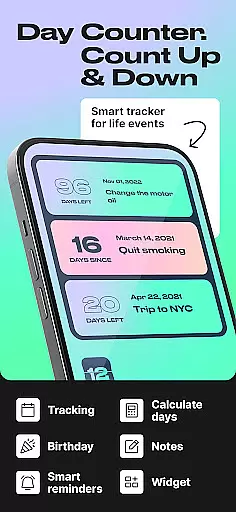
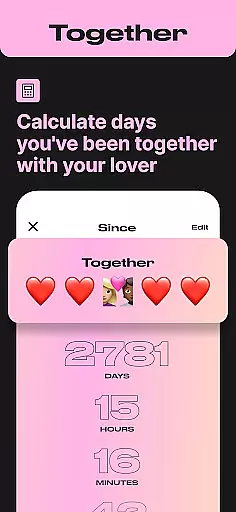
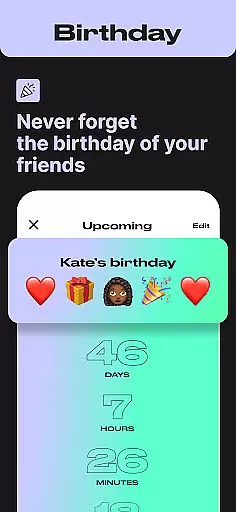
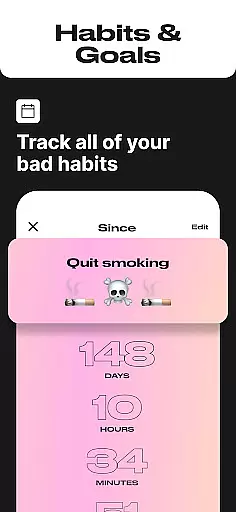
Day Counter is an elegant and versatile app designed to help users track time for any event or milestone. Whether counting up or counting down, this app offers precise timers for both past and future moments. With unlimited counters, users can manage everything from personal goals to work deadlines effortlessly.
The app features a clean, minimal design that ensures distraction-free time tracking. Custom notifications and widgets keep users informed without cluttering their devices. From birthdays to sobriety milestones, Day Counter provides a comprehensive solution for staying on top of life's important events.
This app is particularly useful for those looking to build better habits or stay organized with long-term projects. By offering both count-up and countdown modes, it caters to various needs, making it an essential tool for productivity and personal growth.
Day Counter stands out with its dual functionality of count-up and countdown modes, allowing users to track days since or until any event. The app supports unlimited counters, enabling the tracking of multiple events simultaneously, whether they are personal milestones or professional deadlines.
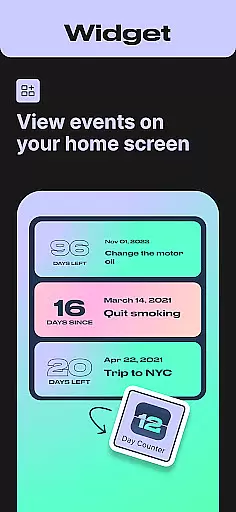
Customization is key with Day Counter. Users can set personalized notifications to never miss an important moment. The app also offers widgets and reminders, ensuring that users stay on top of their schedules. Its clean and minimal design provides a seamless user experience, free from distractions.
Additionally, Day Counter serves as a daily habit tracker, helping users celebrate progress and maintain streaks. Whether quitting smoking or preparing for exams, the app's flexibility makes it suitable for various scenarios, enhancing productivity and personal development.
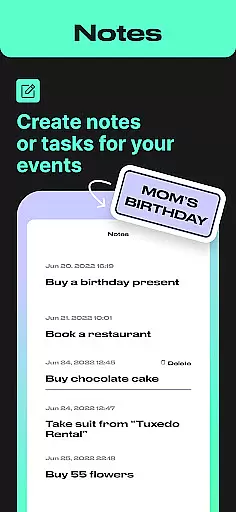
Task creation and detail customization are essential features for any event management app. Day Counter excels in this area by offering users the ability to create unlimited counters for various events, from personal milestones to work deadlines. Each counter can be individually named and set with specific dates, allowing for a highly personalized tracking experience.
The app's intuitive interface makes it easy to customize every aspect of your counters. Whether you're counting up or down, you can tailor each event with unique names, dates, and even custom notifications. This ensures that no important moment slips through the cracks, as you'll receive timely reminders for each tracked event.
Day Counter also provides flexibility in how you view your tasks. You can review past events by week, month, or year, giving you a comprehensive overview of your time management. This feature is particularly useful for long-term goal tracking, enabling users to reflect on their progress and make necessary adjustments to stay on course.
By empowering users with robust customization options, Day Counter transforms simple date tracking into a powerful productivity tool. The ability to create and manage an unlimited number of events with ease ensures that both personal and professional timelines are maintained efficiently, making it an indispensable companion for organizing your life.
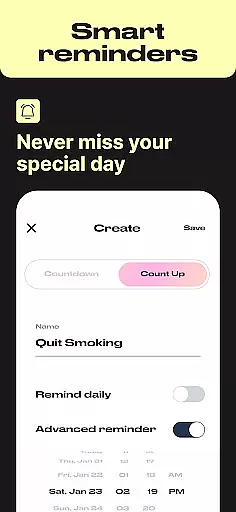
Reminder settings play a crucial role in ensuring you never miss an important milestone or deadline. Day Counter offers customizable notification options that allow users to set personalized alerts for each counter they create. This feature ensures that whether you're tracking days until a birthday or counting up sobriety milestones, you'll always be reminded at the right time.
The app's reminder system is designed to be both flexible and reliable. Users can configure notifications for specific times and dates, with options to repeat reminders daily, weekly, or monthly. This level of customization helps maintain consistency in habit tracking and ensures that recurring events are never forgotten, providing peace of mind in managing both personal and professional schedules.
Day Counter's clean and minimal design extends to its reminder settings, offering a distraction-free experience while maintaining powerful functionality. The straightforward interface allows users to quickly adjust notification preferences without navigating complex menus, making it accessible even for those who may not be tech-savvy.
With its combination of precise countdown timers and reliable reminder notifications, Day Counter becomes more than just a date calculator u2013 it evolves into a personal time management assistant. The app's thoughtful approach to reminder settings helps users build better habits, stay focused on goals, and celebrate meaningful moments, all while maintaining complete control over their time tracking experience.
User-friendly interface
Unlimited event tracking
Customizable notifications
Clean and minimal design
Versatile functionality
Limited advanced features
No cross-platform sync
Basic widget options
Occasional bugs
Premium version costs

An App for Bhutanese
 4.0
4.0
Manage all your events, leads, ticketing, payments and check-ins.
4.30
Create Birthday Cards in Birthday Invitation Maker and Birthday Card Creator App
3.00
The Ultimate Tournament Hub
4.70
No invest, Easy way to earn USDT through crypto cloud mining
3.80
Design Invitations & Cards for Any Occasion
4.80
Introducing the official Magic: The Gathering app for mobile.
4.20
TodayTix is the easiest way to get tickets to the best shows in your city.
4.90
Buy tickets for any event!
3.90
Invitation card maker for birthday party & Wedding. Digital greeting card editor
4.90
Find EDM shows near you! See your favorite artists live, and discover new music.
4.90
Discover events, experiences, and things to do near you - Anytime, Anywhere!
4.70
Discover events & experiences in NYC, LA, Chicago, DC, Miami and more!
4.70
Audio guide companion APP for SEE's Michelangelo's Sistine Chapel
3.50
Purchase line-skip passes, drinks, cover, and more at bars and clubs
3.50
RAISE-365 makes fundraising easy and fun!
3.20
Mobile Event Guide for Greater NY Dental Meeting
4.2
Some connections are better kept private
4.5
The Official Football Ticketing App for Fans in Qatar
4.3


User Reviews