
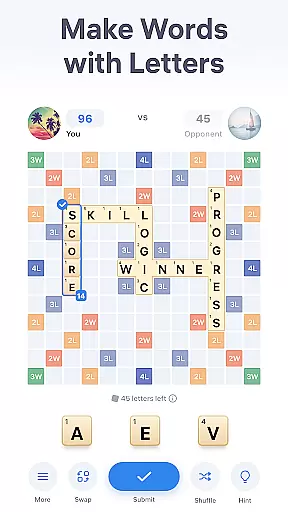
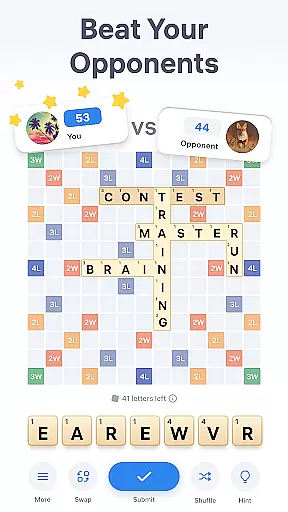
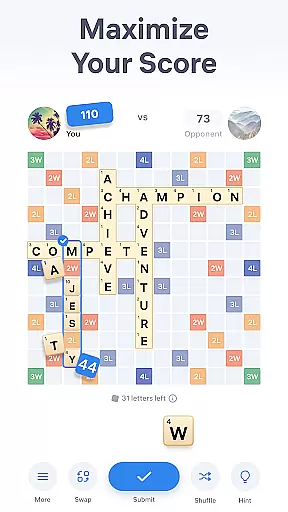
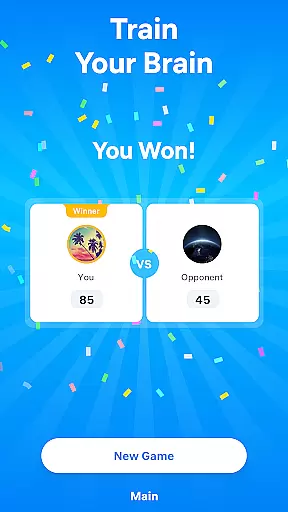
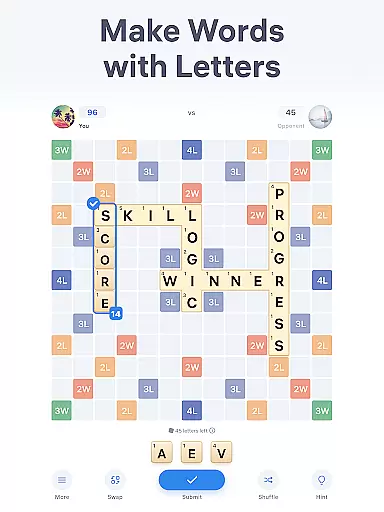
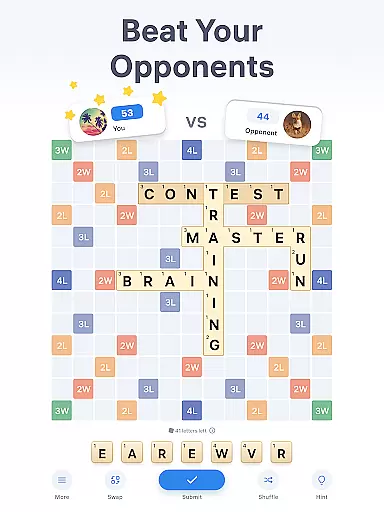
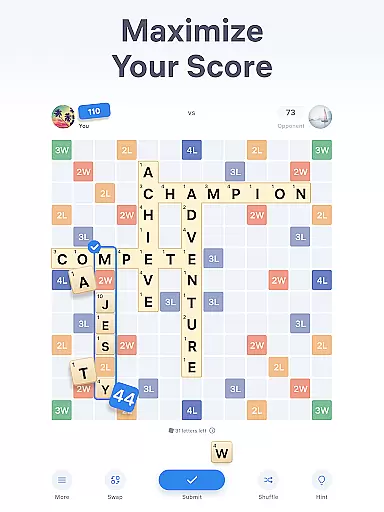
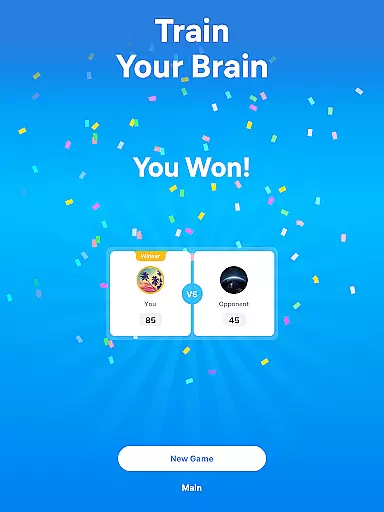
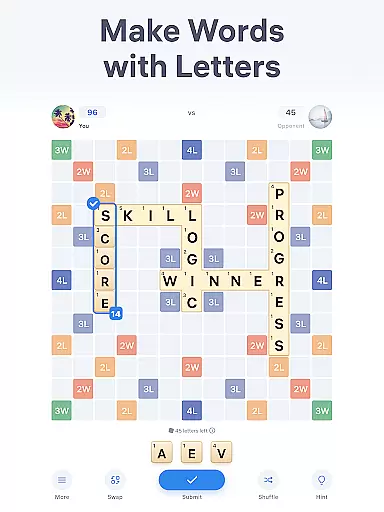
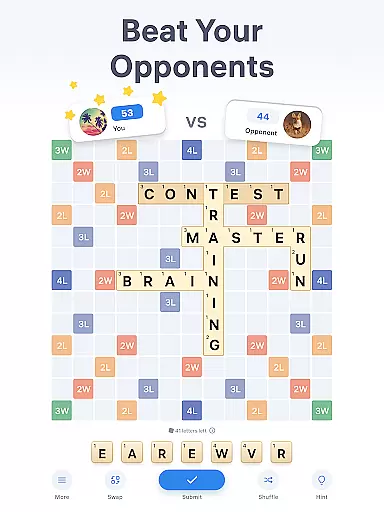
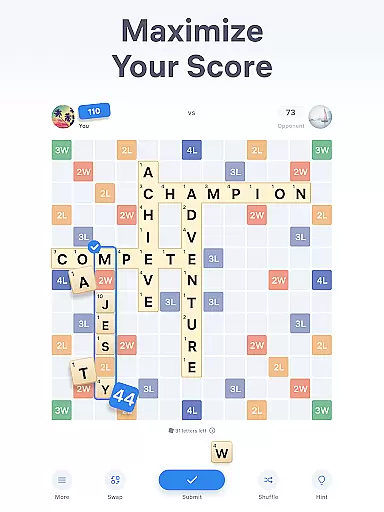
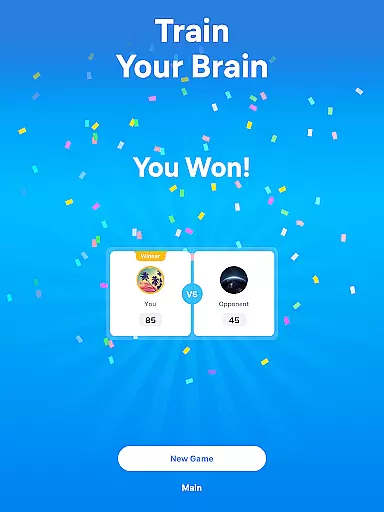
Easy Words is an engaging word puzzle game designed to train your brain while providing hours of entertainment. The core gameplay revolves around composing words on a 13x13 board using letter tiles, each with its own point value. Players compete against opponents to achieve the highest score by strategically placing words either horizontally or vertically. With features like bonus cells that multiply points and joker tiles that can substitute any letter, Easy Words offers a dynamic and competitive experience.
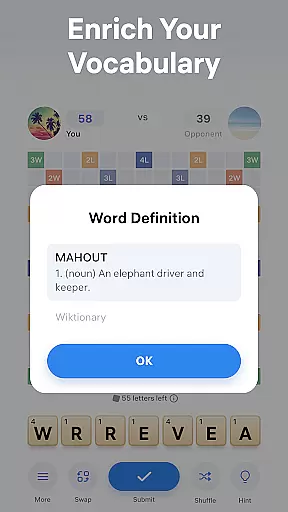
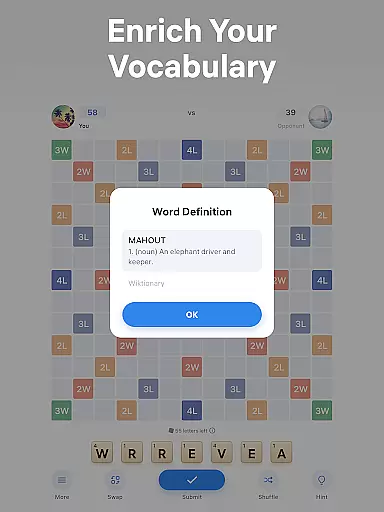
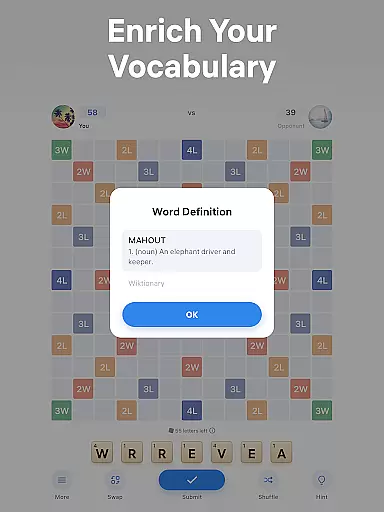
Beyond basic gameplay, Easy Words includes several tools to enhance the user experience. A built-in dictionary provides definitions for all words placed on the board, enriching players' vocabulary. Additionally, hints help players stuck on challenging puzzles, while options to swap or shuffle tiles offer fresh perspectives when ideas run dry. These features make Easy Words not just a game but also an educational tool, perfect for sharpening language skills anytime, anywhere.
Whether you're looking to challenge yourself or simply enjoy a relaxing pastime, Easy Words caters to both casual gamers and word enthusiasts. Its combination of strategic depth and educational value ensures that players remain engaged and continually improve their logic and vocabulary skills. This makes it an ideal choice for anyone seeking a mentally stimulating yet enjoyable activity.
Easy Words stands out in the word puzzle genre with its rich set of features designed to enhance both gameplay and learning. One of its most notable aspects is the built-in dictionary, which provides definitions for every word placed on the board. This feature not only aids in solving puzzles but also serves as an educational tool, helping players expand their vocabulary and master new words effortlessly.
In addition to the dictionary, Easy Words offers practical utilities such as hints, swaps, and shuffles. Hints assist players in composing the best possible word using their current tiles, taking into account bonus cells to maximize points. The swap feature allows players to exchange unwanted tiles for new ones from the tile bag, providing fresh opportunities to create words. Meanwhile, the shuffle option rearranges the tiles in a player's deck, offering a new perspective that can spark creativity. These features collectively ensure that players always have viable options, even when they feel stuck.
Another key aspect of Easy Words is its competitive nature. Played on a 13x13 board, the game challenges users to outscore their opponents by strategically forming words. Bonus cells scattered across the board add an extra layer of strategy, allowing players to multiply their points. Combined with the ability to use joker tiles as wildcards, these mechanics create a dynamic and engaging experience that keeps players coming back for more. Whether you're a seasoned word gamer or a newcomer, Easy Words offers something for everyone.
Clue quality and clarity are essential in word puzzle games like Easy Words. The game provides clear hints to help players when they are stuck solving puzzles. These hints not only suggest possible words but also take into account bonus cells on the board to maximize points. This feature ensures that players can continue their progress without frustration while still challenging their vocabulary skills.
The built-in dictionary is another crucial element that enhances clue quality. It offers definitions for all words placed on the board, enriching players' vocabularies and helping them learn new words as they play. This educational aspect adds depth to the gameplay, making it more than just a simple pastime but also an opportunity for linguistic growth.
Easy Words also includes a shuffle feature, allowing players to rearrange their letter tiles for a fresh perspective. This function aids in recognizing new word possibilities and maintains the clarity of clues by presenting letters in different combinations. Such tools ensure that even if players feel stumped, they have multiple ways to uncover new solutions and keep progressing in the game.
Puzzle variety in Easy Words keeps the gameplay engaging and dynamic. Players can form words either horizontally or vertically on a 13x13 board, similar to crosswords. This flexibility allows for creative freedom and strategic thinking as players must consider various ways to connect letters and maximize their scores using bonus cells scattered across the board.
The inclusion of special tiles such as jokers adds another layer of variety. These wildcard tiles can substitute any letter, providing endless possibilities for forming words and keeping each round unique. Additionally, features like swapping tiles from the deck introduce randomness and unpredictability, ensuring no two games are ever the same.
With its diverse set of mechanics including hints, swaps, and shuffles, Easy Words offers a rich tapestry of puzzle-solving experiences. Each game becomes an exciting challenge where players must adapt their strategies based on available resources and opponent moves, maintaining high levels of engagement throughout every session.
User-friendly interface
Educational value
Engaging gameplay
Variety of features
Competitive element
Limited offline play
In-app purchases
Ads between games
Complex for beginners
Occasional bugs

Unleash your vocabulary in the world’s #1 word cross puzzle game!
 4.70
4.70
Relax, challenge yourself, and sharpen your mind anytime, anywhere!
4.60
Using letters and numbers, decode hidden words in this сryptogram game!
4.40
Crossword puzzles for all ages- easy to hard. All offline!
4.90
Scramble Words Puzzle Game
4.1
Zen Word - where challengers relax, solve word games, and train their minds!
4.80
Logic word search puzzles! Brain game, unscramble letters! Daily crossword games
4.50
Train your brain daily with fun crosswords and addictive word puzzles!
4.80
Daily logic and word puzzles: Sudoku, Bonza, Jigsaw, Keysmash & more.
4.60
The 2 player games of hangman: save the hangman! Hangman 2player come! Ahorcado!
4.90
Visit the wonders of the world while you connect letters to create great words!
4.90
The highly addictive fun word game.
4.70
Get the incredibly addicting word search game that everyone is talking about!
4.70
A roguelike word game!
4.70
Word Sort meets Solitaire!
4.50
Play word games with friends! Smart puzzles, custom tiles & multiplayer fun!
4.40
Word Solitaire: sort words by category in a relaxing word puzzle game!
4.40
Word search for watch. You can already wear your word search always at wrist!
3.30
InWords is a word puzzle game where you list as many words as you can.
4.3


User Reviews