
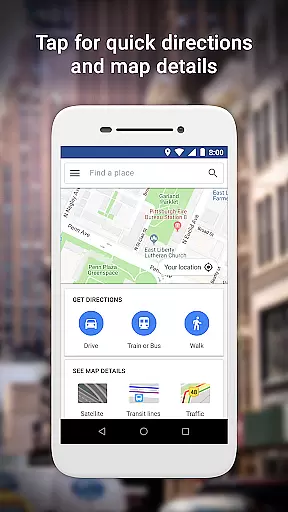
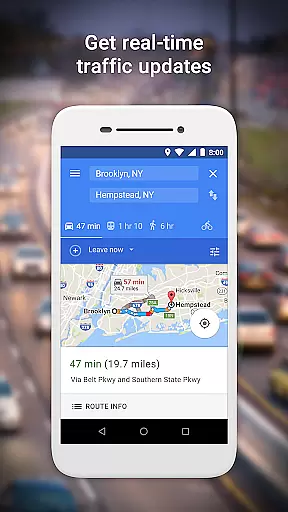
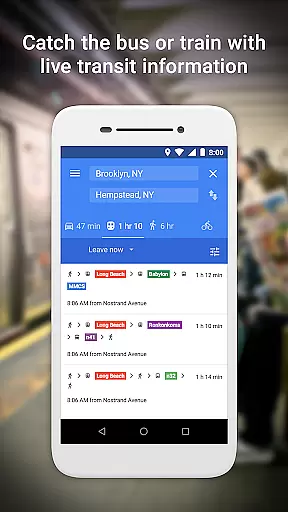
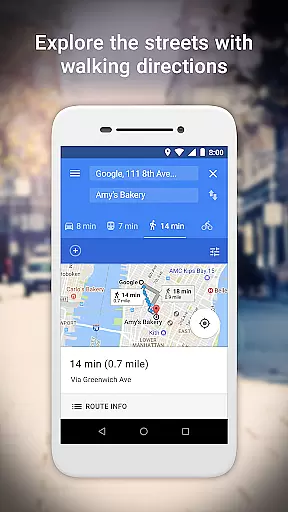
Google Maps Go is a lightweight Progressive Web App designed for devices with limited memory and unreliable network connections. Taking up 100 times less space than the full Google Maps app, it provides essential mapping features without compromising speed or performance. The app offers real-time traffic updates, directions, and transit information for trains, buses, and city transit systems.
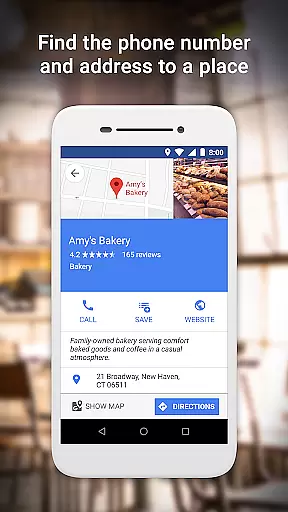
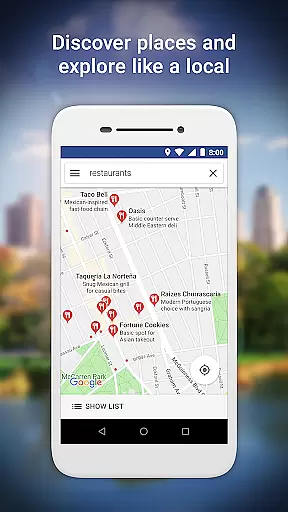
Users can search for millions of places, access phone numbers and addresses, and find the fastest routes using various modes of transportation such as two-wheelers, metros, buses, taxis, walking, and ferries. With live public transport schedules and step-by-step directions, planning trips is made easier. Additionally, users can explore new places, read customer reviews, view pictures, and save frequently visited locations for quick access.
Google Maps Go stands out with its efficient design tailored for low-memory devices and unreliable networks. It combines multiple transportation options to provide the fastest routes, including two-wheelers, metros, buses, taxis, walking, and ferries. Live city public transport schedules ensure smooth travel experiences.
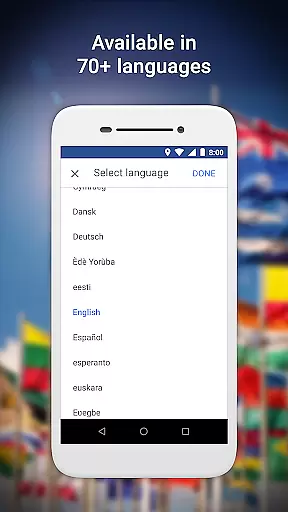
The app includes comprehensive maps covering 200 countries and territories, available in over 70 languages. It offers detailed business information for more than 100 million places, public transport details for over 20,000 cities, and satellite and terrain views. Users benefit from real-time traffic updates, route previews, and step-by-step navigation, enhancing trip planning and execution.
Booking authenticity is a crucial feature for travel applications like Google Maps Go. It ensures that all booking information provided through the app is accurate and trustworthy.
Google Maps Go achieves this by sourcing data from reliable partners and cross-verifying details to maintain high standards of information quality. This process includes checking business listings, public transport schedules, and place reviews to ensure users receive dependable information for their travel plans.
For users, this means peace of mind when planning trips or exploring new places. They can trust the app to provide verified phone numbers, addresses, and public transport timings, which are essential for seamless travel experiences.
The emphasis on booking authenticity not only enhances user confidence but also elevates the overall reliability of the application, making it an indispensable tool for both local navigation and travel.
Price transparency in travel apps refers to clear visibility of costs associated with different services such as transportation and accommodations. While Google Maps Go primarily focuses on navigation and location services, it indirectly supports price transparency by providing comprehensive details about various transit options.
The app offers real-time traffic updates and detailed public transport information, including schedules for buses, trains, and ferries across over 20,000 cities. By presenting users with multiple route choices and modes of transportation, it empowers them to make cost-effective decisions based on available options.
Although Google Maps Go does not directly handle bookings or payments, its extensive database helps users compare potential expenses related to travel routes and timings. This level of detail aids in budgeting and planning economical journeys.
Ultimately, while not a booking platform itself, Google Maps Go contributes significantly to price transparency by equipping travelers with the necessary information to choose affordable and efficient travel alternatives.
User-friendly interface
Lightweight design
Real-time traffic updates
Comprehensive maps
Multi-transport options
Limited offline functionality
Requires Chrome browser
No advanced features
Occasional loading delays
Dependent on network stability

A tool for outdoor activities.
 4.30
4.30
Navigation on hikes is no longer a problem. Download the map, put notes and go!
4.60
Listen live to pilots and air traffic controllers around the world
3.80
Find the best prices, pay for the cheapest gas, and save on every fill up
3.30
Bus tickets at unbeatable prices with routes across the US. All aboard FlixBus!
4.70
Replace your car trips with the world’s largest shared electric vehicle company.
4.90
Streamline your U.S. entry
4.90
Now you can book homes, experiences, and services—all in our redesigned app.
4.40
Examine the planet
3.80
One app, 300,000+ travel experiences, tours, and tickets you’ll remember.
4.90
Stay at Motel 6 for less - book fast, save more with MY6 app!
4.70
Maximize your cruise vacation with the Royal Caribbean app
4.70
Frontier’s Android app makes travelling easier than ever before!
4.70
Get exclusive travel deals and enjoy the award-winning customer service!
4.60
Discover the power of one-way location tracking. Share your location securely.
4.50
Take your pick from over 5 million accommodation deals from major booking sites.
4.40
View delays, closures, and weather-related conditions on Missouri state roads.
3.30
OFFLINE detailed information about the Florida National and State Parks
4.3
Locate and navigate to local holiday displays
4.0


User Reviews