
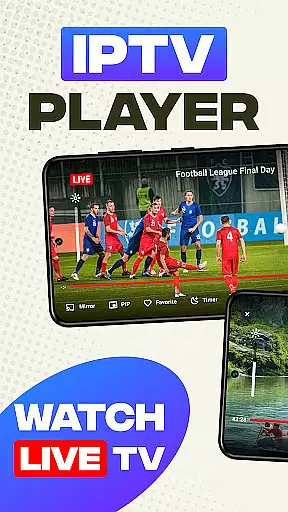
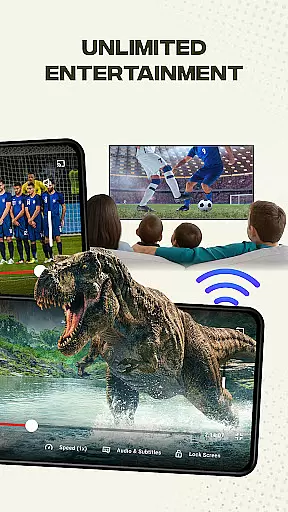
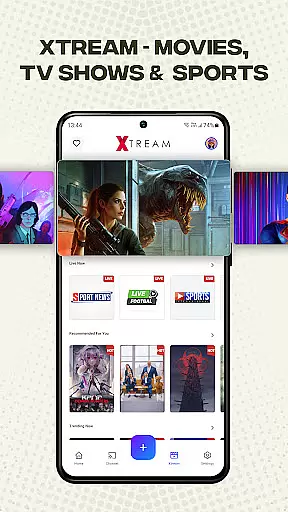
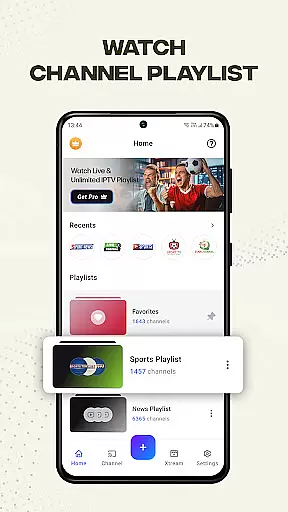
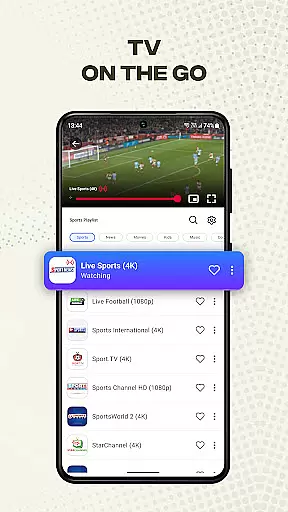
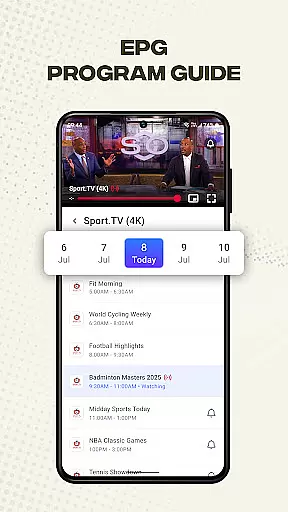
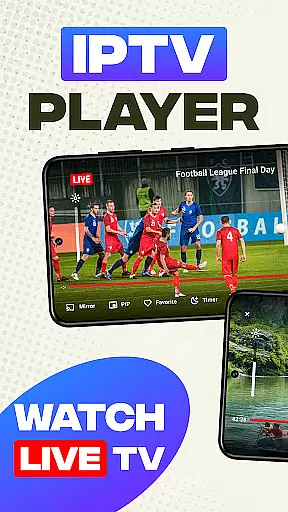
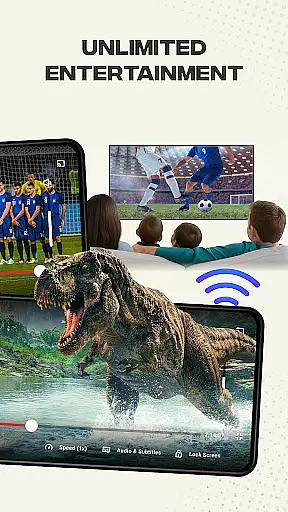
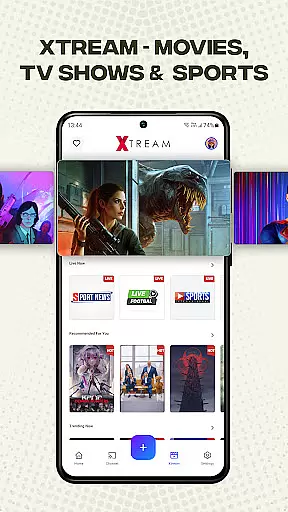
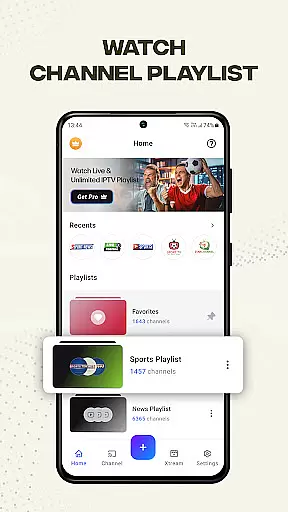
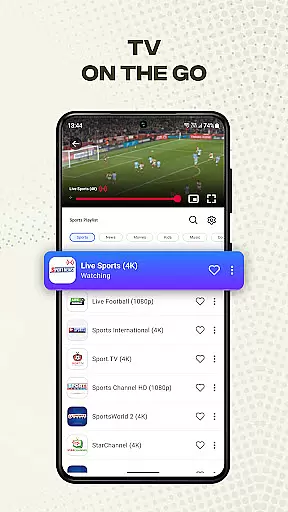
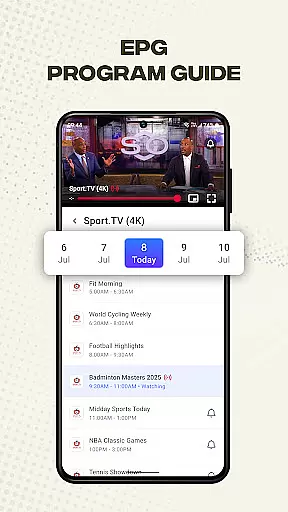
Smart IPTV Player is a premier entertainment application designed for seamless streaming of live IPTV channels and online playlists. This app allows users to enjoy their favorite TV channels anytime, anywhere, offering an immersive experience with over 20,000 live channels, VOD, EPG, and more through Xtreme Play.
The app supports high-quality video streaming in SD, HD, and 4K resolutions, ensuring users can watch content in stunning clarity. With user-friendly features like playlist management, channel personalization, and screen mirroring, Smart IPTV Player provides a versatile and customizable viewing experience.
Whether you're looking to stream traditional television or modern online channels, this app caters to diverse preferences. Its compatibility with M3U and M3U8 files, along with advanced playback tools, makes it a reliable choice for IPTV enthusiasts who value both quality and convenience.
Smart IPTV Player boasts a comprehensive set of features tailored for optimal entertainment. The app supports Xtreme IPTV, enabling access to premier services with extensive live channels and on-demand content. Users can easily import and manage playlists via URL and play single streams using M3U and M3U Plus files.
Personalization is at the core of this app, allowing users to add favorite channels and customize playlists. Advanced functionalities include screen mirroring, timer settings, brightness and volume controls, and a lock screen feature. These tools ensure a smooth and uninterrupted viewing experience.
Additionally, the built-in IPTV player guarantees fast and stable streaming, while external player support extends media playback capabilities to various formats. With fast channel search and broad device compatibility, Smart IPTV Player stands out as a versatile solution for all your streaming needs.
In the realm of digital entertainment, content variety and freshness are paramount. IPTV Player - Smart Live TV excels in offering an extensive range of live channels and on-demand content from around the globe. With access to over 20,000 live channels, VOD, EPG, and more through Xtreme Play, users can indulge in a diverse selection that caters to every taste.
The application supports M3U and M3U8 files, ensuring compatibility with numerous playlist formats. This feature allows users to import their playlists easily and manage them efficiently within the app's intuitive interface. Whether you're a fan of traditional television or modern online streams, IPTV Player ensures your content library is always up-to-date.
Moreover, IPTV Player - Smart Live TV provides advanced tools for personalization, such as adding favorite channels and customizing playlists. These capabilities empower users to tailor their viewing experience according to their preferences, guaranteeing that the content remains fresh and engaging.
By supporting high video quality standards including SD, HD, and 4K resolutions, IPTV Player delivers crisp visuals that enhance viewer satisfaction. The continuous availability of new content coupled with superior image clarity makes this app a top choice for those seeking variety and freshness in their entertainment options.
User engagement duration and retention are critical metrics for any entertainment platform. IPTV Player - Smart Live TV addresses these aspects by providing a seamless streaming experience with its built-in IPTV player designed for fast, reliable, and stable performance. Users can enjoy uninterrupted viewing sessions which naturally lead to longer engagement times.
The app's user-friendly design simplifies the process of importing playlists and managing media files. By offering tutorials and helpful guides, it ensures even novice users can navigate the system effortlessly. This ease-of-use encourages regular usage, thereby improving retention rates among subscribers who appreciate straightforward access to their preferred content.
Advanced features like timer settings, brightness adjustment, volume control, and lock screen functionality contribute to an immersive viewing environment. Such conveniences not only extend the time users spend interacting with IPTV Player but also foster loyalty by enhancing overall satisfaction.
Furthermore, external IPTV player support extends playback capabilities beyond just live streams to include local media files stored on devices. This versatility enables users to consolidate all their multimedia needs into one convenient location, further solidifying IPTV Player - Smart Live TV as a go-to solution for sustained user engagement and retention.
User-friendly interface
High-quality streaming
Extensive channel selection
Advanced playback tools
Customizable playlists
No pre-loaded content
Requires manual setup
Third-party affiliations
Copyright restrictions
Limited offline support

Unofficial Game Companion App” “Guides • Builds • Tips • Progression
 4.0
4.0
Rain and lightning effects for your Philips Hue lights
4.30
Simulation of Dashboard / Touch Screen for Tesla. (Works without actual Tesla).
4.5
Stream over 80 hours of exclusive mashups and remixes by DJ Rehab.
4.3
Fool your friends & Family with Fake ultrasound test report
3.60
Collaboration with popular VTubers
4.5
Your choice of 350+ networks plus movies and full TV series on-demand.
3.70
Necrophone is spirit box ghost hunting app made for spirit communication.
3.70
Catch the latest episodes of The Voice or live stream NFL games with The NBC App
4.20
The OFFICIAL PeeWee Purpdrank Soundboard!
4.80
Catalog & tracker of your DVD, Blu-ray & Digital Movie and TV Collection Library
4.80
Classic dynamic pixel art from Mark Ferrari.
4.70
Live TV, sports & holiday movies — stream on phone, tablet & TV
4.60
Stream Movies & TV Series: Original Shows, Family Movies & New Releases Weekly
4.60
Unleash Your AI Imagination
4.60
Tarot & Oracle Card Readings
4.50
Play games. Earn real rewards. Cash out in 3hours via PayPal or gift cards.
4.40
Build and Share AI
4.20
Watch whatever you want, whenever you want, wherever you want.
3.30


User Reviews