
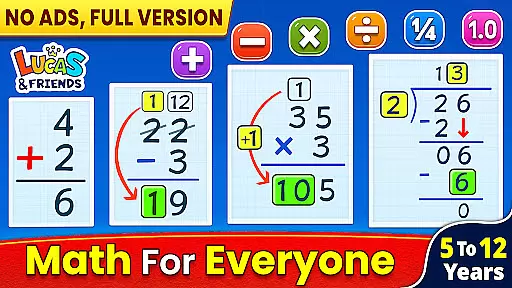
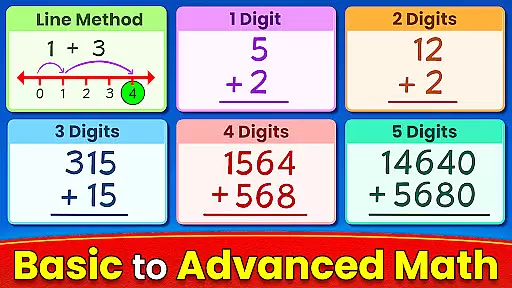
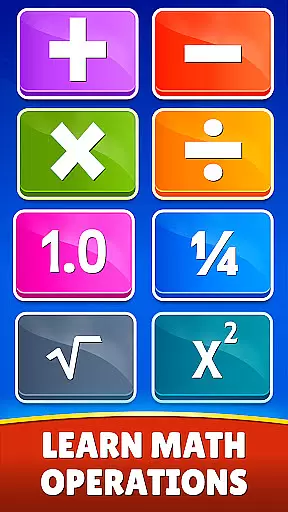
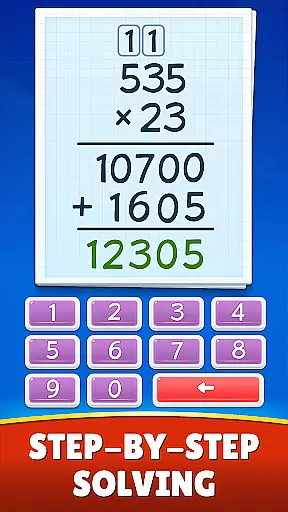
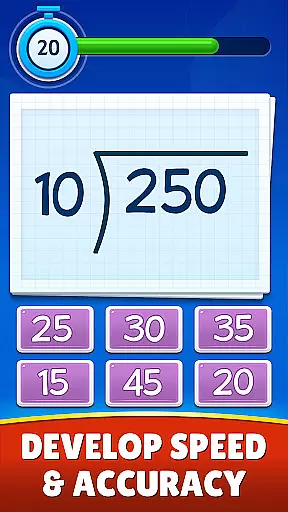
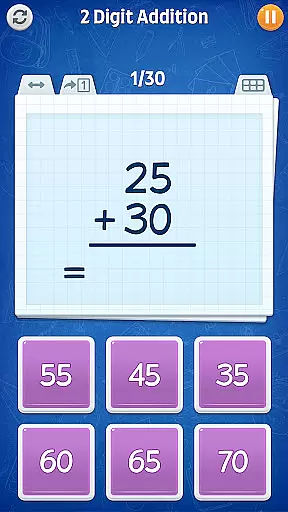
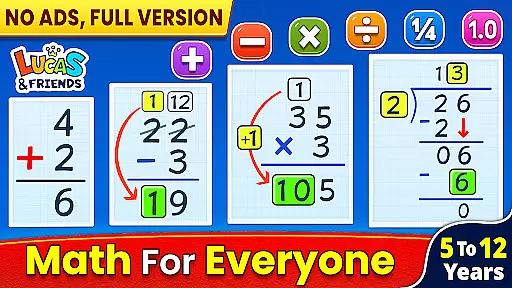
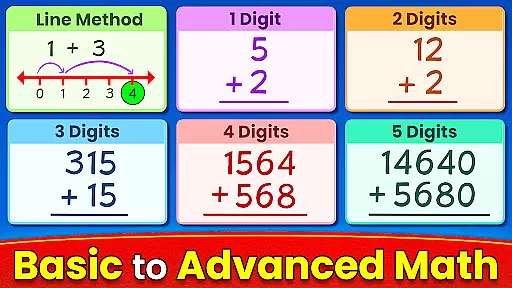
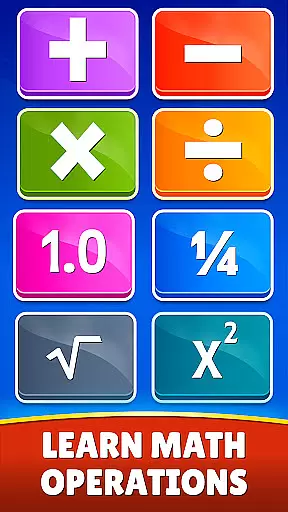
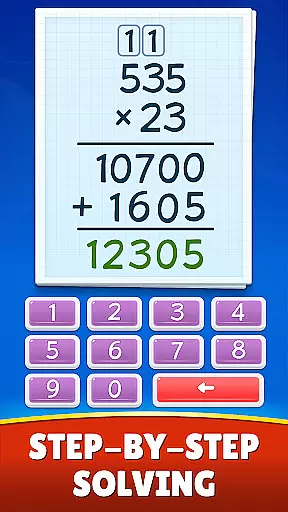
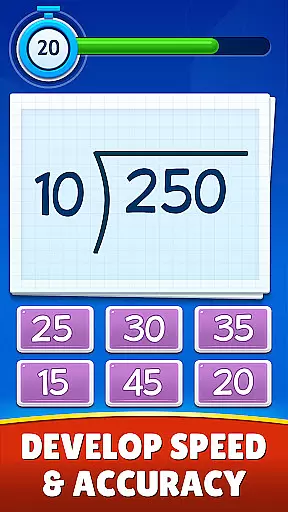
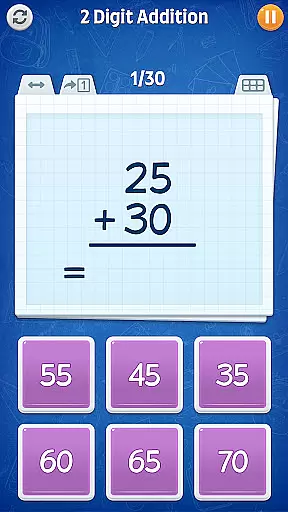
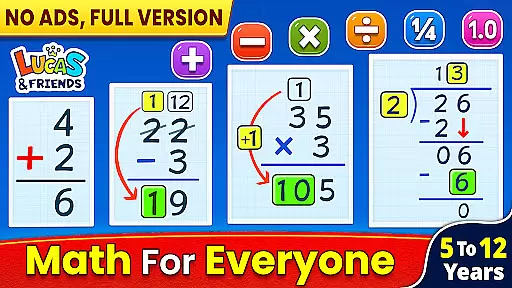
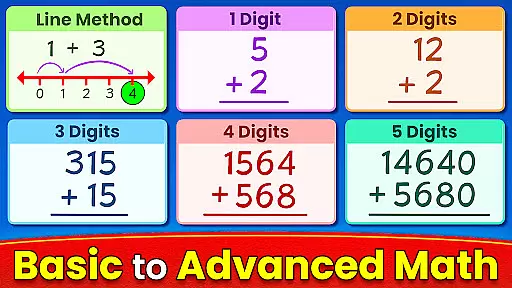
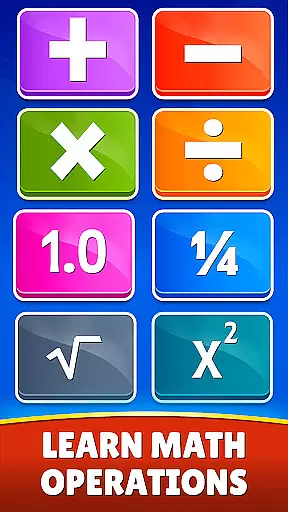
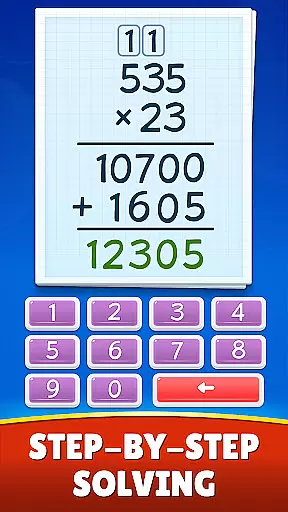
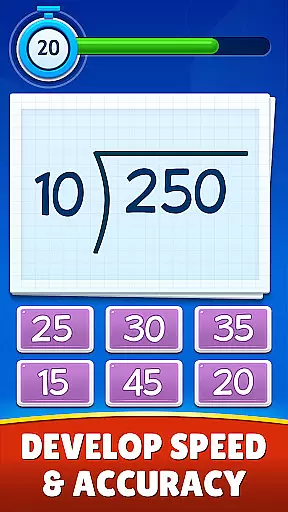
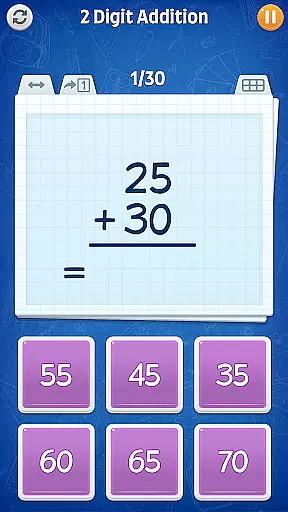
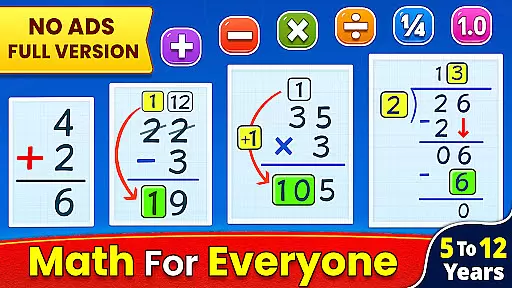
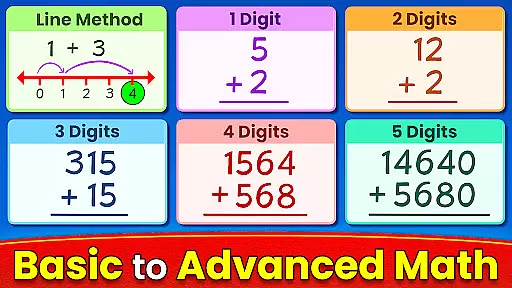
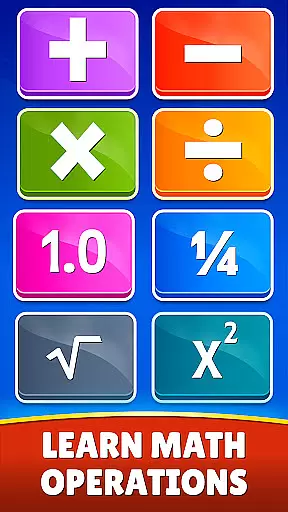
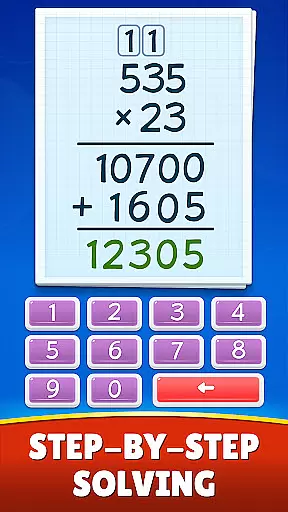
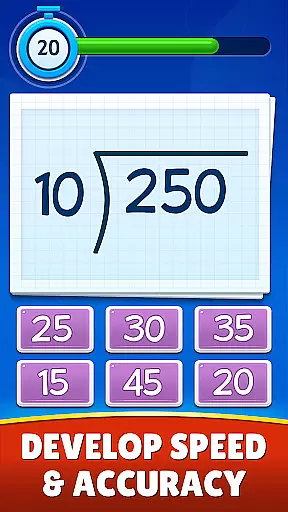
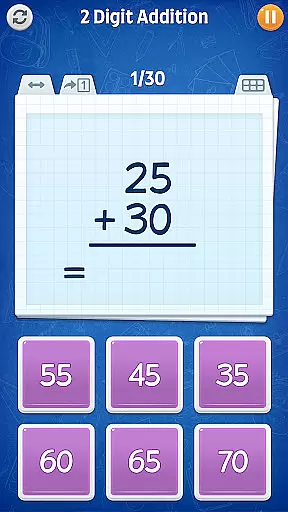
Math Games: Math for Kids is an educational app designed to make math learning enjoyable and accessible for children of all ages. The app offers a wide range of interactive math games that cover basic arithmetic operations such as addition, subtraction, multiplication, and division. It also includes more advanced topics like fractions, decimals, square roots, and exponents.
One of the key strengths of this app is its ability to teach math skills in a fun and engaging way. Through various game modes, children can practice their math skills while solving puzzles and brain teasers. The app provides step-by-step learning paths for each topic, ensuring that kids can progress at their own pace. Whether it's mastering multiplication tables or understanding fractions, Math Games makes learning math an enjoyable experience.
This app is particularly useful for parents and educators looking for supplementary tools to enhance children's math education. With its colorful graphics, interactive features, and comprehensive content coverage, Math Games serves as an excellent resource for kids from kindergarten through 6th grade, as well as for older students and adults who want to sharpen their math skills.
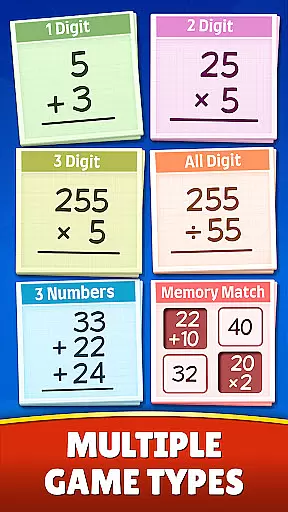
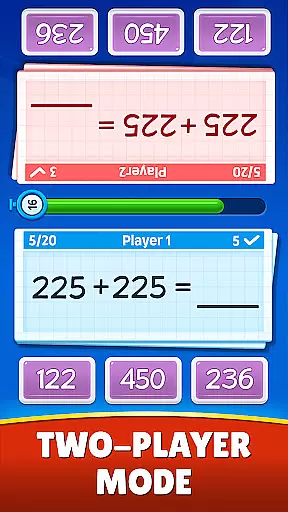
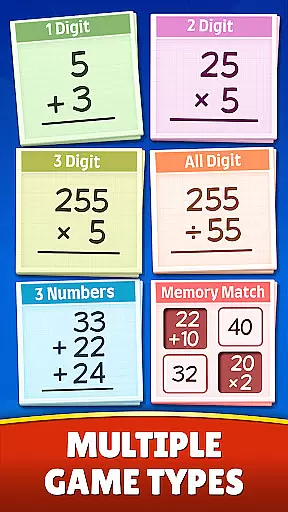
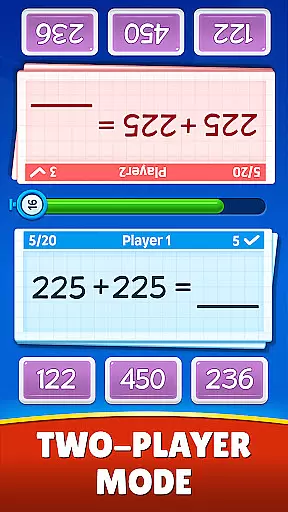
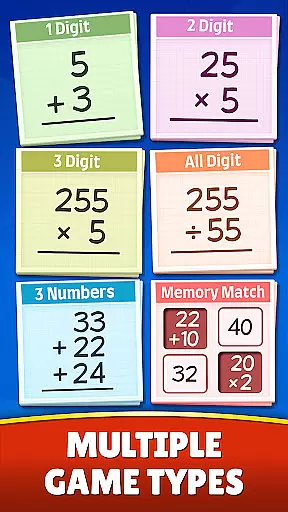
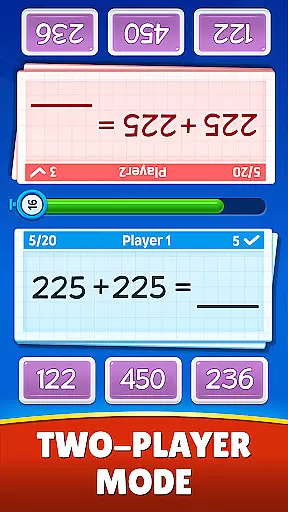
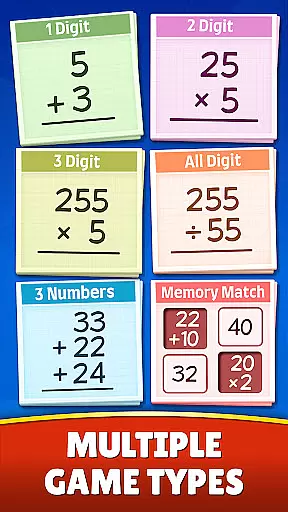
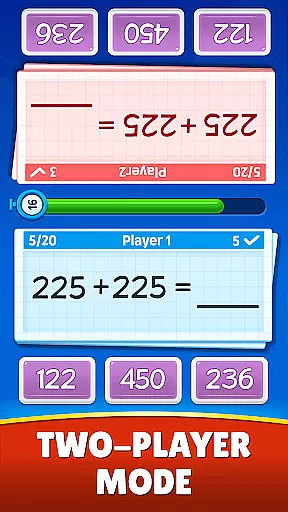
Math Games: Math for Kids stands out with its diverse range of features designed to make math learning both effective and entertaining. The app offers multiple game modes including Memory Match, Challenge Mode, and Dual Mode for two-player competitions. These modes not only test mathematical knowledge but also improve memory, speed, and competitive spirit.
The app covers a comprehensive set of mathematical operations and concepts. Children can practice everything from simple one-digit addition to complex mixed operations involving fractions and decimals. The inclusion of square roots and exponents adds another layer of complexity for more advanced learners. Each topic is presented in a kid-friendly manner with clear instructions and progressive difficulty levels.
Another notable feature is the app's suitability for various age groups and skill levels. While primarily designed for elementary school children, the app's flexible difficulty settings make it appealing to both younger children and older students. The developers have also emphasized creating a supportive learning environment by incorporating positive reinforcement and error-free practice opportunities throughout the games.
When it comes to educational apps, content authority and curriculum alignment are crucial factors that determine the app's effectiveness in teaching children. Math Games: Math for Kids ensures that its content is not only authoritative but also closely aligned with standard math curricula.
The app includes a wide variety of math puzzles and brain teasers that cover essential arithmetic operations such as addition, subtraction, multiplication, and division. It goes further by introducing more advanced concepts like fractions, decimals, square roots, and exponents, ensuring that the content evolves with the child's learning journey.
Each game mode is designed to teach specific skills, from simple one-digit calculations to complex mixed operations, providing a step-by-step learning process that aligns with educational milestones. This structured approach helps children gradually build their understanding and confidence in math.
By engaging with these carefully crafted exercises, children can master mathematics in an enjoyable way, making Math Games: Math for Kids a valuable tool for both parents and educators who seek to enhance kids' math skills while keeping them entertained and motivated.
Gamification has become a pivotal strategy in modern education, especially when it comes to subjects like mathematics that some children may find challenging or unengaging. Math Games: Math for Kids excels in integrating gamification into learning, making math practice both fun and effective.
The app offers various engaging modes such as Memory Match, Challenge Mode, and Dual Mode, which transform traditional math exercises into interactive games. These modes encourage children to solve problems under time constraints or compete with friends, fostering a dynamic learning environment.
Through these gamified experiences, children can hone their skills in all basic arithmetic operations and beyond, without feeling the pressure typically associated with learning math. The playful interface and instant feedback system keep learners motivated and invested in their progress.
Ultimately, this seamless blend of gaming elements with educational content leads to increased engagement and retention, proving that Math Games: Math for Kids is not just about solving equations but also about cultivating a lasting interest in mathematics.
User-friendly interface
Comprehensive math coverage
Engaging game modes
Suitable for all ages
Free to download and use
Limited advanced math topics
Occasional ads may appear
No offline multiplayer options
Graphics could be more modern
Some features require internet connection

Draw shapes, mix colors, and dodge traps to defeat foes in the vibrant Art Zone!
 4.4
4.4
A logic puzzle game for 1 - 3 players
4.1
Learn numbers, letters, and shapes playing toddler balloon pop games ►NoAds◄
4.60
Amazing toddler coloring games for 2+. Enjoy painting games
4.60
OG Munchers - Play classic Number Munchers game on Android
4.40
A speed-learning English vocabulary game designed for user to reach proficiency
4.0
Endless runner fun packed with animal facts, exciting wildlife, & adventure.
4.10
Explore Fantasy Land, get to know the world and create stories!
4.30
Play and build with Bluey & friends in this fun LEGO® game!
4.40
Puzzles, Cats and Programming
4.80
Cute coloring games for girls! Draw, paint & decorate with endless colors.
4.70
Kids coloring games for boys! Fun drawing, painting & learning book for kids.
4.60
Fun phonics & alphabet tracing game for toddlers, preschool & kindergarten kids!
4.60
Pretend play in Pepi City: become a doctor or a patient. Our city, your stories!
4.30
Clean the messy house & play with cute kitty in this fun cleaning game for kids!
3.70
Play the fun healthy habits game for kids with Cocobi the little dinosaurs.
3.40
Companion app for Cozmo, the educational toy robot who’s got a mind of his own.
3.30
Help your child improve their number literacy with Numberblocks: Card Fun!
2.60
Absorbing, highly visual, effective learning of multiplication, division
4.5


User Reviews