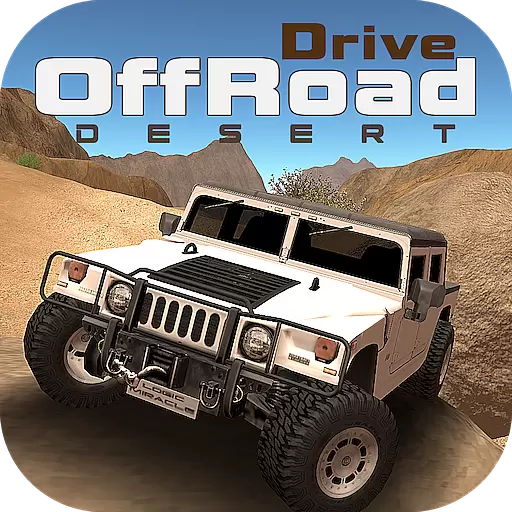
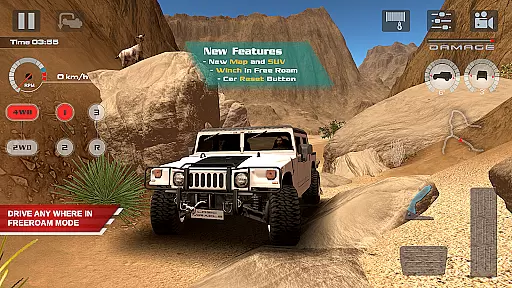
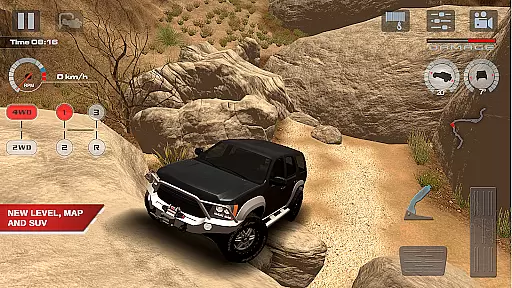
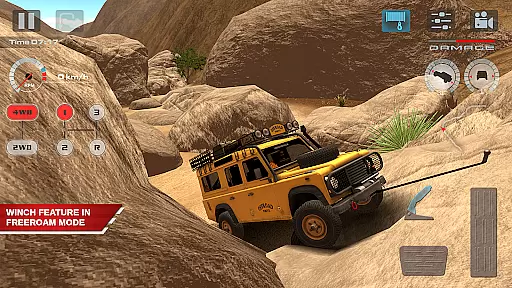
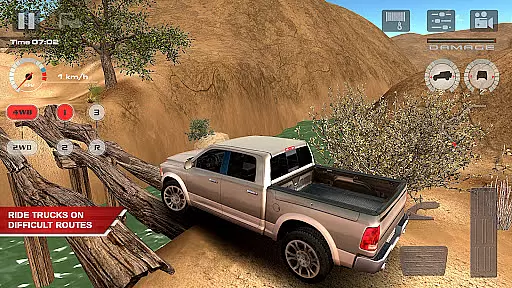
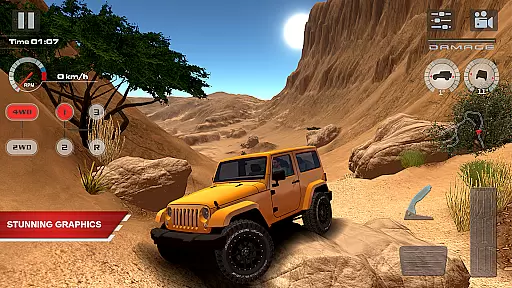
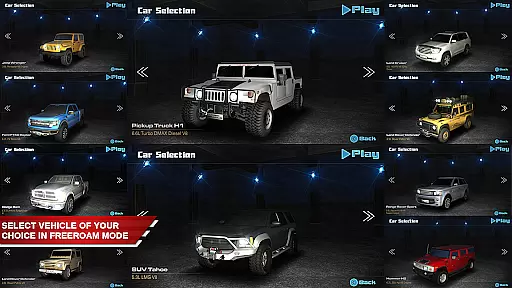
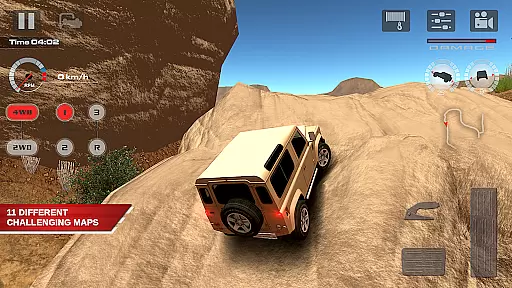
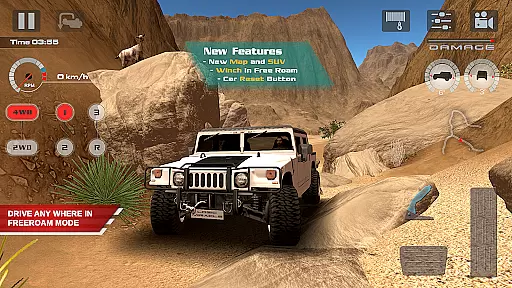
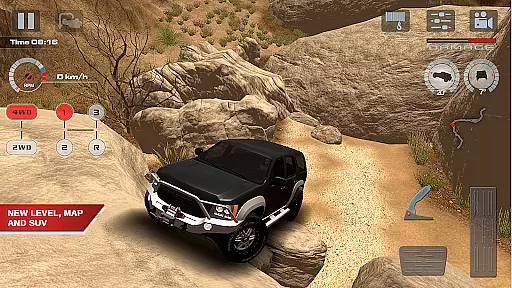
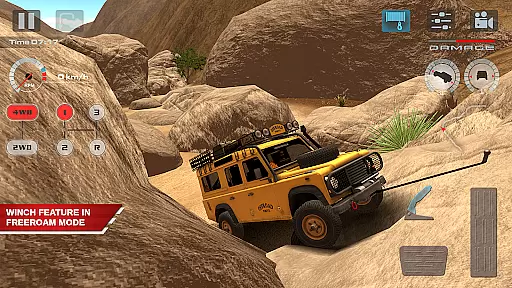
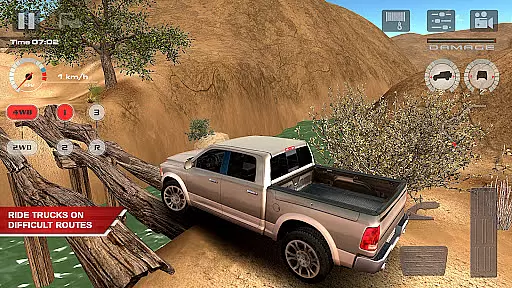
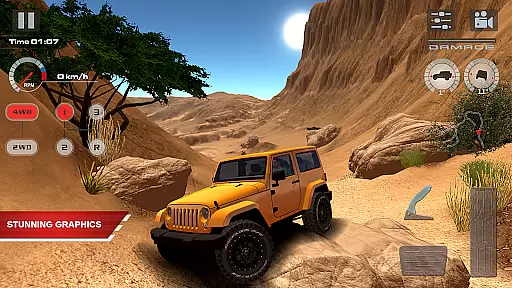
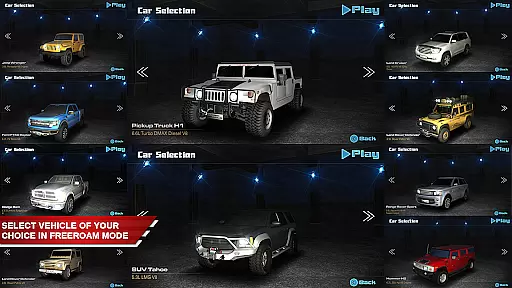
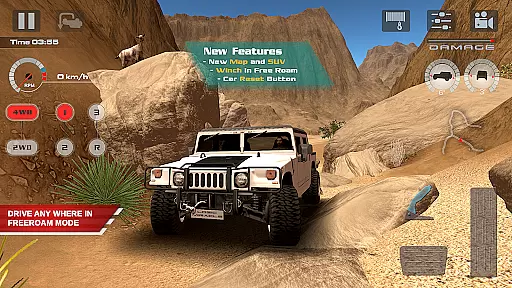
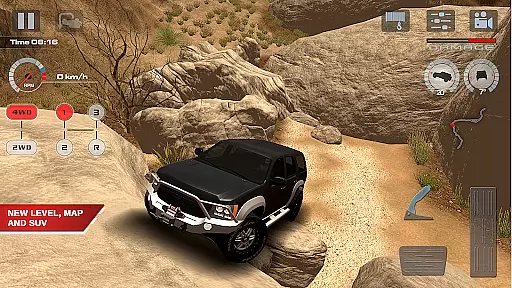
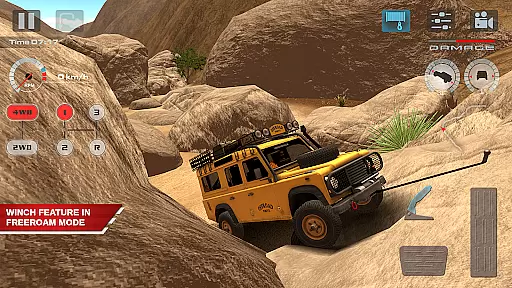
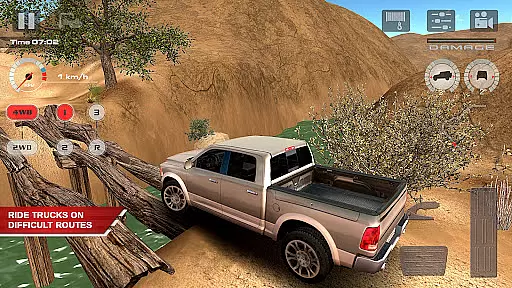
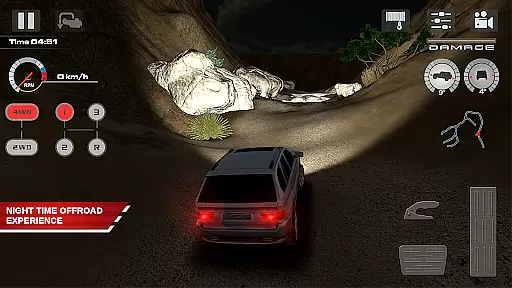
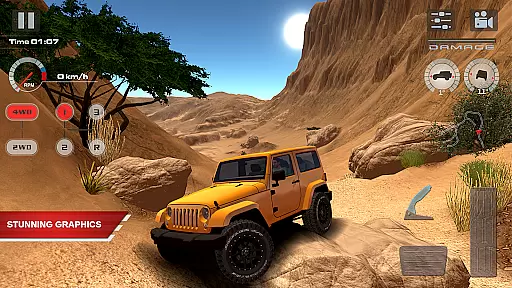
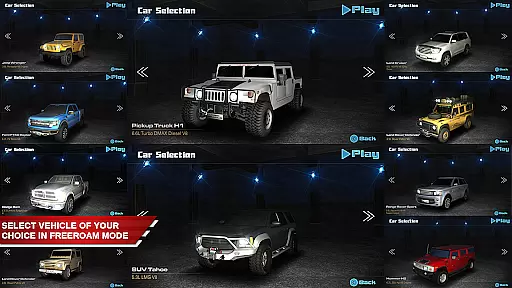
OffRoad Drive Desert offers an immersive off-road racing experience with realistic vehicle physics and stunning HD graphics. The game features a Free Roam Mode that allows players to explore vast desert terrains while utilizing real-life off-road techniques such as differential lock and winching. With 13 high-quality vehicles, including SUVs and monster trucks, this app caters to gamers of all skill levels who crave authentic 4x4 driving experiences.
The game challenges players with 15 progressively difficult levels, each designed to test their off-road skills on diverse terrains. Gamers can unlock new maps and vehicles by completing these levels, which adds to the replay value. Whether it's navigating steep slopes or avoiding rollovers, OffRoad Drive Desert provides an engaging simulation that mirrors the complexities of real-world off-roading.
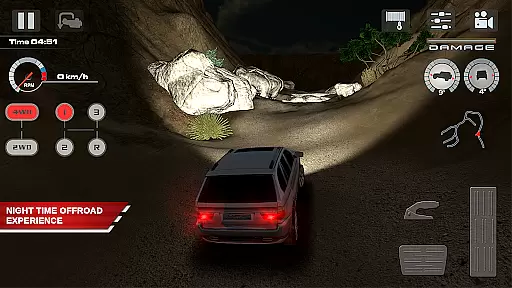
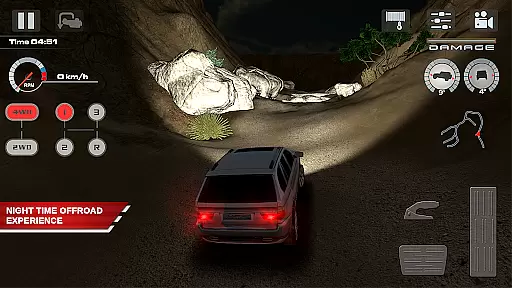
Suitable for both casual and hardcore gamers, this app brings the thrill of off-road adventures right to your mobile device. The inclusion of day/night cycles further enhances the realism, affecting visibility and traction. This feature-packed game is perfect for those who appreciate attention to detail and seek a true-to-life off-road challenge.
OffRoad Drive Desert stands out with its advanced features tailored for off-road enthusiasts. The game boasts realistic vehicle suspension and physics, ensuring that every bump and turn feels authentic. Players can choose from five different cameras, including near orbit and bumper views, to better navigate the challenging terrains. These camera options provide strategic advantages, especially when precision is key.
One of the core features is the ability to engage the differential lock and use the winch to recover stuck vehicles, simulating real-world off-roading scenarios. The manual transmission system, complete with a tachometer, allows for precise gear shifts, making it possible to tackle any type of terrain. Additionally, the game includes a day/night mode, which not only changes the visual experience but also impacts gameplay dynamics.
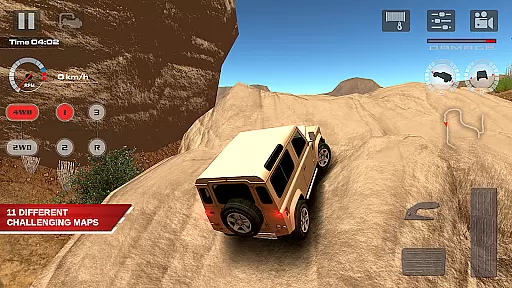
With 11 large desert maps and 15 challenging levels, the game offers extensive content for players to explore. Each map presents unique obstacles and requires different strategies to master. The absence of in-app purchases ensures a fair gaming experience, where progress is based solely on skill and dedication. Overall, OffRoad Drive Desert delivers a rich and varied off-road adventure that keeps players engaged.
Realistic handling physics form the backbone of any authentic racing simulation, and OffRoad Drive Desert excels in this area. The game employs advanced physics engines to replicate how vehicles respond to different terrains, ensuring that each virtual action corresponds closely with real-world reactions.
Players will experience genuine vehicle dynamics such as traction loss on sandy dunes, suspension feedback when navigating rocky paths, and the need for careful throttle control during steep climbs. These elements require racers to employ true off-road techniques, making each drive a lesson in mastering vehicle control under diverse conditions.
The benefits are profound for enthusiasts seeking an immersive experience. With every bump, slide, and rollover faithfully represented, users can hone their skills in a virtual environment that mirrors the unpredictability of actual off-road challenges. This dedication to realism not only enhances enjoyment but also provides a credible learning platform for those interested in real-world off-roading.
Precision in control is vital for an engaging racing game, and OffRoad Drive Desert addresses this by offering responsive controls with minimal input latency. Players can expect immediate feedback from their virtual vehicles, allowing them to execute complex maneuvers with confidence and accuracy.
The game supports various camera angles, including near and far orbit views, internal perspectives, and bumper-mounted viewpoints. Each offers unique advantages; for instance, the near orbit camera helps in precise navigation through tight spots, while the bumper view gives an up-close sense of speed and urgency. Such flexibility ensures that drivers can choose setups that best suit their playstyle.
This attention to detail extends beyond mere aestheticsu2014it directly impacts gameplay success. Whether it's delicately balancing on two wheels during a sharp turn or timing gear shifts perfectly to maintain momentum uphill, players will find that OffRoad Drive Desertu2019s finely-tuned mechanics make all the difference between victory and defeat.
Realistic physics
Stunning HD graphics
Diverse vehicle selection
Engaging Free Roam Mode
No in-app purchases
Steep learning curve
Complex controls
High device requirements
Limited multiplayer options
Occasional bugs

Drive and destruction enemies cars
 4.1
4.1
Sports racing game to drift on the streets. Play online solo & multiplayer mode
4.40
Tune up your cars and race around the city with your friends!
4.10
Race in the golden era of rally.
3.30
Play open world offroad simulator car game. Drive cars over mud, sand and snow.
4.00
Manage race team strategy and build a motorsport team!
4.00
The best rally racing game on mobile!
3.80
Get your ride and explore a trial racing paradise in Stunt Bike Extreme!
4.70
The open world car driving simulator with the ultimate graphic updates
4.30
Can you survive the zombie apocalypse? Choose your car and smash those zombies!
4.80
High speed bike racing thrills in the fastest moto game around
4.60
Need for speed to burn the asphalt of this open world city!
4.60
The amazing 3D kart racing game. Race, collect, upgrade and win!
4.50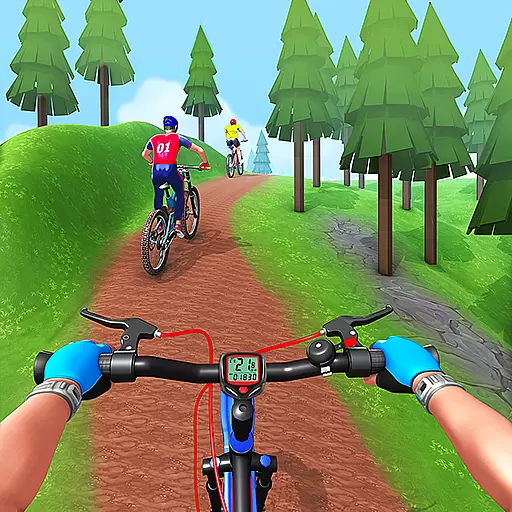
Perform bicycle stunts on impossible tracks in extreme racing BMX cycle games.
4.50
Run to rich and discovery many interesting levels in fun run 3d game
4.40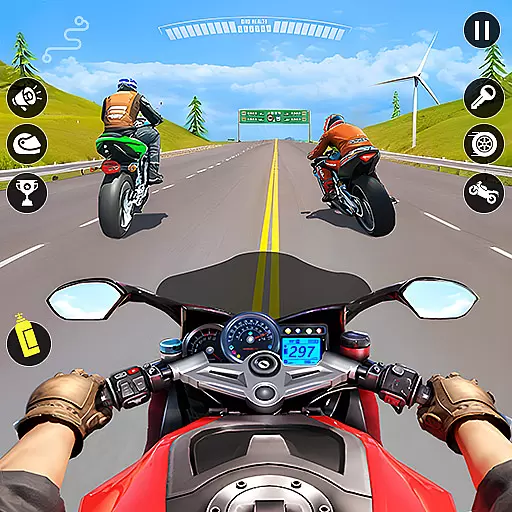
Experience the ultimate thrill of realistic motorcycle racing.
4.30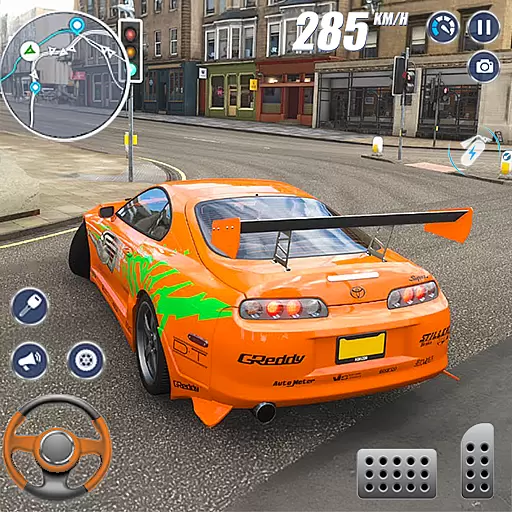
Race through bustling highways, master the wheel and become the king of speed!
4.2
Drive to the finish line.
4.3
Ride your neon bike, dodge traffic, and beat high scores.
4.0


User Reviews