
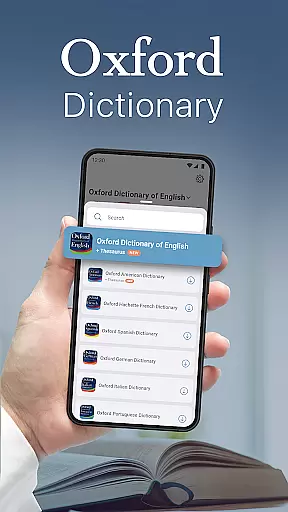
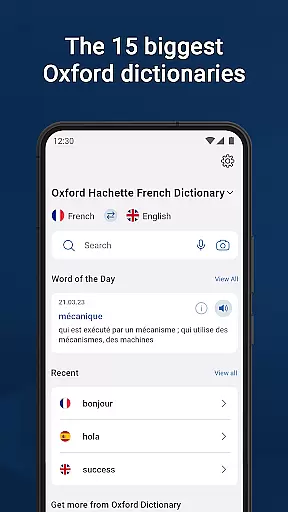
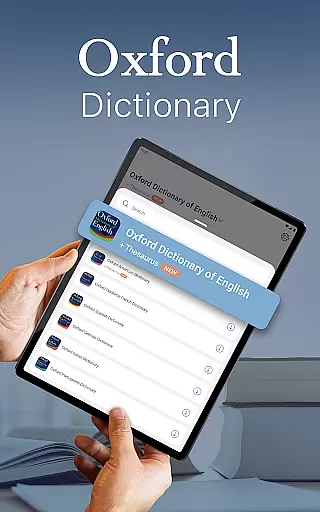
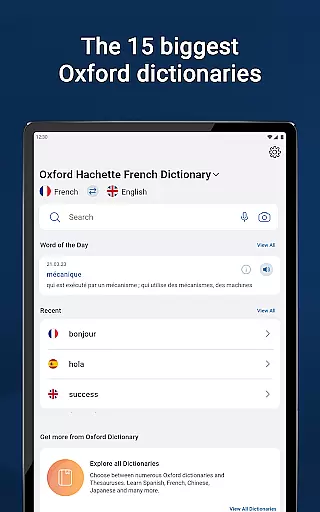
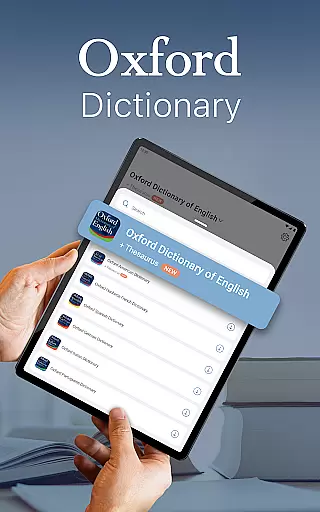
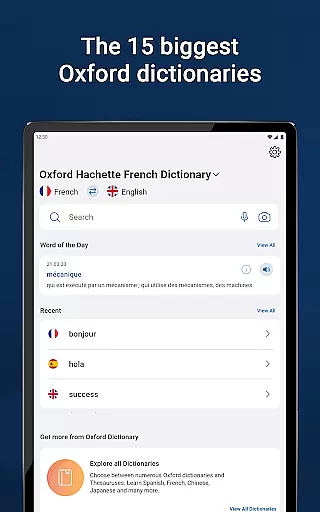
Oxford Dictionary & Thesaurus is a comprehensive language reference tool that provides access to the 15 largest Oxford dictionaries. Designed for professionals, students, and academics, it serves as an authoritative resource for English language usage, offering over 1 million words, phrases, and definitions. Its rich content includes synonyms, antonyms, phrases, and special topic references, making it ideal for academic, professional, or personal use.
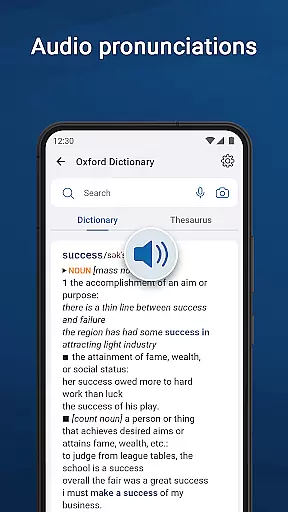
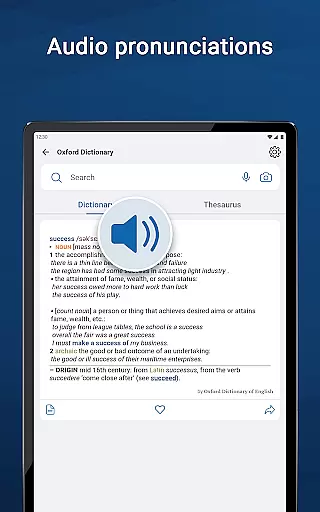
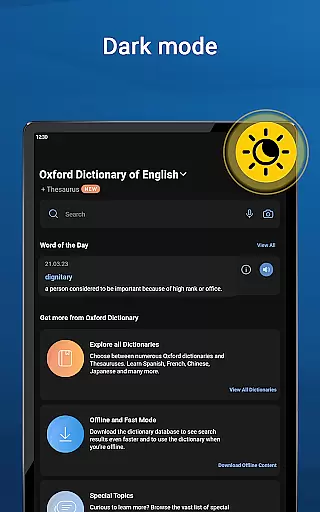
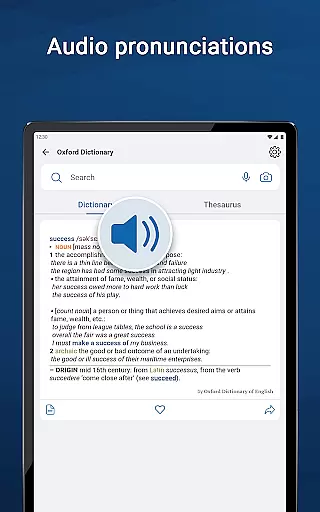
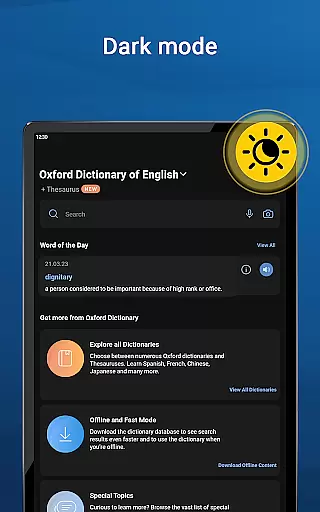
The app also features advanced learning tools such as fuzzy search, voice search, and camera search, ensuring users can find words even if they are unsure of spelling. With customisable options like dark mode and word sharing, it delivers a user-friendly experience. Premium subscribers gain access to unlimited synonym lookups, audio pronunciations, offline mode, and an ad-free interface.
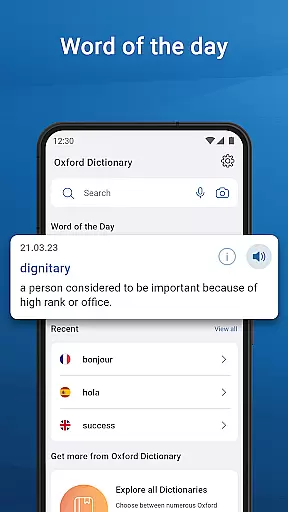
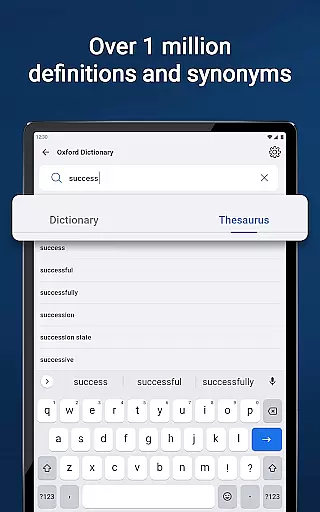
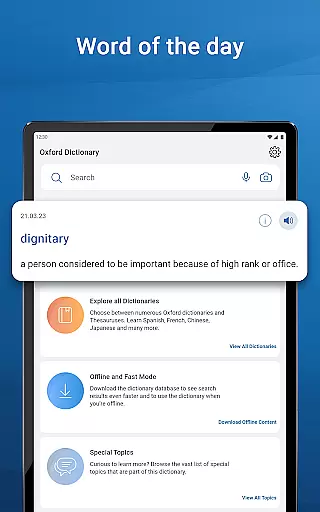
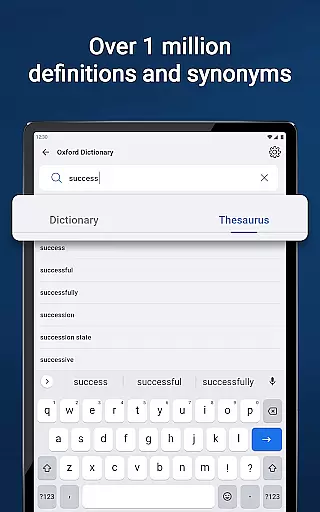
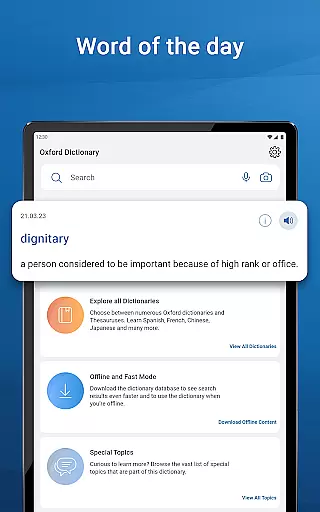
Oxford Dictionary & Thesaurus stands out with its extensive database of over 1 million words, phrases, and definitions sourced from the latest 2023 Oxford Languages word database. The inclusion of a thesaurus with thousands of synonyms and antonyms helps users refine their vocabulary and understand subtle differences between similar words. Special topics reference content and a daily word-of-the-day feature further enhance the learning experience.
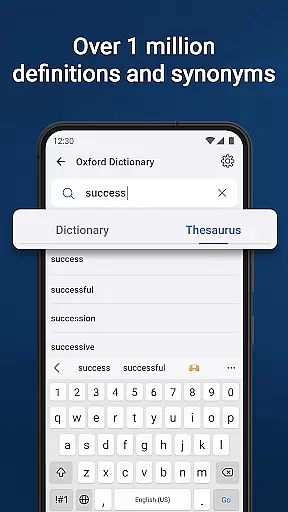
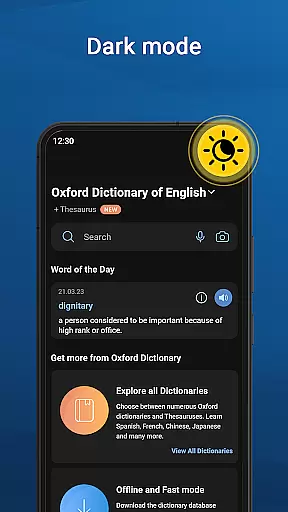
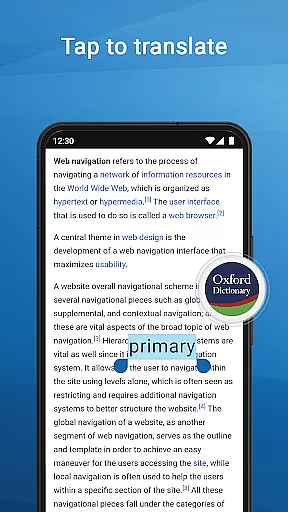
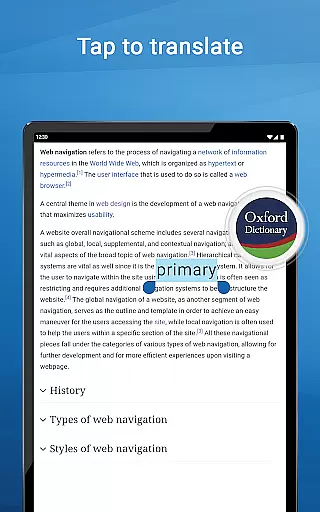
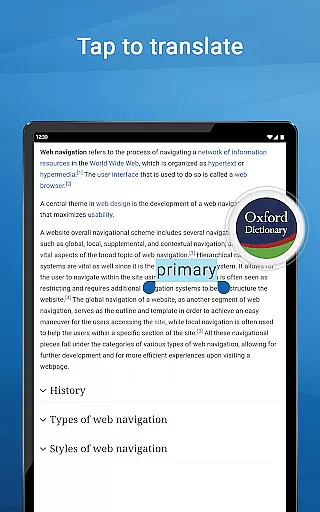
Advanced search tools make navigation seamless. Features like fuzzy search, voice search, and wildcard search assist users in finding words effortlessly. Additional tools include auto-correction, tap-to-translate functionality, and camera search. Customisation options such as dark mode, favourites lists, and recent word reviews ensure a personalised and efficient user experience. Premium users benefit from unlimited synonym searches, audio pronunciations, offline access, and an entirely ad-free environment.
When it comes to digital reference materials, the size and authenticity of the content library are crucial factors. The Oxford Dictionary & Thesaurus app offers an impressive collection of 15 authoritative dictionaries from Oxford Languages, widely recognized as a leading authority in language studies. This extensive library includes over 1 million words, phrases, and definitions, covering multiple languages such as English, French, German, Spanish, Russian, Chinese, Italian, Hindi, Urdu, Portuguese, Japanese, Greek, and Bulgarian.
The app's commitment to copyright authenticity is evident through its official partnership with Oxford University Press. Each dictionary entry is verified and updated regularly, with the latest word database from 2023. This ensures users have access to accurate and legally-authorized content, making it an invaluable resource for professionals, academics, and students preparing for standardized tests like ACT, SAT, IELTS, or TOEFL.
Users benefit from not just the sheer volume of content but also the assurance of its legitimacy. The inclusion of specialized reference materials and topic-specific content adds depth to the library, while features like Word-of-the-Day help expand vocabulary systematically. This combination of comprehensive content and verified authenticity establishes the app as a trustworthy linguistic tool for both academic and professional use.
For digital reference applications, format compatibility plays a vital role in user experience and accessibility. The Oxford Dictionary & Thesaurus app excels in this area by supporting various search methods that cater to different user preferences and technological capabilities. Whether you're unsure of spelling, prefer voice commands, or want to use your device's camera for text recognition, the app provides multiple ways to access its content.
Advanced search tools include fuzzy search for misspelled words, voice search for hands-free operation, wildcard options using '*' or '?' characters, and camera-based lookup for printed text. These features ensure compatibility across different usage scenarios and device functionalities. Additionally, the app supports integration with other installed applications through its word-sharing feature, allowing definitions to be easily shared via various platforms.
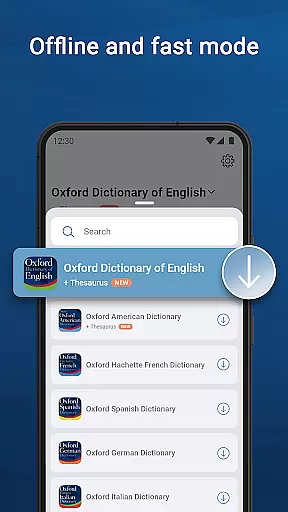
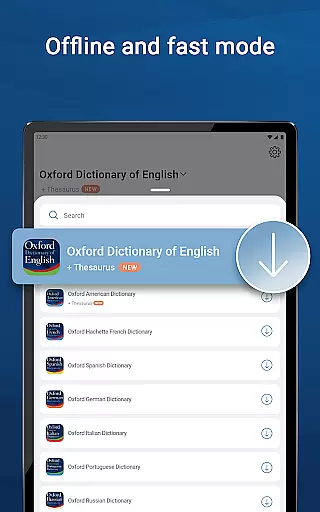
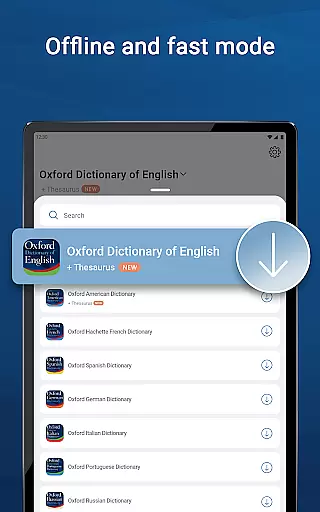
The premium subscription enhances format compatibility further by enabling offline access to the entire database. This feature is particularly valuable for users who need reliable reference materials in areas with limited internet connectivity. By combining versatile search methods with cross-platform sharing capabilities and offline functionality, the app demonstrates exceptional format compatibility that adapts to modern users' diverse needs.
Comprehensive word database
Advanced search tools
User-friendly interface
Premium offline mode
Daily vocabulary expansion
Premium subscription required
Large app size
Limited free features
Complex for beginners
Occasional updates needed

The Bible Audio Guide
 4.80
4.80
The Psalms for singing
4.3
Learn Thai with 195,000+ entries, crisp Thai sounds, big text; works offline.
4.80
Learn Electricians' Handbook PRO complete guide beginners to advance.
4.40
Provides location information of vehicle Shift Interlock releases.
4.30
Research your family history to explore ancestors and search for your heritage
4.50
My Bible offers a comprehensive app by providing offline access, daily verses.
4.80
Premium reader for ePub, PDF, and more. TTS and translation. Great on any screen
3.50
A Comprehensive Restoration of Sacred Scripture
4.50
Flora of Virginia Project (www.floraofvirginia.org)
5.00
World's most comprehensive dictionary app: 13 languages, all online or offline!
4.80
Contains the 365 daily readings and everything other thing needed for catholics
4.70
8 Dr. Seuss short stories in 1 app!
4.70
Crowd-sourced listing of businesses with anti-gun signs, and pro-2a alternatives
4.60
The Original & Authentic Crystals, Gemstones, Rocks & Minerals Encyclopedia.
4.60
7 Languages, Google, Wiki, Vocabulary.com, Cambridge & Urban Dictionary!
4.50
Bilingual dictionary with English translations of Modern Standard Arabic words.
4.30
Enjoy your favorite books
3.50
Sea tide predictions for all coastal U.S. locations.
4.1


User Reviews