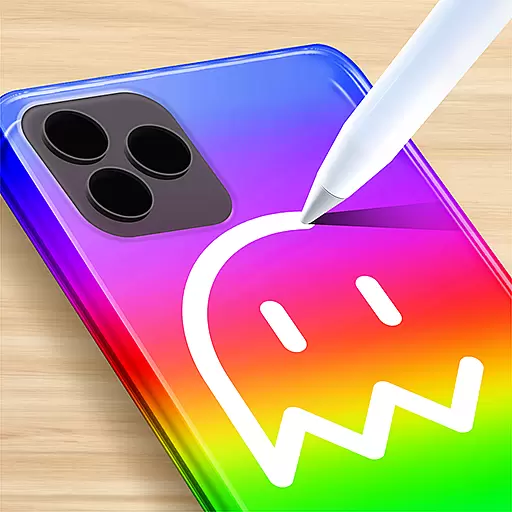
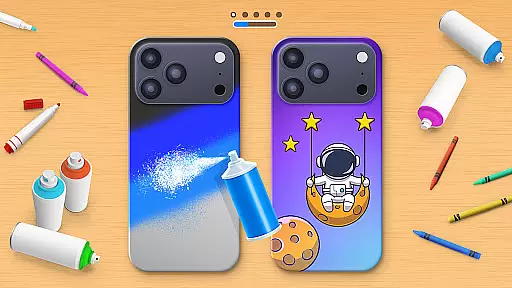
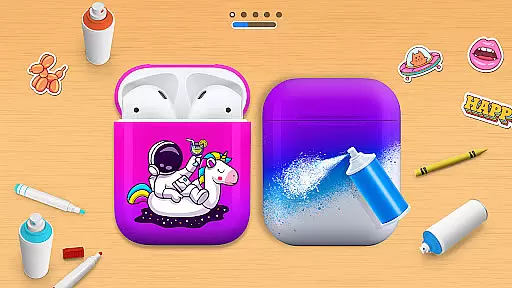
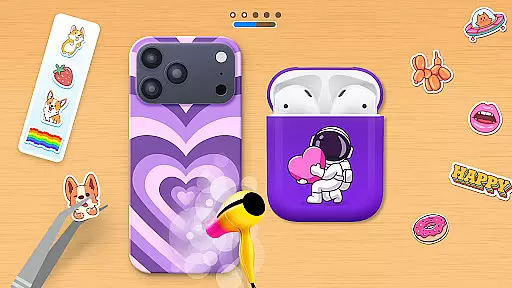
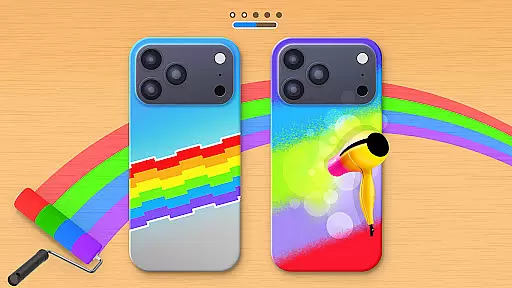
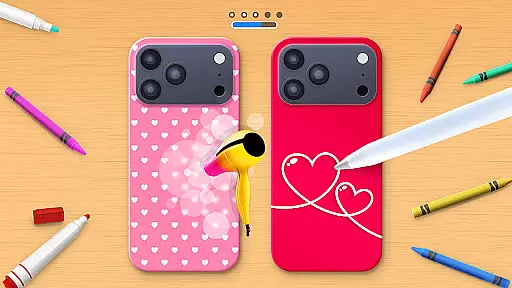
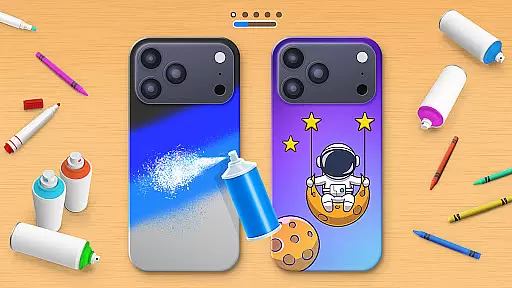
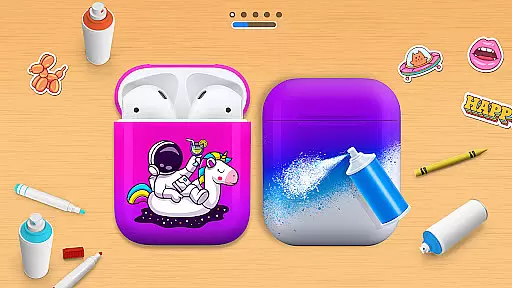
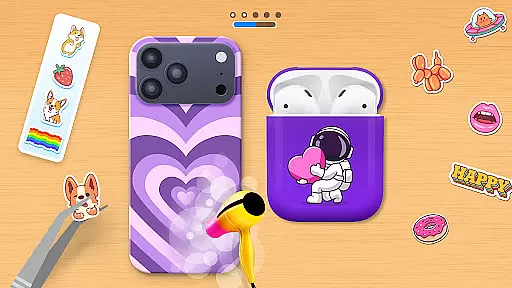
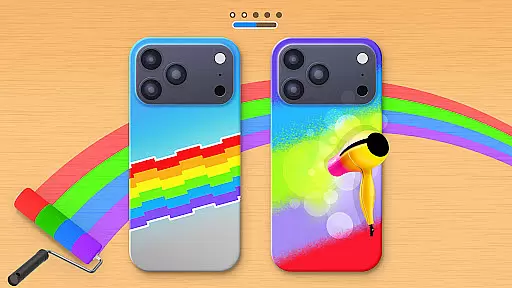
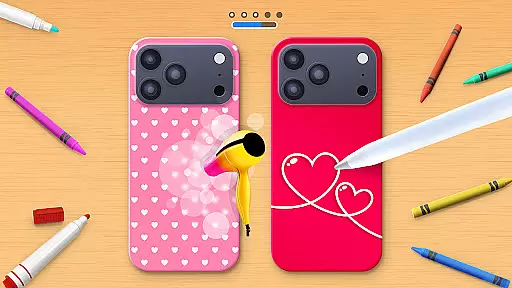
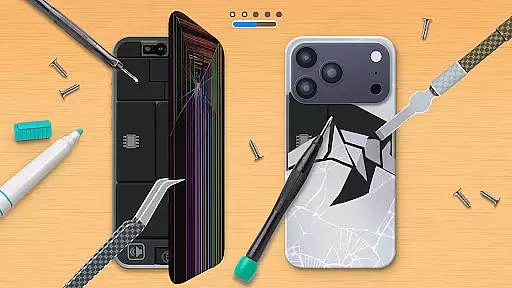
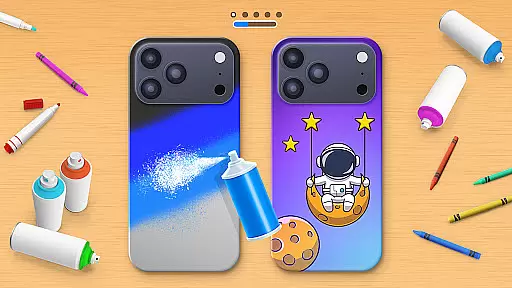
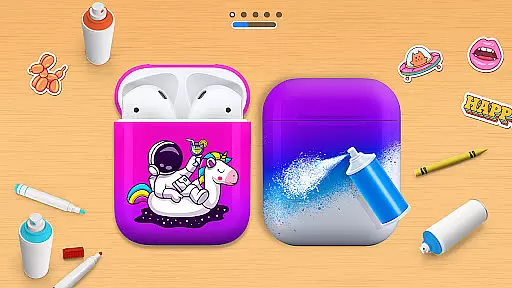
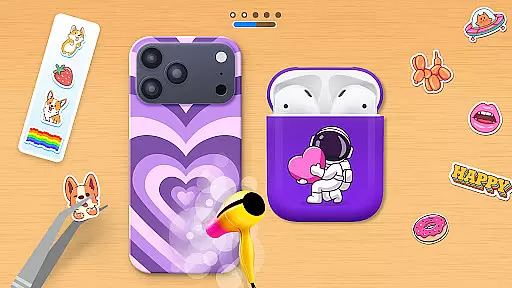
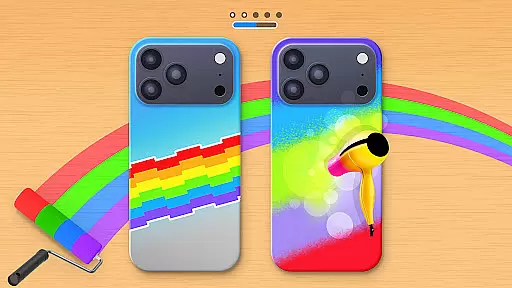
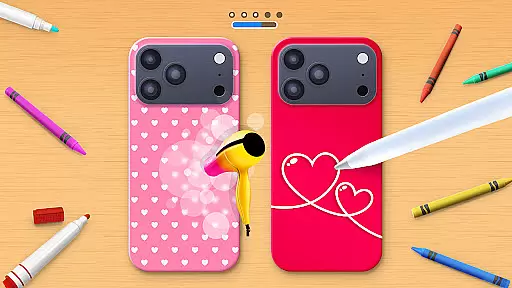
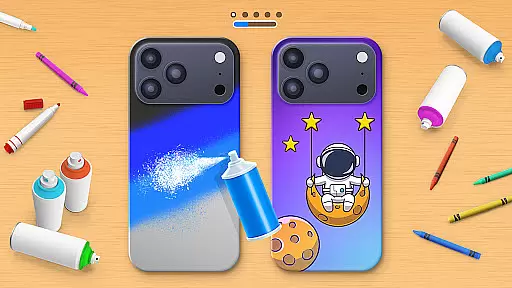
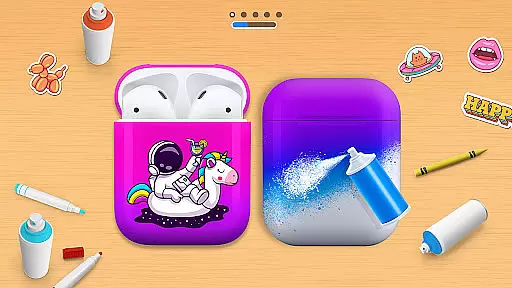
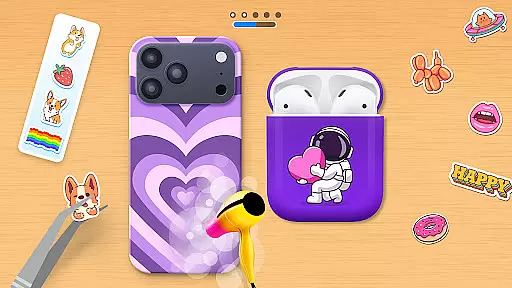
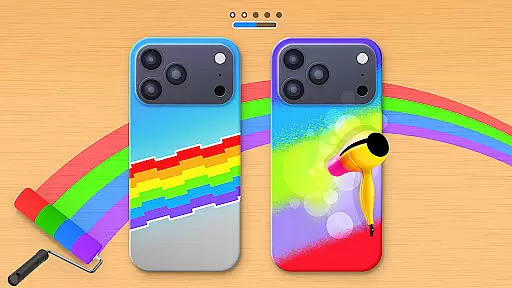
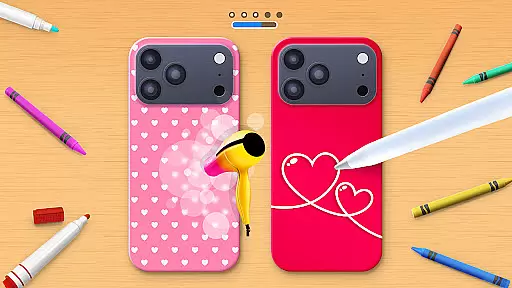
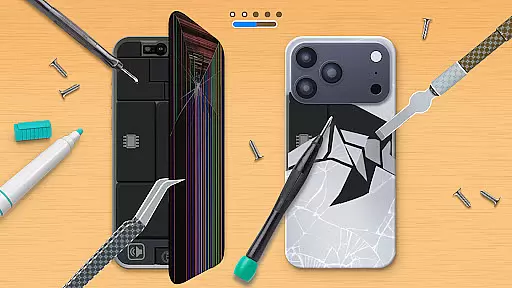
Phone Case DIY is a creative simulation game that allows users to design and customize phone cases, earbuds, and headphones. With endless color options and patterns, the app lets you express your unique style through personalized accessories. The intuitive interface makes it easy to paint, draw, and apply stickers, while features like acrylic art and slime design provide additional creative freedom. Whether you're crafting for fun or aiming to top the global leaderboard, this app offers a complete artistic experience.
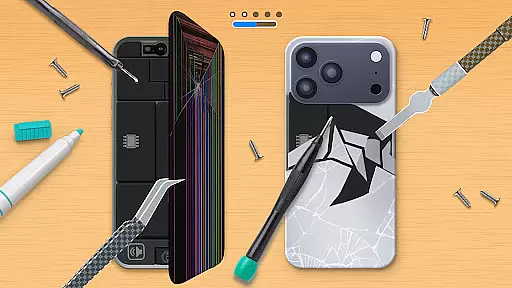
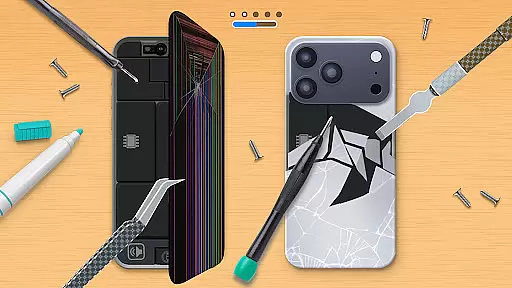
The app also includes practical features such as phone case repair and cleaning functions, adding a layer of realism to the gameplay. Profile customization enables users to showcase their creativity beyond just accessory design. Suitable for all ages, Phone Case DIY transforms your device into a canvas, making it an ideal choice for those who love arts and crafts in a digital format.
Phone Case DIY stands out with its diverse range of creative tools and interactive features. Users can paint phone cases using various techniques like acrylic art, tie-dye, and spray painting. The app provides a rich selection of stickers and patterns, allowing for intricate designs and combinations. Additionally, the ability to customize headphones and earbuds ensures a fully coordinated look for your devices.
Beyond basic design, the app incorporates engaging elements such as a global leaderboard where users can compete based on their design skills. The profile customization feature adds another personal touch, letting users express themselves further. Repairing damaged phone cases and cleaning devices before customization are thoughtful additions that enhance the overall user experience. These features collectively create an immersive environment for unleashing creativity.
In Phone Case DIY, the economic system is intricately designed to enhance user engagement through creativity. The game offers a virtual marketplace where players can unlock and purchase various design elements such as colors, patterns, and stickers.
Players receive virtual currency by completing design tasks and climbing leaderboards, which they can then use to buy new customization options. This creates a dynamic feedback loop where users are incentivized to continually improve and diversify their designs.
The economic model also includes a feature for repairing phone cases, adding another layer of gameplay that requires resource management. By balancing earning and spending within the game, players learn to strategize their creative endeavors effectively.
This system not only sustains interest but also mirrors real-world economic principles, teaching players the value of investment and resource allocation in a fun, engaging manner.
Resource management in Phone Case DIY is balanced to provide both challenge and satisfaction. Players must manage their virtual resources wisely, choosing between spending on immediate design enhancements or saving for future projects.
The game features an array of vibrant colors and patterns, each requiring different amounts of in-game currency. This compels players to prioritize their design needs and make strategic decisions about customization.
Additionally, the inclusion of activities like cleaning and repairing phone cases introduces a time-management aspect. Players need to allocate their efforts efficiently to maintain a steady flow of resources.
By striking a balance between available resources and player goals, Phone Case DIY ensures that each decision feels impactful, enhancing the overall gaming experience with a sense of accomplishment.
User-friendly interface
Variety of design tools
Engaging gameplay elements
Profile customization options
Realistic repair and cleaning features
Limited free features
In-app purchases required
Occasional ads
Steep learning curve
High system requirements

Drone racing simulator with class leading aerodynamics
 3.30
3.30
Advanced 3d bow simulator app for hunters, using real archery ballistics.
4.50
Explore sandbox simulator featuring crafting and socializing in Portia
4.10
Enter a world of magic and adventure and create your own RPG-style town!
4.80
The most realistic digital combat flight simulator
3.40
Command your fleet and blast enemy warships in a thrilling naval shooting game!
3.80
Experience the ultimate vehicle simulator with realistic soft-body physics
4.20
Divine casual-strategy Sandbox game about Gods, Civilisations and Faith!
4.50
Nail salon combining crayola nail art at the halfway of fashion and beauty care.
4.30
Demon Castle Building Dungeon Management Simulation
4.90
Experience satisfying ASMR makeup with skincare in calming salon makeover games
4.80
Smash solar systems, orbit planets, and destroy in this universe simulation game
4.70
Laugh, play, take care, learn and relax with the cutest virtual friend
4.50
Big Tractors, Big Farms, 1000+ Acres, American Sheds, all on an American Map!
4.40
Grow your agricultural empire with 100+ authentic machines!
4.40
Fly around the world with Aerofly FS Global Flight Simulator
4.30
Raise crops and animals in this farming simulator!
4.20
Play classic and popular PS3 games on your Android device!
3.90
Mine rocks, upgrade miners and earn BTC!
4.2


User Reviews