
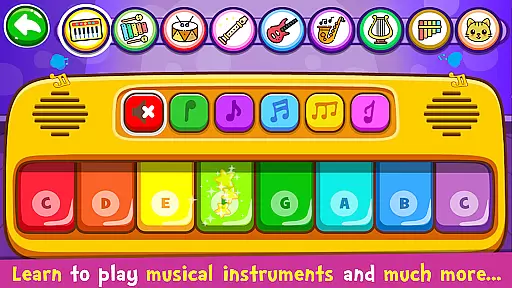
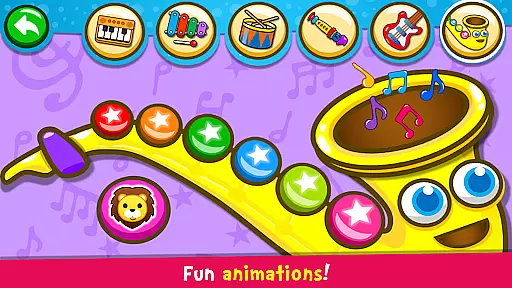
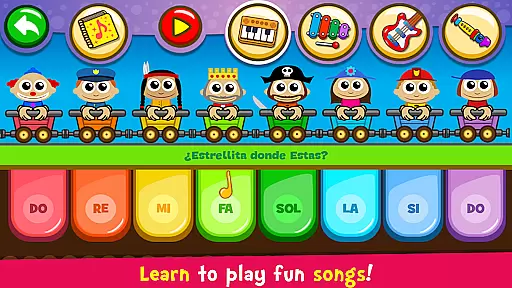
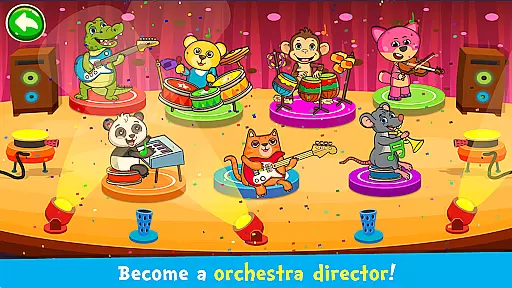
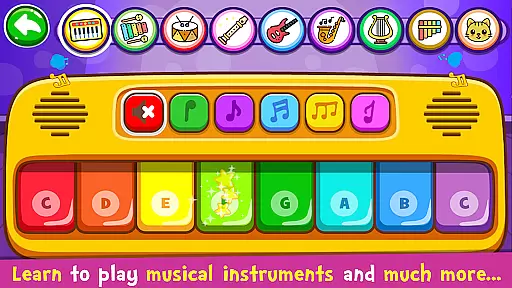
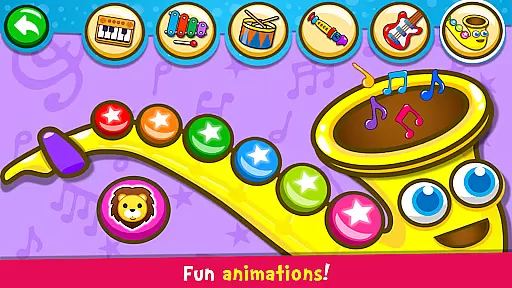
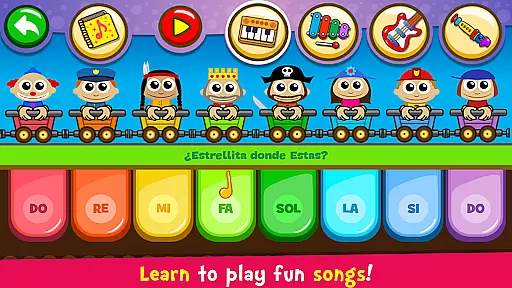
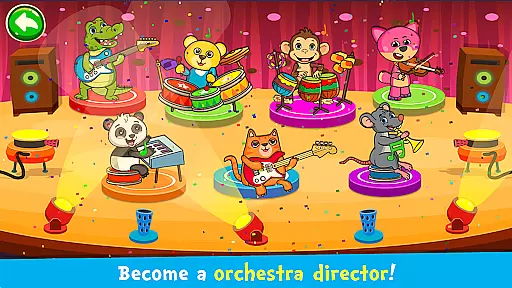
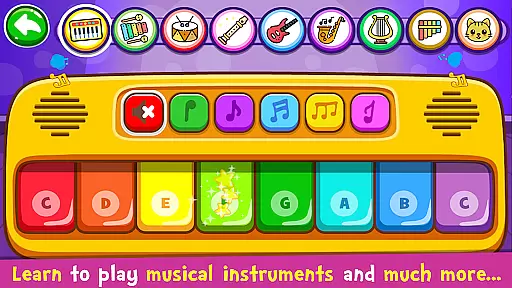
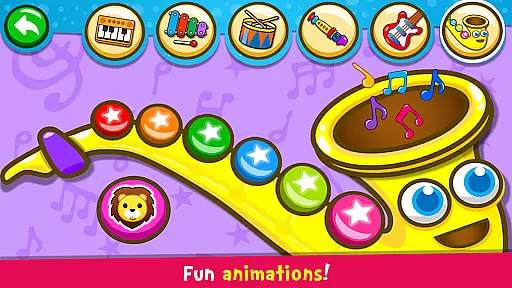
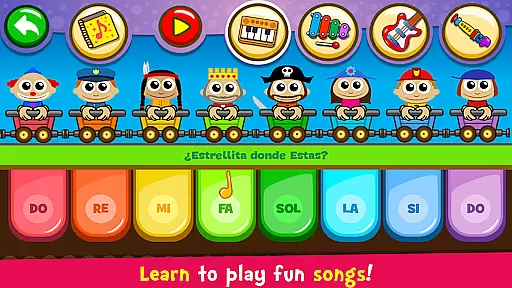
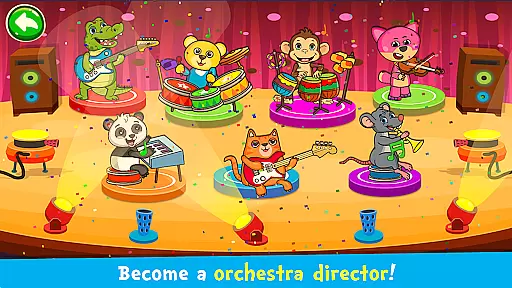
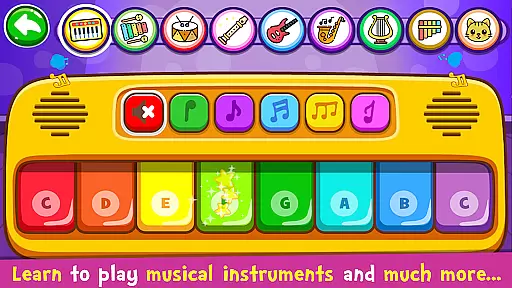
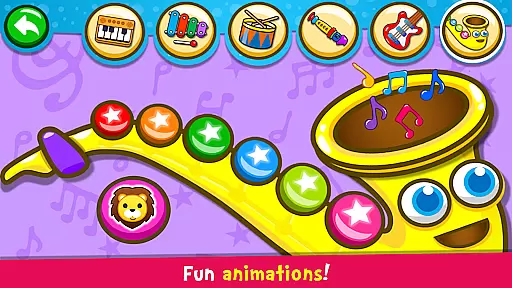
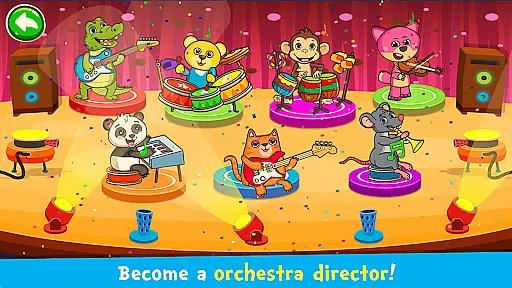
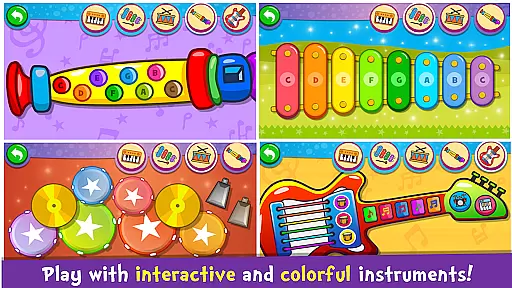
Piano Kids - Music & Songs is an engaging music education app designed specifically for children and parents to explore the world of musical instruments. This app offers a variety of virtual instruments including piano, xylophone, drums, saxophone, trumpet, flute, and electric guitar, each with authentic sounds. The colorful and intuitive interface makes it easy for toddlers and kids to learn how to play these instruments on mobile devices.
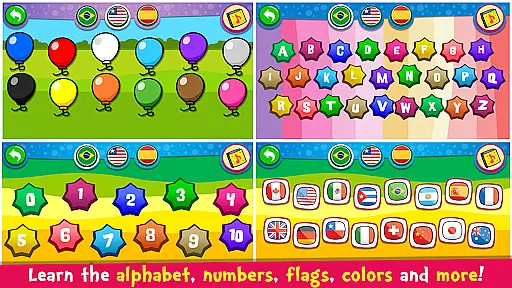
Beyond just playing instruments, Piano Kids provides four distinct modes: Instruments, Songs, Sounds, and Play. These modes help children develop essential skills such as memory, concentration, imagination, creativity, motor skills, sensory perception, and speech. Additionally, the app includes educational games that teach children about colors, numbers, letters, and more in different languages, making it a comprehensive learning tool for the whole family.
Piano Kids - Music & Songs boasts a range of features that cater to both fun and educational experiences. One of its key highlights is the inclusion of four game modes: Instruments, Songs, Sounds, and Play. In the Instruments mode, children can experiment with various real-sounding instruments like the piano, electric guitar, xylophone, saxophone, drums, and flute. Each instrument allows kids to compose their own melodies, fostering creativity and musical exploration.
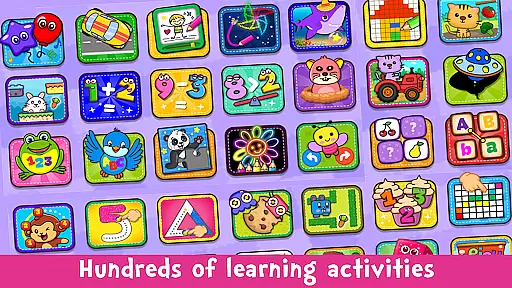
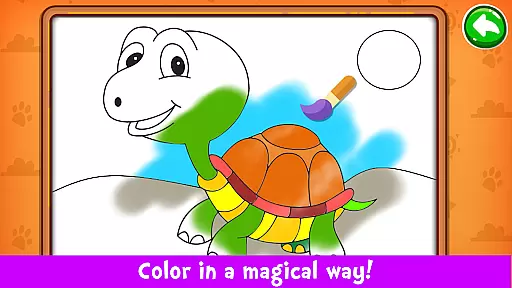
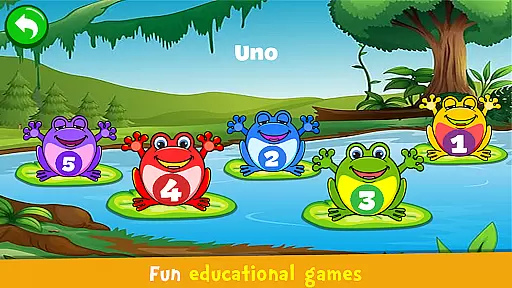
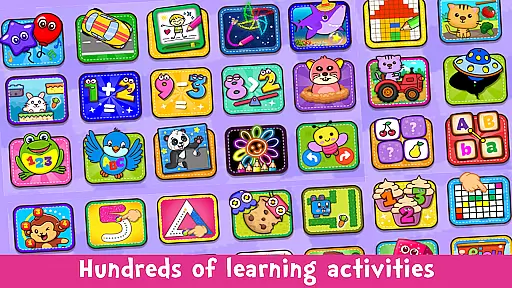
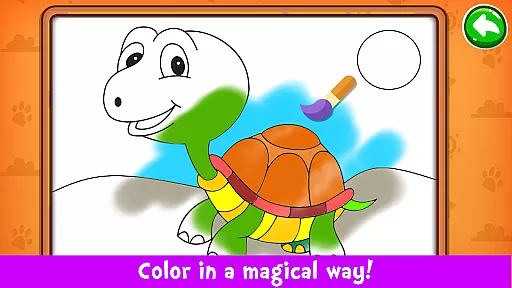
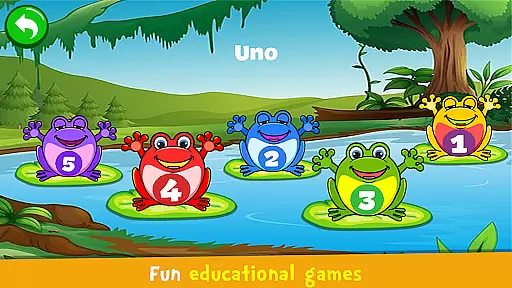
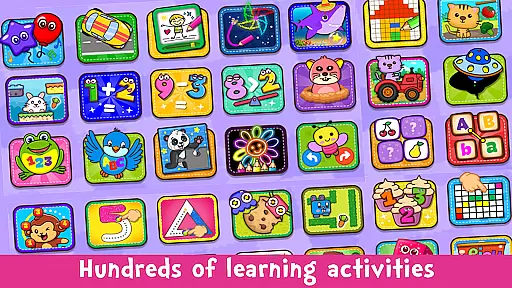
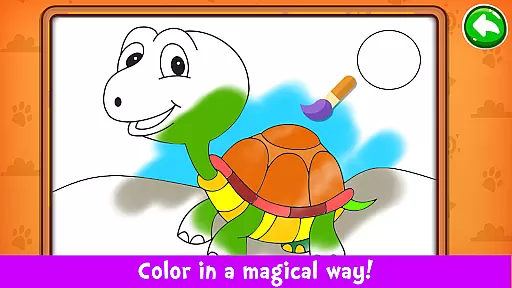
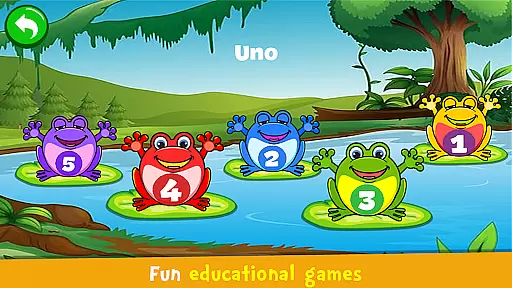
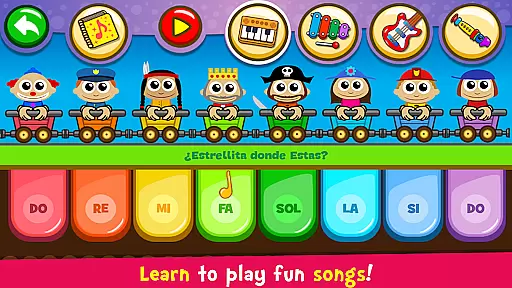
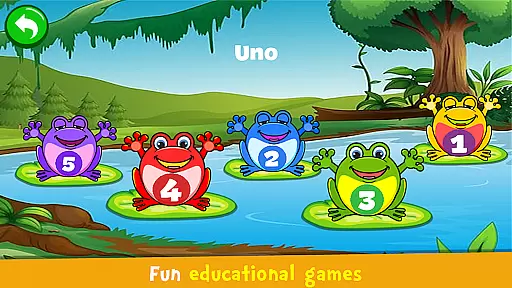
The Songs mode offers a unique learning experience where children can learn to play 30 famous songs. With the Auto Play feature, kids can follow along and learn the melody step-by-step. The Sounds mode lets children explore different object sounds and learn pronunciations of colors, numbers, and letters in multiple languages. Lastly, the Play mode includes fun educational games that cover a wide array of activities from counting and alphabet learning to solving puzzles and coloring, ensuring a holistic developmental approach through music.
Rhythm judgment precision is crucial in music learning applications, especially for young users. Piano Kids - Music & Songs offers an intuitive platform where children can learn to play various instruments with accurate rhythm tracking. The app's real-time feedback system ensures that every note played by the child matches the beat and tempo of the chosen songs.
The application provides a unique Auto Play mode, which plays the melody for the child to follow. This feature teaches kids how to maintain a consistent pace and recognize rhythmic patterns. By playing along with the guided melodies on instruments such as the piano or xylophone, children develop a keen sense of timing and rhythm.
With 30 famous songs to learn from, each with its own rhythm and tempo, children have ample opportunity to practice their skills. The instant auditory feedback they receive when they hit the right notes at the correct time reinforces their learning and improves their rhythm judgment over time.
This interactive approach not only hones their musical abilities but also enhances concentration and memory skills. As children engage with Piano Kids, they receive precise rhythmical guidance that is fundamental for their growth as budding musicians.
A diverse and high-quality music library is essential for providing an enriching musical experience. Piano Kids - Music & Songs boasts a wide array of sounds from real instruments like pianos, guitars, and flutes, all recorded with exceptional clarity. This diversity allows children to explore different musical genres and styles while maintaining interest and excitement in their learning journey.
In addition to traditional instrument sounds, the app includes four distinct modes: Instruments, Songs, Sounds, and Games. Each mode offers a unique set of activities that cater to various aspects of music education. For instance, the Songs mode contains 30 famous tunes that children can learn to play, ensuring a comprehensive repertoire that spans multiple musical tastes.
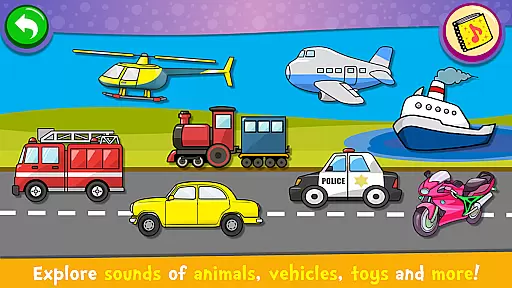
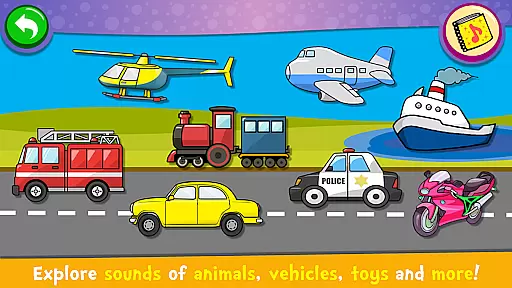
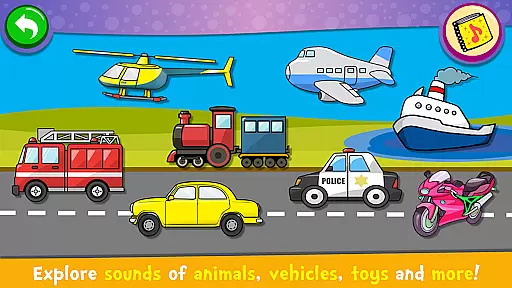
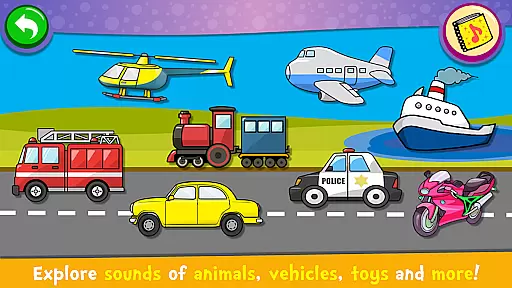
The inclusion of non-traditional sound collections, such as animal noises and transportation sounds, further broadens the spectrum of audio experiences available within the app. These unconventional sounds stimulate creativity and allow children to experiment with composing their own melodies.
By offering both conventional and innovative sound options, Piano Kids ensures that its music library appeals to a broad audience. Children using this app will benefit from exposure to a rich tapestry of audio content, enhancing both their appreciation for music and their ability to discern quality sounds.
User-friendly interface
Multiple instrument options
Educational games included
High-quality sound effects
Completely free to use
Limited advanced features
Ads may interrupt gameplay
No offline mode available
Interface can be busy for some
Occasional bugs reported
Be a Magic Pianist: POP & Classic Songs
 4.30
4.30
Start your musical journey today
4.10
Catch the beat, light the fire — Piano Storm is calling!
4.60
Tap and slide the tiles to experience the pop music game together
4.70
Cat music games! Dancing on cute piano tiles and meow in rhythm games!
4.60
Thump to the rhythm and bounce to the beat with these fuzzy musical monsters!
4.70
Create your own music with the help of a merry crew of beatboxers!
4.90
The coolest rhythm game on this damn Play Store (respectfully)
4.80
All Hit Songs In Your Piano Game? Feel The Magic, Don't Miss The Tiles
4.70
Satisfying beats and rhythm with your monster band. Relaxing music, cute friends
4.70
Tap tiles piano kpop rhythm, pocket piano, offline music game Rush E challenge
4.60
Bounce the ball on music tiles to the beat of trending songs! Feel the magic!
4.50
Ride a sonic skateboard, slash beats, and master the rhythm!
4.40
Fun song games! A fun challenge of piano tiles & magic tiles. Hop to the beat!
4.30
Lowriders comeback 2 - Musical Game with dancing, hopping and freeride cruising
4.20
A cute music game that every cat lover will enjoy playing!
4.00
Customize lowriders, cruise online with friends, and trade in a vibrant city!
3.90
Let's dance in the pool of thumping beats and electrifying rhythm with cool EDM
3.80
Master's Spark, Burning Rhythm — Catch Your Piano Spark!
4.2


User Reviews