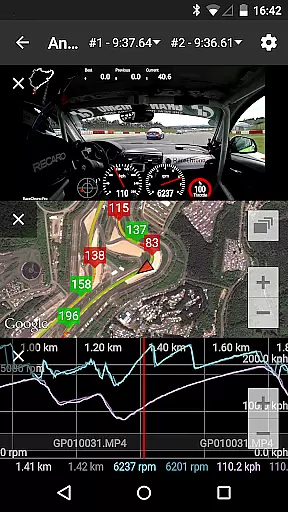
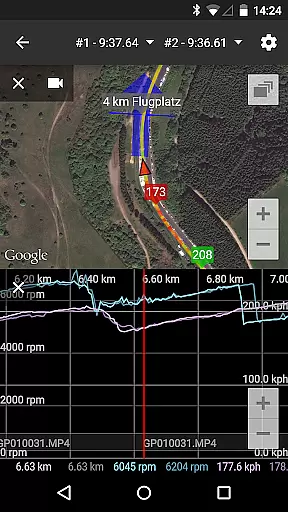
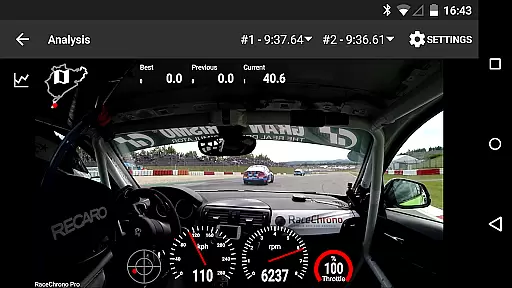
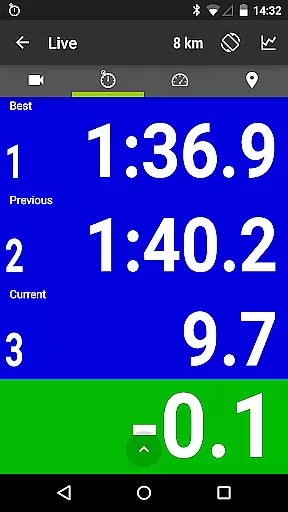
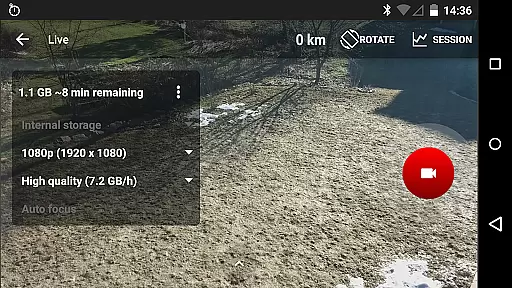
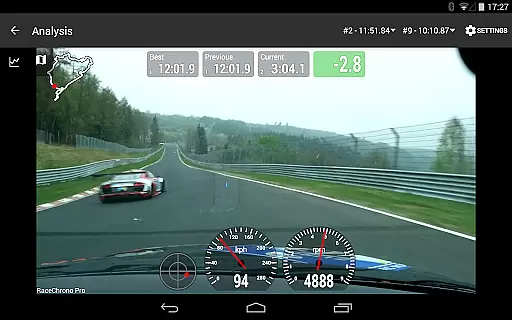
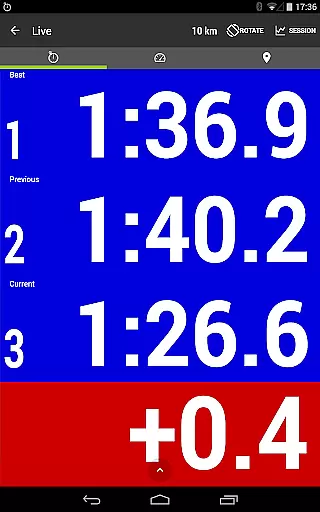
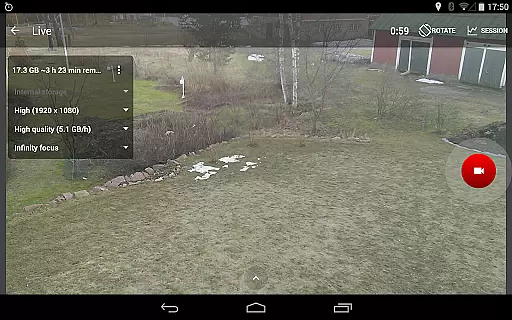
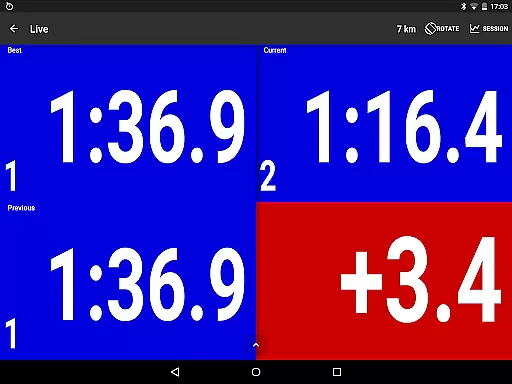
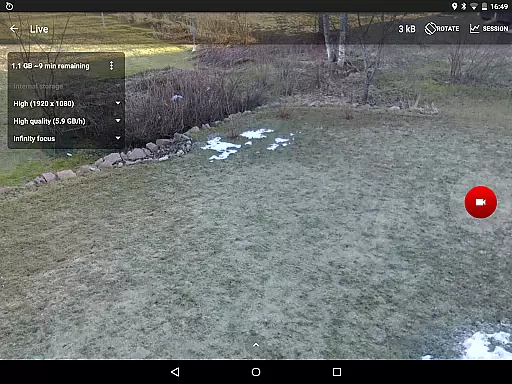
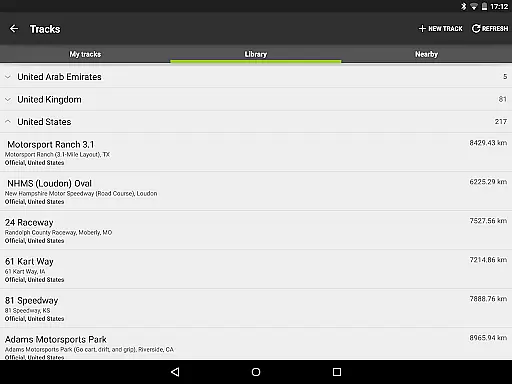
RaceChrono Pro is a premier lap timing and data logging application tailored for motorsports enthusiasts. It combines advanced lap timing features with comprehensive data analysis tools, making it an essential companion for racers and track day participants. The app supports video recording and overlays, allowing users to review their performance with synchronized data.
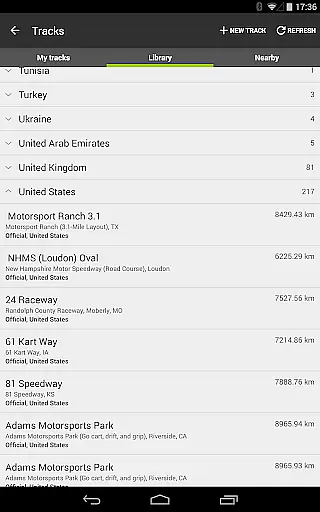
With over 2600 pre-made race tracks and custom track creation capabilities, RaceChrono Pro caters to various motorsport disciplines including motorbikes, go-karts, and cars. Its compatibility with external GPS receivers and OBD-II readers enhances data accuracy, while the predictive lap timing feature helps drivers optimize their performance on the track.
This app is particularly valuable for professional drivers and racing instructors who require detailed performance metrics. By providing smooth data scrolling, X/Y graphing, and comparison video functionality, RaceChrono Pro delivers a complete solution for analyzing and improving driving skills.
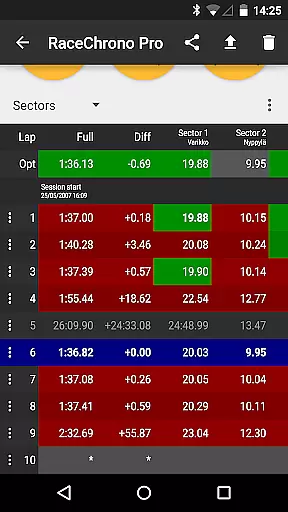
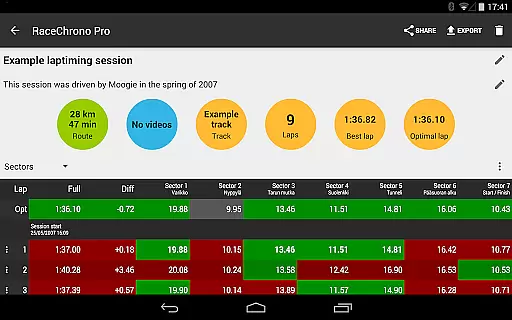
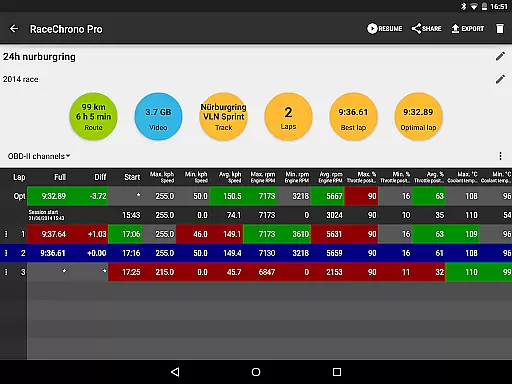
RaceChrono Pro stands out with its extensive feature set designed for motorsport data acquisition and analysis. The app offers precise lap timing with sector splits and optimal lap calculations, helping drivers identify areas for improvement. Its track library includes over 2600 pre-configured circuits, supplemented by custom track creation options for unique racing environments.
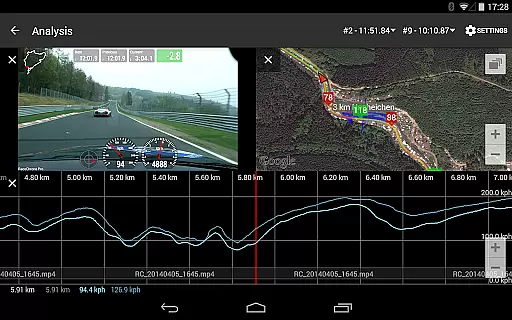
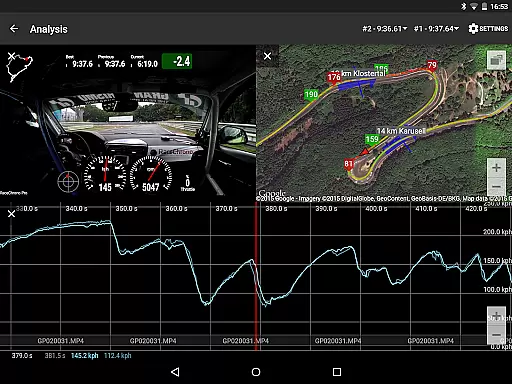
Data visualization is a core strength of RaceChrono Pro. The app provides synchronized graph displays, X/Y plotting, and map views that work seamlessly with recorded video footage. Users can export hardware-accelerated videos with customizable data overlays, creating professional-quality analysis materials. The multiple camera support and picture-in-picture functionality enable comprehensive video documentation of each session.
The app's connectivity options are impressive, supporting various external devices including RaceBox Mini, Qstarz GPS receivers, and VBOX Sport. Its compatibility with OBD-II readers and Bluetooth LE heart rate monitors expands data collection possibilities. With unlimited session length and multiple data export formats (.ODS, .NMEA, .VBO, .CSV), RaceChrono Pro ensures flexibility in both short and long-duration racing events.
RaceChrono Pro sets a new standard for realism in motorsports applications by providing highly accurate lap timing and data logging features. The app's ability to record precise lap times with sector splits and calculate optimal laps ensures that users receive professional-grade performance tracking.
With support for external GPS receivers and OBD-II readers, the app delivers real-time vehicle data that reflects true on-track performance. This includes information such as speed, acceleration, and engine parameters, all of which contribute to a realistic representation of the driving experience.
The inclusion of a predictive lap timing feature and time delta graph allows drivers to compare their current performance against previous laps or an optimal lap. This functionality not only enhances the realism but also provides valuable feedback for improving driving skills.
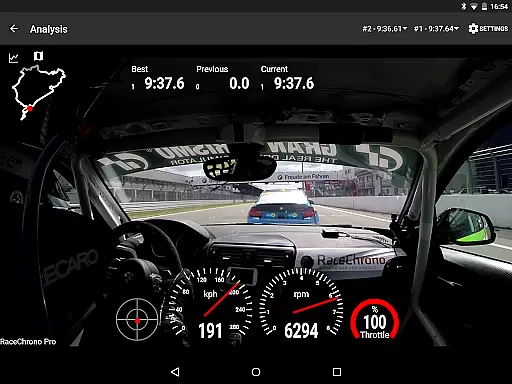
By offering video recording capabilities with configurable data overlays, RaceChrono Pro bridges the gap between virtual and real-world racing experiences. Users can visually analyze their driving style alongside telemetry data, resulting in a comprehensive understanding of their performance on the track.
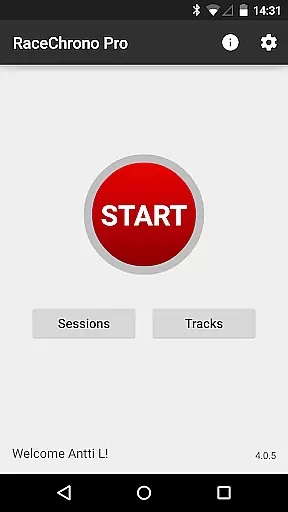
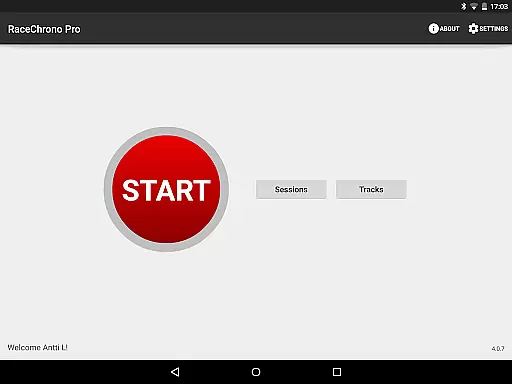
The user interface of RaceChrono Pro is designed with intuitive controls that make it easy for both amateur enthusiasts and professional drivers to navigate its extensive features. From setting up custom tracks to analyzing complex data graphs, every function is accessible through a straightforward menu system.
One of the standout aspects is the smoothly scrolling data analysis view, which synchronizes multiple data sources including graphs, maps, and videos. This seamless integration allows users to focus on their performance without being distracted by complicated control schemes.
Additionally, the app supports various hardware integrations like Bluetooth LE heart rate monitors and action cameras, making it simple to connect and utilize external devices. These connections enhance the overall user experience without adding complexity to the control scheme.
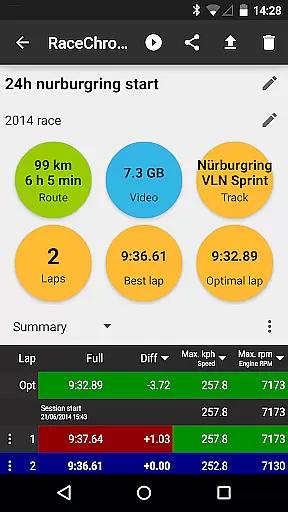
For those who require flexibility in session management, RaceChrono Pro offers unlimited session lengths suitable even for 24-hour races. The straightforward setup and operation of these sessions demonstrate the app's commitment to maintaining an intuitive control scheme while delivering powerful functionality.
Comprehensive data analysis
Extensive track library
Professional video tools
Wide device compatibility
Unlimited session duration
Steep learning curve
Premium price point
Requires external hardware
Complex setup process
High system requirements

Grab the ball and play your Basketball career in this 3D Real-time Sport Game!
 4.60
4.60
Play the hit multiplayer Carrom Disc Pool board game and become the best!
4.60
Build your football city, train your team— no ads, no in-app purchases!
4.2
Mental skills exercise/training - improve your power of focus and concentration
4.0
Create your own gym, train boxers, and aim for the championship!
4.50
Build your dream soccer team!
4.50
Build, manage & coach your NFL dream team in this American Football sports game!
4.40
Play online multiplayer or PvP Pool games and compete with your friends!
4.80
Sports app that presents matches' details from the most important championships.
4.50
Ride, flip, and perform crazy stunts in an open BMX freestyle playground!
4.80
NBA-licensed Streetball Game
4.70
The ultimate Golf game! Compete in 6 player real-time multiplayer golf battles!
4.70
Trampoline backflips, frontflips & trick stunts! Ultimate adrenaline rush!
4.60
Push your skills, express your style, or just enjoy the ride.
4.60
Realistic PvP Multiplayer Dart game blending sports games and simulation fun!
4.50
Master the arrow art in archer duels
4.50
NEOGEO's masterpiece game is now available in the app!
4.20
Play eFootball™ with users around the world!
4.10
Run the ball into the endzone in AR.
4.4


User Reviews