

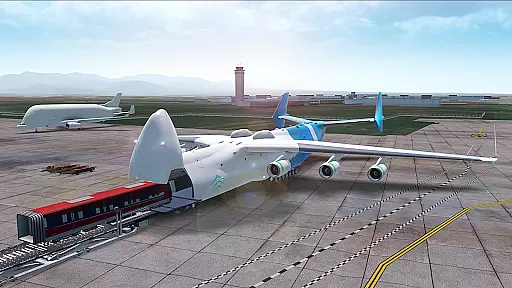
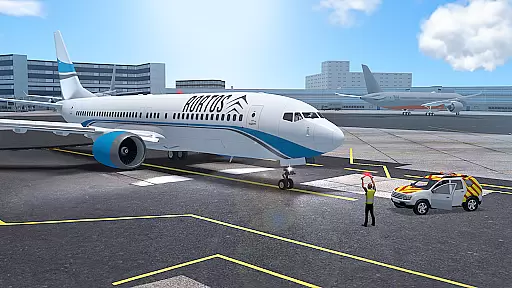

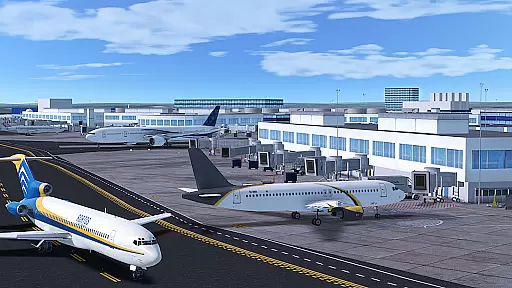

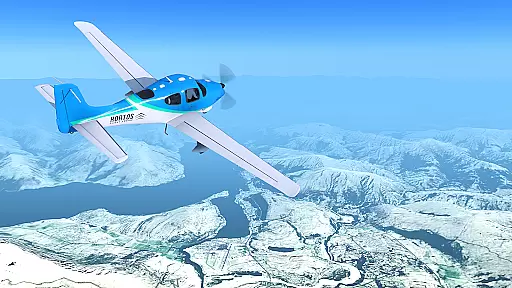
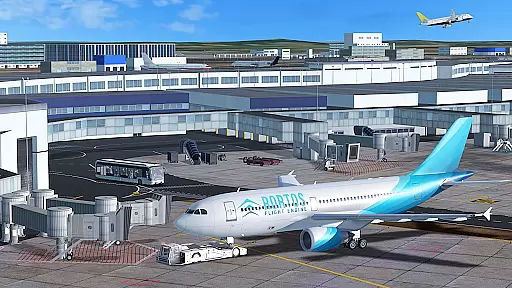

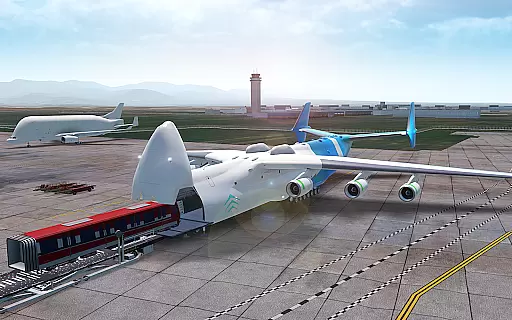
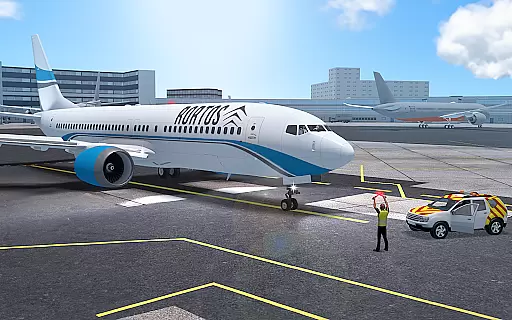

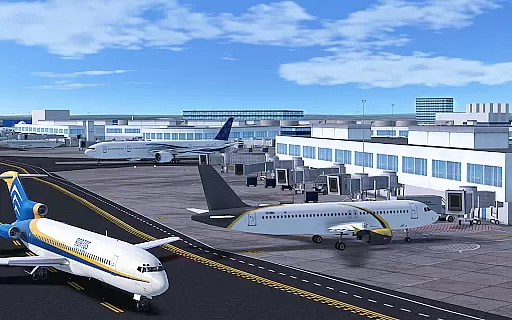


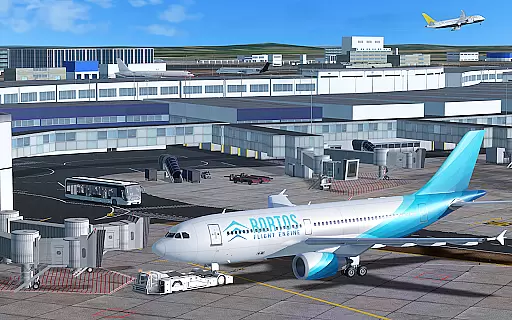

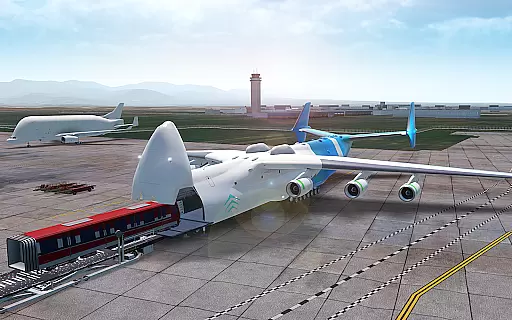
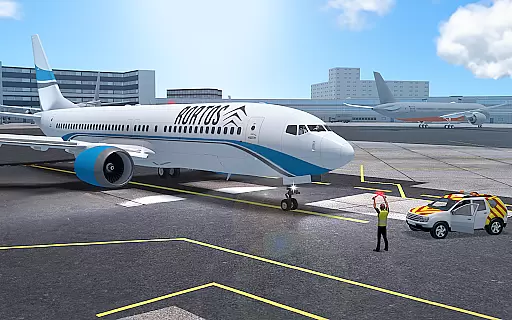

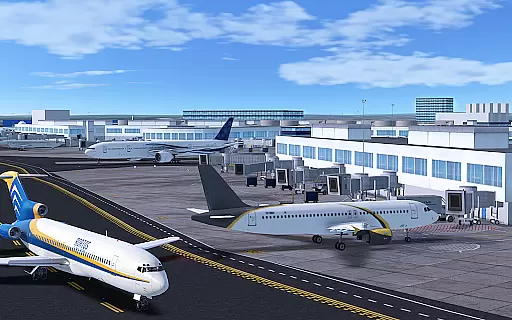


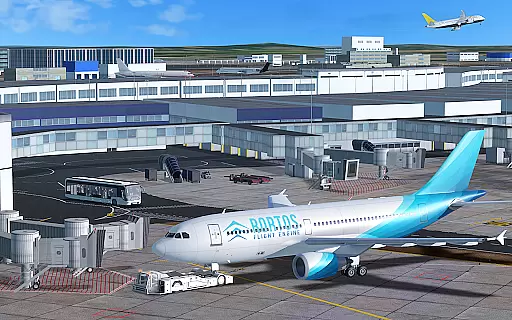
RFS - Real Flight Simulator offers an unparalleled flight simulation experience on mobile, allowing users to pilot a wide range of aircraft with precision and authenticity. The app features over 50 aircraft models, each with realistic lighting and working instruments, as well as more than 1200 HD airports that boast detailed 3D designs and authentic taxiway procedures.
With advanced systems like real-time global flights, live weather updates, and topographic satellite terrain, RFS provides an immersive environment for aviation enthusiasts. Users can engage in real pilot checklists, advanced flight planning, and even interact with ground services at major airports. Whether flying solo or participating in multiplayer events, this simulator delivers both realism and community engagement.
The standout feature of RFS is its commitment to realism and detail. It includes autopilot functionality, assisted landing systems, and real pilot checklists that enhance the authenticity of every flight. Additionally, users can customize their experiences by adjusting weather conditions, navigation routes, and potential system failures during flights.
Another remarkable aspect is the ATC Mode, where players take on the role of Air Traffic Controllers, managing live air traffic through multi-voice communications. This adds another layer of depth to gameplay while fostering interaction within the global aviation community. Furthermore, creative tools allow users to design custom liveries and build HD airports, contributing to a personalized and expansive flight ecosystem.
In RFS - Real Flight Simulator, the economic system is intricately designed to reflect real-world aviation dynamics. The game incorporates realistic airline operations, including fuel costs, maintenance expenses, and passenger demand fluctuations.
Players can experience managing virtual airlines where every decision impacts profitability. From choosing flight routes based on passenger demand to optimizing fleet utilization for cost-efficiency, the simulator offers a comprehensive economic model.
The dynamic feedback mechanism ensures that players receive real-time updates on their airline's financial health. This includes profit and loss statements, allowing users to adjust strategies accordingly and witness immediate effects on their virtual airline's success.
This level of economic detail provides an immersive experience for aviation enthusiasts who wish to understand the complexities of running an airline business while enjoying the thrill of flight simulation.
Resource management in RFS - Real Flight Simulator involves handling various aspects such as aircraft maintenance, crew scheduling, and fuel consumption. Players must strategically allocate resources to ensure smooth operations across their virtual airline network.
The simulator challenges users with realistic scenarios like unexpected aircraft repairs or fluctuating fuel prices, requiring them to adapt quickly. Effective resource allocation directly influences flight punctuality and customer satisfaction ratings within the game.
With advanced flight planning features, players can customize weather conditions and navigation routes which impact resource usage. Sharing these customized plans with the community adds another layer of strategic depth as users learn from each otheru2019s approaches to resource optimization.
By balancing these elements effectively, players gain insights into operational efficiencies that mirror those faced by real-world airlines, enhancing both gameplay engagement and educational value.
Highly realistic flight simulation
Extensive aircraft variety
Vibrant multiplayer community
Detailed airport environments
Customizable flight scenarios
Requires constant internet
Premium subscription needed
Steep learning curve
Heavy app size
Limited offline features

 3.50
3.50
Build your zoo, collect and take care of animals and make your guests happy!
4.1
Start painting, match paint, merge colors and get creative in this coloring game
4.60
Construction Simulator returns with a map inspired by the Canadian landscape.
3.40
A babysitting horror game
4.20
Build and explore your city as mayor! Create and simulate your own metropolis.
4.20
Gas station simulator. Play & earn money offline. Grow petrol station business!
4.40
One to rule them all
3.90
Nail salon combining crayola nail art at the halfway of fashion and beauty care.
4.30
Dodge lasers and explore! Planetary Development Simulation
4.60
Draw the image and color in the spaces to create the complete picture
4.50
Build rockets, airplanes, and more and explore highly detailed 3D planets.
4.30
Merge chips, craft upgrades, and power up your microcircuit to earn more!
4.30
A fun and challenging bridge builder puzzle game.
4.20
Raise crops and animals in this farming simulator!
4.20
Make yummy Jelly and start your Mukbang livestream
4.20
Prank and cause chaos in the house. But don’t get caught!
4.10
Explore Mimo Land – where you can shop, decorate your home, relax at the spa!
3.70
start a cult from your phone in this cozy idle-clicker game.
4.2


User Reviews