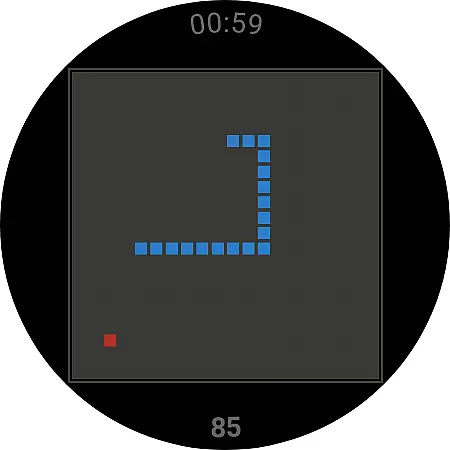
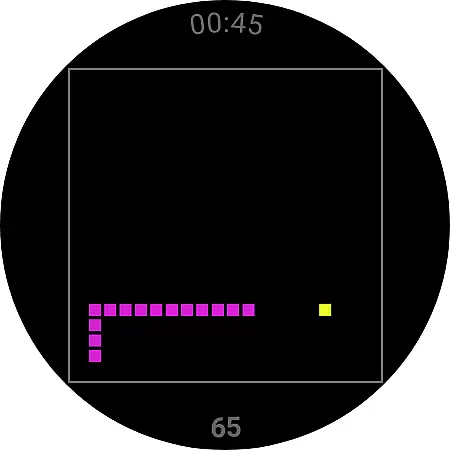
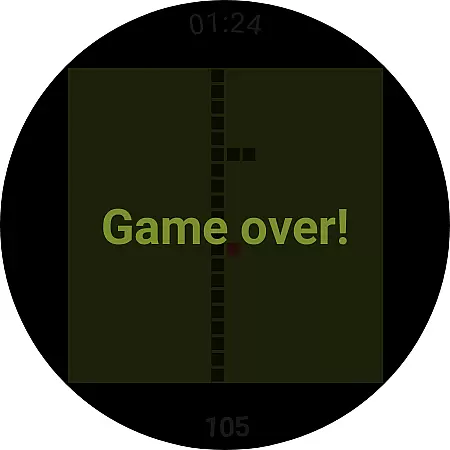
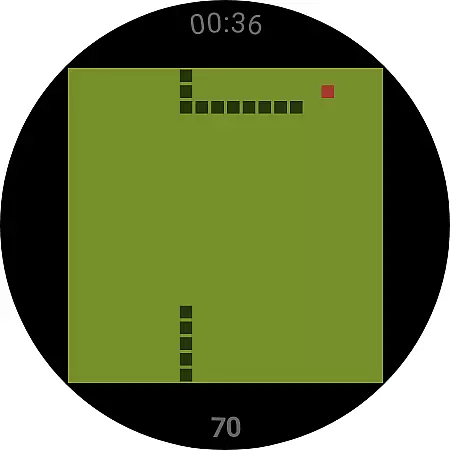
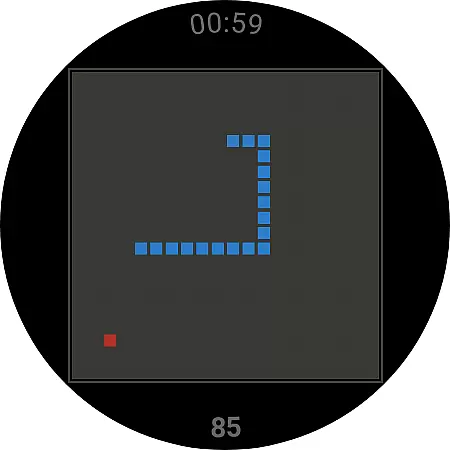
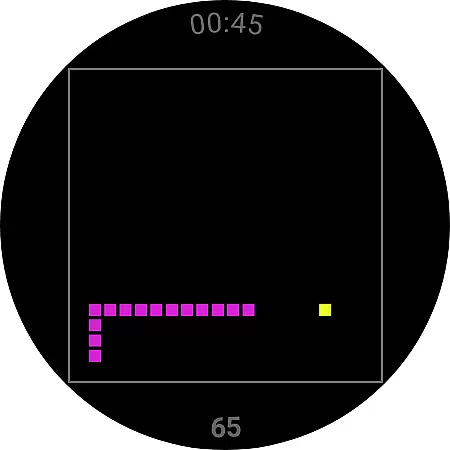
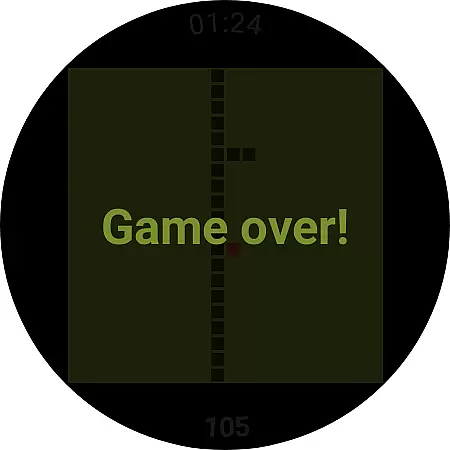
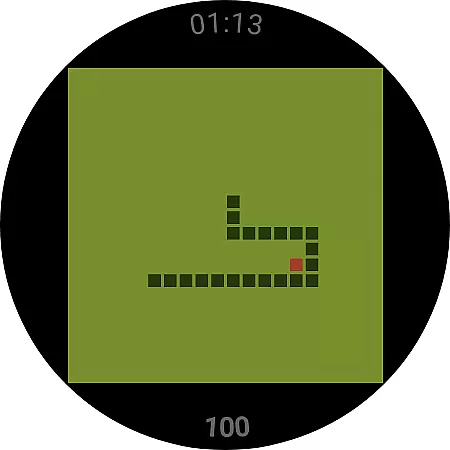
Snake is a classic game reimagined for Wear OS devices, bringing the nostalgic experience to your smartwatch. The app is specifically designed for wearable technology, offering simple yet engaging gameplay that can be played on the go. With intuitive controls optimized for small screens, users can enjoy hours of entertainment directly from their wrists.
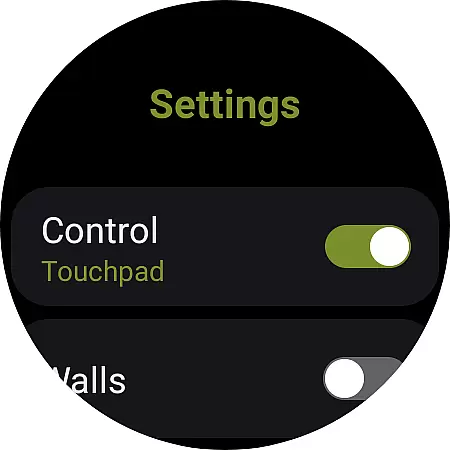
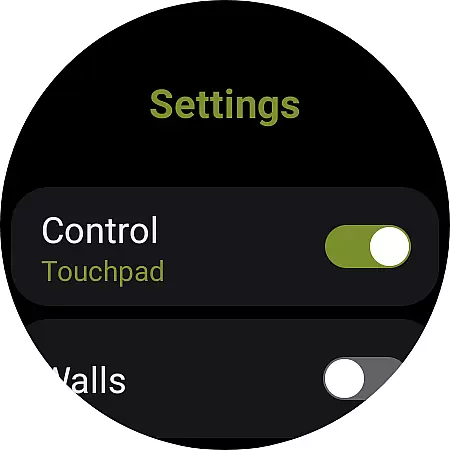
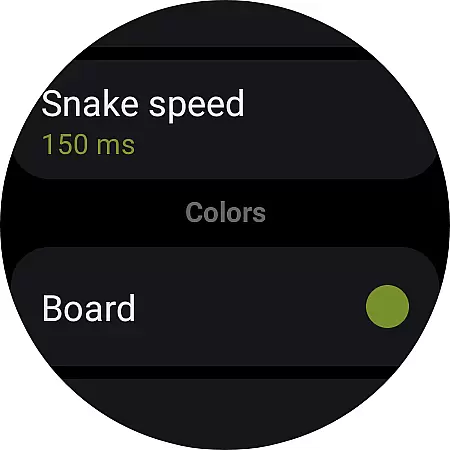
The game includes various settings such as control options and wall behavior, allowing players to customize their gaming experience. Whether you're looking to relive childhood memories or simply pass time during a commute, Snake provides an accessible and enjoyable option tailored for Wear OS users.
Snake offers multiple features that enhance the traditional gameplay experience on Wear OS. Players can choose between touchpad swiping or tapping the screen borders to navigate the snake, providing flexibility in how they interact with the game. Additionally, the walls setting lets users decide whether hitting a wall ends the game or teleports the snake to the opposite side.
For those seeking to track their progress, the game includes a record-keeping feature that can be reset whenever desired. These thoughtful additions ensure that Snake remains challenging and fun while catering to both casual gamers and those who are more competitive. The minimalist design ensures smooth performance even on smaller devices.
In the realm of casual gaming, Snake on Wear OS exemplifies core gameplay simplicity by offering an intuitive and straightforward experience. The essence of this classic game lies in its minimalistic approach, providing users with easy-to-grasp mechanics that are engaging without being overwhelming.
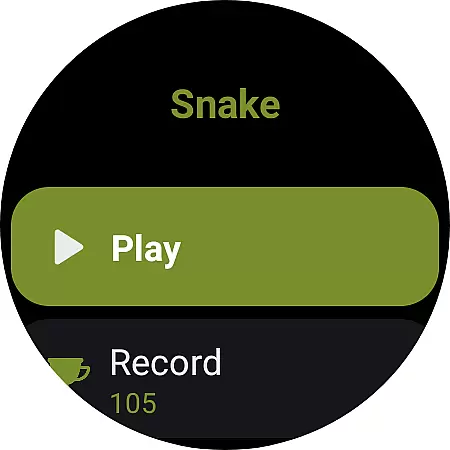
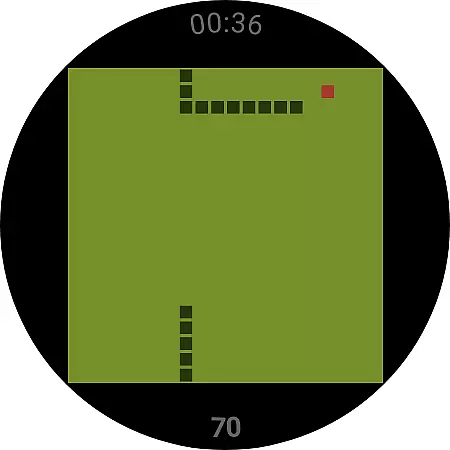
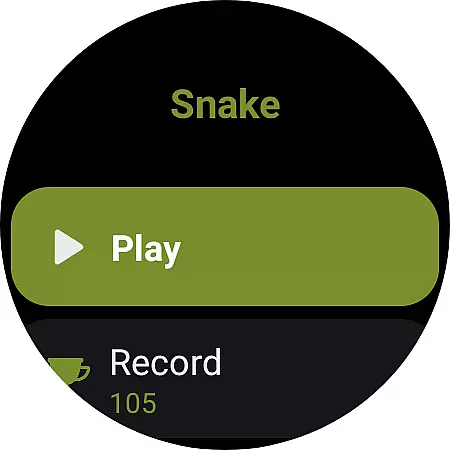
This iteration retains the original snake game's fundamental conceptu2014guide a growing snake to consume items while avoiding obstacles. With just two primary actions, playing and resetting records, it strips away complexity, making it ideal for quick gaming sessions on wearable devices.
Players benefit from the uncomplicated control scheme, which includes swiping to navigate the snake or tapping the screen borders. This ensures that even those new to gaming can pick up and play effortlessly, enjoying a nostalgic yet refreshed encounter tailored for modern smartwatches.
Snake for Wear OS excels in session length flexibility, catering to the dynamic lifestyle of today's users. Recognizing that wearable device interactions are often brief and sporadic, this game is designed to offer flexible gaming sessions that fit seamlessly into any schedule.
Whether you have a minute or more, Snake accommodates varying timeframes with ease. Its episodic nature means each playthrough can be as short or long as desired, allowing gamers to dive in during commutes, breaks, or any free moment they find throughout their day.
The beauty of such adaptability is not only in its convenience but also in maintaining engagement over time. By enabling players to naturally integrate gaming into their daily routines, Snake enhances user retention through accessible, bite-sized entertainment that doesn't demand large time investments.
Classic gameplay
Customizable controls
Wear OS optimized
Simple interface
Engaging experience
Limited device support
No multiplayer mode
Basic graphics
Few settings options
Not for iOS

Freddi and Luther have arrived at the Founder’s day festival!
 4.20
4.20
The classic Snake with vibrant neon colors for just 5 cents!
4.2
Just shoot and drop blocks.
4.5
Five new incredible party games to liven up any gathering!
3.30
Repair, Refit, Repaint. Customize your truck today!
4.60
Be the coolest person when prank video call and chat with idols.
4.40
Play the Angry Birds game enjoyed by millions of players every day!
4.10
More fast-paced, food-making, cooking fun for everyone!
4.90
Puppy rescue meets puzzle escape! Save pups, dodge traps & build a dream shelter
4.50
Draft dice in Sagrada to construct your stained glass window masterpiece.
4.60
Tricky Puzzle Fun Brain Story is a fresh brain game with everyday scenarios
4.50
Greed is a virtue in Idle Trillionaire. Success is defined by your net worth.
4.50
Build the Most Beautiful Queen!
4.40
Short and sweet incremental mining game!
4.40
A fun and relaxing idle game
4.20
Merge numbers on the balls and run to aim for 2048!
4.20
Manage car traffic by building roads and cities in this highway simulator game
3.70
Relive those 8 bit glory days
4.2
1000 Start Ups is a fun endless running game suitable for all ages.
4.2


User Reviews