

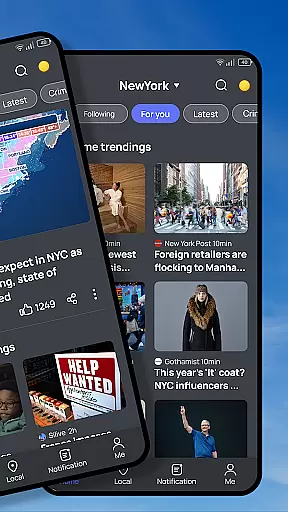




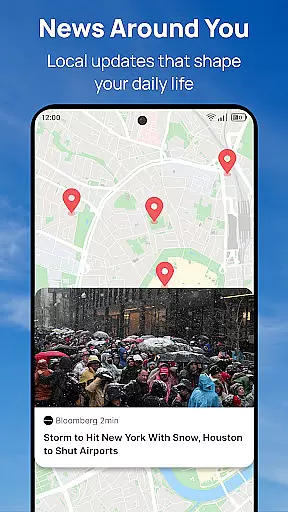

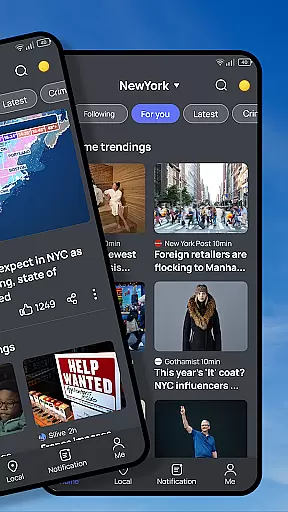




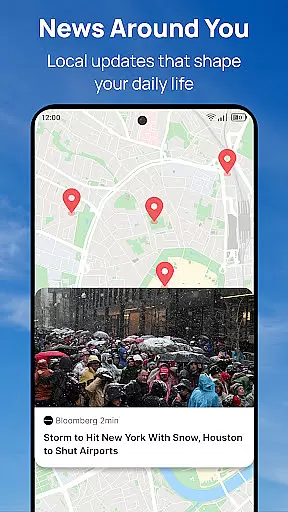

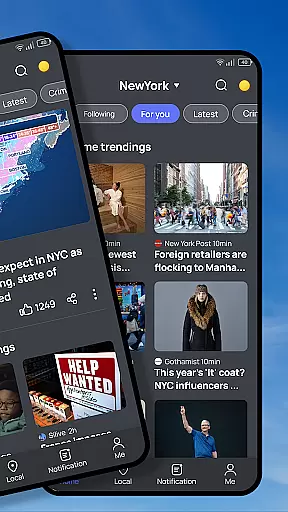




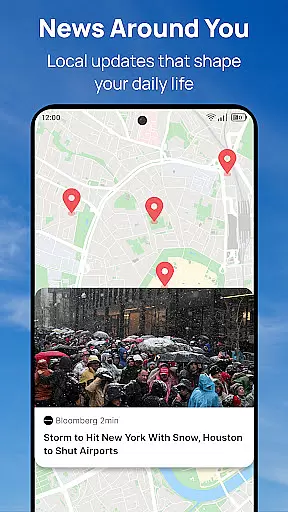
Snap News revolutionizes how users stay informed by offering a smart, AI-powered news aggregation platform. The app's core functionality lies in its ability to deliver hyperlocal updates alongside global perspectives through an intelligent discovery engine that adapts to user preferences.
What sets Snap News apart is its precision delivery system that curates content from over 1,500 verified sources while providing real-time alerts for breaking stories. The enhanced reading experience features adjustable text formatting and offline reading options, making it perfect for daily commuters who want to stay informed on their own terms.
The app particularly shines for users who want to track community developments and local events while maintaining awareness of broader news trends. Its smart notification system ensures timely updates about weather and saved stories, creating a comprehensive news companion for modern readers.
Snap News boasts an impressive array of features designed to enhance news consumption. The Smart Discovery Engine uses advanced AI algorithms to surface relevant stories while enabling seamless navigation between local and global news categories. This ensures users never miss important developments in their immediate vicinity or worldwide.
The app's Precision News Delivery system stands out with its multi-layered approach to content curation. Users can access verified information from a vast network of 1,500+ sources while customizing their feed through topic-specific filters and source preferences. The Community Pulse feature adds another dimension by connecting neighboring communities through shared stories and local event tracking.
Additional notable features include the Insight Tools that allow users to compare different perspectives on major stories and track developing narratives over time. The customization options are particularly robust, letting users mute unwanted topics while following specific locations or themes that matter most to them.
In today's digital age, the credibility and diversity of news sources are paramount for staying well-informed. Snap News recognizes this need by aggregating content from over 1,500 verified sources, ensuring that users receive information that is both reliable and varied. This extensive network spans local insights to global perspectives, offering a comprehensive view of current events.
The application employs a smart discovery engine powered by AI to filter and present stories that are not only relevant but also come from reputable origins. By prioritizing verified outlets, Snap News safeguards against misinformation, providing users with accurate updates tailored to their location and interests. This approach fosters trust in the information presented within the app.
Moreover, Snap News enhances user engagement by enabling them to follow specific locations, themes, or sources while muting uninteresting topics. Such customization ensures that everyone can curate their perfect mix of news across diverse channels without being overwhelmed by irrelevant content. With these features, Snap News stands out as an intelligent companion for discovering what truly matters in your community and around the world.
Snap News places a strong emphasis on content accuracy and rigorous fact-checking processes to deliver trustworthy information. By leveraging advanced algorithms and human expertise, the platform ensures that every story undergoes thorough verification before reaching its audience. This dual-layered approach helps maintain high standards of journalistic integrity within the app's offerings.
Users benefit from access to hyperlocal updates about their neighborhoods alongside broader global coverageu2014all meticulously curated for precision delivery. The inclusion of multiple perspectives on major stories further enriches this experience, allowing readers to compare different viewpoints and form well-rounded opinions based on factual data rather than conjecture alone.
Additionally, Snap News provides tools for tracking developing stories over time and understanding local trends through pattern analysis. These features empower users not just to consume news passively but actively engage with it by exploring underlying contexts and implications. As such, Snap News redefines modern journalism by combining cutting-edge technology with thoughtful curationu2014a commitment evident in each article shared through its platform.
User-friendly interface
Extensive source network
Smart alert system
Customizable feed
Offline reading mode
Occasional duplicates
Heavy data usage
Limited video content
Premium subscription
Notification overload

Live local weather + breaking news in one app. Plan your day and stay informed!
 4.40
4.40
Stream Action News and get customized breaking news and AccuWeather alerts.
4.00
National, local and world news
4.10
Live, Sport, Podcasts & Video
3.60
Get real-time local news, weather alerts, and essential updates in your area.
4.50
Never miss a beat! Get local & US breaking news on your phone, ultra-fast.
4.50
Watch MS NOW videos and stream audio from the team formerly known as MSNBC.
4.60
See every side of every story
4.70
Watch entertainment, TV shows, movies, documentaries, and more.
3.90
Go beyond the breaking new
4.90
Follow the latest world news, headlines and developing stories with live alerts.
4.80
LIVE Police Scanner: Hear Crime Alerts, Fire Alarm, Emergency & Weather Radio
4.80
Noisy. Opinionated. Right.
4.40
Global news delivery, see all major world events, grasp the latest information.
4.40
WSJ: Award-winning business & markets coverage, breaking news & global headlines
4.30
Celebrity news, entertainment buzz, true crime, free crosswords & daily games.
3.80
Trusted sources, breaking headlines, and local stories all in one place.
3.70
Get fact-based, unbiased news coverage 24/7 with the NewsNation app.
3.20
Get the latest in politics, breaking news, world events, finance and health.
3.10


User Reviews