

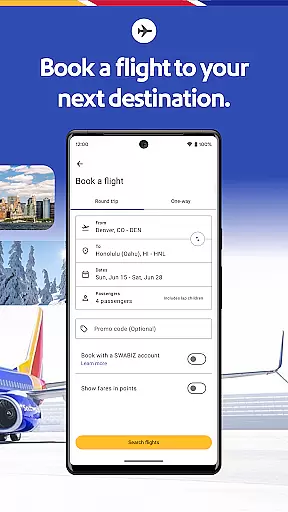
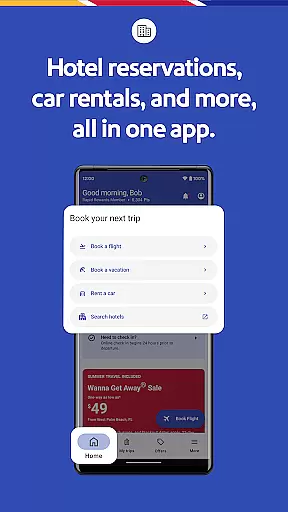
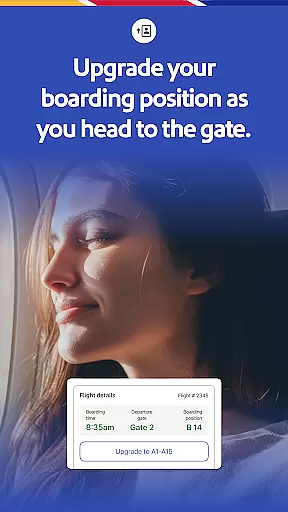


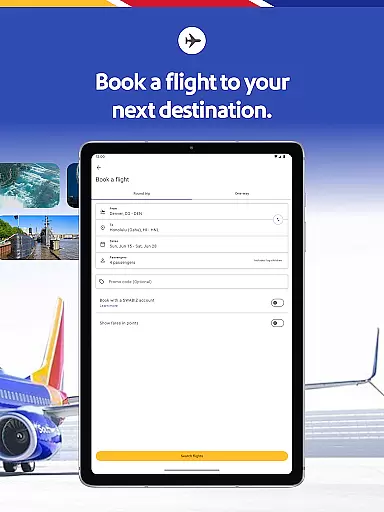
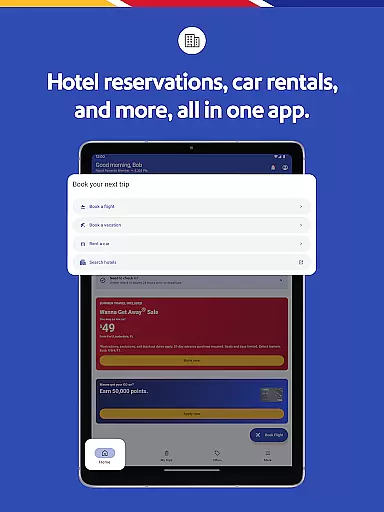
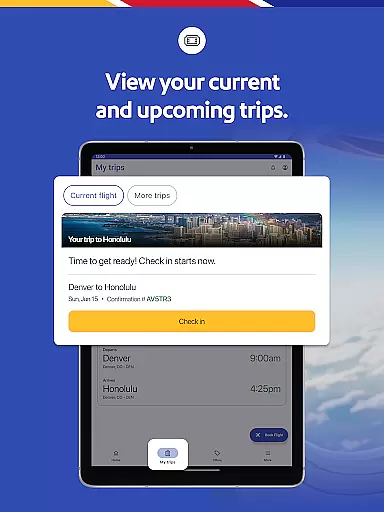
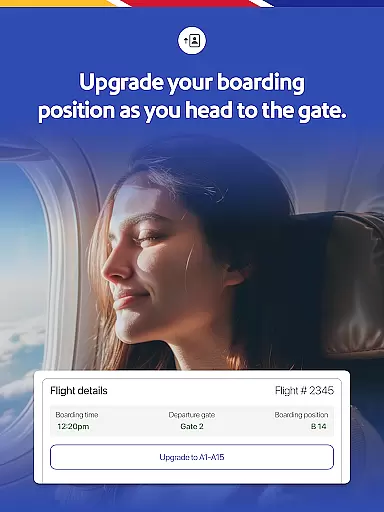

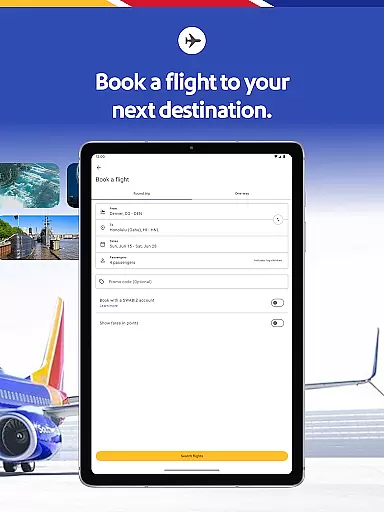
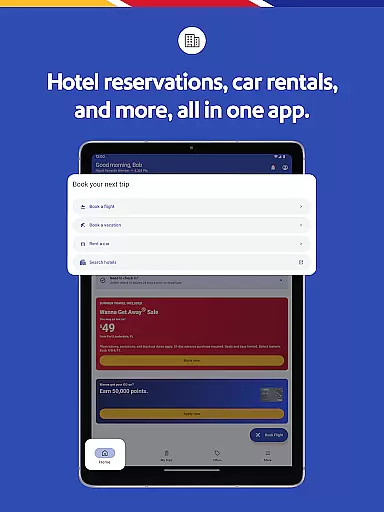
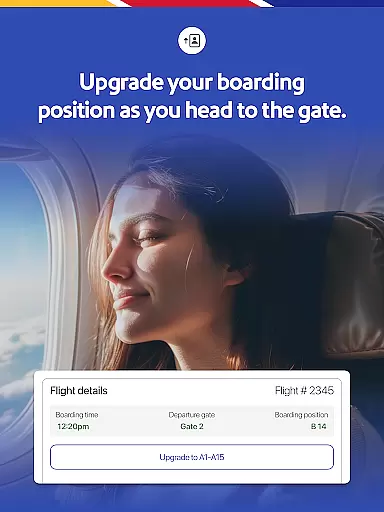
The Southwest Airlines app is a comprehensive travel companion that simplifies trip planning and management. With this app, users can book flights, hotels, cars, cruises, or vacation packages seamlessly. It provides essential features such as flight check-in, the ability to change or cancel flights, and add-ons like EarlyBird Check-In® or Upgraded Boarding.
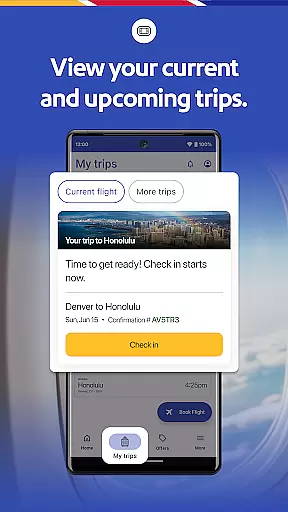
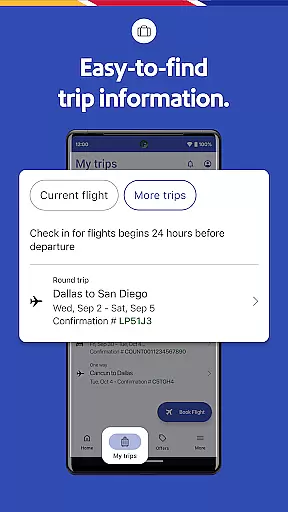
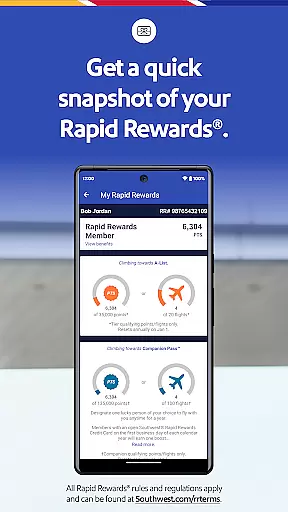
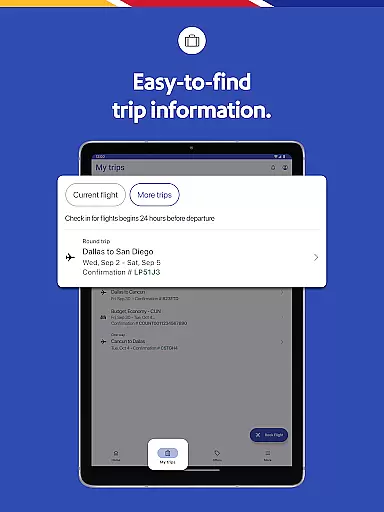
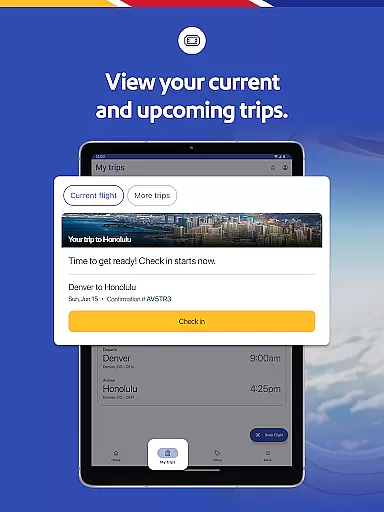
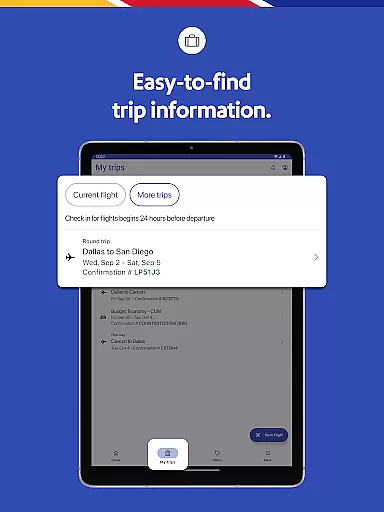
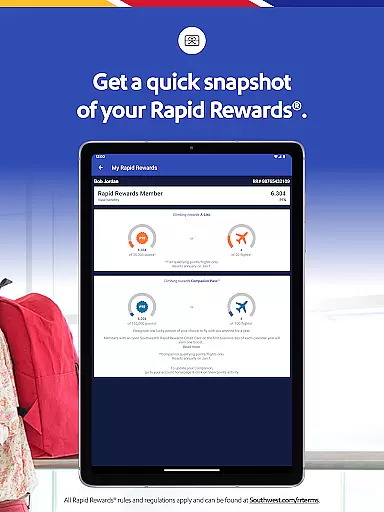
Travelers can access detailed trip information including gate details, boarding positions, and flight statuses through the 'My Trips' tab. The app also supports Rapid Rewards® points redemption for qualifying purchases, enhancing the value for frequent flyers. Whether booking a last-minute flight or managing an existing reservation, the Southwest app ensures a smooth and efficient travel experience.
The Southwest Airlines app offers a robust set of features designed to enhance every aspect of travel. Users can search, book, and manage flights with ease, while also accessing crucial travel information such as gate details and boarding positions via the 'My Trips' tab. The app facilitates hotel bookings, allowing users to check in, manage reservations, and earn Rapid Rewards points.
One standout feature is the mobile boarding pass, available 24 hours in advance, consolidating essential details like flight numbers, confirmation numbers, and boarding times in one place. Additionally, the app's Getaways feature enables users to book entire vacation packages, including flights, hotels, and rental cars, all within a single interface. This flexibility extends to payment options, supporting multiple methods including PayPal®, Flex Pay, credit/debit cards, and Southwest LUV Vouchers®.
Booking authenticity is a crucial aspect of any travel application, ensuring that all reservations made through the platform are legitimate and reliable. The Southwestu00ae app excels in this area by providing users with a comprehensive booking system that covers flights, hotels, car rentals, and vacation packages. This guarantees that every booking is not only confirmed but also easily manageable directly from the app.
The app allows travelers to search, book, and manage their trips seamlessly. With features like the 'My Trips' tab, users can view essential details such as gate information, boarding position, and flight status. These functionalities ensure that passengers have access to accurate and up-to-date information regarding their travel plans, enhancing the overall trust and reliability of the booking process.
Moreover, the Southwest app supports various payment methods including PayPalu00ae, Flex Pay, credit/debit cards, and Southwest LUV Vouchersu00ae. This flexibility in payment options adds another layer of authenticity and convenience, allowing users to choose the method that best suits their needs. Additionally, customers can apply unused flight credits and gift cards during the booking or modification process, further streamlining the experience.
By integrating these robust features, the Southwestu00ae app ensures that every booking is authentic and trustworthy, giving users peace of mind when planning their travels. Whether it's a last-minute flight or an elaborate vacation package, passengers can rely on the app to provide accurate and dependable booking services.
Price transparency is vital for travelers who want to understand the full cost of their bookings without hidden fees or surprises. The Southwestu00ae app addresses this need by offering clear and detailed pricing information across its range of services, including flights, hotels, car rentals, and vacation packages. This openness helps users make informed decisions about their travel expenses.
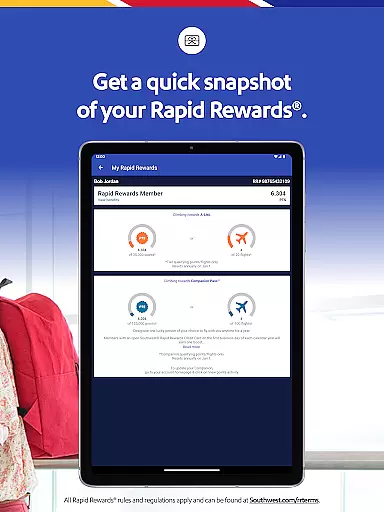
When booking through the app, users can view all associated costs upfront, including taxes and additional fees. For instance, the app provides options to redeem Rapid Rewardsu00ae points for qualifying purchases, making it easier for users to see how their rewards can offset travel expenses. Furthermore, the app displays available discounts and promotions, enabling travelers to take advantage of cost-saving opportunities.
In addition to displaying prices clearly, the Southwest app offers multiple payment methods, which enhances the transparency of financial transactions. Users can select from PayPalu00ae, Flex Pay, credit/debit cards, and Southwest LUV Vouchersu00ae, knowing exactly how much they will be charged at each step. This clarity extends to managing reservations, where users can easily apply unused flight credits and gift cards.
Overall, the Southwestu00ae app's commitment to price transparency empowers travelers to plan their trips confidently, knowing that they have a complete understanding of their financial commitments. By presenting all costs openly and providing flexible payment options, the app ensures a transparent and hassle-free booking experience.
User-friendly interface
Comprehensive travel management
Rapid Rewards integration
Mobile boarding passes
Vacation package booking
Limited international TV options
Occasional bugs reported
Requires stable internet
Some features need WiFi
Payment issues occasionally

Navigate your world faster and easier with voice navigation & street view map
 4.20
4.20
OFFLINE detailed information about the Florida National and State Parks
4.5
Every Diners, Drive-in & Dives location in one place! Your guide to Flavortown!
3.00
Listen live to pilots and air traffic controllers around the world
3.80
It drives. You ride.
4.90
All-in-one delivery and taxi app. Ride, food, & grocery delivery app.
4.80
Maps, Wait Times, Park Hours
4.40
Rent the perfect car for wherever you’re going
4.90
The United app puts valuable travel information in the palm of your hand.
4.70
One app, 300,000+ travel experiences, tours, and tickets you’ll remember.
4.90
Find your perfect somewhere with last minute hotel & travel deals!
4.80
Manage your travel on Delta with access to boarding passes, flight info & more.
4.80
Navigation on hikes is no longer a problem. Download the map, put notes and go!
4.60
Get all MTA services, Subway, Bus, LIRR, Metro-North and More all in one place.
4.60
The best way to book travel
4.60
Stack Upside with your current credit & debit rewards for even more cash back!
4.50
Everything you need for your trip in one place with the Volaris app.
3.60
View delays, closures, and weather-related conditions on Missouri state roads.
3.30
The #1 Parent App in Brevard County
4.4


User Reviews