
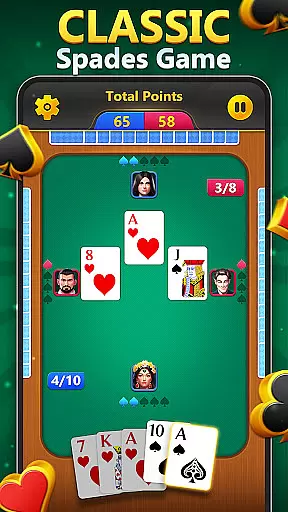
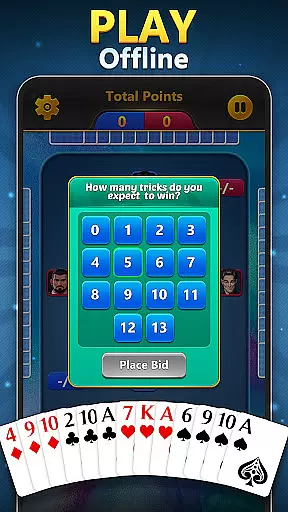
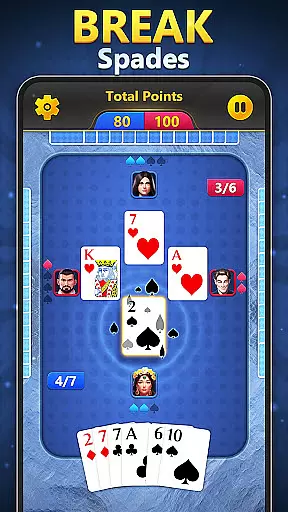

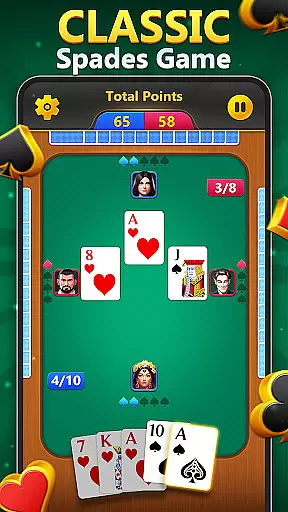
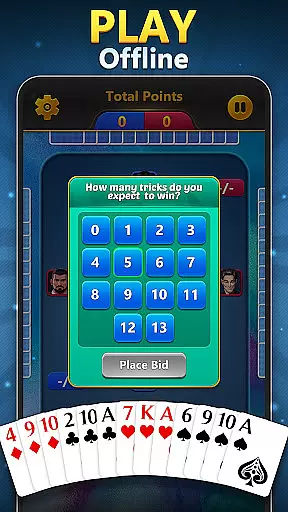
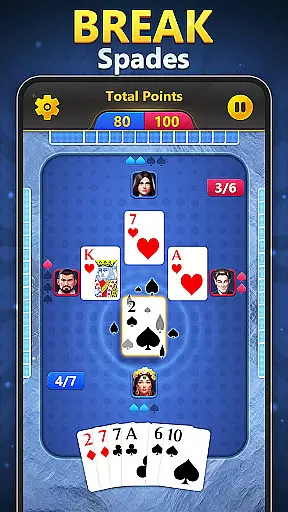

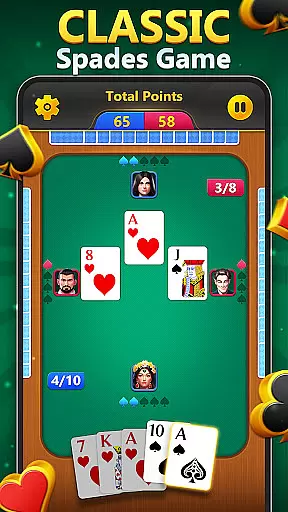
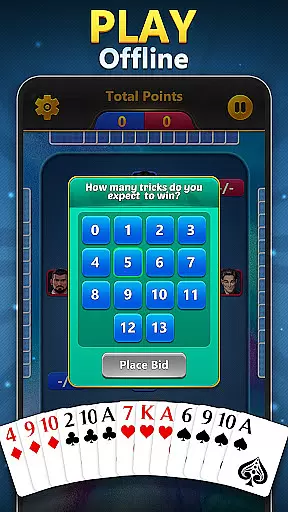
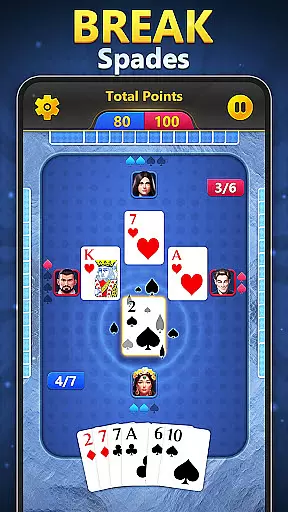

Spades - Classic Card Games brings the timeless excitement of trick-taking card games to your mobile device. Designed for both seasoned players and newcomers, this app offers a challenging yet relaxing experience that sharpens strategic thinking while providing entertainment. The game features classic Spades gameplay with modern enhancements like expressive emojis, fun animations, and offline play options.
Whether you're looking to unwind after work or engage in friendly competition with family and friends, this app delivers an immersive card-playing experience. Its intuitive interface and engaging mechanics make it suitable for all ages. With no Wi-Fi required, users can enjoy seamless gameplay anytime, anywhere, making it a versatile choice for casual gamers and card enthusiasts alike.
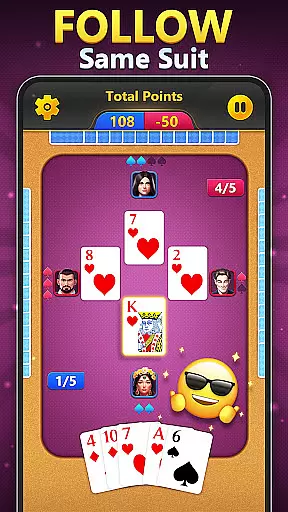
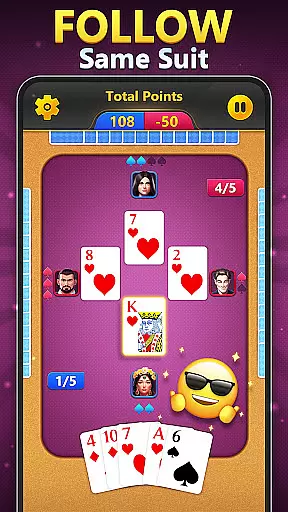
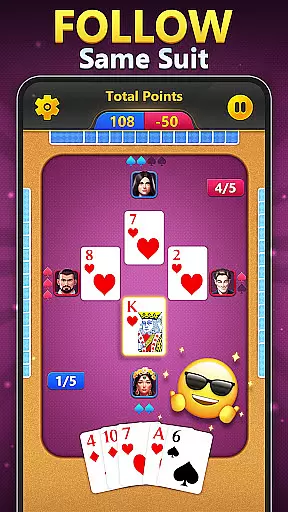
Spades - Classic Card Games stands out with its rich feature set tailored for an optimal user experience. One of its key highlights is the ability to play offline against AI bots, ensuring uninterrupted gaming even without an internet connection. Players can use expressive emojis during matches, adding a layer of interaction and personality to each game session.
The app also includes visually appealing winning animations that enhance the overall enjoyment factor. Additionally, its straightforward bidding and trick-taking mechanics are complemented by a scoring system where players aim to reach 500 points. This balance of simplicity and strategy ensures that every round remains engaging while encouraging players to refine their skills over time.
In the realm of card games, ensuring Random Number Generation (RNG) fairness is paramount for an authentic and trustworthy gaming experience. Spades - Classic Card Games places a strong emphasis on this aspect, guaranteeing that every shuffle and deal is completely random and unpredictable. This commitment to RNG integrity ensures that each player's success or failure in the game is determined solely by their skill and strategy, rather than any underlying bias in the game mechanics.
The developers behind Spades have implemented industry-standard algorithms to certify the randomness of card distribution. These algorithms undergo rigorous testing and third-party audits to verify their fairness. As a result, players can be confident that they are engaging in a fair contest with each hand dealt, mirroring the unpredictability of physical card games. This level of certification not only enhances the credibility of Spades but also elevates the overall enjoyment, as gamers can focus on honing their bidding and trick-taking strategies without concern for manipulated outcomes.
For enthusiasts who appreciate the nuances of classic card games like Hearts, Euchre, and Whist, the assurance of RNG fairness in Spades - Classic Card Games offers peace of mind and a foundation for genuine competition. Whether playing solo against bots or challenging friends and family, users can immerse themselves fully in the strategic depth of Spades, knowing that every victory is earned through wit and wisdom alone.
A seamless and responsive control system is crucial for maintaining immersion and enjoyment in digital card games. Spades - Classic Card Games excels in providing fluid controls that ensure swift and accurate input recognition, allowing players to execute their moves with precision and ease. The interface has been meticulously designed to minimize input latency, creating a smooth gameplay experience that keeps pace with even the most rapid tactical decisions.
Players will find that navigating through bidding phases, selecting cards, and following suit is an intuitive process thanks to the game's optimized touch mechanics. The absence of noticeable delay between decision and action means that users can maintain their focus on strategy rather than being distracted by sluggish responses. This immediacy not only enhances the flow of play but also contributes significantly to the satisfaction derived from executing well-planned maneuvers within each round.
Furthermore, Spades' dedication to minimizing input latency extends beyond mere convenience; it directly impacts competitive dynamics. In high-stakes situations where timing can influence the outcome, having reliable and instantaneous controls provides a distinct advantage. For both seasoned Spades aficionados and newcomers alike, this attention to control fluidity ensures that every match remains engaging, challenging, and ultimately rewardingu2014a true testament to the timeless appeal of classic card gaming adapted for modern devices.
User-friendly interface
Offline multiplayer available
Vibrant winning animations
Engaging trick-taking gameplay
Customizable emoji expressions
Limited social features
No advanced tutorials
Basic graphics design
Few customization options
Occasional performance lags

The official digital adaptation of the beloved card game Morels.
 4.70
4.70
This classic partnership trick-taking card game is always ready to play!
4.60
Spider Solitaire Pro, classic Spider Solitaire Klondike game,as Freecell,Pyramid
4.20
Euchre Offline! Master strategy fun, install and play NOW!
4.70
Learn how to play BlackJack, when to Hit, Stand, Split, Double or Surrender.
4.60
Strategy and luck combine in our favorite partnership card game.
4.4
A unique card-based rogue-like with more than a hundred hours of content!
3.90
A fresh take on traditional solitaire card games
4.50
Swipe left, swipe right, be the King.
4.50
Classic Solitaire game you love! Offline, easy, and relaxing!
4.80
Play and Master the Fun Classic Card Game Online & Offline
4.70
Play anywhere anytime the most popular card game
4.70
Restore and customize the truck exclusively to your own through Solitaire!
4.60
Easy play. Relax with daily solitaire fun!
4.60
Spider Solitaire - Relax and Play Classic Spider Game for Easy Daily Fun
4.60
Play Solitaire card game and experience pure brain training.
4.50
Play classic Spider Solitaire & Spiderette! Daily challenges, badges & events!
4.50
Become a hero or a villain as you make choice in the fairy Middle Ages!
3.50
GWENT: Rogue Mage is a single-player expansion to GWENT: The Witcher Card Game
3.50


User Reviews