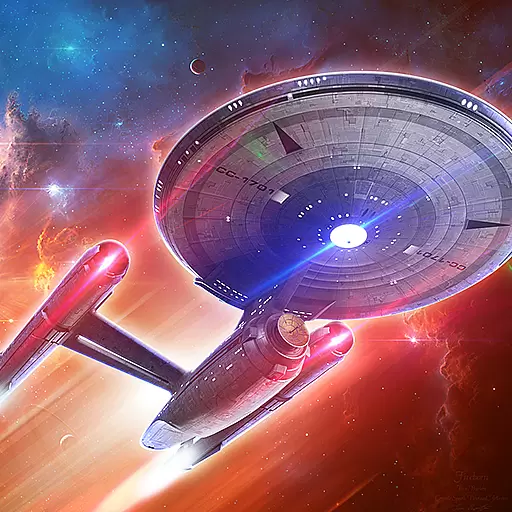
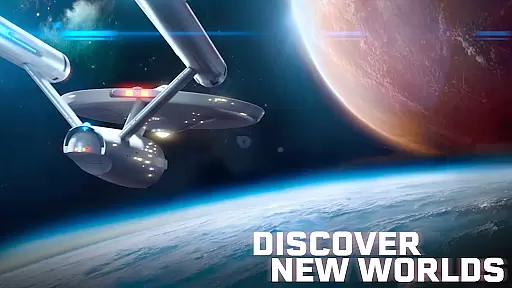
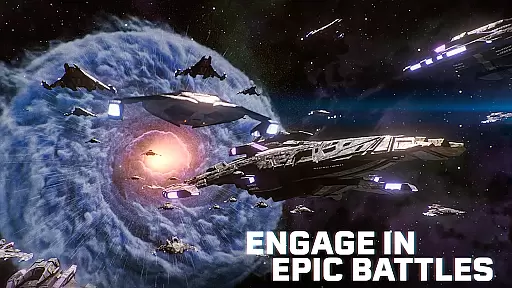
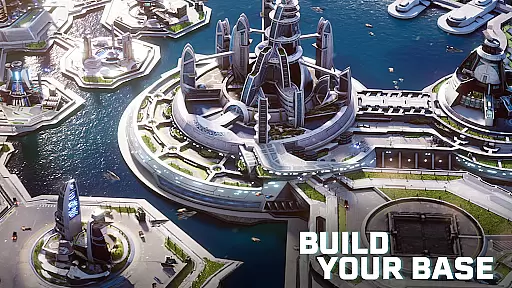
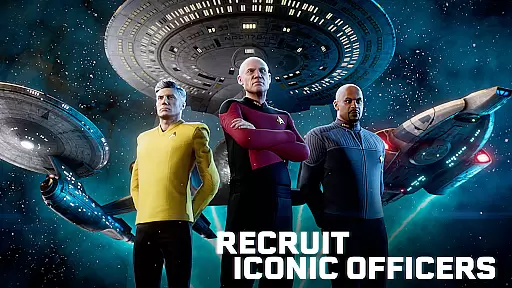
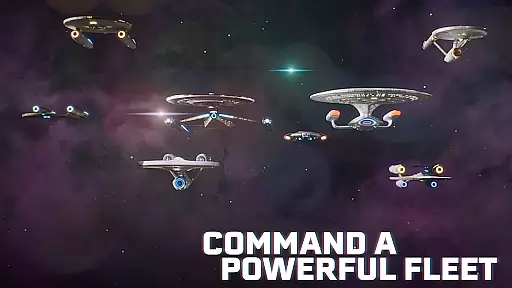
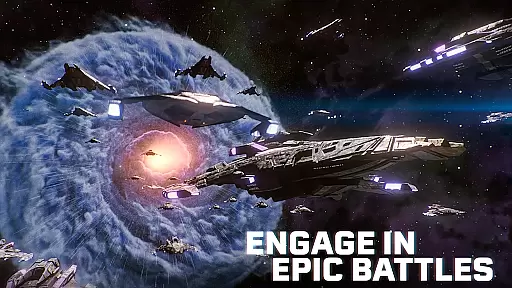
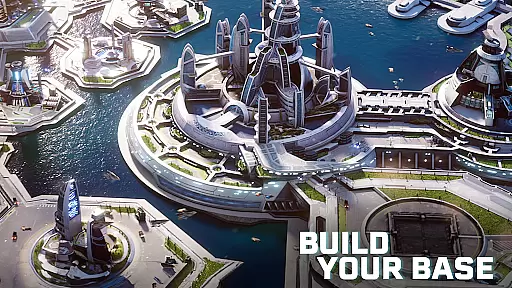
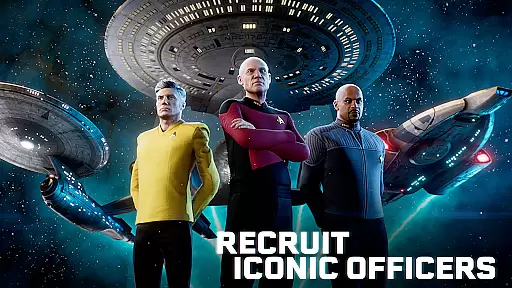
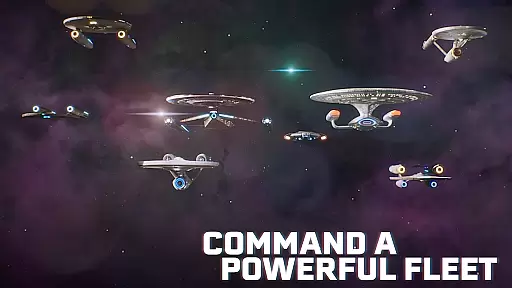
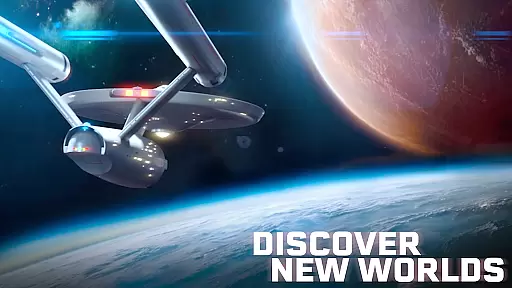
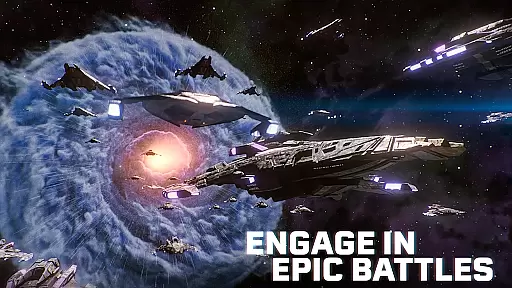
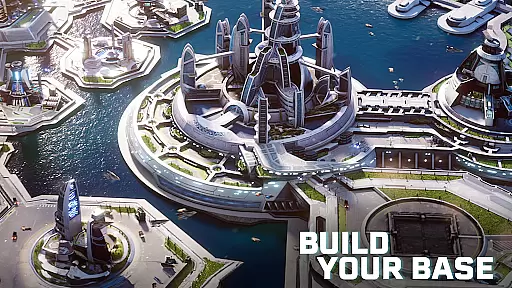
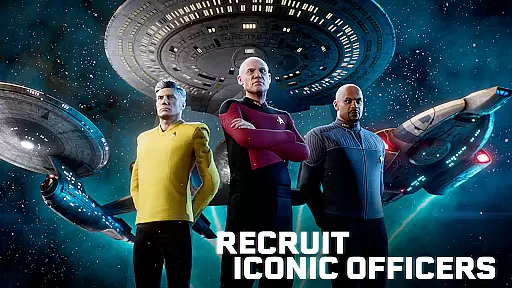
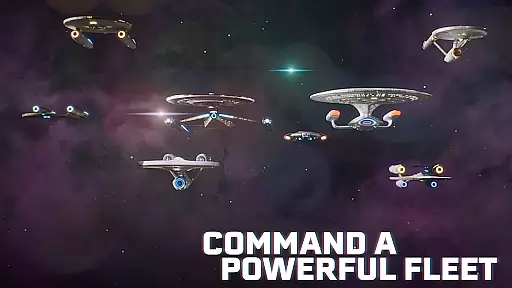
Star Trek Fleet Command is a strategy game that immerses players in an intergalactic universe. As the commander of a star base, you will recruit iconic officers and build fleets to conquer the galaxy. The game features epic conflicts, strategic RPG gameplay, and an interactive storyline set in the Kelvin Timeline.
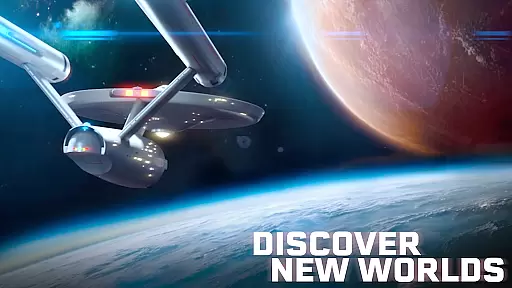
Players can explore new worlds, engage in battles, negotiate peace, and manage resources. With multiplayer capabilities, users can join alliances and compete with thousands of other players online. The game offers a deep Star Trek experience with storylines from various series and films.
This game is ideal for fans of strategy games and the Star Trek franchise, offering a rich universe to explore and control.
Star Trek Fleet Command offers a variety of features that make it stand out. Players can collect, build, and upgrade iconic ships while deploying famous officers with unique abilities. Engage in diverse missions ranging from helping locals to negotiating peace.
The game includes a dynamic online multiplayer experience where players can form alliances and dominate star systems. Resource and technology management are crucial as players build and defend their star bases.
With an evolving storyline and monthly updates, players encounter various characters and environments. The game is accessible in multiple languages, ensuring a broad reach and immersive experience for all Star Trek fans.
In Star Trek Fleet Command, strategic depth is not just about combat but also diplomacy and resource management. As a commander, you must make complex decisions that affect your standing with different factions like the Federation, Klingons, and Romulans.
The game challenges players to think critically about their next moves. Whether it's choosing which star systems to conquer or deciding when to form alliances, each decision can have lasting consequences on your gameplay experience.
Players will find themselves deeply engaged in an intricate web of strategy where every choice matters. From managing resources for ship upgrades to deploying officers with unique abilities, the depth ensures long-term engagement and satisfaction.
Faction balance in Star Trek Fleet Command is meticulously crafted to ensure fairness and competitiveness among players. Each faction - be it Federation, Klingon, or Romulan - comes with its own strengths and weaknesses, providing a unique yet balanced gameplay experience.
Units within these factions are also carefully balanced. Iconic ships such as the U.S.S. Enterprise or Klingon Bird of Prey offer varied tactical options without overpowering others, maintaining equilibrium during battles.
This balance extends beyond mere stats; it influences how players approach missions and conflicts. By ensuring no single faction dominates, the game encourages diverse strategies and promotes fair play across all users.
Deep strategic gameplay
Iconic Star Trek characters
Engaging storyline
Multiplayer capabilities
Regular updates
Complex for beginners
Requires time investment
In-app purchases
Occasional bugs
High system requirements

Top, bake, and serve seasonal pizzas in Papa's Pizzeria HD!
 4.80
4.80
roguelike, idle strategy, defense, build castle, defend wall
4.60
Lead epic space marines in a rts galaxy full of sci fi offline strategy games!
4.40
Play the classic strategy board game on the go! Team up with friends or go solo!
3.10
Build your own power trip in this humorous city-builder with a political twist.
4.40
Get Permit From Euro Truck Simulator Driving School & Cargo Oil Tanker Trailer
4.20
Crash Zombie With Your Wisdom
4.50
Papa's Burgeria is now available to play on the go!
4.40
A strategy game without all the headache? We got you covered!
5.00
Rush into epic tower-defense battles: lead a strategy & defend the elven kingdom
4.80
Lead your forces to victory in Korea and Vietnam in this Cold War strategy game.
4.70
Fry and serve delicious donuts in Papa's Donuteria To Go!
4.70
Craft tasty chicken sandwiches and swirled slushes in Papa's Cluckeria To Go!
4.70
Run or Die! Zombie Survival Defense
4.50
Turn-based tactical team battle RPG set in the Warhammer 40k universe!
4.50
New Maya Civilization!
4.50
Hello Commander. Please board the Elmo and set off into the breaking dawn.
4.50
An MMO Wargame by the Rise of Kingdoms Team
4.50
Merge to upgrade! An innovative strategy war game! Join with us in this Top War
3.90


User Reviews