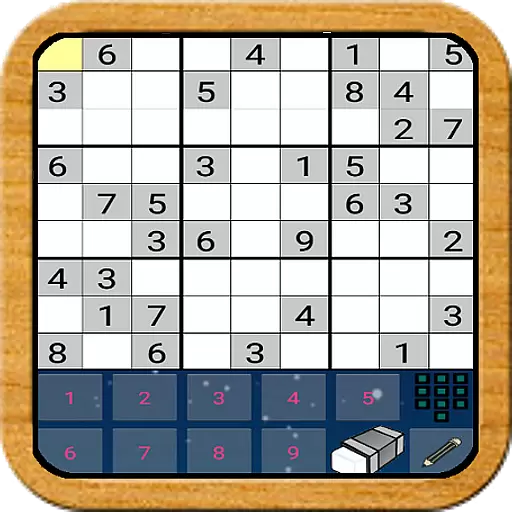
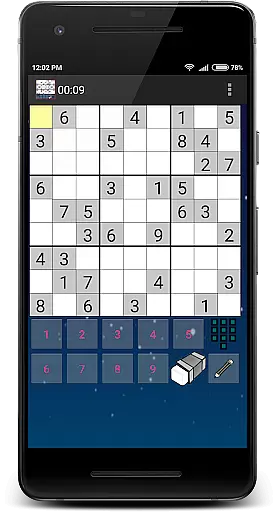
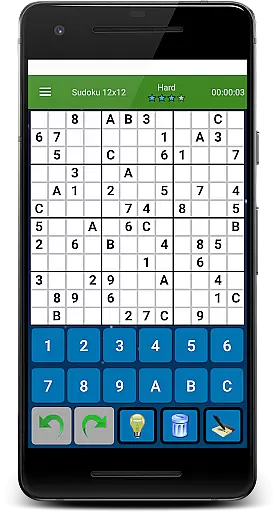
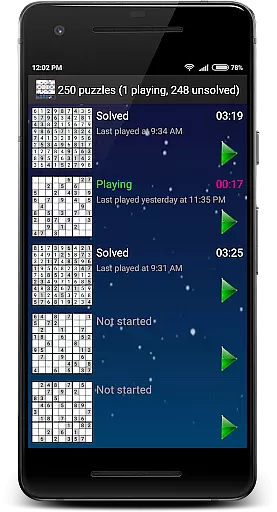
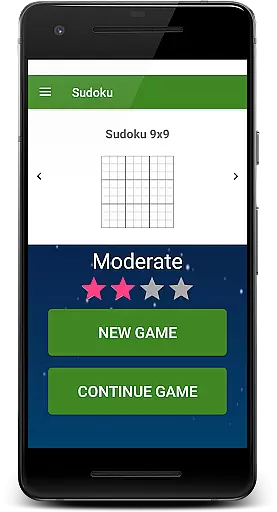
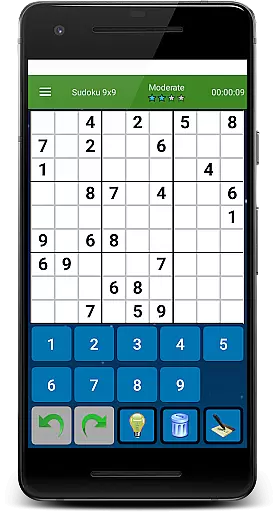
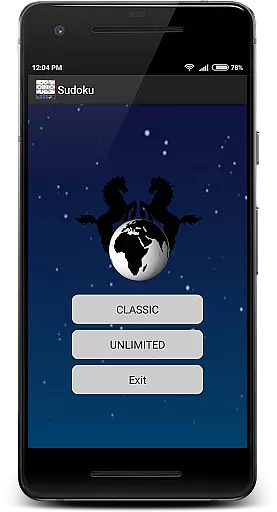
Sudoku Ultimate Offline puzzle is a classic logic-based number-placement game that challenges players to fill a 9x9 grid with digits. The goal is to ensure each column, row, and 3x3 sub-grid contains all numbers from 1 to 9 without repetition. This app offers both Classic mode with 1000 unique puzzles across four difficulty levels and Unlimited mode with customizable grids like 6x6, 9x9, and 12x12.
Designed for true Sudoku enthusiasts, the app provides an ad-free experience and includes innovative features such as game time tracking and history logs. Whether you're a beginner or an expert, this app delivers a seamless offline experience, making it perfect for brain-training sessions anytime, anywhere.
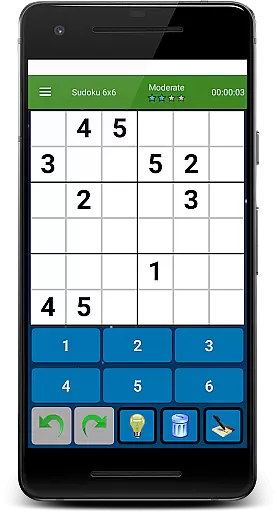
This Sudoku app stands out with its versatile gameplay options. Players can choose between Classic mode, which includes 1000 thoughtfully designed puzzles, or Unlimited mode, offering three grid sizes (6x6, 9x9, and 12x12) and four difficulty levels based on solving strategies rather than the number of pre-filled cells.
Additional features include a completely free-to-play model with no ads, game time tracking, and a detailed history log. Designed under the GNU General Public License, the app ensures accessibility and transparency while providing a premium Sudoku experience tailored for both casual players and hardcore puzzle solvers.
Sudoku Ultimate Offline puzzle upholds the authentic rules of classic Sudoku while offering flexible gameplay options. The primary goal remains to fill a 9x9 grid so that each column, row, and 3x3 sub-grid contains all digits from 1 to 9.
This game innovates by providing two gameplay styles: Classic and Unlimited. The Classic mode features 1000 unique puzzles across four difficulty levels, ensuring an authentic experience for traditionalists. Meanwhile, the Unlimited style introduces three different grid sizes, including 6x6, 9x9, and 12x12, allowing players to choose their preferred complexity and enjoy a flexible challenge.
Difficulty in this Sudoku app is determined not by the number of pre-filled cells but by the strategies required to solve the puzzles. This approach offers a genuine yet adaptable experience, catering to both beginners and seasoned players looking for a brain-teasing challenge.
Although Sudoku Ultimate Offline puzzle does not feature an AI opponent in the traditional sense, it provides an intelligent system that generates puzzles based on solving strategies rather than simply adjusting the number of set values. This method ensures high-quality challenges tailored to the player's skill level.
The game includes four difficulty levels, each designed to test different solving techniques. As players progress, they encounter increasingly complex puzzles that require advanced logical thinking, effectively simulating the challenge one might face against a skilled opponent.
Furthermore, the inclusion of various grid sizes and unlimited puzzles means that players will always find a suitable challenge. This variety keeps the gameplay fresh and engaging, offering endless opportunities to hone one's skills without the need for human or AI competitors.
User-friendly interface
No in-app ads
Multiple difficulty levels
Offline functionality
Customizable grids
Limited social features
No cloud sync
Basic UI design
Fewer updates
No multiplayer mode

The city of London has hired you to redesign their Underground lines!
 4.4
4.4
Strike sparks hard, but don't get charred!
3.00
Relaxing and challenging. Match all the tiles to solve the Majong puzzle.
4.70
Enhance your brain with vibrant visuals, enjoy 20,000+ stunning pics & puzzles!
4.50
Loop and Merge!
4.4
A brilliant tile placement game: build territories & French medieval landscapes
2.20
Sharpen your mind and relax with Classic Spider Solitaire! Offline card games!
4.80
Defuse a bomb with your friends!
4.80
The deck-building board game adventure !
4.70
Fantasy Christmas Color.Paint by number on holiday coloring book to relax.
4.90
Enjoy Mahjong Mingle: Large Tiles and Relaxing Puzzles for Seniors!
4.90
Become a chess master
4.70
Abstract Surreal coloring pages, color by number, relax coloring book, color app
4.70
Joyful color by number & paint by number in this relaxing coloring game!
4.60
Companion app for Final Girl boardgame
4.50
Dominoes online! Classic board games - Fives, Threes, Block and Draw Dominos!
4.40
Addictive, challenging and beautiful - test yourself in this ancient game!
4.30
Build an empire in around eight minutes!
4.20
Challenge friends in offline 2 player games. Play boxing, fighting, chess, snake
4.00


User Reviews