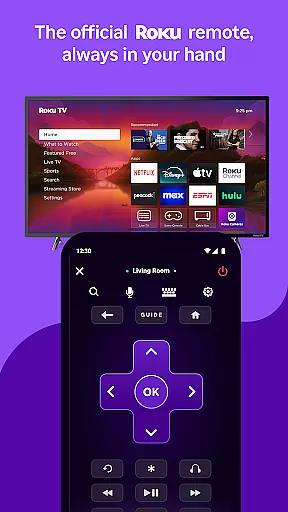
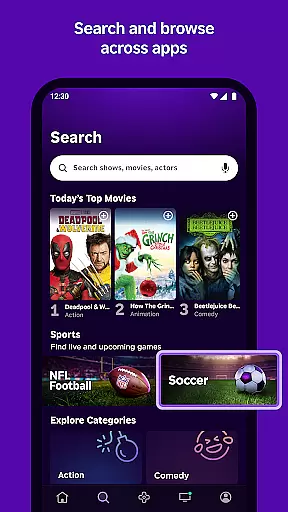
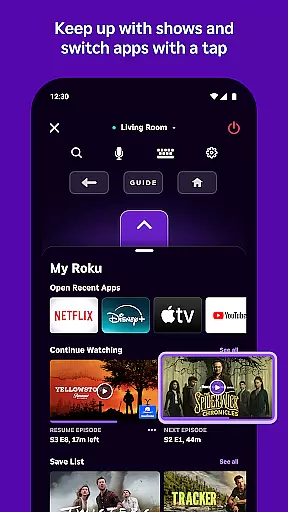
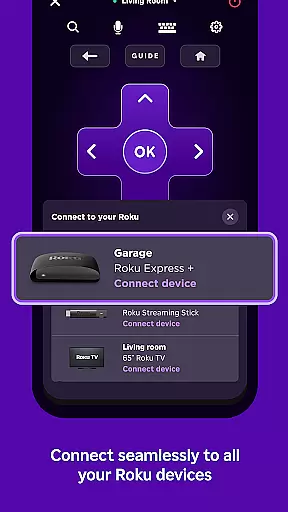
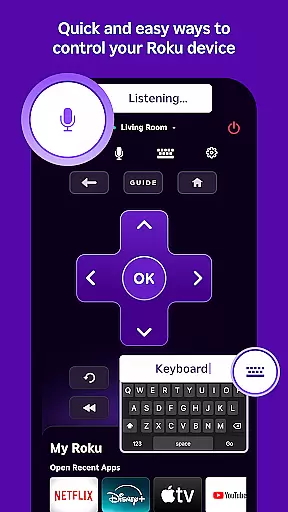
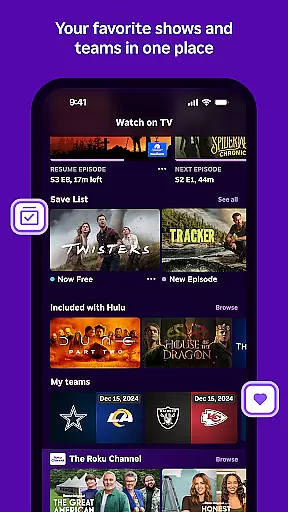
The Roku App is the ultimate streaming companion, designed to enhance your entertainment experience. This versatile application allows you to control Roku devices with an intuitive remote interface, making navigation seamless. You can also use voice or keyboard search to quickly find your favorite shows and movies.
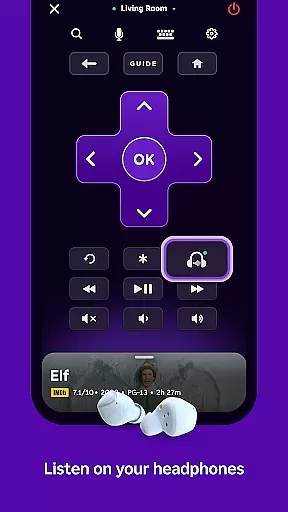
One standout feature is private listening, which lets you enjoy content through headphones without disturbing others. Additionally, The Roku Channel offers free access to movies and live TV on the go. With media casting capabilities, you can easily share videos and photos from your phone to your TV screen.
This app is perfect for users who want a centralized hub for managing their streaming activities while enjoying added convenience and flexibility in how they consume media.
The Roku App boasts several impressive features that cater to diverse user needs. Firstly, it provides a comprehensive remote control solution for all Roku devices, simplifying device management. Users can take advantage of advanced search functionalities using either voice commands or keyboard input, ensuring quick access to desired content.
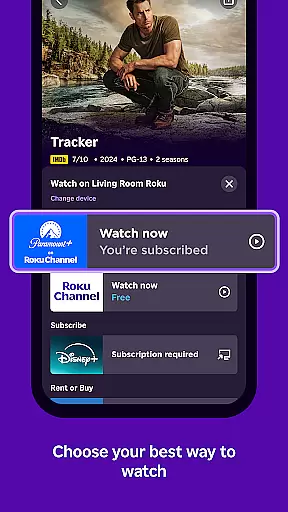
Private listening is another key feature, allowing users to immerse themselves in entertainment without external distractions. Furthermore, The Roku Channel extends viewing options by offering free movies and live TV directly within the app. Media casting adds another layer of utility, enabling users to display personal media files on larger screens effortlessly.
Lastly, the app facilitates easier text entry on Roku devices via mobile keyboards, streamlining interactions such as logging into accounts or searching for specific titles. These features collectively create a robust platform for enhancing home entertainment systems.
The Roku App offers a diverse range of content, ensuring users have access to the latest entertainment options. With The Roku Channel, you can stream free movies and live TV directly on your mobile device, providing an extensive selection of viewing choices.
Users can enjoy personalized recommendations based on their viewing habits, ensuring that they are always presented with fresh and relevant content. This feature is particularly beneficial for those who seek new shows and movies regularly.
In addition to streaming, the app allows casting of personal media files such as videos and photos from your phone to your TV. This versatility enhances user engagement by letting them share memories on a larger screen.
While some channels may require payment and availability can vary by country, the app consistently updates its offerings to keep up with current trends in entertainment, making sure there's always something new to watch.
User engagement is at the core of The Roku App's design, aiming to maximize the time users spend interacting with the platform. By offering convenient features like voice search and private listening, the app ensures a seamless experience that encourages longer usage sessions.
The ability to control Roku devices through the app serves as a significant retention factor. Users can easily navigate and manage their entertainment without needing multiple remotes, simplifying the overall interaction process.
Moreover, entering text on your Roku device becomes effortless with the mobile keyboard feature, reducing frustration and enhancing usability. These thoughtful additions contribute to sustained user interest over time.
By continuously updating available features and maintaining compatibility with various Roku devices, the app fosters a loyal user base that remains engaged due to the consistent value it provides in managing their home entertainment systems.
User-friendly interface
Voice search functionality
Private listening mode
Free Roku Channel access
Media casting support
Limited voice search regions
Restricted channel availability
Account login required
Network dependency
Device compatibility issues

Music visualizer and party effects for your Nanoleaf devices
 4.4
4.4
Stream over 80 hours of exclusive mashups and remixes by DJ Rehab.
4.2
Open-source, fast, simple and powerful IPTV app
4.90
Triple A is a highly complex, kinetic, and interactive visualizer.
4.50
Create and play realistic-looking mock Emergency Alert System messages.
4.30
Fool your friends & Family with Fake ultrasound test report
3.60
Series,Películas y Telenovelas
4.50
Unleash Your AI Imagination
4.60
Original short dramas with diverse genres for a rich viewing experience!
4.80
The OFFICIAL PeeWee Purpdrank Soundboard!
4.80
Catch the latest episodes of The Voice or live stream NFL games with The NBC App
4.20
Start EVP/Spirit Box tonight: real EMF, offline, recording. One-time purchase.
4.10
Binaural Brainwave Doses for Every Imaginable Mood
3.60
Connect. Discover. Control.
3.60
Explore the unknown!
3.00
Watch everything you want.
2.90
Simulation of Dashboard / Touch Screen for Tesla. (Works without actual Tesla).
4.1
A wonderful collection of the most beautiful sounds of animals and birds
4.4
Disney Stickers: Zootopia 2
4.3


User Reviews