
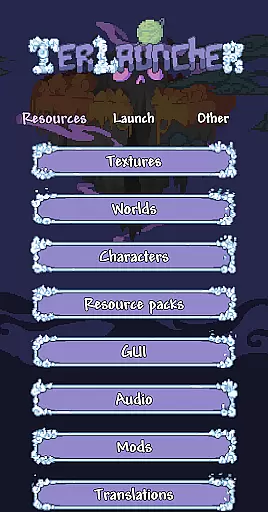
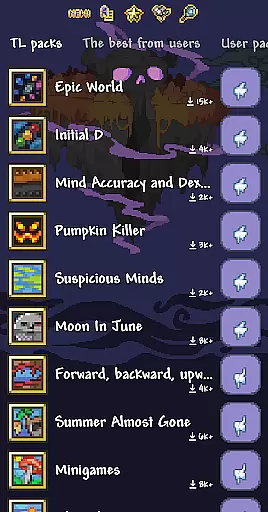
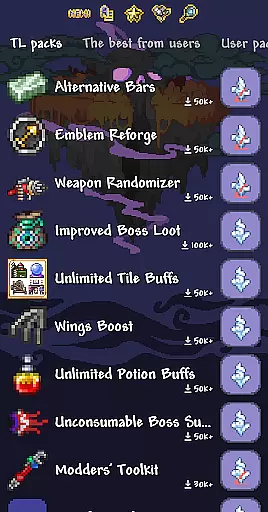
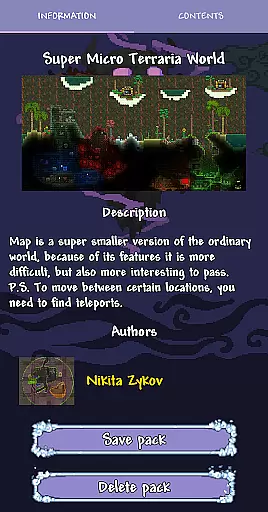
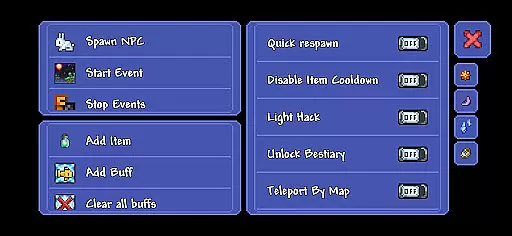
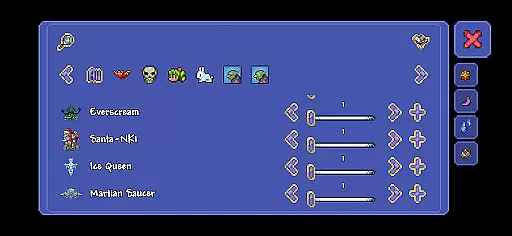
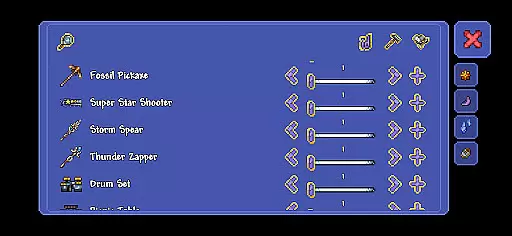
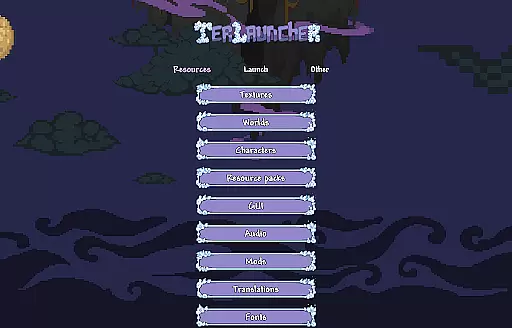
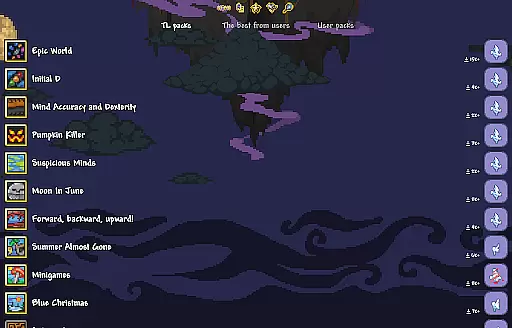
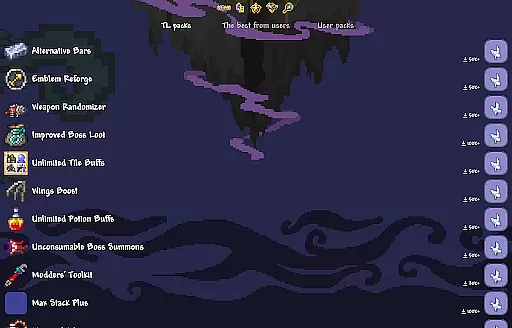
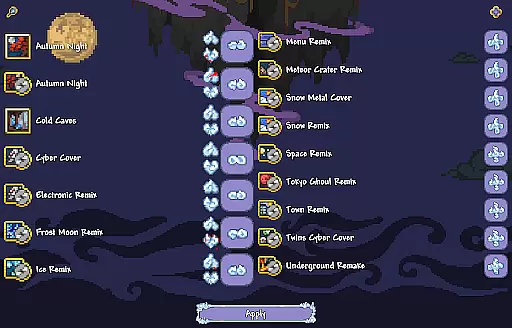
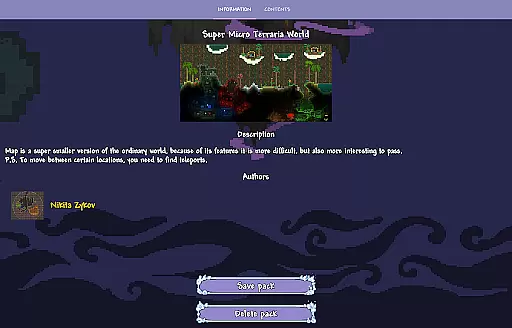
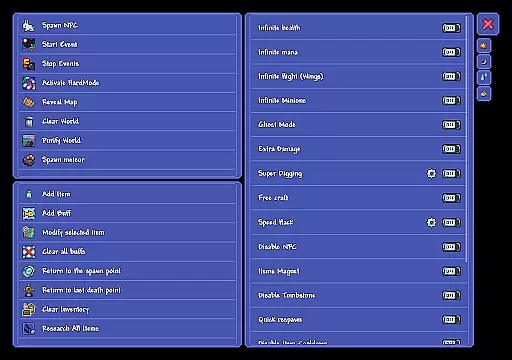
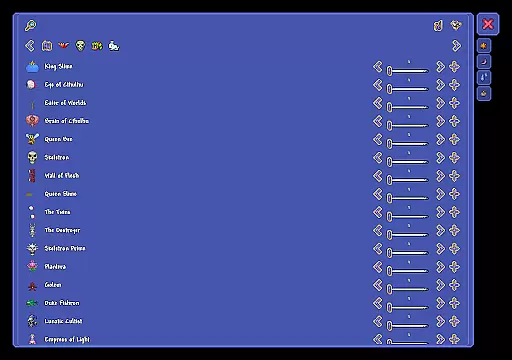
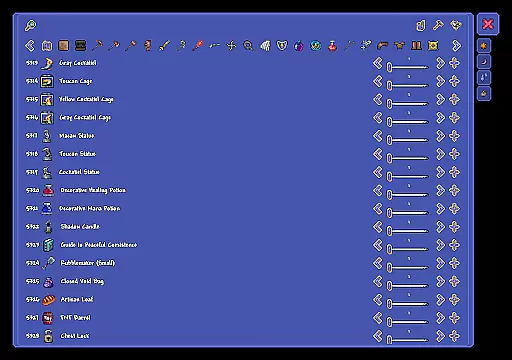
TL Pro is an advanced resource loader designed for Terraria players seeking to enhance their gaming experience. This app allows users to replace all game resources with custom content at any time, providing unprecedented creative freedom. With its built-in cheat panel, players can access various in-game functions during gameplay. The app also supports loading texture packs, worlds, and player profiles created by other developers, while enabling easy creation of personalized content. It's important to note that TL Pro is a third-party application and requires the official Terraria client for Android to function properly.
The program stands out in the Adventure category by offering tools for inventory editing and custom content management. These features provide gamers with the ability to modify their Terraria experience according to personal preferences. Whether you're looking to create unique game worlds or customize character appearances, TL Pro delivers the necessary tools to bring your ideas to life. The developers actively maintain the app through regular updates and community feedback integration.
TL Pro distinguishes itself through several key features that cater to Terraria enthusiasts. The primary functionality revolves around its comprehensive resource replacement system, which enables users to modify textures, worlds, and characters at will. This feature set includes the ability to enable or disable these custom resources instantly, providing maximum flexibility during gameplay sessions. The integrated cheat panel offers multiple functions that can be utilized while playing, enhancing the overall gaming experience.
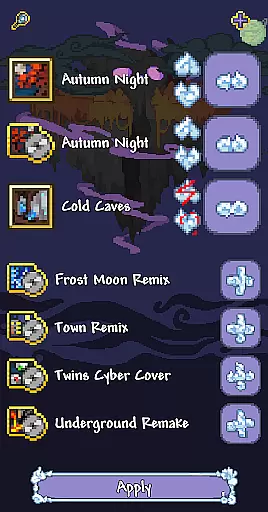
Another notable feature is the pack management system, which allows seamless integration of third-party developer content. Users can easily load pre-made packs or create their own collections of custom resources. The inventory editing tool provides precise control over character items and equipment. These features work together to create a robust customization platform that empowers players to personalize their Terraria adventures while maintaining compatibility with the official Android client.
Narrative depth and character engagement are crucial elements in any adventure app, providing users with an immersive experience. TL Pro offers a unique approach to enhancing these aspects by allowing players to replace game resources at any time, thus personalizing their journey through Terraria. This flexibility enables users to craft their own stories within the game, making each playthrough distinct.
By integrating a cheat panel with numerous functions, TL Pro further deepens user involvement. Players can experiment with different scenarios, altering gameplay in real-time to suit their narrative preferences. This level of interaction not only enriches the storytelling aspect but also strengthens the connection between the player and their in-game characters.
Moreover, the ability to load texture packs, worlds, and player sets from other developers or create custom ones adds another layer of narrative customization. Users can explore new environments and character designs, keeping the gameplay fresh and engaging. Such features ensure that TL Pro enhances both the depth of the narrative and the engagement of characters within the game.
Exploration freedom and world reactivity are key components that define the essence of adventure gaming. TL Pro amplifies these elements by enabling users to modify their gaming environment extensively. With options to edit characters' inventories and replace game resources, players enjoy unparalleled freedom in exploring the expansive worlds of Terraria.
The inclusion of a cheat panel with various functions empowers users to manipulate game conditions dynamically. Whether it's adjusting difficulty levels or experimenting with different gameplay mechanics, TL Pro ensures that the world reacts responsively to user inputs. This adaptability fosters a more interactive and responsive exploration experience.
Additionally, the capability to load resource packs crafted by other developers introduces diverse landscapes and challenges. Players can traverse through unique terrains and encounter novel obstacles, enhancing the sense of discovery. By offering such extensive exploration freedom and ensuring the world reacts vividly to player actions, TL Pro significantly elevates the overall adventure gaming experience.
User-friendly interface
Comprehensive customization options
Active developer support
Regular feature updates
Community-driven improvements
Requires official client
Third-party limitations
Potential compatibility issues
Limited official support
Android-only availability
Try to survive our survival games! Arrived last day on earth, zombie apocalypse!
 4.30
4.30
Point and Click adventure games with puzzles, mini-games, & immersive storylines
4.40
Mods for MCPE Addons.
4.50
Solve all plagues in the exciting point-and-click adventure Rusty Lake Paradise
4.70
Your Creation, Her Eternity
4.80
Four Jurassic adventures!
3.80
Lock, load, and fight! Join the elite. Defend, attack, survive.
4.50
DIG! FIGHT! EXPLORE! BUILD! Join the community of millions of Terrarians!
4.60
Break Through Time!
3.20
Craft, explore, fish, farm, and more in this sequel to the hit game Crashlands!
4.90
A Wuxia open-world RPG and a pixel version of martial world survival simulator
4.70
Incoherence is a fragmented point and click mystery adventure game.
4.40
Offline Shooting Games! Join the army commando mission, encounter the terrorists
4.30
The original's spin-off
4.10
The official mobile game of Garten of Banban 3!
4.00
Legends Unite!
3.90
Grand Theft Auto: Liberty City Stories
3.90
Build. Tame. Survive!
3.80
It is 100% accurate and rbx counter.
3.40


User Reviews