
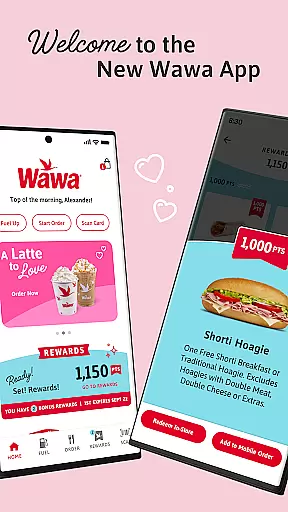
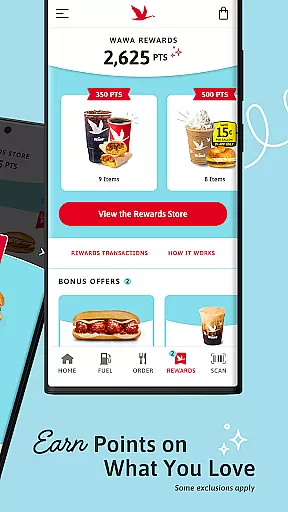
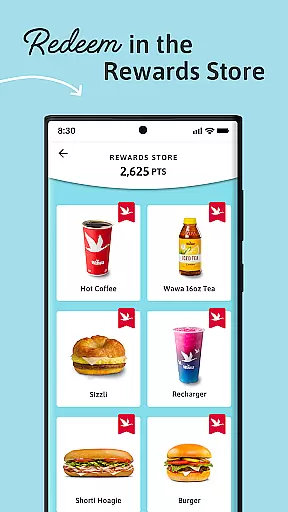
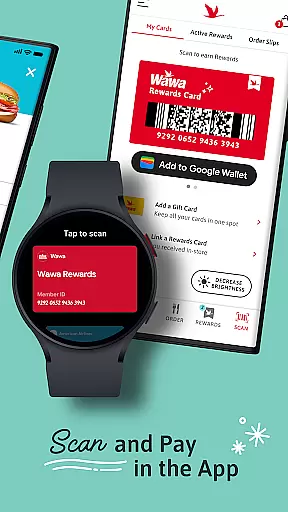
The Wawa App is a comprehensive food and beverage management tool that allows users to earn points through purchases and redeem them for their favorite items. With 10 points earned for every $1 spent, customers can enjoy exclusive rewards and promotions throughout the year.
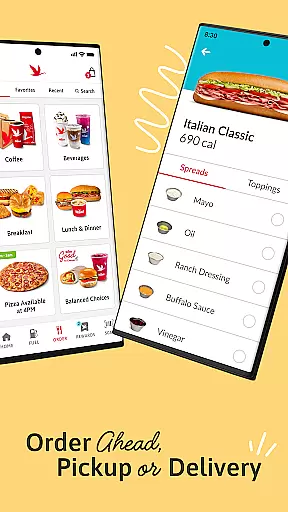
Users can browse the full menu, reorder favorites, or try new items with convenient order-ahead options including in-store pickup, curbside service, or delivery. The app also features integrated payment solutions like Wawa Gift Card, credit/debit cards, and Google Pay, making transactions seamless while earning points.
The Wawa App offers an extensive range of features designed to enhance user experience. Users can easily track their points balance and redeem rewards directly within the app's Rewards Store. The platform provides a streamlined ordering process where customers can browse the entire menu, save favorite orders, and schedule pickups according to their convenience.
Payment integration includes multiple options such as Wawa Gift Cards, traditional credit/debit methods, and digital wallets like Google Pay. Additionally, the app supports various pickup methods including in-store, curbside, and delivery services, ensuring flexibility and convenience for all users.
Locating your nearest Wawa store is now more convenient than ever with the Store Locator feature. This functionality uses advanced geolocation technology to pinpoint your current location and display nearby Wawa stores on an interactive map.
The app provides essential details such as store hours, address, and contact information for each location. This ensures that you can plan your visit during operational hours and reach out if you need specific services or products.
Moreover, the Store Locator goes beyond just showing locations. It allows users to filter results based on amenities like fuel stations, ATMs, or 24-hour services. This tailored search capability enhances user experience by catering to individual preferences and needs.
By integrating this feature, Wawa App not only simplifies finding a store but also enriches the overall customer journey through detailed insights into each outlet's offerings.
Wawa App revolutionizes how customers receive their orders by offering versatile delivery and pickup options. Users can place orders via the app and choose between in-store pickup, curbside pickup, or home delivery, providing unmatched convenience.
In-store pickup allows patrons to order ahead and collect their items without waiting in line. Curbside pickup takes it a step further by enabling customers to stay in their vehicles while staff bring out their purchases, streamlining the process even more.
For those preferring deliveries, the app partners with reliable delivery services to ensure timely and safe arrival of orders. The transparent tracking system keeps users informed about their order status from preparation to delivery.
This flexibility in receiving orders caters to diverse customer lifestyles, making every interaction with Wawa seamless and efficient.
User-friendly interface
Flexible payment options
Convenient order-ahead feature
Exclusive member promotions
Multiple pickup choices
Limited to Wawa locations
Points system has restrictions
Requires constant updates
Occasional technical issues
Not all items earn points

Krispy Kreme Mobile Ordering, Loyalty and Hot Light
 3.20
3.20
Easy and fast ordering, improved customization, and an enhanced guest experience
4.20
Restaurant Reservations
4.90
Monthly Perks. Fuel Discounts. App Exclusive Deals.
4.90
Papa Johns Pizza, delivering an awesome pizza ordering experience for Android!
4.80
Get exclusive food deals, earn rewards, fast reordering & order ahead options.
4.30
Good Fortune Awaits with Panda Rewards and the Panda Express® App.
4.70
Discover restaurants, reservations, food delivery, reviews & services near me
4.60
Mexican Food Pickup & Delivery
4.70
Easily Order, Earn Crumbs & Unlock Rewards!
4.80
Get Rewards, Easy Ordering & Exclusive Offers
4.70
The fast and practical app to help you make the best cocktails at home!
4.60
Find the perfect restaurant for any occasion on OpenTable.
4.60
The ultimate app to save recipes from Instagram, TikTok, Facebook & more.
4.60
Order ahead, receive points with qualifying purchase & redeem available rewards.
4.50
Order Beer, Snacks & More 24/7
4.20
Order from local pizzerias
4.20
Order Food, Track, and Earn Rewards
3.80
My Recipes Your personal recipe collection in one APP. Private, offline, adfree.
4.2


User Reviews