
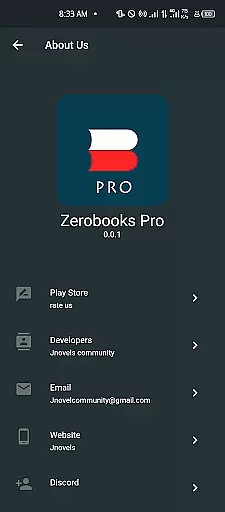
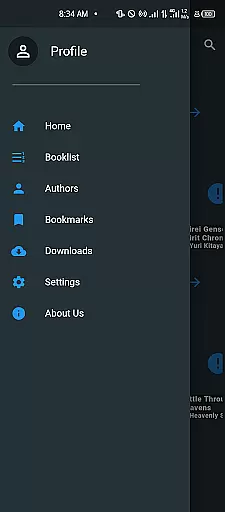
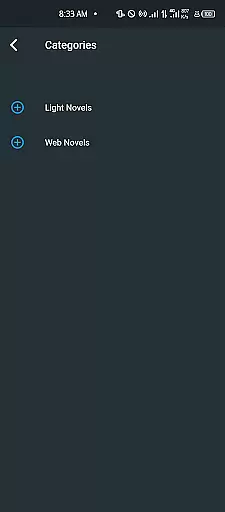
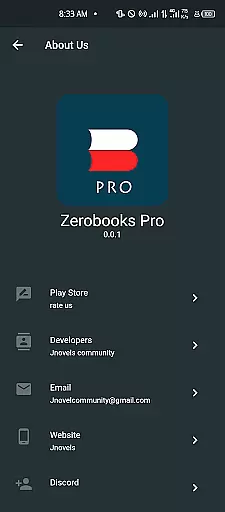
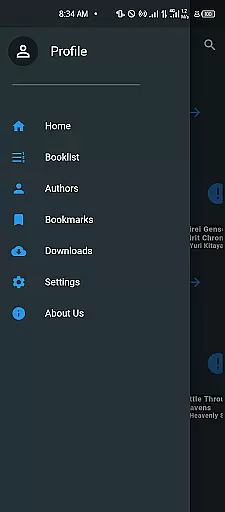
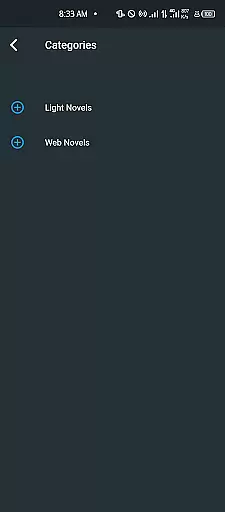
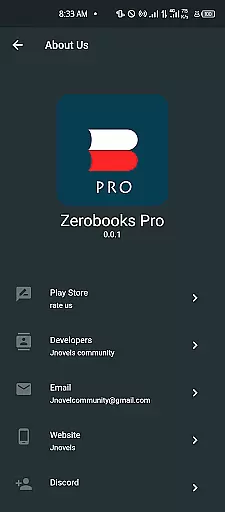
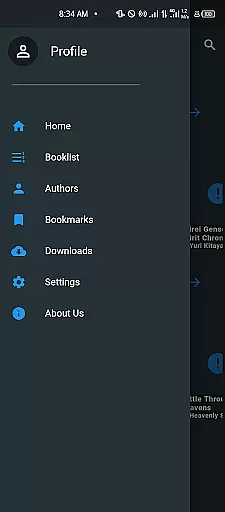
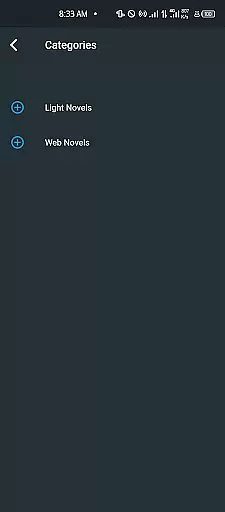
Zerobooks-pro is a comprehensive platform for Light Novel (LN) enthusiasts, offering an extensive collection of titles with detailed information and regular updates. The app allows users to browse through popular and newly released LNs while providing essential features such as bookmarking favorites for easy access.
With its smart search and filtering capabilities, users can effortlessly find specific LNs by title, genre, or keyword. Designed with a clean and intuitive interface, Zerobooks-pro caters to both casual readers and dedicated LN fans who value a clutter-free reading experience. Additionally, the app supports cross-device synchronization, ensuring that bookmarks and preferences are always accessible.
Whether you're tracking ongoing series or exploring new releases, Zerobooks-pro simplifies the process of staying connected to your favorite stories. Its additional features like an Epub Reader, Dictionary, Continue Reading, and Notes further enhance the overall reading experience, making it an indispensable tool for LN lovers.
Zerobooks-pro stands out with its robust set of features tailored specifically for Light Novel readers. One of its key highlights is the ability to bookmark favorite titles, allowing users to quickly access their preferred LNs without losing track of them. This feature ensures that readers can easily return to their favorite stories whenever they choose.
The app's smart search and filter functionalities enable users to find any LN by title, genre, or keyword efficiently. This makes navigating through the growing collection of LNs seamless and user-friendly. Furthermore, the clean and intuitive interface enhances the reading experience by eliminating unnecessary clutter, thus focusing solely on content delivery.
Zerobooks-pro also offers cross-device synchronization, which keeps all bookmarks and preferences intact across multiple devices. This ensures that users can transition smoothly between their phone, tablet, or computer without missing a beat. Additional features like the Epub Reader, Dictionary, Continue Reading, and Notes provide extra layers of convenience and functionality, setting Zerobooks-pro apart from other LN platforms.
When it comes to digital reading, the size and authenticity of an e-book library are crucial factors for avid readers. Zerobooks-pro offers a vast and expanding collection of Light Novels (LNs), ensuring that readers have access to both popular and new releases. Each LN is accompanied by detailed information, synopses, and regular updates, which not only enriches the reading experience but also guarantees the legitimacy of the content provided.
The app's commitment to copyright authenticity means that users can enjoy their favorite titles without concerns about legal issues or unauthorized content. This dedication to providing genuine material fosters trust between the platform and its users, encouraging a healthy reading ecosystem where authors and publishers are respected and acknowledged.
Moreover, Zerobooks-pro allows users to bookmark their favorite titles, making it easy to keep track of LNs they love. This feature ensures that readers can quickly return to their preferred stories, enhancing user engagement and satisfaction. By offering a seamless way to manage one's reading list, Zerobooks-pro makes the discovery and tracking of new and ongoing series an enjoyable experience.
For an optimal reading experience, format compatibility plays a significant role in accessing various types of e-books across different devices. Zerobooks-pro excels in this area by supporting multiple formats, including the widely-used EPUB format. This flexibility enables users to read their favorite Light Novels (LNs) on a variety of devices without worrying about format restrictions or conversion issues.
In addition to supporting standard e-book formats, Zerobooks-pro features an integrated EPUB reader, dictionary, and note-taking capabilities. These tools enhance the reading experience by allowing users to look up unfamiliar words, take notes directly within the text, and pick up where they left off with the 'Continue Reading' function. Such comprehensive support for reading-related activities demonstrates the app's focus on delivering a smooth and intuitive interface tailored for both casual and passionate LN readers.
Furthermore, Zerobooks-pro ensures that your bookmarks and reading progress are synced across all your devices. Whether you're at home or on the go, you can effortlessly switch between devices while maintaining a consistent and uninterrupted reading experience. This cross-device synchronization highlights the app's dedication to usability and operational smoothness, making it a reliable choice for managing your digital library.
User-friendly interface
Extensive LN collection
Smart search filters
Cross-device sync
Enhanced reading tools
Limited to Light Novels
No offline mode
Occasional bugs
Premium features cost
Ads in free version

Guide for dōTERRA® Products
 3.60
3.60
The Bible Audio Guide
4.80
Cute bedtime story for kids
4.30
Read the KJV Bible with Strong’s offline: reading plans, audio Bibles, and more.
4.70
Learn Thai with 195,000+ entries, crisp Thai sounds, big text; works offline.
4.80
"When tweetle beetles fight, it's called a tweetle beetle battle."
4.90
KJV Bible works offline with Audio, Hebrew & Greek lexicon (concordance) & more!
4.20
Daily Bible app: King James Version with verses and audio for studying&prayer
4.40
Read the Quran in Arabic alongside its translation, with color coded Tajweed.
4.50
Daily rosary and gospel reflections for catholic
4.90
Universal Zoom, learn about sizes & distances of the universe and microcosmos
4.80
Daily Prayer, personalized Bible Study, AI-guided Insights, and Spiritual Growth
4.80
Find, discuss, and organize your world of books and shows.
4.60
F9 Cookbook Mobile App
4.60
Unlock unlimited access to bestselling ebooks, novels, stories, and audiobooks
4.60
The ultimate military vehicle identification (Equipment ID) guide.
4.40
“There was one last piece of cake. My little sister said ‘Me too!’”
4.00
Read popular romance books and web novels on the fantastic ebook reader
3.50
The Psalms for singing
4.5


User Reviews