
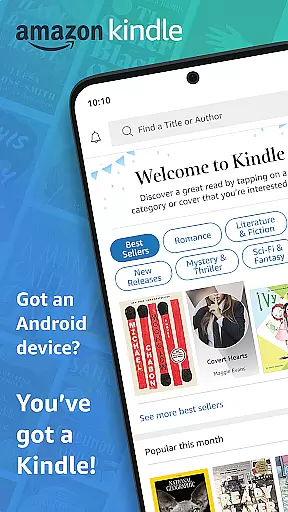
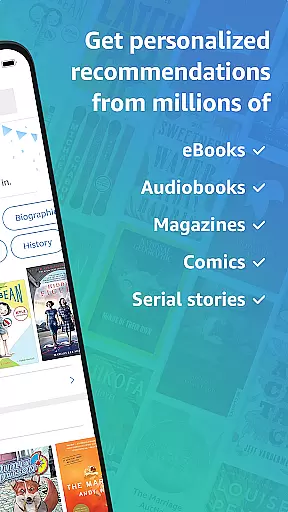
Amazon Kindle is the ultimate reading companion that transforms your mobile device into a portable library. With access to millions of books, magazines, audiobooks, and comics, it ensures you're never without something to read. Whether you're commuting or relaxing at home, Kindle offers an extensive selection across all genres, including Amazon Charts best sellers and Kindle Unlimited titles.
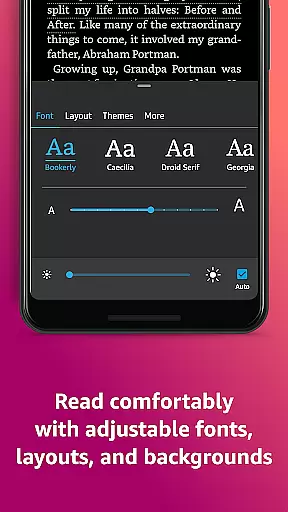
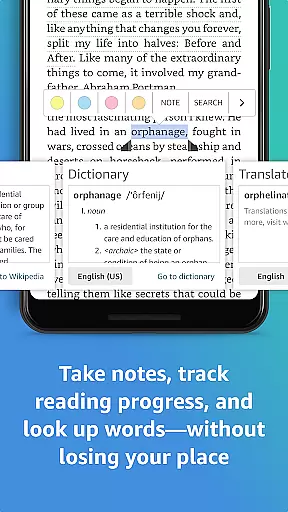
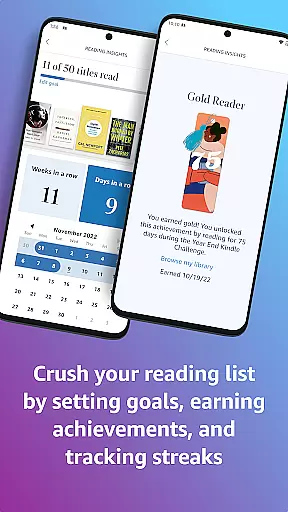
The app goes beyond traditional reading by offering customizable reading experiences. You can adjust text size, font type, margins, and even switch between portrait or landscape modes. Additional features like Page Flip, X-Ray, and real-time translations enhance your understanding and navigation through texts. The built-in dictionary and Wikipedia lookup make researching effortless while tracking your reading progress keeps you motivated.
Syncing seamlessly across devices, Kindle allows you to start reading on one device and continue on another without losing your place. This feature-rich app is perfect for avid readers who want flexibility, personalization, and an expansive content library at their fingertips.
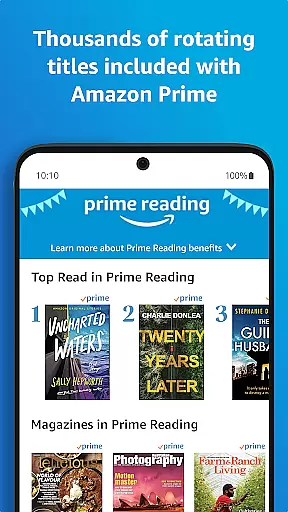
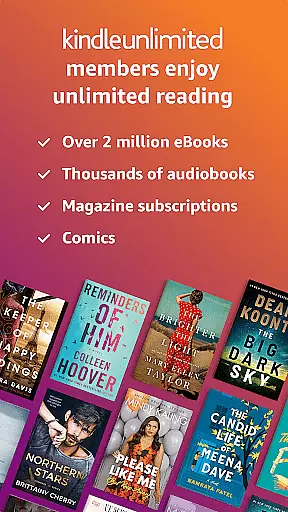
Amazon Kindle app stands out with its comprehensive features designed to enhance your reading experience. One of its key strengths is the vast content library, offering millions of titles ranging from best-selling novels to niche magazines. The inclusion of Kindle Unlimited and Amazon Prime Reading provides users with endless options, ensuring there's always something new to explore.
Customization is at the heart of Kindle's design. Readers can personalize their experience by adjusting text size, choosing preferred fonts, and setting page orientation. Advanced features like X-Ray give insights into characters and themes, while Page Flip allows easy navigation within the book. The app also supports high-definition color images, making it ideal for graphic novels and illustrated texts.
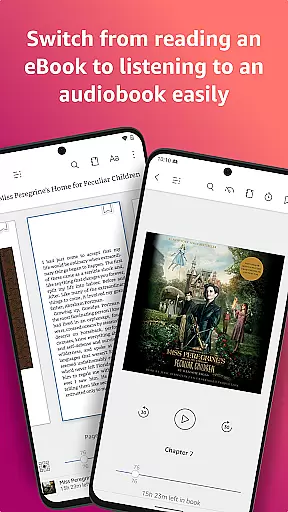
Seamless synchronization across devices ensures you can transition smoothly between your phone, tablet, and e-reader. Audiobook integration means you can switch between reading and listening effortlessly. These robust features collectively create an immersive environment that caters to diverse reading preferences and habits.
When evaluating an e-reader app like Amazon Kindle, the size and authenticity of its e-book library are crucial factors. The Kindle app provides access to millions of books, including bestsellers, new releases, and titles across various genres such as romance, science fiction, and nonfiction. This vast collection ensures that readers of all preferences can find something to suit their tastes.
Beyond sheer quantity, the app guarantees copyright authenticity by partnering directly with publishers and authors. This means users can trust that the content they access is legitimate and supports the creators. Kindle Unlimited members enjoy even more extensive reading options, with over a million titles available for unlimited reading.
The inclusion of additional content types like magazines, comics, and audiobooks further enriches the library. With features allowing users to sample books before purchasing, the Kindle app not only offers quantity but also quality and reliability in its offerings.
For any digital reading platform, format compatibility plays a significant role in user experience. The Amazon Kindle app excels in this area by supporting a wide range of formats, ensuring that users can access their preferred content without technical hindrances. Whether it's Kindle-specific formats or widely-used standards, the app accommodates diverse file types.
In addition to supporting multiple formats, the Kindle app allows seamless synchronization across devices. This means you can start reading on your phone during your commute and continue on your tablet at home, without losing your place or any annotations made along the way.
Furthermore, the app enhances accessibility through customizable reading settings. Users can adjust text size, font type, margins, and orientation according to their preferences. These features ensure that regardless of the original format, readers can tailor the presentation to suit their comfort, making the Kindle app a versatile tool for consuming digital content.
User-friendly interface
Extensive content library
Customizable reading settings
Cross-device synchronization
Integrated audiobook support
Occasional syncing issues
Limited offline functionality
Subscription fees for unlimited access
Ads in free version
Complex navigation for new users

Contains the 365 daily readings and everything other thing needed for catholics
 4.70
4.70
Flora of Virginia Project (www.floraofvirginia.org)
5.00
The Psalms for singing
4.2
Scan. Price. Grade.
4.60
Research your family history to explore ancestors and search for your heritage
4.50
A story reading app: Read stories, novels and books, or write your own.
3.90
Daily Bible app: King James Version with verses and audio for studying&prayer
4.40
World's most comprehensive dictionary app: 13 languages, all online or offline!
4.80
A highly sophisticated app for all of your mobile reading—any format, any time
4.50
King James Bible read offline, AI Priest, Bible Quiz, Guiding Prayers & Plans
4.80
This is the pro version King James bible Offline that we have
4.70
Translate into 100+ languages with the world’s most accurate AI translator.
4.70
8 Dr. Seuss short stories in 1 app!
4.70
Read unlimited novels, audiobooks, stories & Unlock ebooks, fanfiction and more!
4.70
Read aloud texts, audiobooks, PDFs or any eBook with text to speech AI audio
4.60
Read the romance stories on the go. Take my breath away, The Spoiled Girl
4.30
"BIG A, little a. What begins with A?"
4.10
A companion for prayer, with Azan alarm, Quibla direction, and Holy Quran book
4.10
Unlock more features in Lithium and show your support. Expand for details.
4.00


User Reviews