
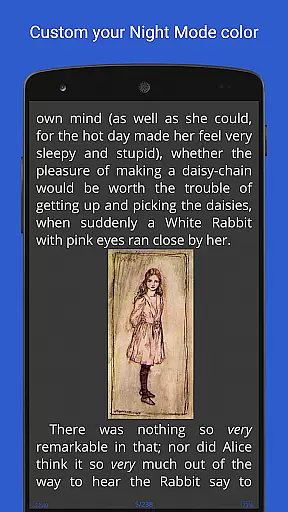
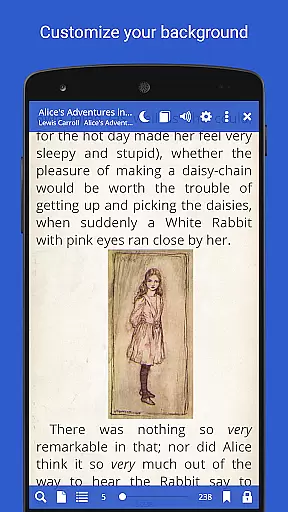
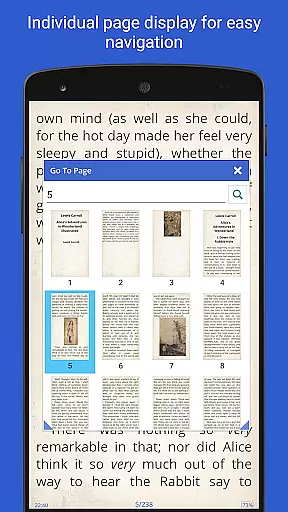
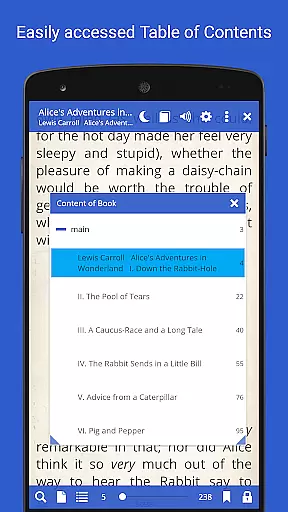
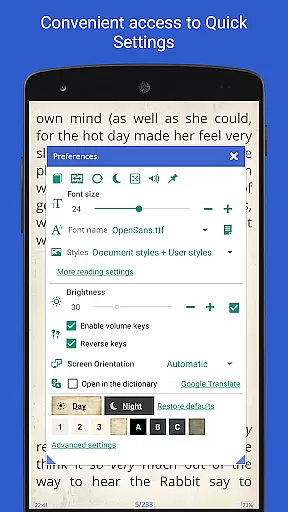
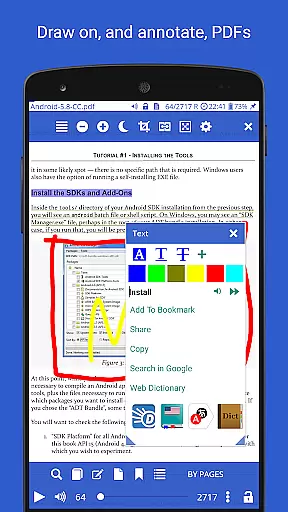
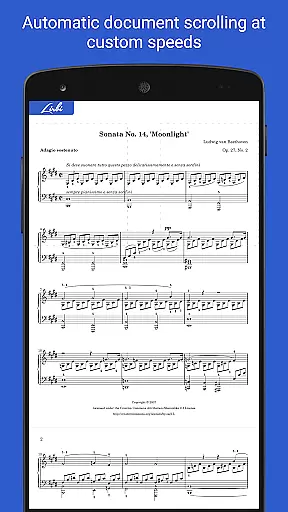
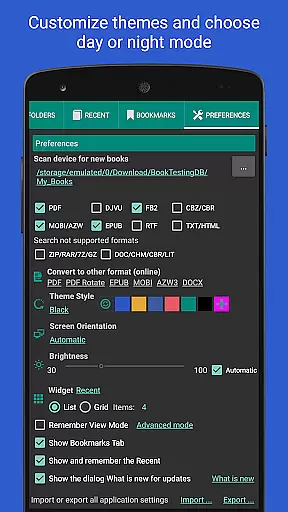
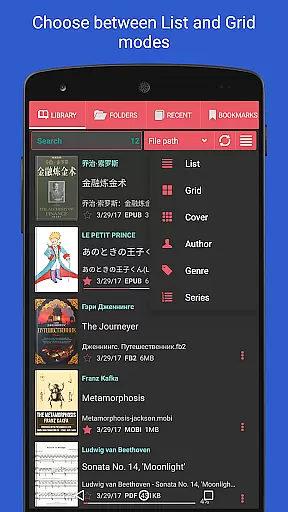
Librera PRO is a versatile and feature-rich reading application designed for book enthusiasts who require support for multiple document formats. This app supports PDF, EPUB, MOBI, DjVu, and many more, making it an all-in-one solution for digital reading. Its user-friendly interface offers configurable reading modes, including Day and Night options, and innovative features like RSVP reading and Musician's mode for hands-free scrolling.
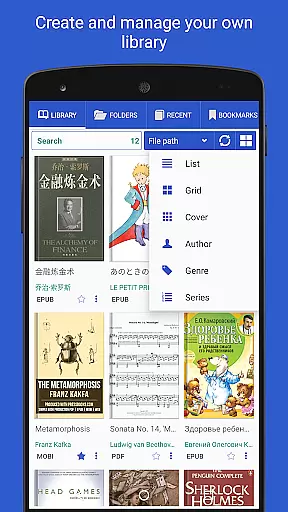
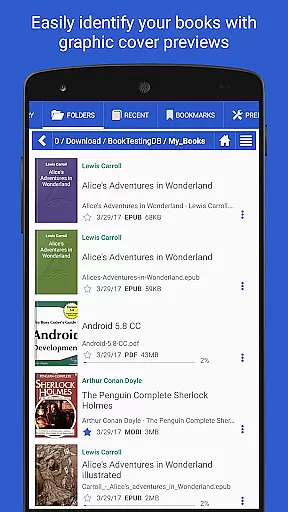
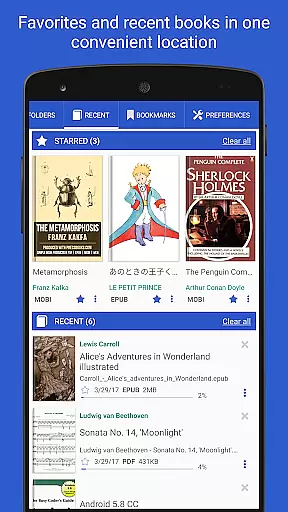
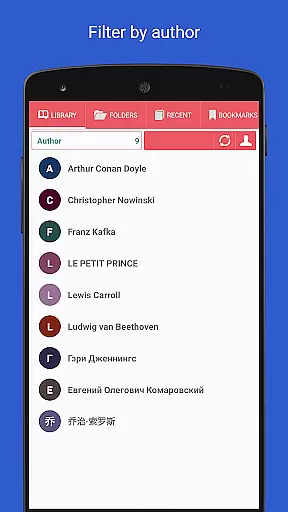
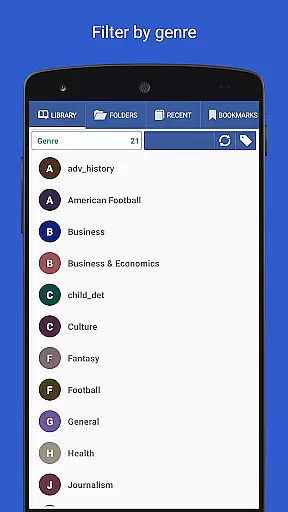
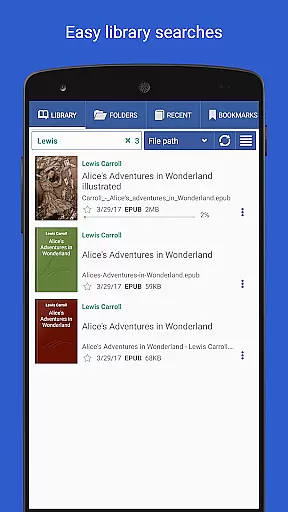
Beyond basic reading, Librera PRO allows users to create personalized libraries by scanning specified folders and organizing books with tags, filters, and progress tracking. The app also integrates online translators and offline dictionaries, ensuring users have the resources they need for an uninterrupted reading experience. Whether you're reading a novel or studying a technical document, Librera PRO enhances accessibility and convenience.
Librera PRO stands out with its extensive list of features tailored to enhance the reading experience. One of its key strengths is the ability to handle a wide variety of document formats, including archived books and right-to-left languages such as Arabic and Hebrew. The app provides advanced functionality like text reflow, annotations, and customizable CSS for a personalized look and feel.
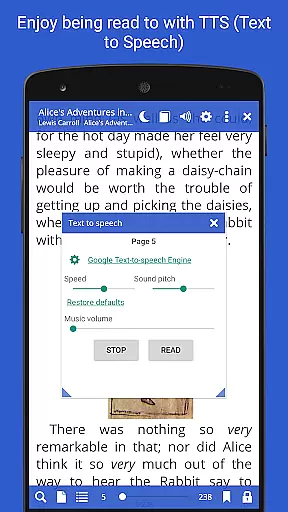
Another remarkable feature is its Musician's mode, which enables auto-scrolling at adjustable speeds, ideal for musicians or those who prefer hands-free reading. Additionally, the app supports TTS engines for read-aloud capability, online document conversion, and syncing of reading progress across devices. With options like vertical-scroll lock, dual-page viewing, and custom tags, Librera PRO ensures users can tailor their reading environment to suit their preferences.
Librera PRO offers an extensive e-book library that supports a wide array of document formats including PDF, EPUB, MOBI, and more. This ensures users have access to a vast collection of reading materials in their preferred format.
The app's support for various formats not only enhances the reading experience but also guarantees the authenticity of copyrighted materials by providing accurate rendering and proper formatting. Users can trust that the integrity of the original content is maintained.
With features like online document format conversion and support for archived books, Librera PRO makes it easy to manage and expand one's digital library. The ability to convert documents online adds another layer of convenience for users who wish to access content in different formats.
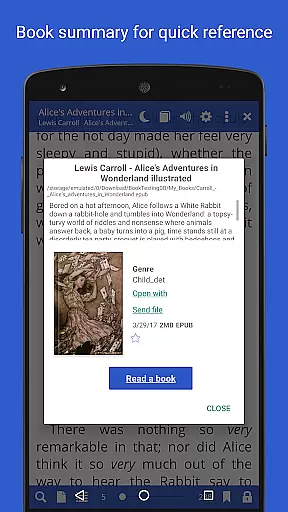
By allowing users to specify folders for auto-scanning, Librera PRO helps maintain an organized and up-to-date library. This feature ensures that all user content is easily accessible and properly categorized within the app.
One of Librera PRO's standout features is its exceptional format compatibility, accommodating everything from basic text files to complex formats such as EPUB3 and AZW3. This versatility allows readers to enjoy their favorite books without worrying about format restrictions.
The inclusion of right-to-left language support demonstrates Librera PRO's commitment to serving a global audience. Readers of Persian, Hebrew, and Arabic texts can enjoy their books with proper formatting and directionality.
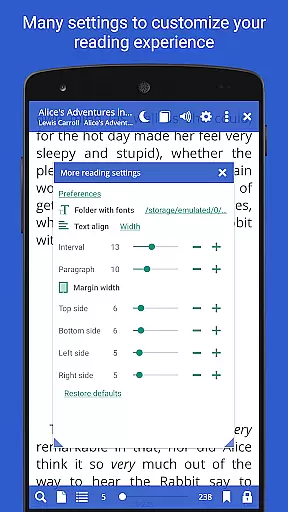
Advanced features like vertical-scroll lock and configurable page-flipping options enhance the reading experience across different formats. These customization options ensure that every book is displayed optimally according to individual preferences.
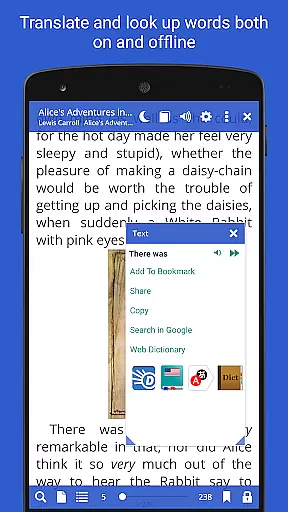
Furthermore, Librera PRO's integration with major offline dictionaries and online translators extends its functionality beyond mere reading. Users can engage with content in multiple languages while maintaining consistent format support throughout their reading journey.
User-friendly interface
Wide format support
Customizable reading modes
Advanced library organization
Offline dictionary integration
Paid PRO version required
Complex for beginners
Occasional performance lags
Limited free version features
Ad-supported base version

Pretty Moon information App with Complications and Tile
 4.30
4.30
Essential Technical Rescue Field Operations Guide 6, the Industry Standard Guide
4.20
7 Languages, Google, Wiki, Vocabulary.com, Cambridge & Urban Dictionary!
4.50
Read the KJV Bible with Strong’s offline: reading plans, audio Bibles, and more.
4.70
Read the romance stories on the go. Take my breath away, The Spoiled Girl
4.30
Read and study the Bible and other content in over 1,000 languages.
4.80
The Original & Authentic Crystals, Gemstones, Rocks & Minerals Encyclopedia.
4.60
All in one Calibre libraries on your phones and tablets.
3.80
Daily Prayer, personalized Bible Study, AI-guided Insights, and Spiritual Growth
4.80
Learn Thai with 195,000+ entries, crisp Thai sounds, big text; works offline.
4.80
Bible Study App with Audio Book, Verse of the Day, and Devotionals.
4.80
Contains the 365 daily readings and everything other thing needed for catholics
4.70
This is the pro version King James bible Offline that we have
4.70
Crowd-sourced listing of businesses with anti-gun signs, and pro-2a alternatives
4.60
Full text, sheet music, and recordings of the print edition
4.60
The ultimate military vehicle identification (Equipment ID) guide.
4.40
Mirror Bible - eye-opening paraphrase translation of the NT by Francois du Toit
4.30
Read popular romance books and web novels on the fantastic ebook reader
3.50
The Psalms for singing
4.2


User Reviews