
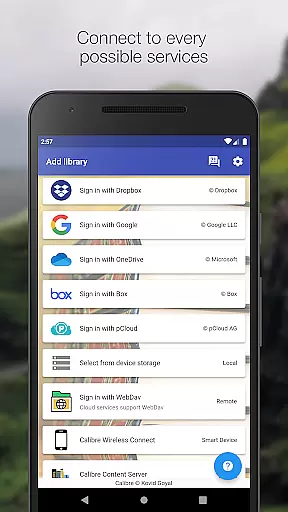
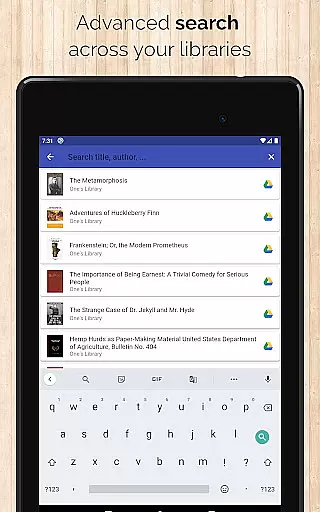
Calibre Sync is a comprehensive solution for managing and accessing your Calibre libraries across multiple cloud services. The app supports popular platforms like Google Drive, Dropbox, OneDrive, and more, allowing users to browse, sort, search, download, and read books directly from their devices. With its wireless connectivity feature, it transforms your device into a smart emulator that connects effortlessly to Calibre.
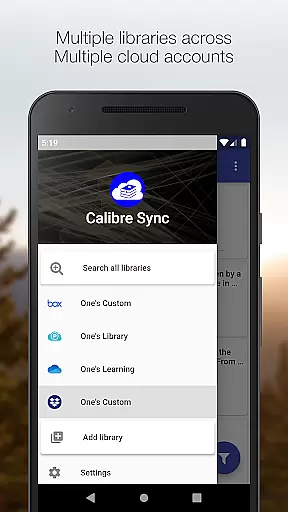
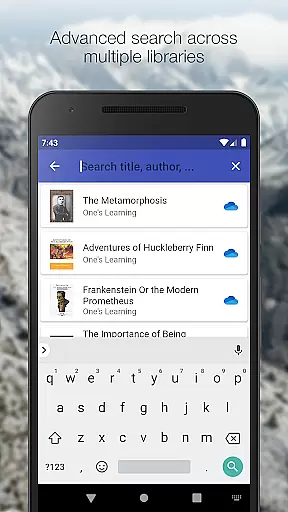
The application's strength lies in its ability to handle unlimited libraries across various accounts simultaneously. Whether you're looking to move your library to the cloud or access it from external storage, Calibre Sync offers seamless integration with advanced features such as automatic library updates, custom column support, and multiple book list layouts. This makes it an invaluable tool for avid readers who need constant access to their digital book collections.
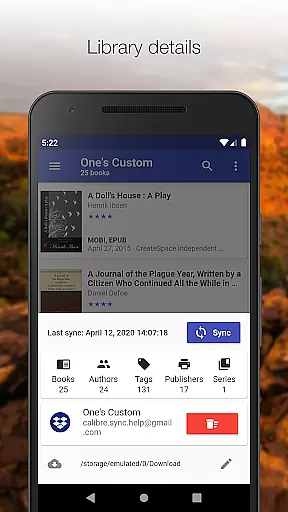
For users who value flexibility and performance, Calibre Sync provides an intuitive interface with practical functionalities like library statistics, detailed book views, and quick access options. Its compatibility with different cloud providers ensures that your reading material is always within reach, regardless of your preferred service. By combining powerful management tools with user-friendly design, Calibre Sync enhances the overall reading experience.
Calibre Sync stands out with its extensive feature set tailored for book enthusiasts. One of its key capabilities is the support for unlimited Calibre libraries, enabling users to manage vast collections without constraints. The app facilitates easy switching between multiple libraries and accounts, ensuring that all your books are organized and accessible in one place.
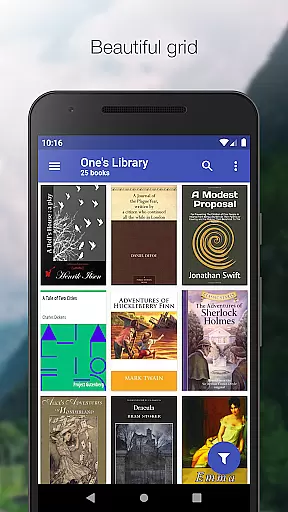
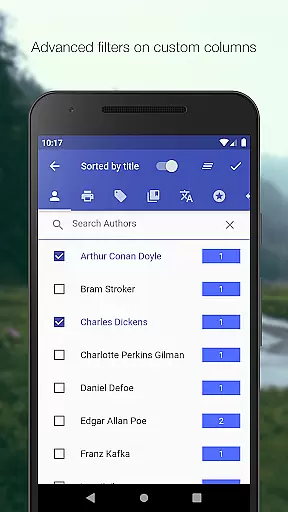
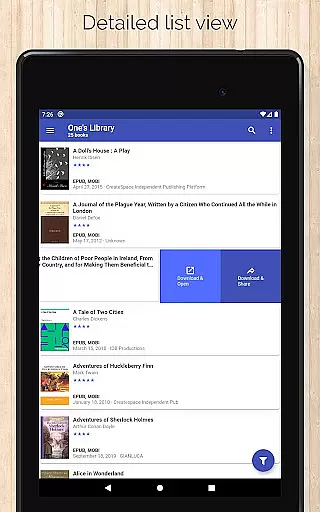
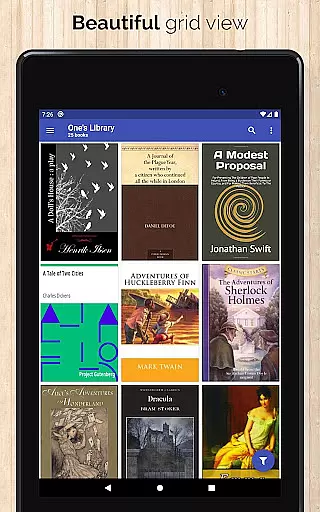
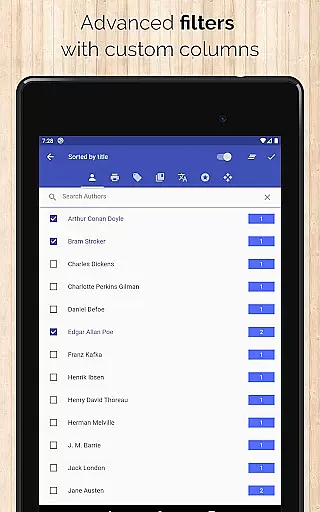
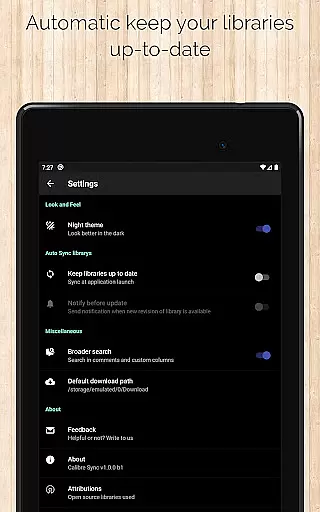
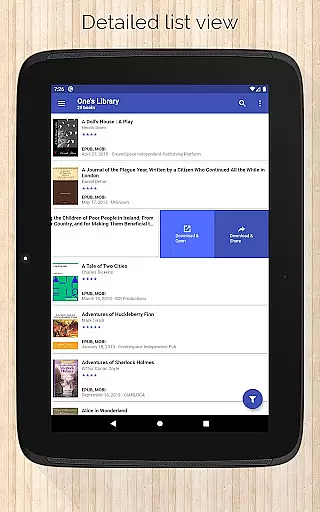
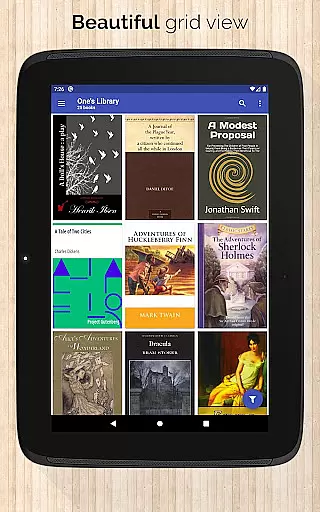
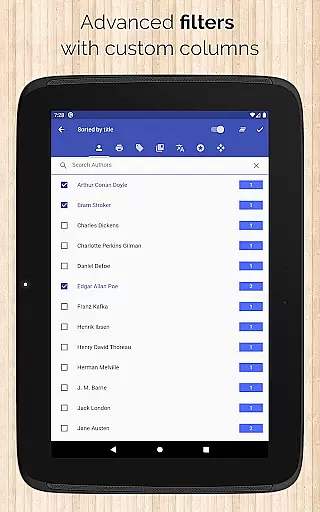
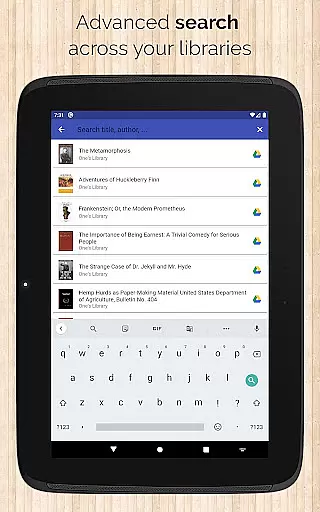
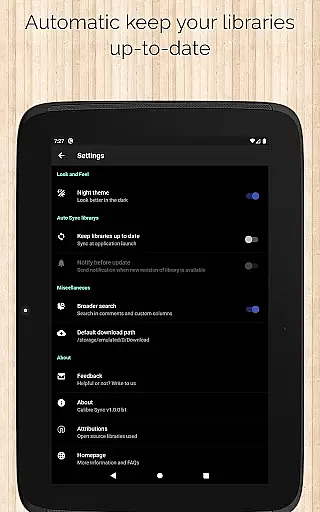
Another notable feature is the automatic library update function, which checks for changes every time you launch the app. This ensures that your library remains current without manual intervention. Additionally, Calibre Sync offers diverse book list layouts including List, Grid, and Carousel views, catering to different preferences. Users can also filter and sort books by various criteria such as title, author, ratings, and custom columns, providing a highly personalized browsing experience.
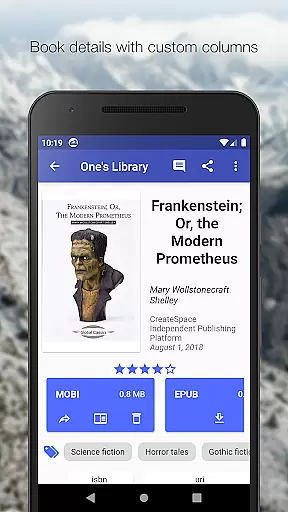
Beyond basic management, Calibre Sync includes advanced functionalities like zoomable book covers, swipe navigation in book details, and the ability to email or share downloaded books. These features not only enhance usability but also make sharing and discussing literature more convenient. With support for dark/light themes and integration with external reader apps, Calibre Sync delivers a versatile and enjoyable reading environment.
Calibre Sync offers an impressive e-book library management system that supports unlimited Calibre libraries across multiple cloud services. This extensive library support ensures users can access a vast collection of books without any restrictions or additional charges.
The application maintains copyright authenticity by allowing users to directly connect to their existing Calibre libraries, which are known for their robust metadata management and legal book acquisition methods. By supporting various personal cloud services like Google Drive, Dropbox, and others, it ensures that users' libraries remain genuine and properly sourced.
With features such as automatic library updates and the ability to filter books by authors, series, tags, and custom columns, Calibre Sync provides a comprehensive solution for managing extensive e-book collections while maintaining content legitimacy.
One of Calibre Sync's standout features is its exceptional format compatibility. The app supports all major e-book formats available in Calibre libraries, ensuring that users can access their entire collection regardless of file type.
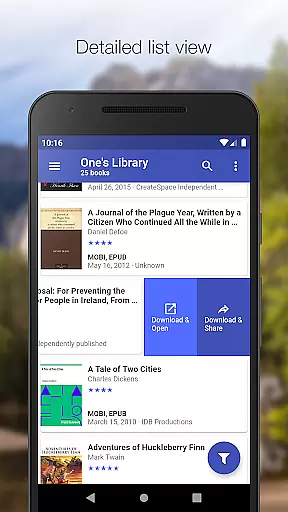
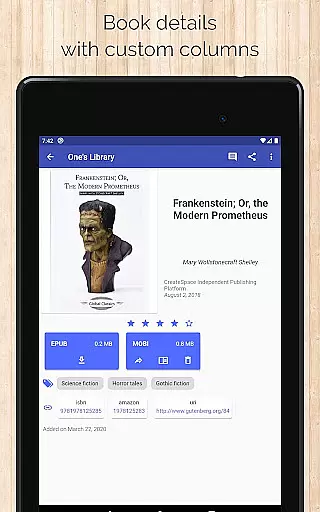
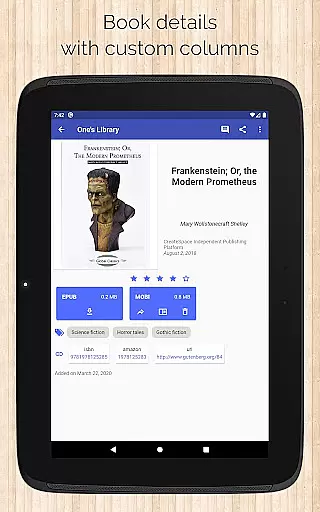
Users can view detailed book information, including file sizes for each format, and download books in their preferred format. This flexibility extends to viewing options as well, with support for different book list layouts such as detailed list view, grid view, and carousel view.
The application's compatibility extends beyond just reading formats. It also supports custom columns in book details view and shows book identifiers with links to sources like ISBN, Amazon, and Google Books, making it a versatile tool for comprehensive e-book management across various formats and metadata standards.
User-friendly interface
Extensive cloud support
Automatic library updates
Multiple layout options
Advanced filtering capabilities
No built-in reader app
Limited OneDrive support
Requires storage permission
Box API restrictions
Case-sensitive file system needed

A guide for the Court of Atonement spiritual healing process.
 4.5
4.5
Powerful Bible study tools linked to every verse in an easy-to-use Bible reader!
4.60
CleverBook Pro makes the popular guide for the game even better!
4.00
Battle Royale Chapter 5 Season 2 HD Wallpapers Emotes Skins and BattlePass
3.00
Universal Zoom, learn about sizes & distances of the universe and microcosmos
4.80
A story reading app: Read stories, novels and books, or write your own.
3.90
Premium reader for ePub, PDF, and more. TTS and translation. Great on any screen
3.50
Identify birds of North America by call or picture | Bird Identification
4.20
A Comprehensive Restoration of Sacred Scripture
4.50
"When tweetle beetles fight, it's called a tweetle beetle battle."
4.90
Daily thoughts, meditations, and prayers for living a sober life in recovery.
4.90
Audiobook player with cross-device progress sync, playlists, and widget support.
4.80
Daily Prayer, personalized Bible Study, AI-guided Insights, and Spiritual Growth
4.80
Holy Bible, a KJIV Bible study, audios & daily verses, talk with God now.
4.80
My Bible offers a comprehensive app by providing offline access, daily verses.
4.80
Watch real short episodes in just minutes— addictive, you won't be able to stop!
4.70
F9 Cookbook Mobile App
4.60
Read the romance stories on the go. Take my breath away, The Spoiled Girl
4.30
University of North Carolina Herbarium presents the flora of TN, AL, & MS.
4.3


User Reviews