
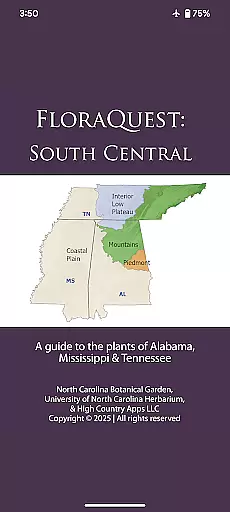
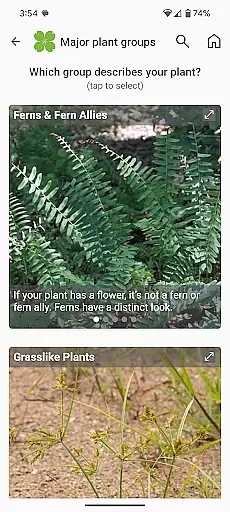
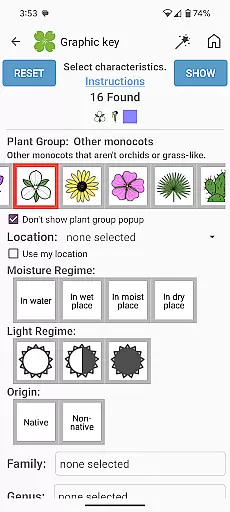
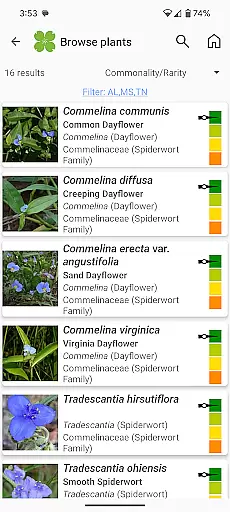
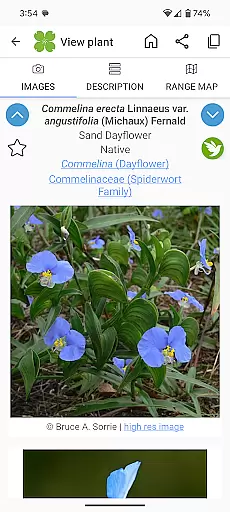
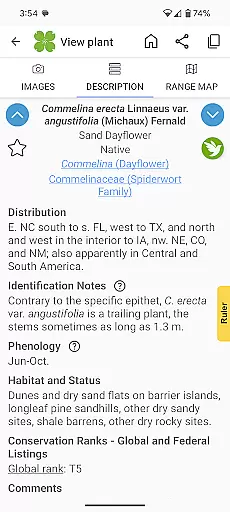
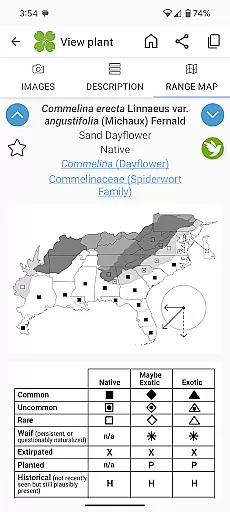
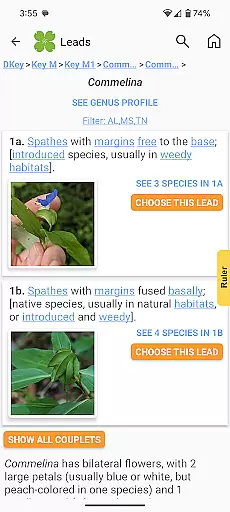
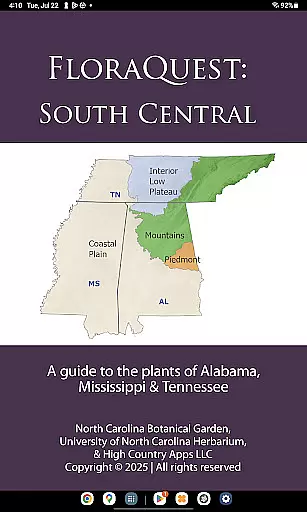
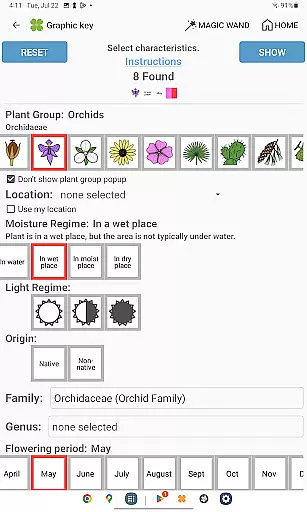
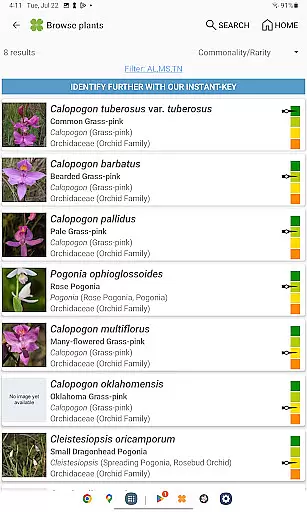
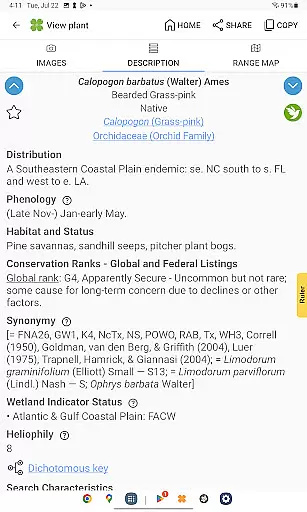
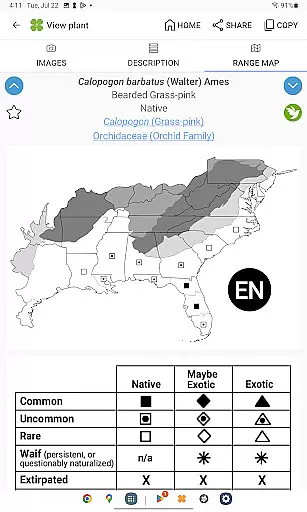
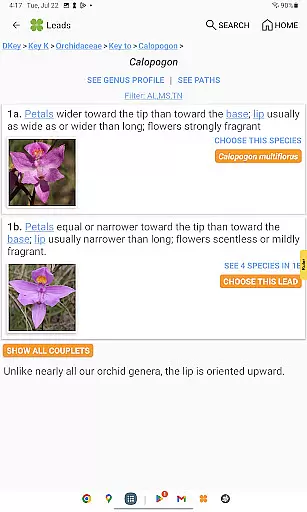
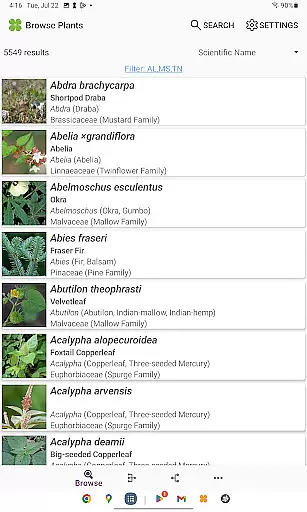
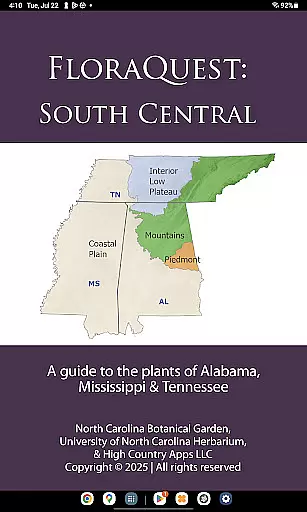
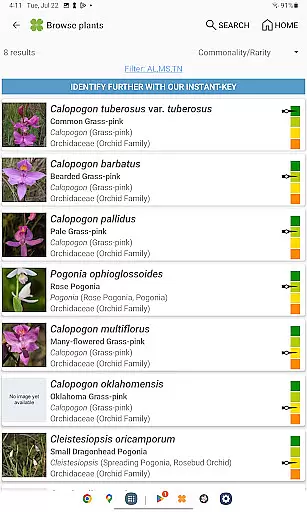
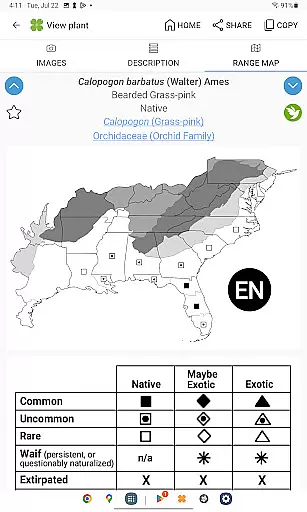
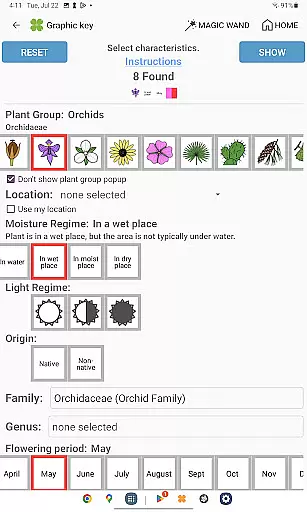
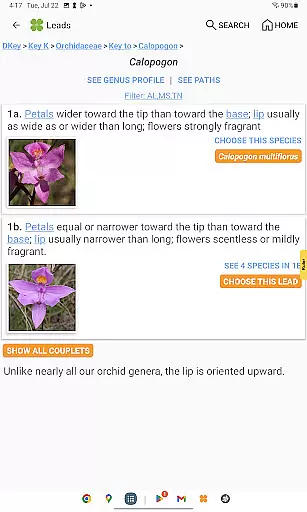
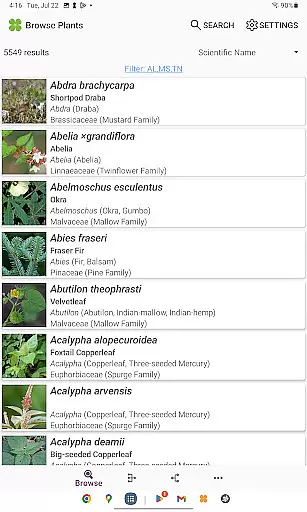
FloraQuest: South Central is an extensive plant identification app developed by the University of North Carolina's Southeastern Flora Team. This comprehensive guide covers 5,549 plant species across Alabama, Mississippi, and Tennessee. The app features easy-to-use graphic keys, dichotomous keys, detailed habitat descriptions, range maps, and a library of over 38,000 diagnostic photographs.
One of the standout features is its offline functionality, allowing users to identify plants without an internet connection. The app also includes illustrated glossary terms, image-enhanced keys, dark mode support, and plant sharing capabilities. These tools make it invaluable for both professional botanists and casual plant enthusiasts exploring the region.
Whether you're conducting academic research or simply enjoying botanical exploration, FloraQuest: South Central provides essential resources. Its enhanced search functionality and recommended exploration sites help users discover and document plant life throughout the South Central states.
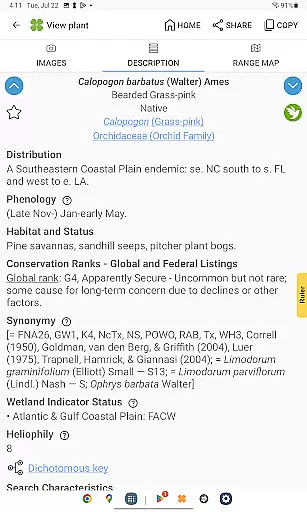
FloraQuest: South Central offers a robust set of features designed to enhance plant identification and study. The app includes easy-to-navigate graphic and dichotomous keys, which simplify the process of identifying plant species. Users can access detailed habitat descriptions and comprehensive range maps, providing valuable context for each species.
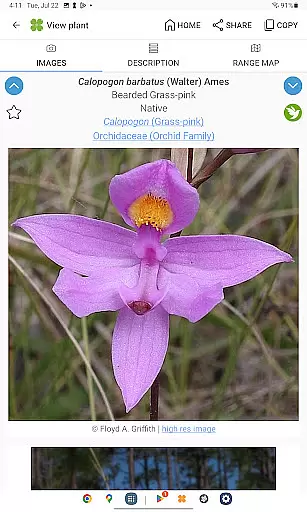
A significant advantage of this app is its extensive library of over 38,000 high-quality diagnostic photographs. These images assist in accurate identification and are accessible offline. Additional features include illustrated glossary terms, dark mode support, and improved graphic keys that offer a more intuitive user experience.
The app also supports plant sharing and includes enhanced search functionality with base 2 and base 3 codes. These features facilitate collaboration and streamline the identification process. With its innovative tools and comprehensive data, FloraQuest: South Central stands out as a premier resource for botanists and plant enthusiasts alike.
FloraQuest: South Central offers an extensive e-book library, featuring detailed information on 5,549 plant species found across Alabama, Mississippi, and Tennessee. This vast collection is meticulously curated by the University of North Carolina's Southeastern Flora Team, ensuring comprehensive coverage of regional flora.
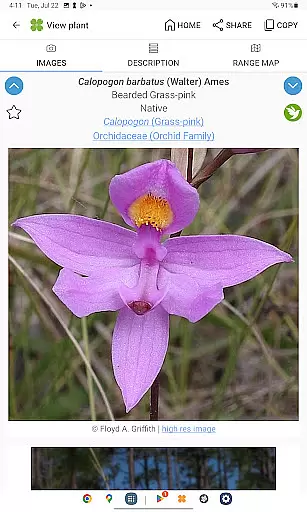
The app includes over 38,000 high-quality diagnostic photographs, providing users with visual references for accurate plant identification. These images are not only abundant but also authenticated, guaranteeing that each photograph accurately represents its corresponding plant species.
Copyright authenticity is a priority for FloraQuest: South Central. All content, including habitat descriptions, range maps, and diagnostic photographs, is developed in-house by botanical experts. Users can trust that they are accessing legitimate, expert-verified information without copyright concerns.
This extensive and verified library makes FloraQuest: South Central an invaluable resource for botanists, students, and plant enthusiasts who require reliable and detailed botanical information at their fingertips.
FloraQuest: South Central ensures excellent format compatibility, allowing seamless access to its rich content across various devices. The app supports offline functionality, enabling users to identify plants and access information without an internet connection, which is particularly useful in remote botanical exploration sites.
With enhanced search functionality incorporating base 2 and base 3 codes, users can efficiently navigate through the extensive database. This feature demonstrates the app's commitment to optimizing data formats for quick and intuitive access.
The app also features illustrated glossary terms and image-enhanced dichotomous keys, showcasing its ability to integrate multiple formats for enhanced learning experiences. These elements work together to create a user-friendly interface that accommodates different learning preferences.
Furthermore, FloraQuest: South Central's compatibility extends to its dark mode support, catering to users' display preferences while maintaining consistent performance across different viewing modes. This attention to format versatility ensures that all users can enjoy an optimal reading and research experience regardless of their device or environmental conditions.
Comprehensive plant database
Offline functionality
High-quality diagnostic images
User-friendly interface
Enhanced search options
Limited to specific regions
Large app size
Advanced features may overwhelm beginners
Occasional performance issues
Some features require technical knowledge

Flora of Virginia Project (www.floraofvirginia.org)
 5.00
5.00
Translate into 100+ languages with the world’s most accurate AI translator.
4.70
Enjoy your favorite books
3.50
All in one Calibre libraries on your phones and tablets.
3.80
America's best dictionary and thesaurus - with premium content and no ads
3.40
Watch real short episodes in just minutes— addictive, you won't be able to stop!
4.70
Daily Devotional Widgets & Hourly Verses. Listen to Bible & Watch Holy Stories
4.70
World's most comprehensive dictionary app: 13 languages, all online or offline!
4.80
Follow complex state CCW permit laws and lawfully carry firearms in each state.
4.80
"When tweetle beetles fight, it's called a tweetle beetle battle."
4.90
What’s that bird? Just answer 5 questions, snap a photo, or record its song!
4.90
“I am the Lorax. I speak for the trees.”
4.80
Track your Star Wars book collection across Canon & Legends
4.80
King James Bible read offline, AI Priest, Bible Quiz, Guiding Prayers & Plans
4.80
Contains the 365 daily readings and everything other thing needed for catholics
4.70
Find, discuss, and organize your world of books and shows.
4.60
Build family tree & discover DNA, family history heritage, origins and ancestors
4.60
“It is fun to have fun, but you have to know how!”
4.40
Guide for dōTERRA® Products
3.60


User Reviews