
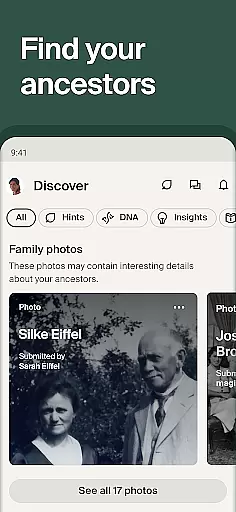

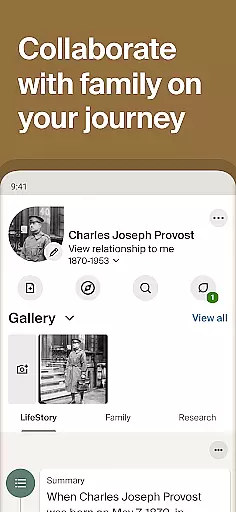
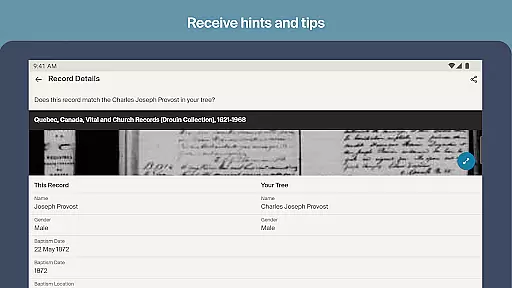
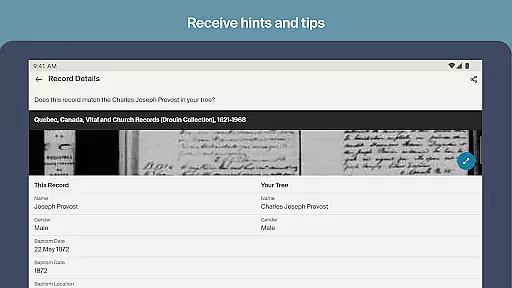
Ancestry is the leading genealogy app that allows users to explore their family history through photos, stories, historical records, and DNA results. With a simple relative's name, you can start building your family tree and discover your heritage anytime, anywhere.
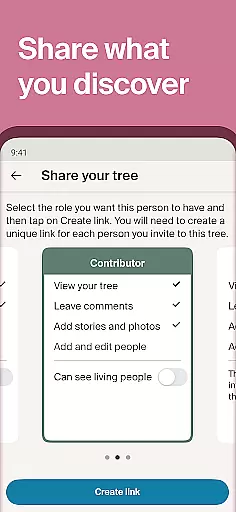
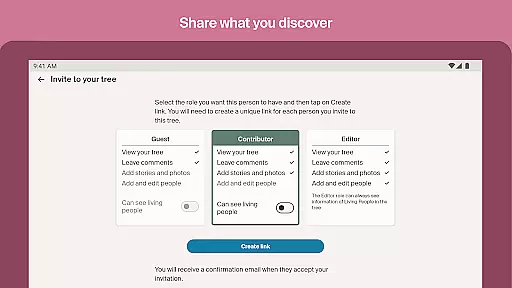
The app offers access to over 30 billion records, AncestryDNA® test integration, and personalized hints to enrich your family story. Whether you're using the free features or opting for a subscription, Ancestry provides tools to preserve your history and collaborate with family members seamlessly.
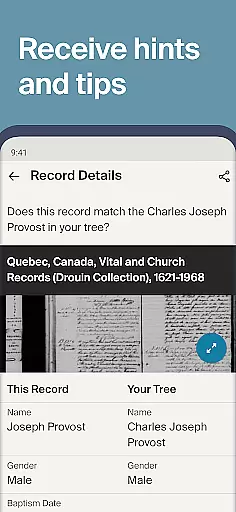
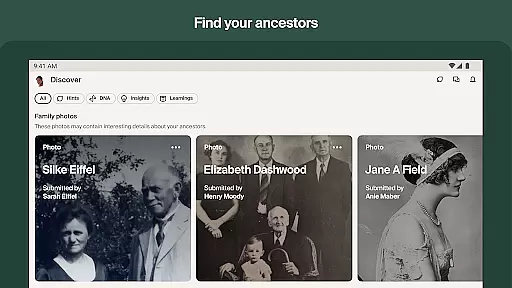
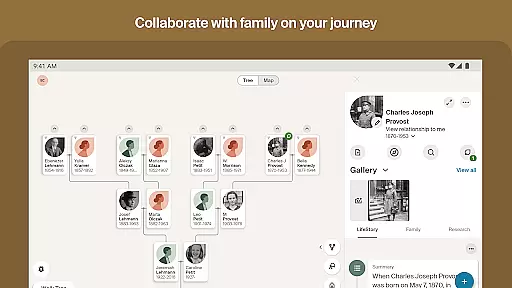
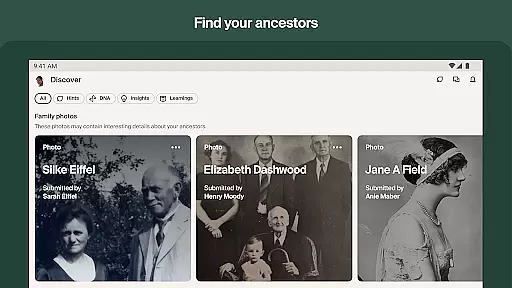
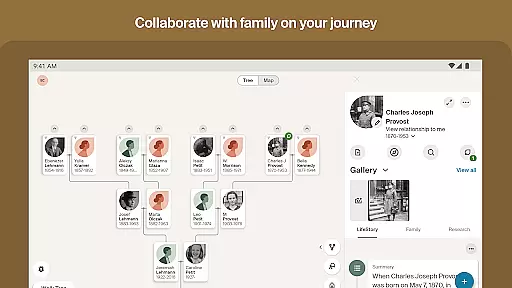
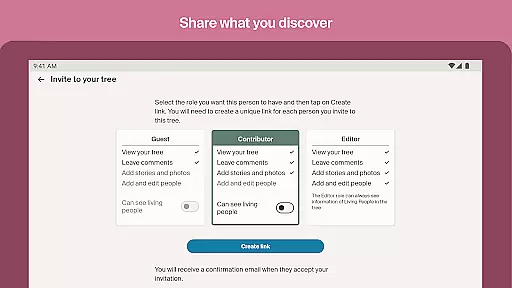
Ancestry boasts an array of features designed to make genealogical research intuitive and engaging. Users can build and view their family trees, search and add new relatives, and upload photos and stories with ease. The dynamic Discover feed helps users review and save hints for future reference.
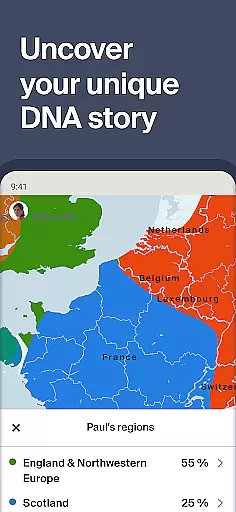
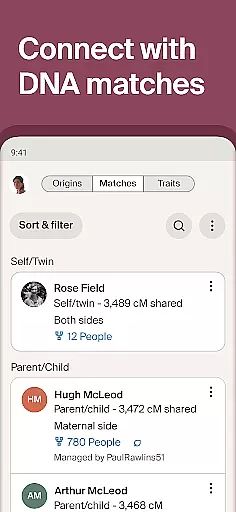
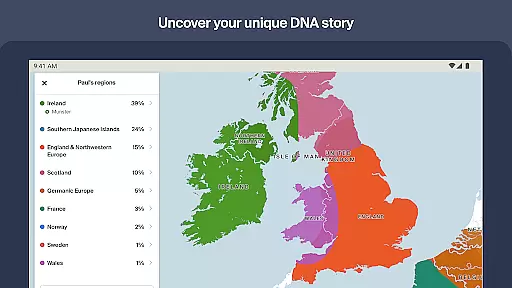
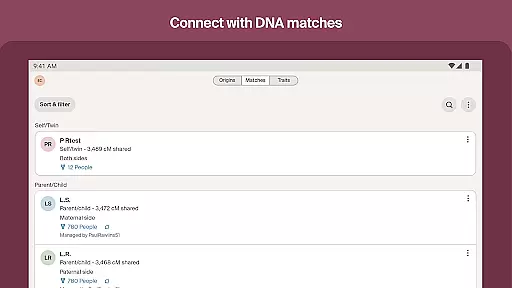
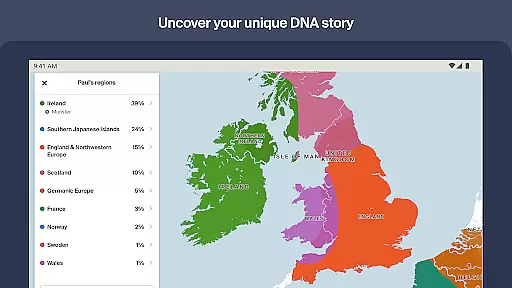
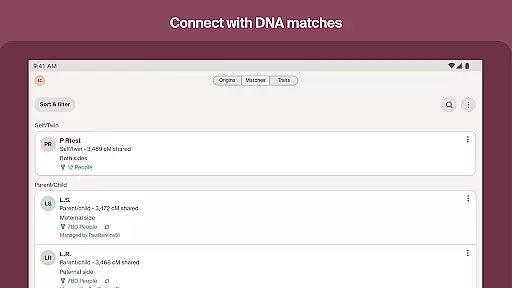
For those who have taken an AncestryDNA® test, the app allows activation of DNA kits and viewing of ethnicity results. It also enables users to compare their DNA matches and learn more about personal traits influenced by their genes. With modern layout designs and Ancestry Academy Videos, exploring your past has never been easier.
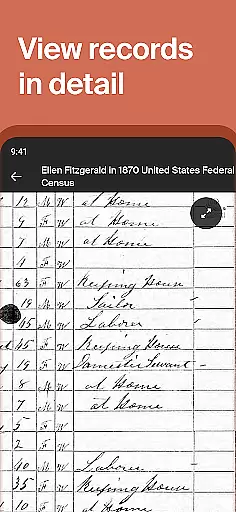
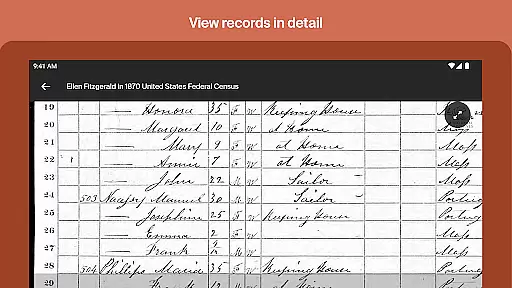
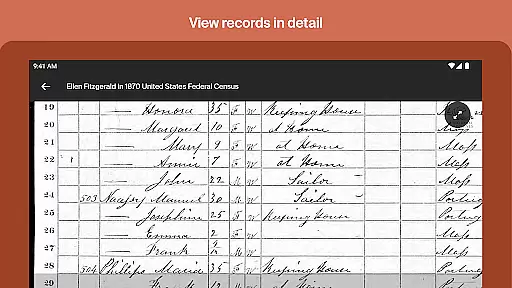
When it comes to genealogical research, having access to a vast collection of historical records is crucial. Ancestry boasts an impressive library of over 30 billion records, making it one of the largest repositories of its kind. This extensive database includes census data, immigration records, military documents, and more, all of which are essential for building a comprehensive family tree.
The app ensures copyright authenticity by working directly with archives, libraries, and other official sources to digitize their collections. This means users can trust that the records they find are accurate reproductions of the original documents. With a free trial or paid subscription, individuals can easily access these invaluable resources, allowing them to delve deeper into their ancestry.
For those just starting out, Ancestry offers more than 1.1 billion free records, including census data, which provides a solid foundation for any family history project. The availability of such a vast and verified collection empowers users to uncover their past with confidence, knowing they are using legitimate and authoritative sources.
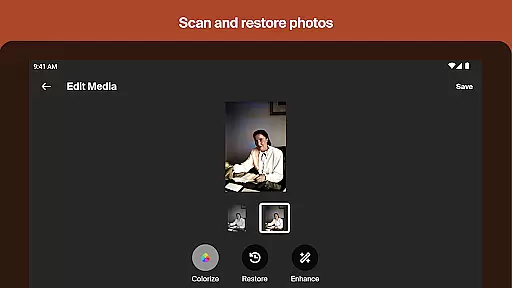
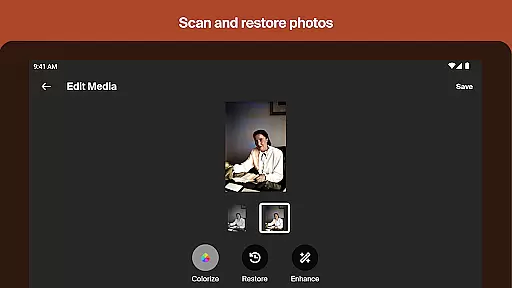
Ancestry understands that genealogical research often involves various types of media and documentation. To accommodate this, the app supports multiple formats for uploading and sharing content. Users can add photos, documents, and stories in several file types, ensuring that precious family memories and evidence can be preserved and shared without format restrictions.
In addition to supporting diverse upload formats, Ancestry also allows users to download their family tree and research in multiple formats. Whether you need a GEDCOM file for further analysis or a PDF for printing and sharing, the app has you covered. This flexibility in format compatibility makes it easy to integrate your digital research with physical archives or share findings with relatives who may not use the app.
Furthermore, the app's modern layout design enhances the user experience when dealing with different formats. Its intuitive interface streamlines the process of adding multimedia elements to your family tree, regardless of the original format. This seamless integration of various media types enriches the storytelling aspect of genealogy, bringing ancestors' stories to life in a vivid and engaging way.
User-friendly interface
Extensive record database
DNA integration
Collaborative tools
Personalized hints
Premium features locked
Subscription cost
Limited free access
Complex navigation
Privacy concerns

Essential Technical Rescue Field Operations Guide 6, the Industry Standard Guide
 4.20
4.20
The favorite Christmas story comes to life!
4.80
Shop over 13 million new and used books at up to 80% off list price
4.20
Bible Spiritual Companion
4.40
Personalized Chat with Bible
4.80
Full text, sheet music, and recordings of the print edition
4.60
King James Bible read offline, AI Priest, Bible Quiz, Guiding Prayers & Plans
4.80
Daily rosary and gospel reflections for catholic
4.90
A KJV Bible with Apocrypha and precept-based study concordance
5.00
Read unlimited novels, audiobooks, stories & Unlock ebooks, fanfiction and more!
4.70
Translate into 100+ languages with the world’s most accurate AI translator.
4.70
Read aloud texts, audiobooks, PDFs or any eBook with text to speech AI audio
4.60
F9 Cookbook Mobile App
4.60
“It is fun to have fun, but you have to know how!”
4.40
Pretty Moon information App with Complications and Tile
4.30
Mirror Bible - eye-opening paraphrase translation of the NT by Francois du Toit
4.30
Prime novels await! Fantasy & Romance on JoyRead. Immersive reads!
4.20
University of North Carolina Herbarium presents the flora of TN, AL, & MS.
4.0
Fast loot guide for ARC Raiders. Simple tips, stats, maps, and item details.
4.4


User Reviews