
















Blackjack 21: Blackjackist is a premier card gaming app that brings the authentic casino blackjack experience to your mobile device. With cutting-edge 3D graphics and smooth animations, this free-to-play game replicates the atmosphere of high-stakes blackjack rooms, offering an immersive experience for players worldwide. Whether you are a seasoned pro or new to blackjack, the app provides the perfect platform to enjoy, learn, and enhance your blackjack skills while competing in real-time with players globally.
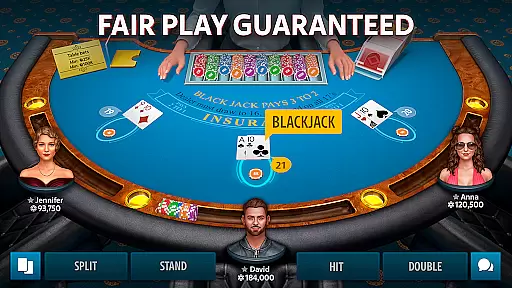
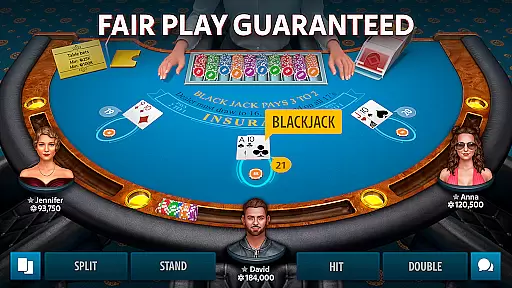
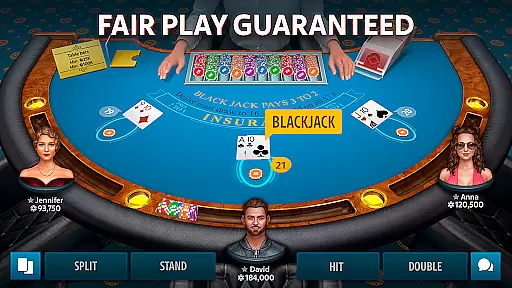
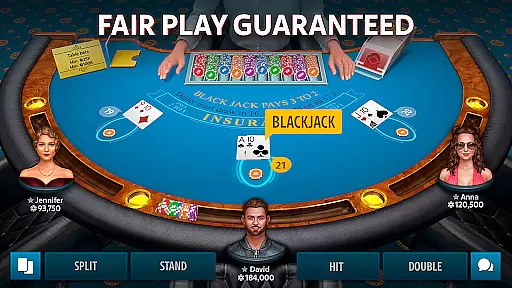
The app stands out with its daily bonuses, easy-to-follow tutorials, and various tournaments catering to all skill levels. Players can make side bets, connect with other enthusiasts via in-game chat, customize their profiles, and even join a VIP program for exclusive benefits. Fair play is guaranteed through advanced security measures, ensuring a safe and enjoyable gaming environment. Beyond blackjack, the app also offers poker, roulette, slots, and baccarat for a comprehensive casino experience.
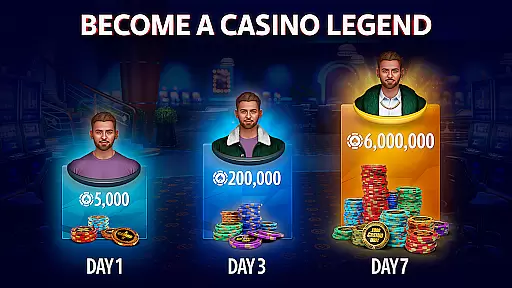
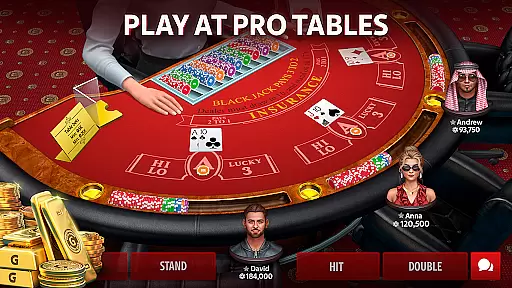
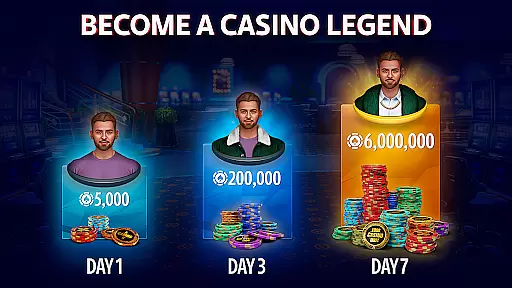
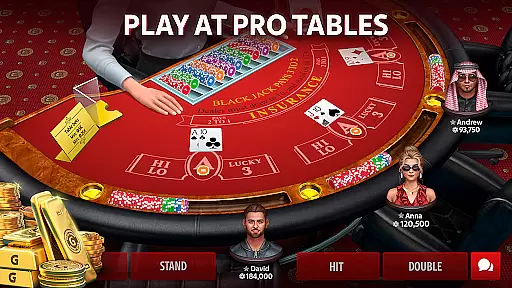
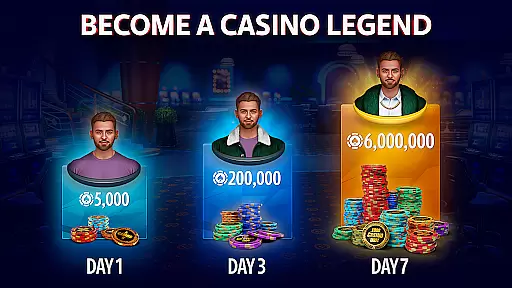
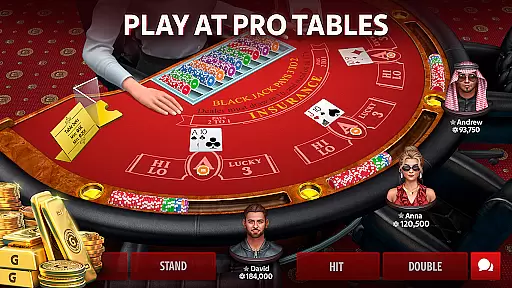
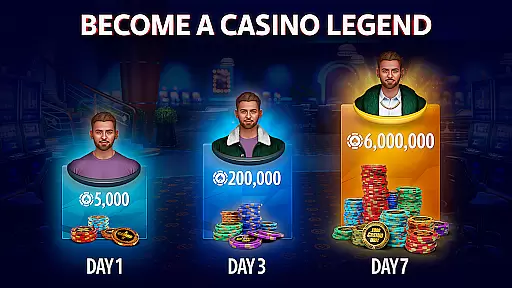
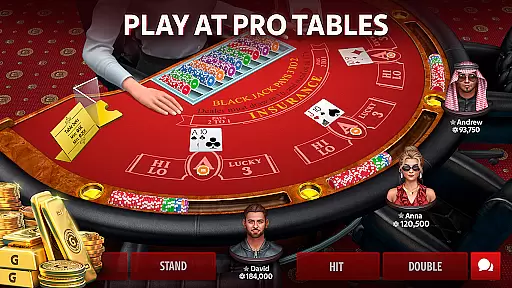
Blackjack 21: Blackjackist boasts a variety of features designed to enhance your gaming experience. The app's REAL 3D BLACKJACK feature uses cutting-edge graphics and animations to replicate the excitement of a real casino blackjack table. FREE CHIPS EVERY DAY ensures players receive generous daily bonuses and rewards, keeping the action going. The EASY TO LEARN tutorial mode makes it accessible for beginners, providing guidance on how to play effectively.
For competitive players, WIN BLACKJACK TOURNAMENTS offers various challenges, from fast-paced Boost Blackjack to intense Elimination competitions. The MAKE SIDE BETS feature allows players to bet on game outcomes like drawing a pair or the dealer busting out, adding extra layers of strategy. Additionally, the app facilitates social interaction through its MEET NEW PEOPLE feature, allowing global connections and strategy sharing. Customizable avatars and profiles, along with a secure VIP program, further enrich the user experience.
Random Number Generator (RNG) fairness is a cornerstone of any reputable card game, ensuring that every hand dealt is truly random and unpredictable. In Blackjack 21: Blackjackist, advanced RNG algorithms are employed to guarantee fair play at every blackjack table. This technology ensures that each card shuffle and deal is statistically independent, replicating the randomness found in physical card games.
The certification process for RNG systems involves rigorous testing by independent agencies to verify their unpredictability and lack of bias. For players, this means peace of mind knowing that their gaming experience is not only exciting but also equitable. The implementation of certified RNG systems demonstrates the game developers' commitment to maintaining a trustworthy gaming environment.
By prioritizing RNG fairness and obtaining necessary certifications, Blackjack 21: Blackjackist provides users with an authentic casino experience. Players can focus on honing their blackjack strategies without worrying about manipulated outcomes or unfair advantages. This dedication to fair play helps build a loyal community of blackjack enthusiasts who trust the platform's integrity.
Control fluidity and input latency are critical factors that determine the overall user experience in digital card games like Blackjack 21: Blackjackist. Smooth controls allow players to make decisions quickly and efficiently during fast-paced games, enhancing both the enjoyment and competitiveness of each match. The development team has optimized touch response to ensure every tap and swipe registers instantly.
Reducing input latency is equally important, as even minor delays can disrupt gameplay flow and affect player performance. Through careful engineering and performance optimization, the app minimizes processing time between user inputs and game responses. This results in seamless interactions where actions feel immediate and natural, closely mimicking the responsiveness expected in real-world card games.
For users, these technical improvements translate into an immersive gaming experience where they can fully concentrate on their blackjack strategy rather than being distracted by sluggish controls. Whether participating in high-stakes tournaments or casual matches, players benefit from precise control over their in-game actions, elevating their satisfaction and engagement levels within the Blackjack 21: Blackjackist community.
User-friendly interface
Realistic 3D graphics
Daily bonus rewards
Variety of game modes
Secure gaming environment
In-app purchases available
Contains advertisements
Internet connection required
Limited offline functionality
Potential for long sessions

Lyric Party tests your knowledge of your favorite hit songs.
 4.20
4.20
Compete against the computer in this classic trick-taking game.
4.20
Enjoy 4 classic solitaire card games : Klondike TriPeaks Spider & Pyramid cards
4.5
Reiner Knizia's classic card game, Masters Gallery
4.60
Enjoy a beautiful solitaire card game with classic rules and relaxing play.
4.60
Classic Solitaire game you love! Offline, easy, and relaxing!
4.80
The original digital version of the cult-classic kitty card game!
4.40
Kill the monsters & grab the loot in the classic card game!
3.70
Spider Solitaire - Relax and Play Classic Spider Game for Easy Daily Fun
4.60
Classic, Original, Klondike Solitaire Game with Large Cards!
4.90
The most popular cribbage app available; all of the options, none of the fluff!
4.80
Play for fun, practice or get advice for 400+ VP games and over 2000 pay tables.
4.60
Easy play. Relax with daily solitaire fun!
4.60
Defeat your landlord in this slot machine roguelike deckbuilder!
4.60
Hardwood Hearts, where breaking hearts is just part of the game.
4.50
Play Blackjack and and earn gift cards
4.50
The Conquian made with 100% Mexican talent.
4.40
Build a dice pool to purify Astrea's corruption and save the Star System.
4.10
A unique card-based rogue-like with more than a hundred hours of content!
3.90


User Reviews