
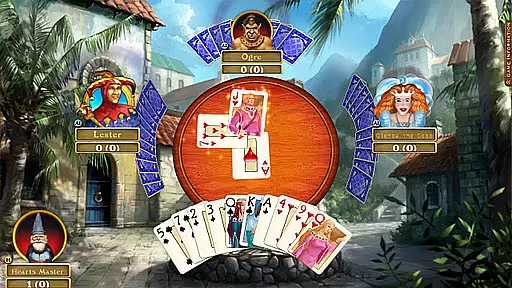

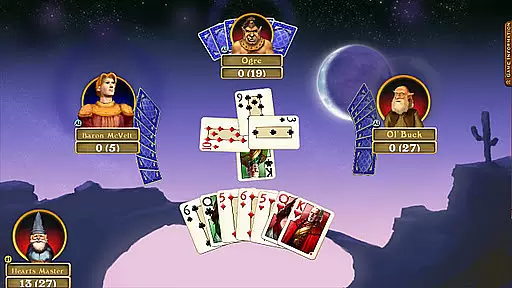
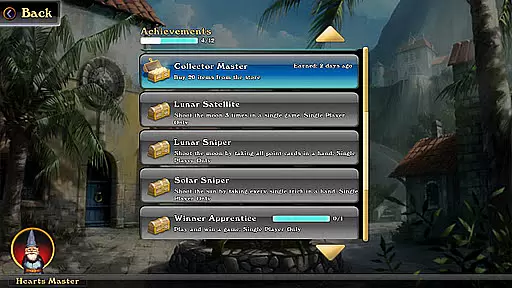
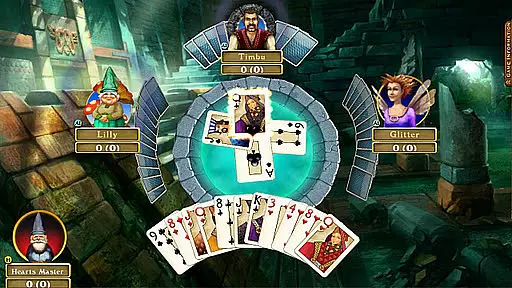
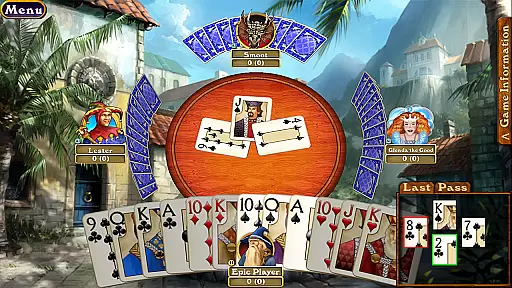

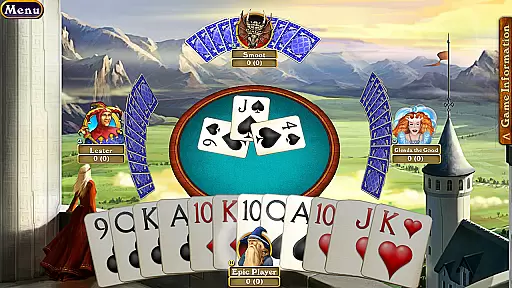
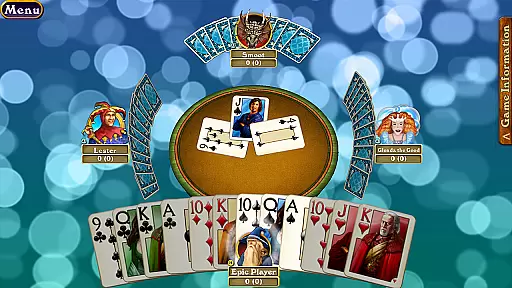
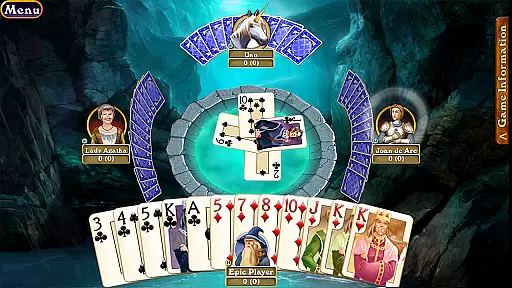
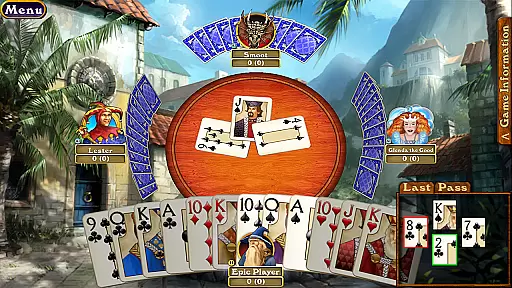

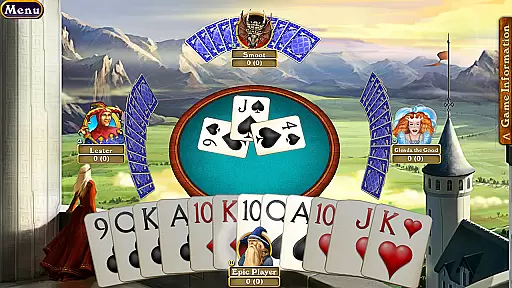
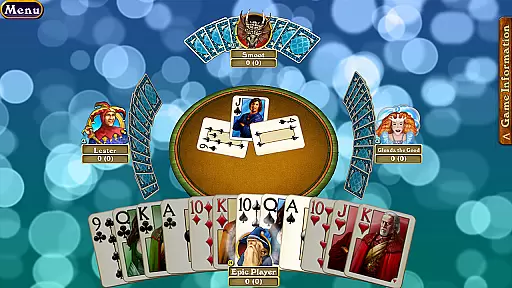
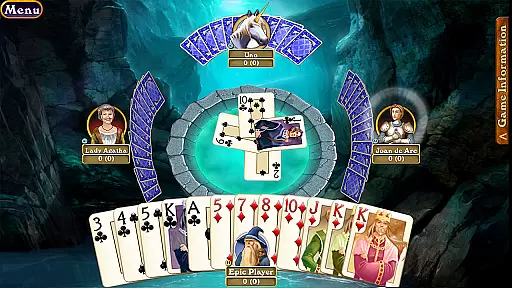
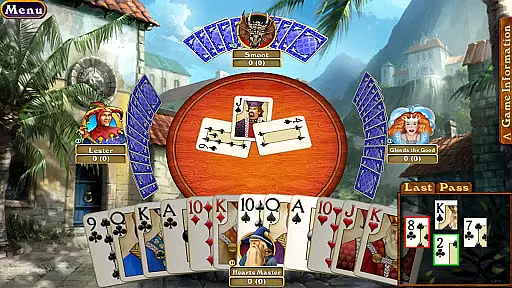
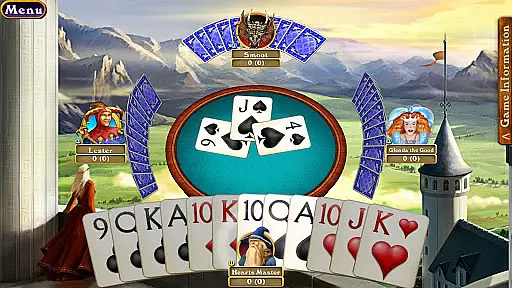

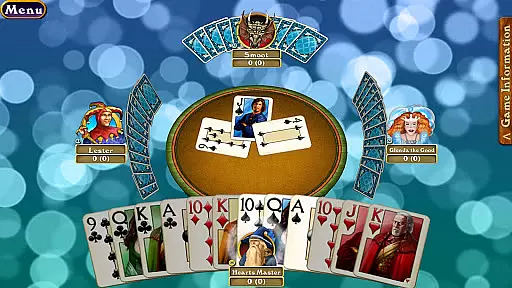
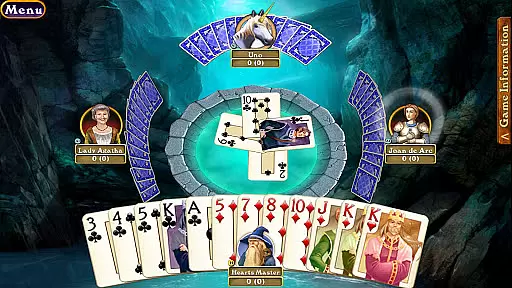
Hardwood Hearts Pro is a premium card game app designed for both tablets and smartphones, offering an immersive experience with its stunning graphics and soothing environments. The app allows you to enjoy the classic card game of Hearts with a modern twist, featuring calming oceanic backdrops that enhance your gaming ambiance.
Whether you're looking to compete globally or have a fun game night with family and friends, Hardwood Hearts Pro makes it possible. With online leaderboards, customizable elements like unique backgrounds, cards, avatars, and tables, as well as various gameplay modes, this app caters to both casual and serious players who want more than just a standard game of Hearts.
The app also supports advanced features such as timed games, partnership modes, and individual challenges, making each session unique. Additionally, users can take advantage of the in-game store and free 30-day Plus Membership to elevate their gaming experience. Compatible with devices featuring Nvidia Tegra processors, Samsung Galaxy series, and other high-end phones, Hardwood Hearts Pro delivers optimal performance on recent Android devices.
Hardwood Hearts Pro stands out with its rich feature set tailored for card game enthusiasts. One of the key highlights is the ability to play with people from all over the world or locally with friends and family, bringing a social aspect to your gaming sessions. The inclusion of online leaderboards adds a competitive edge, allowing you to track your progress and compare scores with other players.
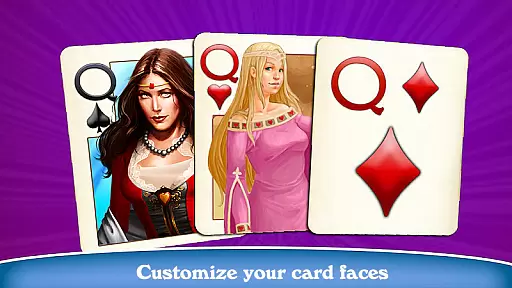
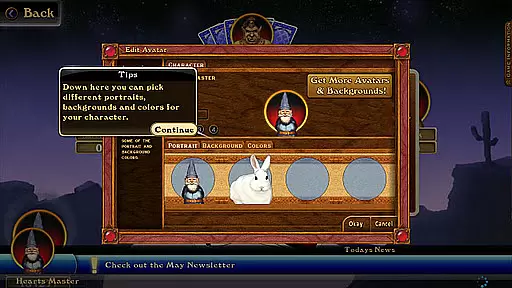
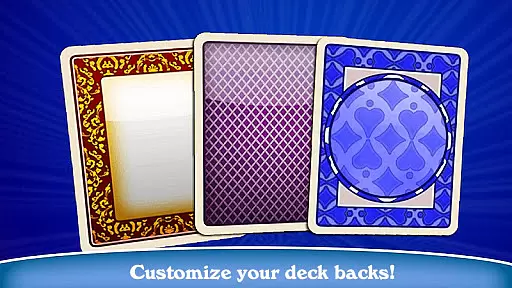
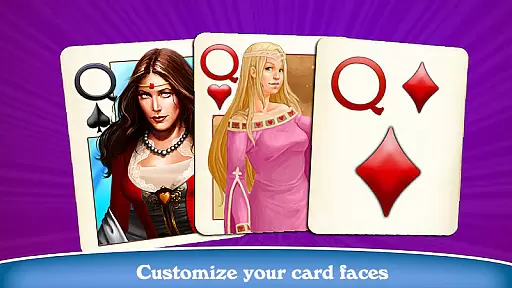
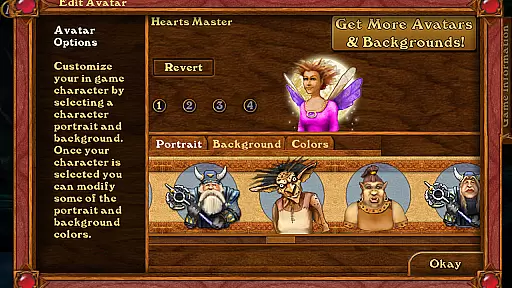
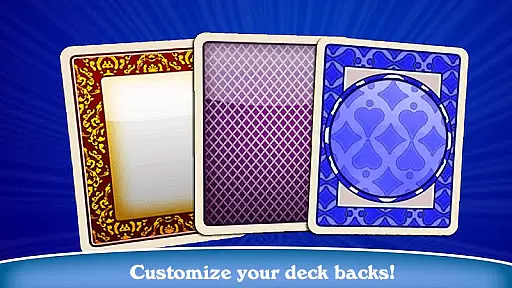
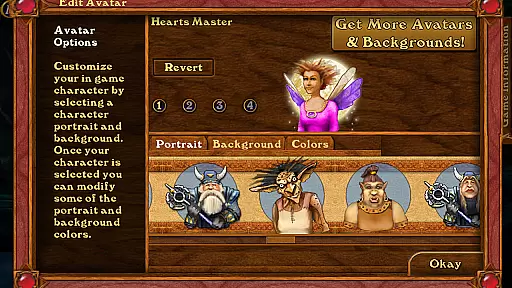
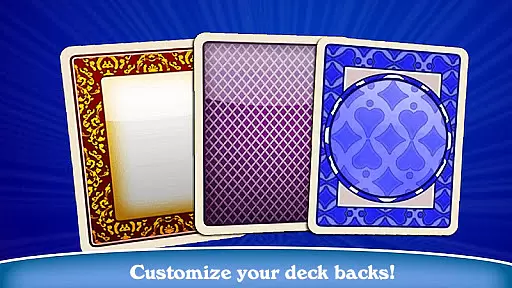
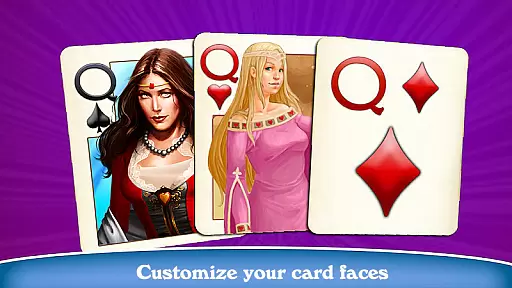
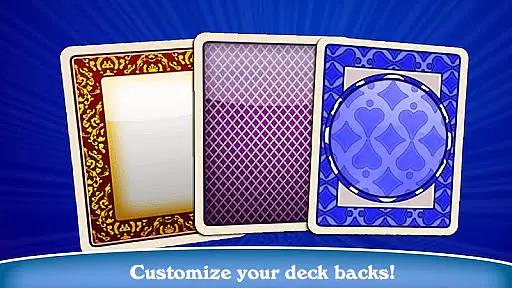
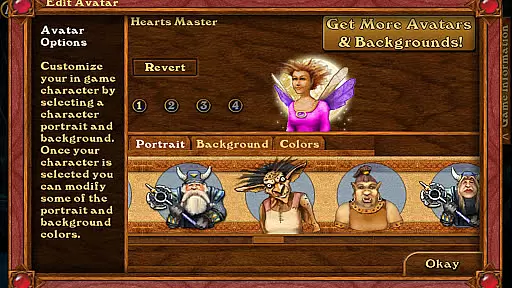
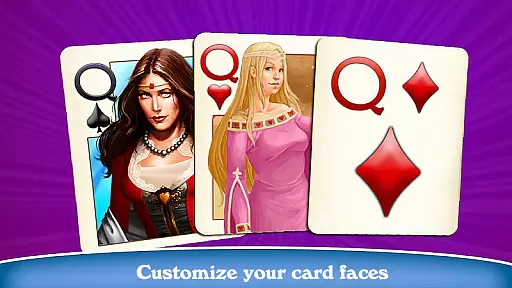
Customization is at the heart of this app, letting you personalize nearly every aspect of the game. From choosing new backgrounds using your device's camera to selecting unique card designs and player avatars, Hardwood Hearts Pro ensures that your gaming environment reflects your personal style. Paid downloadable content offers even more options to enhance your experience.
The app also includes several variations of the Hearts game, such as Partnership, Individual, Spot Hearts, and Timed Games, providing diverse ways to enjoy the classic card game. With additional features like a 30-day free Plus Membership for advanced online play and 200 Tokens for the in-game store, Hardwood Hearts Pro provides substantial value for players seeking a feature-rich card gaming experience.
Random Number Generation (RNG) fairness is crucial in card games like Hardwood Hearts Pro to ensure every player has an equal chance of receiving any given hand. This randomness guarantees that no player can predict or manipulate the outcome, making each game a true test of skill and strategy.
Hardwood Hearts Pro employs certified RNG algorithms that are rigorously tested for fairness. These algorithms undergo regular audits by independent bodies to maintain high standards of impartiality and transparency. Players can trust that their gaming experience is both unpredictable and equitable.
The certification process involves statistical analysis to verify that the distribution of cards follows expected probabilities. This ensures that long-term gameplay trends align with theoretical outcomes, providing users with confidence in the integrity of their matches.
By prioritizing RNG fairness and certification, Hardwood Hearts Pro fosters a competitive environment where players can focus on honing their skills without worrying about biased mechanics influencing their results.
Control fluidity and input latency are critical factors in delivering a seamless user experience in digital card games such as Hardwood Hearts Pro. Fluid controls allow players to interact with the game intuitively, while low input latency ensures that actions are registered promptly, enhancing overall responsiveness.
Hardwood Hearts Pro optimizes touch interactions for mobile devices, ensuring smooth transitions between actions like selecting cards, bidding, and playing tricks. The interface is designed to minimize delays between player inputs and on-screen responses, creating a more engaging and enjoyable gameplay session.
To achieve this level of performance, the app leverages efficient coding practices and hardware acceleration features available on modern tablets and smartphones. This optimization reduces processing overhead, allowing for quicker reaction times during fast-paced matches.
Ultimately, Hardwood Hearts Pro's commitment to control fluidity and reduced input latency elevates its status among card game enthusiasts who demand precision and reliability from their gaming experiences.
User-friendly interface
High-quality graphics
Variety of game modes
Customizable gaming experience
Active online community
Paid DLC for full features
Some features require membership
May drain battery quickly
Occasional connectivity issues
Steep learning curve for beginners

Lyric Party tests your knowledge of your favorite hit songs.
 4.20
4.20
Decked Builder is the premium deck building app for Magic the Gathering (MTG)
2.90
Build a squad of gnomes and embark on a roguelike adventure with card battles!
4.4
Enjoy a beautiful solitaire card game with classic rules and relaxing play.
4.60
Card-Based Farkle Fun
4.80
A sleek, addictive Solitaire experience made for the modern player.
4.60
Learn how to play BlackJack, when to Hit, Stand, Split, Double or Surrender.
4.60
A unique card-based rogue-like with more than a hundred hours of content!
3.90
Kill the monsters & grab the loot in the classic card game!
3.70
Enjoy Fun and Relaxing Classic Spades Card Game with Friends!
4.90
Play anywhere anytime the most popular card game
4.70
When Poker Meets Solitaire
4.70
This classic partnership trick-taking card game is always ready to play!
4.60
Spider Solitaire - Relax and Play Classic Spider Game for Easy Daily Fun
4.60
The Fox in the Forest is a beautifully illustrated trick-taking card game.
4.50
Build a dice pool to purify Astrea's corruption and save the Star System.
4.10
Shards of Infinity is the follow up deckbuilder to Ascension.
3.40
The official Android version of the card game Wizard
3.00
A fun and challenging rougelike dungeon card game.
4.4


User Reviews