
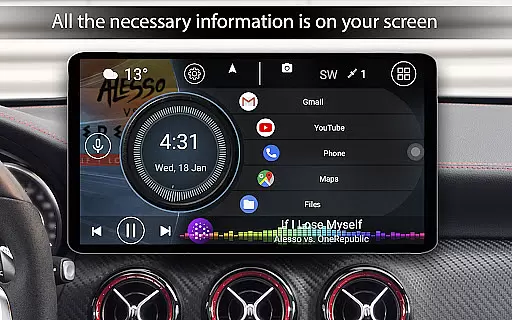
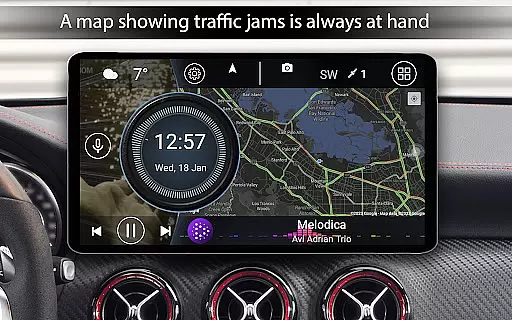
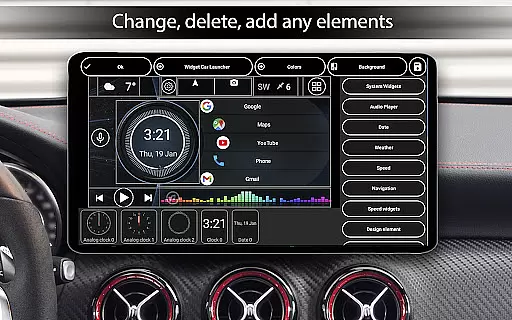
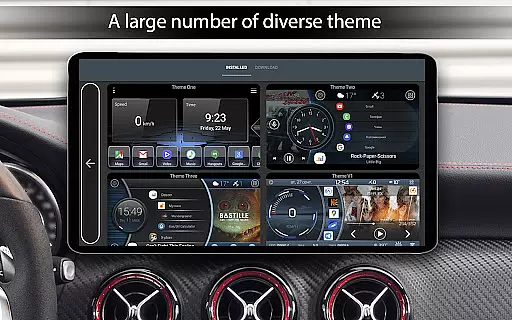
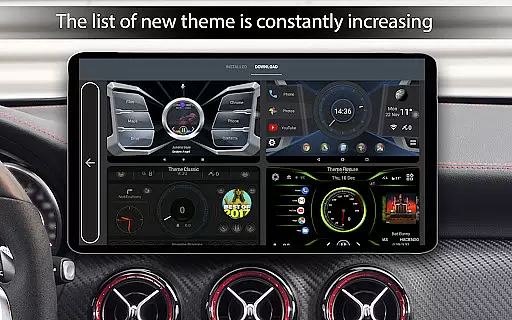
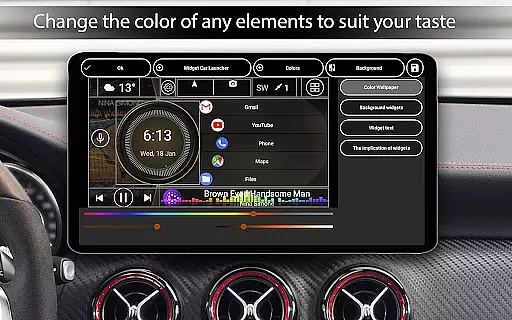
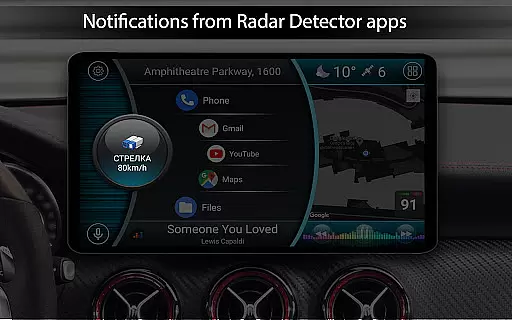
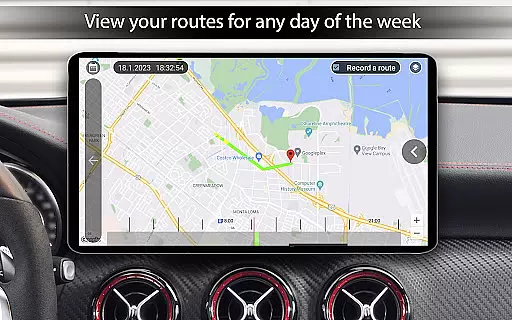
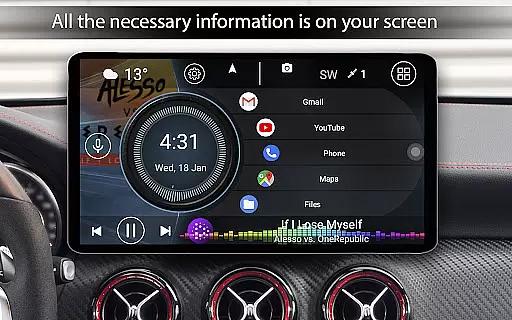

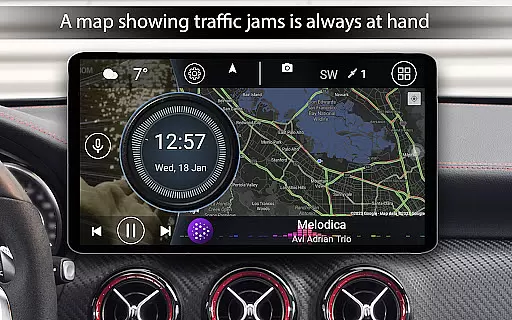
Car Launcher Pro is a specialized application designed for automotive use, enabling users to seamlessly interact with their devices while driving. This app transforms your phone, tablet, or car stereo into an intuitive interface optimized for vehicle environments.
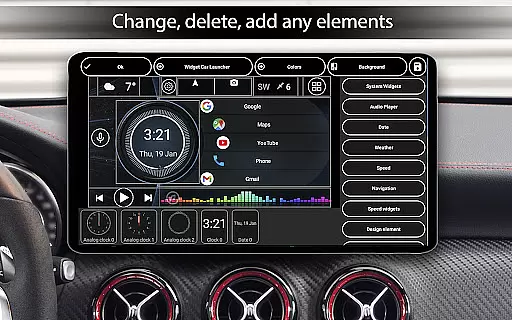
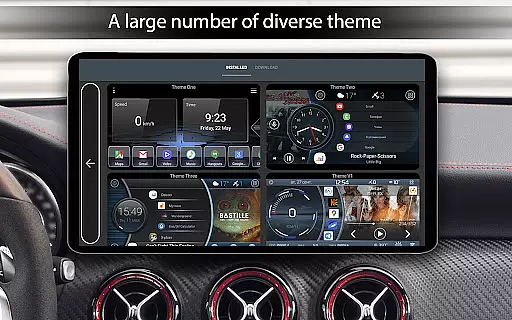
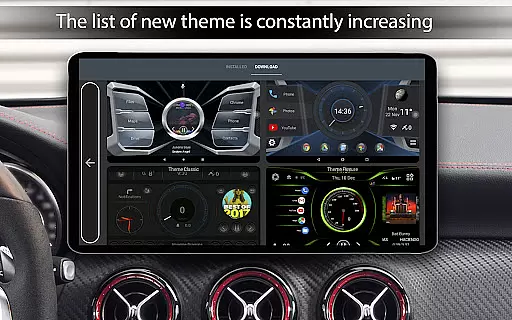
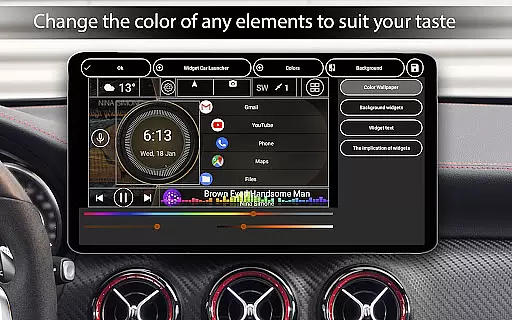
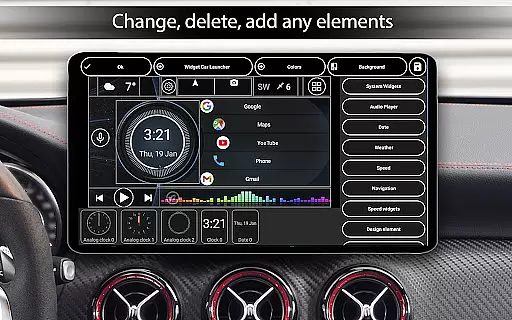
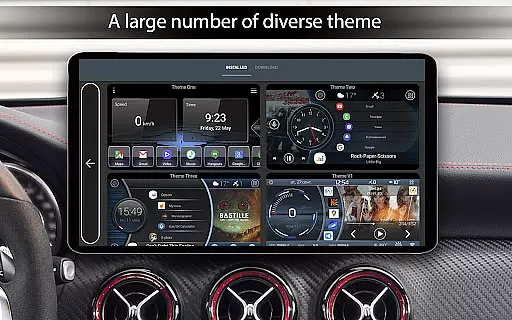
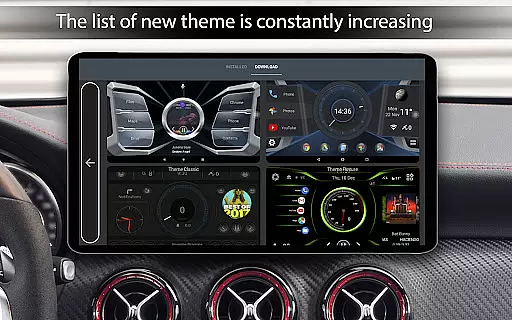
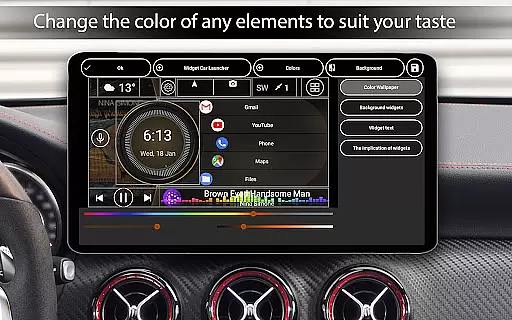
The launcher provides essential features such as GPS-based speed display, customizable quick-access buttons, and an onboard computer that tracks trip data. Users can personalize the interface with various themes, widgets, and color schemes, ensuring both functionality and aesthetic appeal.
Ideal for drivers who require easy access to navigation, media controls, and vehicle statistics, Car Launcher Pro enhances the driving experience by offering practical tools in a user-friendly format.
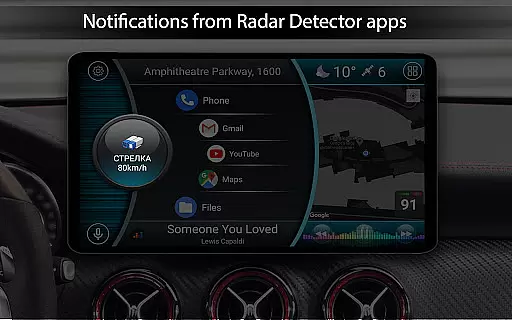
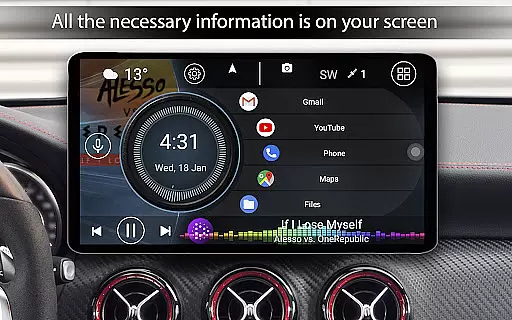
Car Launcher Pro boasts an array of innovative features tailored for automotive use. The app allows users to set it as the default launcher, accessible via the HOME button, which is particularly useful for car stereos. It supports unlimited quick-launch apps on the main screen, with advanced folder management available in the Pro version.
One standout feature is the built-in onboard computer, providing real-time vehicle statistics including speed, distance traveled, average speed, and acceleration metrics. These parameters can be customized to display data for specific time periods, from a single trip to overall usage.
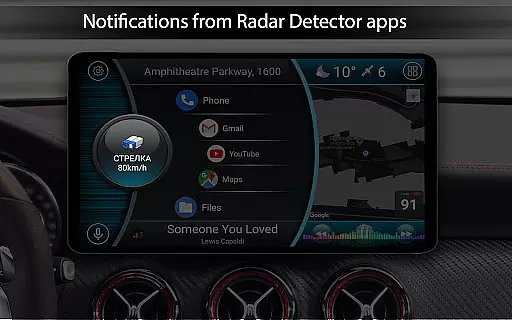
Additional functionalities include weather updates, location information, customizable themes, third-party icon packs, and extensive widget support. The app also offers adaptive brightness control and a highly configurable screensaver mode, making it a comprehensive solution for enhancing the in-car device experience.
Car Launcher Pro offers a comprehensive suite of tools that provide detailed vehicle information, ensuring users have access to critical data while driving. This includes real-time speed tracking based on GPS data, which is prominently displayed on the main screen.
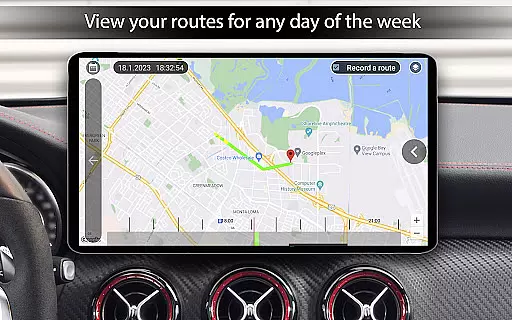
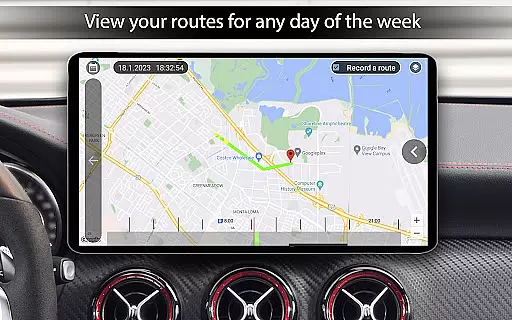
The app goes beyond basic speed tracking by integrating an onboard computer that calculates distance traveled over various periods. Users can monitor their trips with specific metrics such as average speed, total driving time, maximum speed reached, and even acceleration times from 0 to different speed thresholds.
What sets Car Launcher Pro apart is its ability to display these metrics in a customizable interface. Drivers can choose to view data for a single trip, daily, weekly, or monthly, providing flexibility and personalization to suit individual preferences.
This level of detail empowers drivers with valuable insights into their driving habits and vehicle performance, enhancing both convenience and safety during travel.
While Car Launcher Pro provides extensive features for vehicle information, it also maintains price transparency for its premium offerings. The app clearly outlines which features are available in the free version and which require the PRO upgrade.
Users can easily identify the advanced functionalities, such as creating multiple folders for selected applications and switching between them on the main screen, that are exclusive to the PRO version. This clarity ensures there are no hidden costs or surprises when deciding to upgrade.
The pricing structure is straightforward, allowing users to make informed decisions about purchasing additional features. By offering a robust free version, Car Launcher Pro lets users experience its core capabilities before committing to any financial investment.
This transparent approach builds trust with users, knowing exactly what they get with the free version and what additional value the PRO version brings to their driving experience.
User-friendly interface
Customizable themes
Real-time speed tracking
Extensive widget options
Comprehensive trip data
Premium features locked
Background GPS drains battery
Complex settings for beginners
Limited free version
Occasional bugs reported

Easily notify car owners in urgent situations, safe, fast, multilingual.
 4.4
4.4
OBD2 car scanner and diagnostics: read Check Engine, DTC, economy....
4.30
Theme for Car Launcher
4.5
Listings of Tesla's with FSD - Included package
4.60
Lexus app currently supports 2010 or newer vehicles (2018 or newer for Hawaii).
4.80
Mobile Phone Parking - So easy to park
3.70
Instantly redesign your car with AI. From sporty to futuristic, try it all.
4.50
Take state-specific DMV permit tests and ace the exam.
3.90
Find Fast EV Chargers | Charge Your Vehicle at 1,100+ Fast Car Charging Stations
4.60
Play what you want through Android Auto
4.90
Car Values, Research and More
4.80
Shop, finance, or sell today.
4.80
Oil change service & coupons for car maintenance at Valvoline Instant Oil Change
4.70
DMV Test Pro offers all the updated FREE DMV tests online.
4.60
Get price alerts, vehicle history details and more for cars near you!
4.50
Instant diesel savings. No credit checks or fees. Nationwide growing network.
4.40
AI Powered - Automotive Mechanic Assistant
4.30
Monitor your behind-the-wheel behavior to become a safer driver and save.
4.10
Monitor specific TOYOTA parameters by adding this plugin to Torque Pro.
2.00


User Reviews