
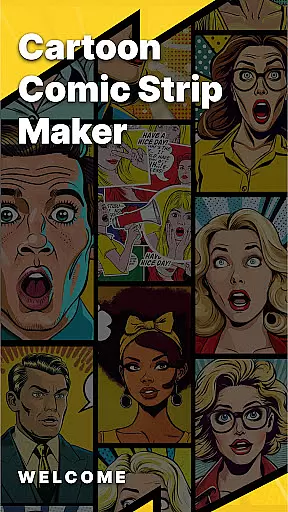
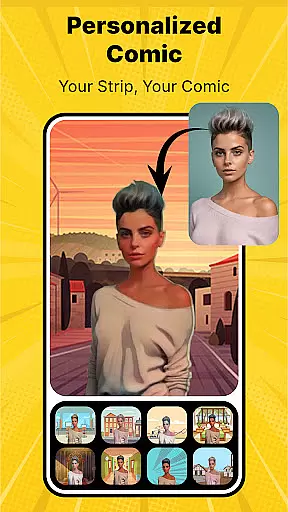
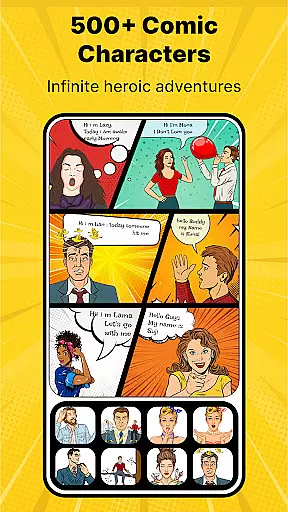
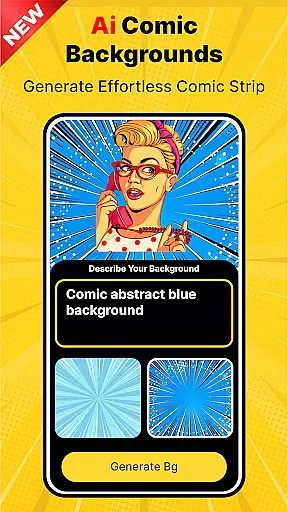
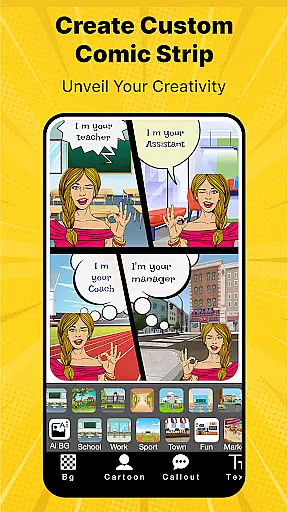
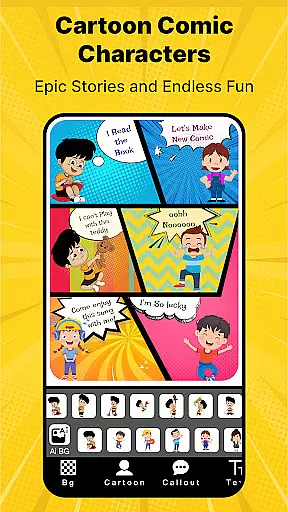
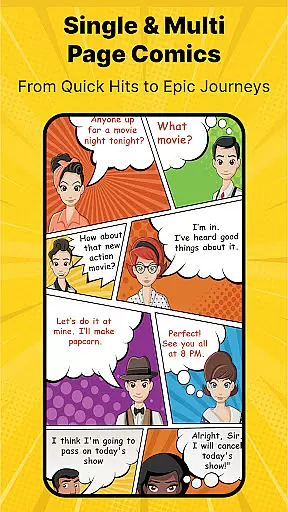
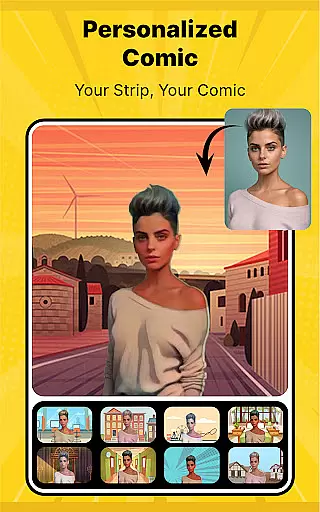
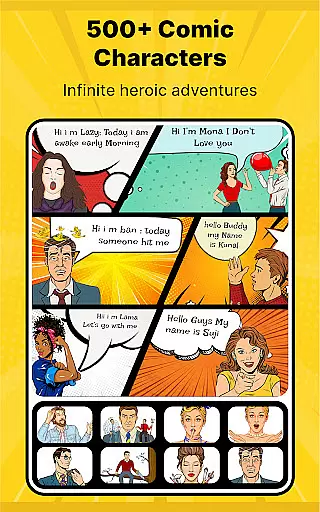
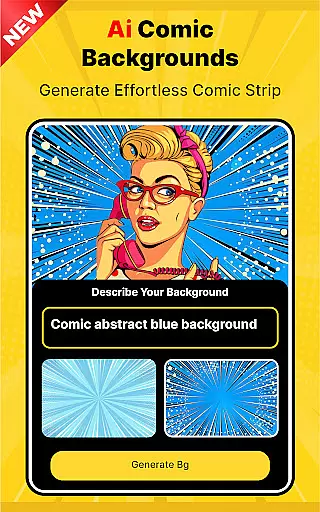
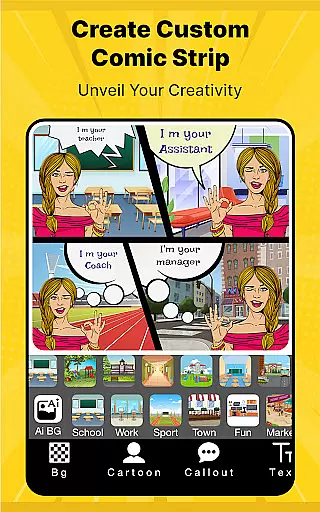
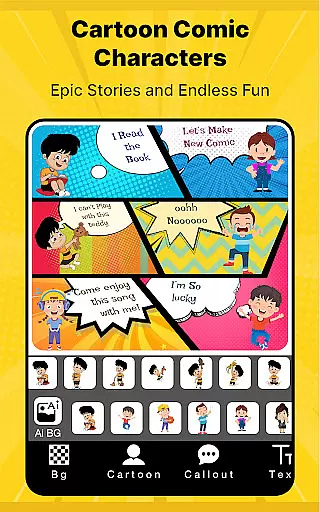

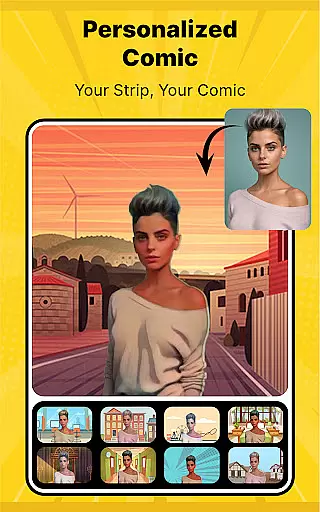
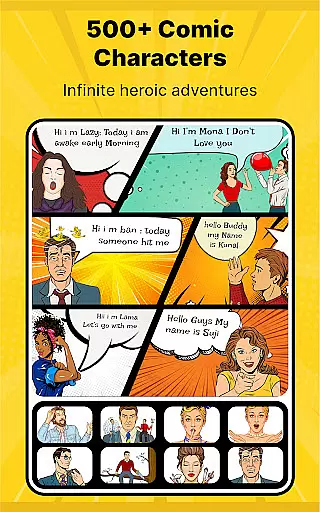
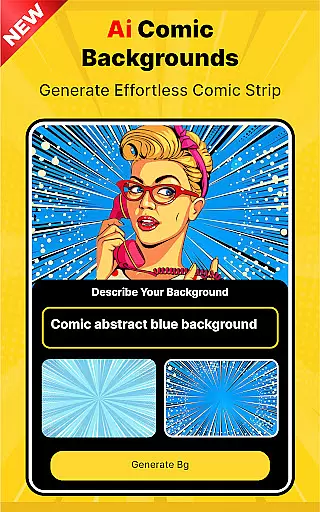
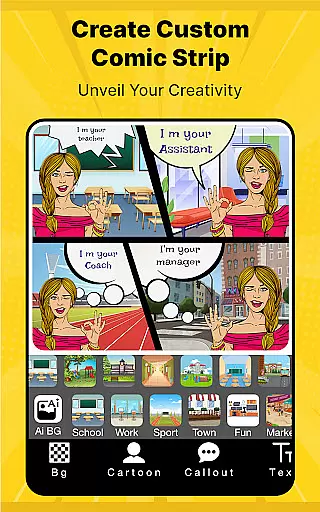
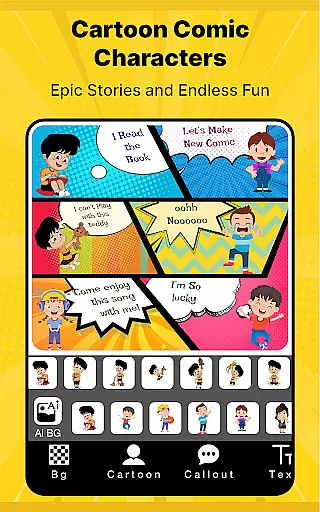

Cartoon Comic Strip Maker is a creative tool designed for comic enthusiasts and storytellers to craft their own comic strips, storyboards, and memes. With over 100 character options including anime, avatars, and superheroes, users can select characters that fit various emotions and scenarios, making storytelling both engaging and personalized. The app provides a rich library of HD backgrounds and diverse speech bubbles, allowing creators to visually narrate complex stories or concepts through images and dialogue.
This app is not only a platform for unleashing creativity but also serves as an educational tool in expressing ideas effectively. Whether you're creating content for personal enjoyment, educational purposes, or sharing laughs with friends and family, Cartoon Comic Strip Maker offers the resources needed to produce professional-quality comics. Users can save their creations as PDFs or images and share them across social media platforms like Facebook and Twitter.
Cartoon Comic Strip Maker stands out with its comprehensive features tailored for comic creation. It offers a vast selection of customizable elements such as unique characters from different genres, varied background settings, and multiple speech bubble styles. These features enable users to build intricate visual narratives that convey deep emotions and complex themes. Additionally, the app includes professionally crafted strip pages by cartoonists and artists, enhancing the authenticity and appeal of each creation.
The app's interface supports easy navigation and usage, ensuring that even beginners can create impressive comics without hassle. Creators have the flexibility to choose storyboard layouts, add texts into speech bubbles, and adjust every element to match their envisioned storyline. Moreover, the ability to save projects as high-quality PDFs or images ensures that users can preserve and distribute their work efficiently. Sharing your comic masterpiece on social media directly from the app amplifies audience engagement and feedback opportunities.
Cartoon Comic Strip Maker offers an extensive library of over 100 characters including anime, avatars, and superheroes. This vast selection allows users to create diverse comic strips that cater to various themes and ideas.
The app provides a rich assortment of backgrounds and speech bubbles which enhances the creative process. Users can choose characters with different emotions, making it easier to express complex stories and concepts through images and dialogue.
With regular updates and new content additions, the app ensures that creators have fresh material to work with. This keeps the comic creation experience engaging and dynamic for both amateur and professional artists.
All characters and backgrounds in Cartoon Comic Strip Maker are professionally designed by cartoonists and artists. This guarantees that the content is original and adheres to high artistic standards.
The app emphasizes educational value by teaching users how to explain intricate stories using visual aids and dialogues. It ensures that all materials are appropriate for storytelling across different age groups.
Users can confidently share their creations on social media platforms knowing that the content is licensed and authentic. The app's commitment to intellectual property rights gives creators peace of mind when publishing their work.
User-friendly interface
Extensive character library
HD quality backgrounds
Professional templates available
Social media integration
Limited free features
In-app purchases required
Occasional ads
Advanced tools locked
Learning curve for new users

Become a real PKM Card Maker, create or custom any Poke TCG cards and share them
 4.10
4.10
Read officially manga titles from Japan including Attack on Titan
3.80
The most powerful and fast image/comics viewer.
4.10
Read your favorite mangas for free
4.50
Dive into the App for Premium Comics, Webtoons and Manga!
4.80
Manga Reader for Comics, Webtoons & Manhwa. Read Mangas, Chat Stories and Novel.
4.30
Read latest manga with this minimal reader with NO ADS.
4.30
The most popular comic book reader.
4.80
Read official webcomics, webtoons, Korean manga & webnovels
3.70
Catalog your collection. Just scan covers with your device camera. (US $20/yr)
4.80
Find free mangas in Spanish
4.70
매일 매일 새로운 네이버 웹툰
4.50
Read webcomics & webnovels
4.20
Pose Tool 3D for the Artists, create any human figure pose quickly for your art.
4.00
Instantly create comic-style art with AI.
3.90
Comic Scanner - Book Value - Identify and sell your comic collection with AI.
3.80
from HipComic: Value Your Comic Book Collection with Just the Snap of a Photo.
3.80
Your key to unlocking manga and webtoons on the go
3.50
Hot-blooded / Romance / Science Fiction All themes, Smart Recommendation + HD Reading
3.10


User Reviews