
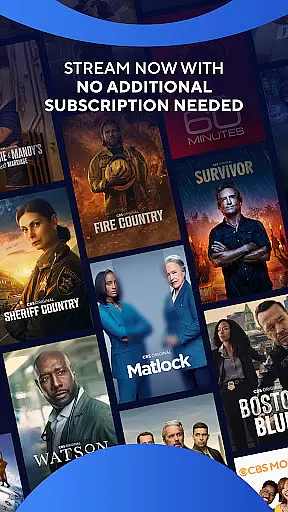

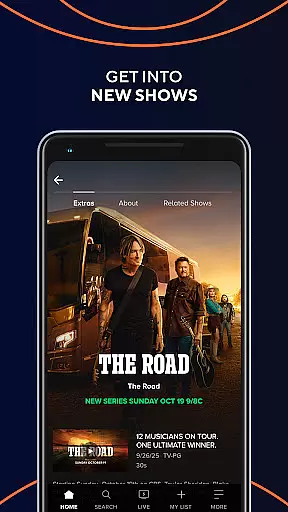
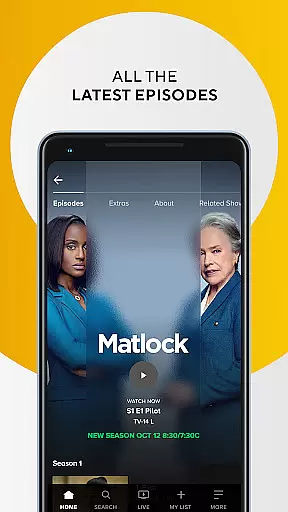
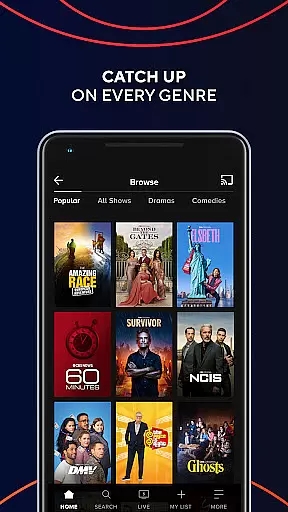
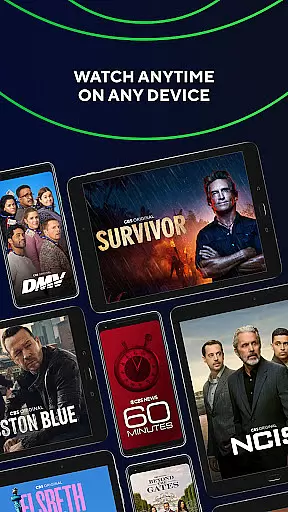
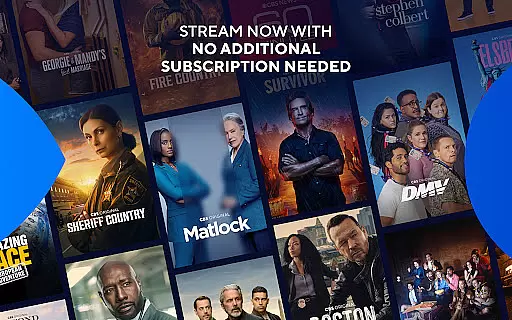
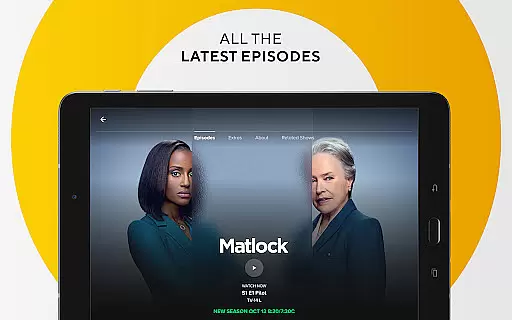
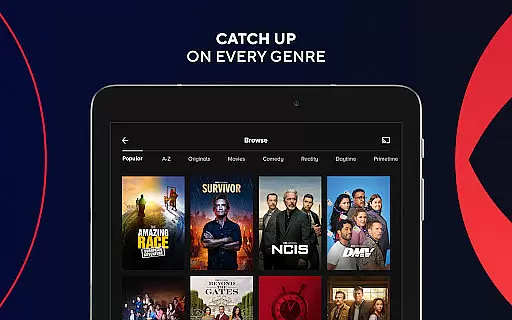
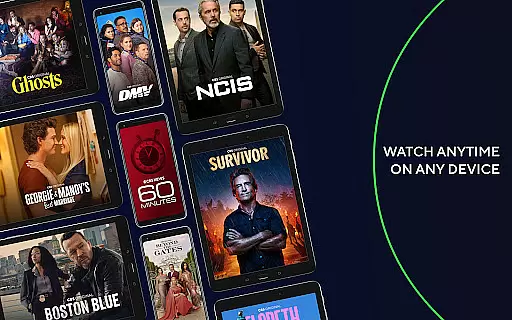
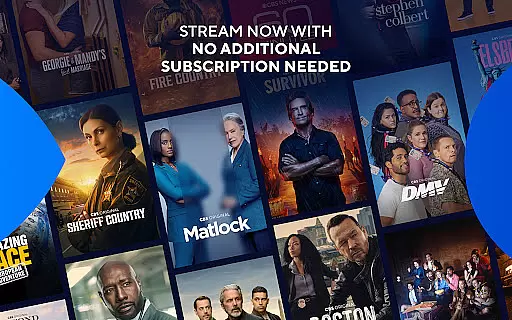

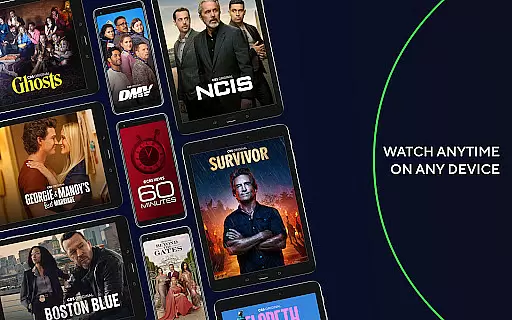
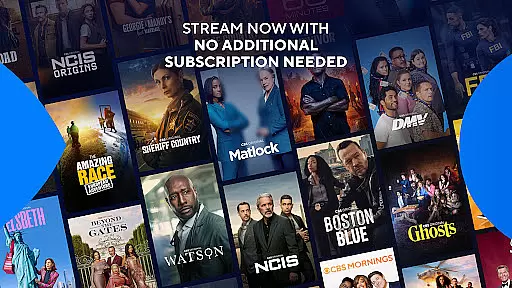


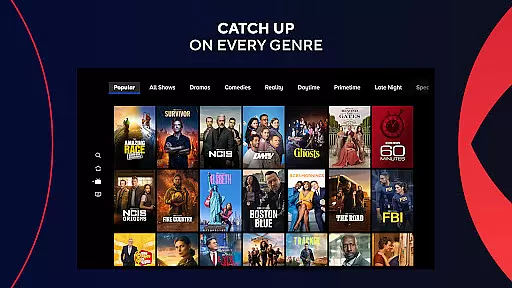
The CBS app is a free entertainment platform that allows users to stream the latest episodes of popular CBS shows without requiring a log-in. It offers instant streaming on any device, making it convenient for viewers to watch anytime and anywhere. Users can also sign in with their cable provider to access full seasons and live TV from their local CBS station.
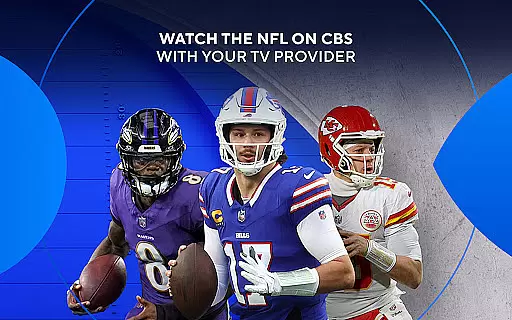
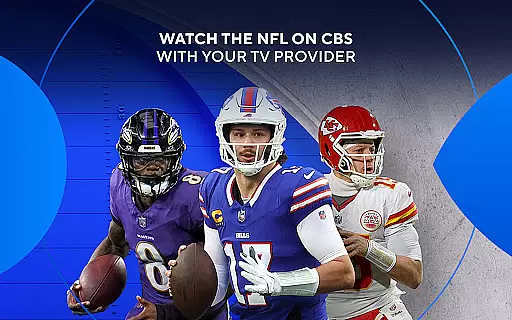
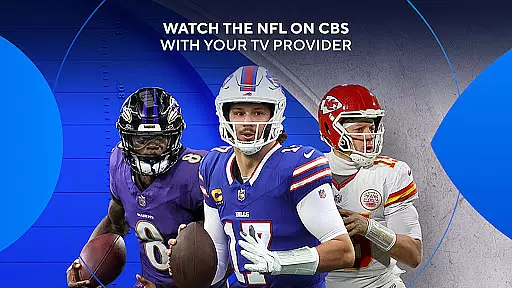
With this app, you can enjoy live news, sports, entertainment, and must-see events like The Grammy Awards, NCAA March Madness, and NFL on CBS. All content is available for free, with no additional subscription or monthly fee required. Whether you're at home or on the go, CBS ensures you stay connected to your favorite shows and live broadcasts.
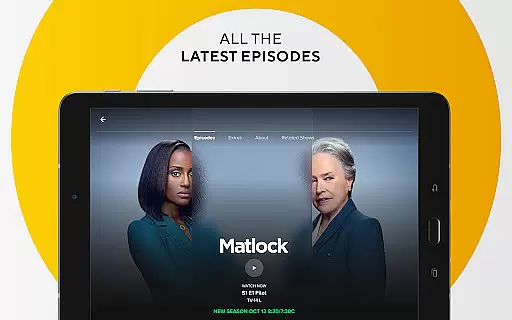
The CBS app provides a range of features designed to enhance user experience. One key feature is the ability to watch new episodes for free without needing a credit card or subscription. Full episodes are available for next-day streaming, allowing users to catch up on their favorite shows conveniently.
For those who wish to access more content, signing in with a cable provider unlocks live TV and complete seasons of CBS shows. The app supports viewing on multiple devices, ensuring you can watch anywhere. Please note that content availability may vary, and certain restrictions apply based on location and device compatibility.
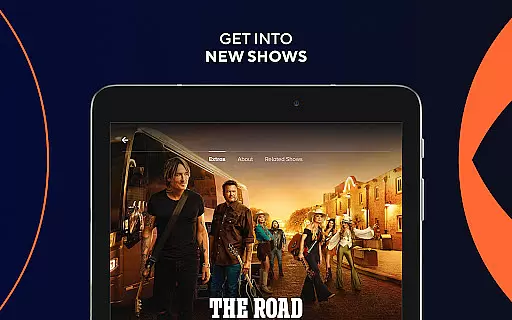
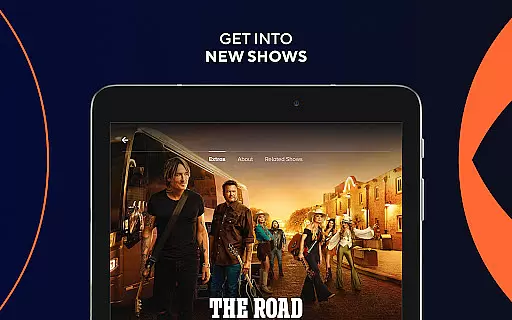
In the realm of digital entertainment, content diversity and regular updates are crucial for user engagement. The CBS app excels in this area by offering a wide array of shows that cater to different tastes and preferences. From the latest episodes of popular series to live broadcasts of significant events like The Grammy Awards and NCAA March Madness, the app ensures there's always something new and exciting to watch.
One of the standout features of the CBS app is its ability to provide next-day streaming for the most recent episodes, ensuring users stay up-to-date with their favorite shows without delay. This immediacy not only enhances viewer satisfaction but also keeps them coming back for more, knowing they won't miss out on any key moments or storylines.
Beyond scripted shows, the CBS app enriches its content library with live news, sports, and entertainment segments. This blend of pre-recorded and live content creates a dynamic viewing experience that can adapt to both planned viewing sessions and spontaneous entertainment needs. By covering major live events, CBS positions itself as a go-to source for real-time content consumption.
The app's commitment to keeping its content fresh extends beyond just airing new episodes. It includes a rotating selection of full seasons available through cable provider sign-ins, giving loyal viewers the chance to dive deeper into beloved series. This strategy of mixing free, next-day content with premium access options ensures that the CBS app remains a vibrant and evolving platform for entertainment enthusiasts.
User engagement duration and retention are critical metrics for any entertainment platform, and the CBS app employs several strategies to excel in these areas. By offering a mix of free and premium content, the app caters to diverse viewing habits while encouraging longer session times. The availability of next-day episodes for free streaming creates a consistent daily touchpoint with users, fostering habitual usage patterns.
The CBS app's integration of Nielsen's measurement software plays a significant role in understanding and enhancing user engagement. This sophisticated tracking system allows for detailed analysis of viewing habits, enabling CBS to refine its content offerings and personalize the user experience. Such data-driven insights help maintain high retention rates by ensuring the app consistently delivers content that aligns with viewer preferences.
A key retention strategy employed by CBS is its comprehensive coverage of major live events. By broadcasting must-see moments like NFL games and award shows, the app creates natural opportunities for repeated engagement throughout the year. These high-profile events serve as anchor points that draw users back to the platform, while the surrounding original programming helps maintain interest between major broadcasts.
Furthermore, the app's cross-device compatibility significantly boosts engagement duration by allowing seamless transitions between screens. Whether watching at home on a smart TV or catching up on mobile during commutes, users can easily pick up where they left off. This flexibility, combined with push notifications for new episodes and live events, creates a robust ecosystem that encourages sustained user interaction and long-term retention.
User-friendly interface
Free content access
Live TV options
No subscription needed
Wide device support
Limited international access
Content availability varies
Requires internet connection
Some features need cable login
Ads may interrupt viewing

Watch whatever you want, whenever you want, wherever you want.
 3.30
3.30
Browser for Chromecast to stream webvideos, online movies, IPTV & HD livestreams
4.40
Stream videos to VIDAA & VEWD TVs from Hisense, Sharp, Skyworth, Vestel & TiVo
3.00
Your choice of 350+ networks plus movies and full TV series on-demand.
3.70
VR 360 Cinema Player is the ultimate VR player for playing videos on mobile
3.50
Original short dramas with diverse genres for a rich viewing experience!
4.80
Connect. Discover. Control.
3.60
Bold original series & hit movies that don't hold back.
4.40
An app made just for kids
4.20
Open-source, fast, simple and powerful IPTV app
4.90
Catalog & tracker of your DVD, Blu-ray & Digital Movie and TV Collection Library
4.80
Stream Movies & TV Series: Original Shows, Family Movies & New Releases Weekly
4.60
Fetch money rewards all just for playing games. Cash out for gift cards in app.
4.50
Build and Share AI
4.20
A companion app for the game Elite Dangerous
4.10
Start EVP/Spirit Box tonight: real EMF, offline, recording. One-time purchase.
4.10
With the Steam Mobile App, you can take Steam with you anywhere.
3.00
Unofficial Game Companion App” “Guides • Builds • Tips • Progression
4.4
Simulation of Dashboard / Touch Screen for Tesla. (Works without actual Tesla).
4.5


User Reviews