
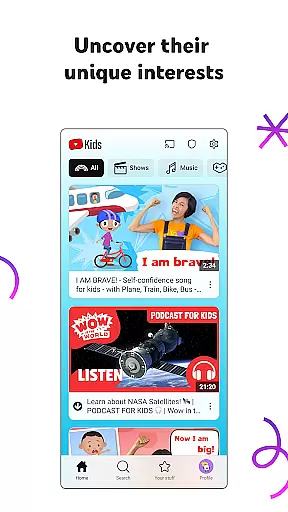
YouTube Kids provides a safe and engaging platform for children to explore video content tailored to their interests. Designed specifically for young audiences, the app offers age-appropriate videos across various categories including educational content, music, and cartoons.
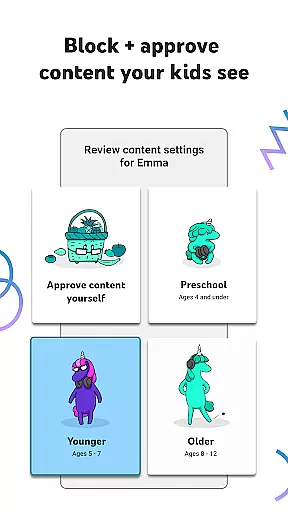
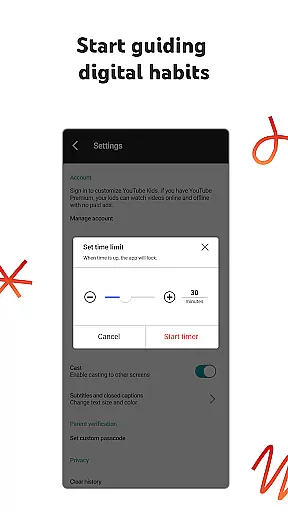
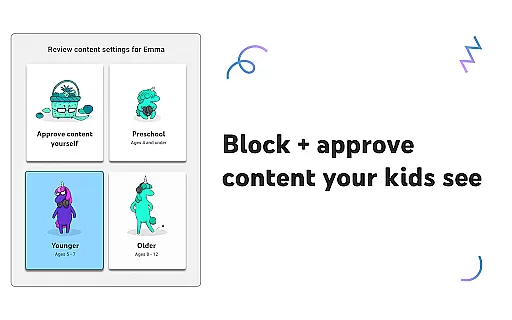
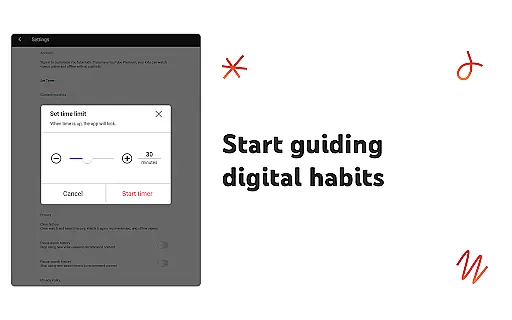
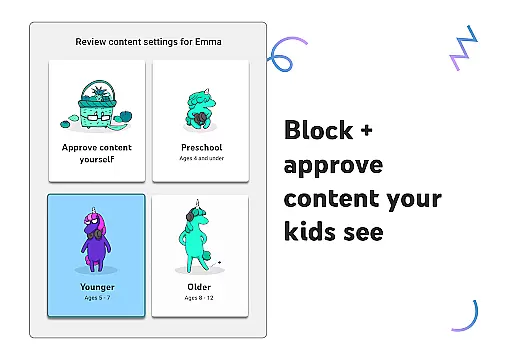
The app features multiple viewing modes that cater to different age groups, ensuring content is suitable for preschoolers, younger kids, and older children. Parental controls allow guardians to customize what their children can watch, set screen time limits, and block inappropriate content, making it an ideal tool for fostering learning and creativity in a secure digital environment.
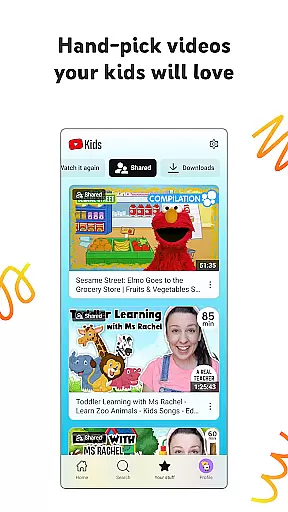
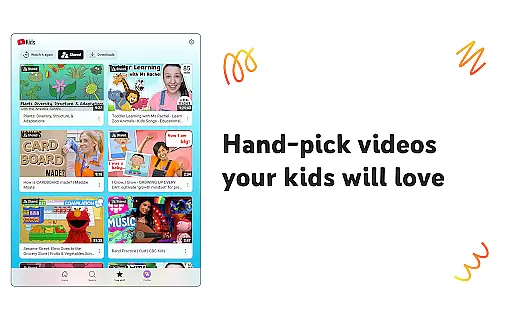
YouTube Kids stands out with its robust parental control features that include content filters, screen time management, and the ability to approve specific videos or channels. The app's interface is designed for easy navigation by children, featuring large icons and simple menus.
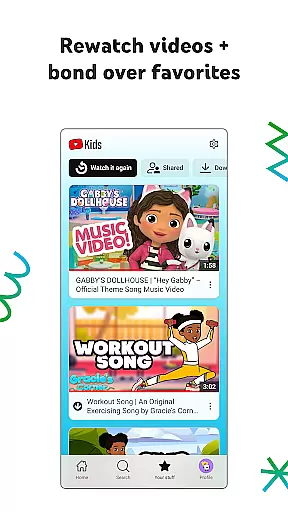
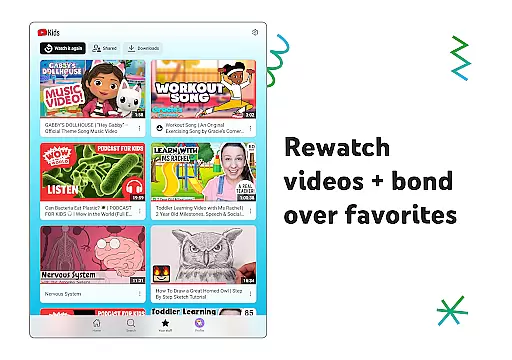
Additional notable features include the Watch it Again section for revisiting favorite content, four distinct content modes based on age and maturity levels, and a flagging system for reporting inappropriate material. These comprehensive tools help parents create a personalized and safe viewing experience while encouraging children to discover new interests through trusted content sources.
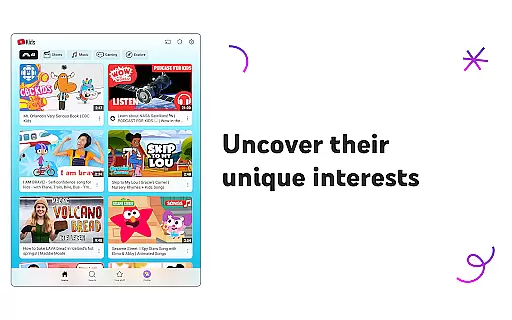
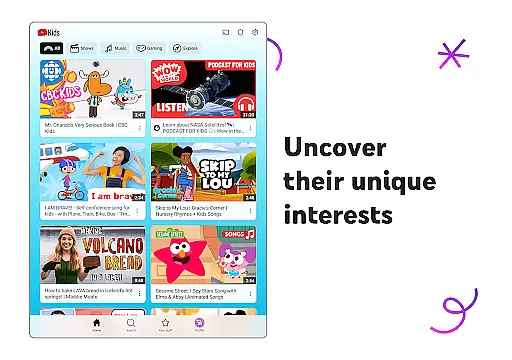
YouTube Kids stands out in the Entertainment category by offering a vast array of content that caters to different age groups and interests. The app provides specialized modes such as Preschool, Younger, and Older, ensuring that children can explore videos ranging from educational content like learning ABCs to popular music and gaming videos suitable for teens.
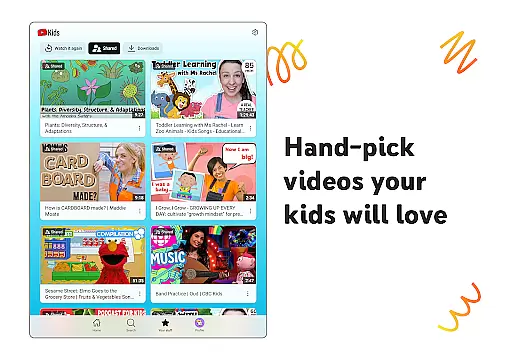
The platform's dedication to fresh content is evident through its partnership with creators who produce engaging and family-friendly videos. This constant influx of new material keeps children engaged and encourages them to uncover new interests regularly. Moreover, YouTube Kids allows parents to hand-pick videos and channels, adding another layer of content customization.
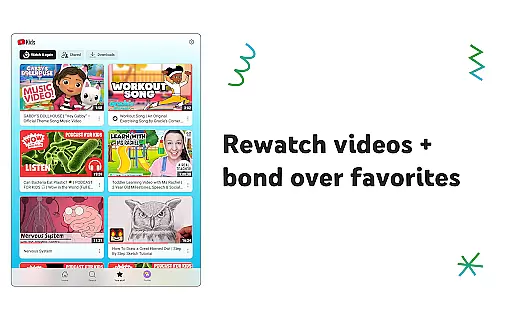
By enabling kids to rewatch their favorite videos via the Watch it Again tab, YouTube Kids ensures that children can enjoy their preferred content repeatedly. This feature not only enhances user satisfaction but also helps reinforce learning and bonding over shared favorites.
Overall, YouTube Kids' commitment to providing diverse and regularly updated content makes it an invaluable tool for both entertainment and developmental purposes, ensuring that children have access to a dynamic library that grows with them.
User engagement is a critical aspect of any entertainment app, and YouTube Kids excels in this area by offering features that naturally encourage longer viewing sessions. With personalized content filters and distinct modes tailored for various developmental stages, the app captures children's attention effectively and keeps them engaged with appropriate and interesting content.
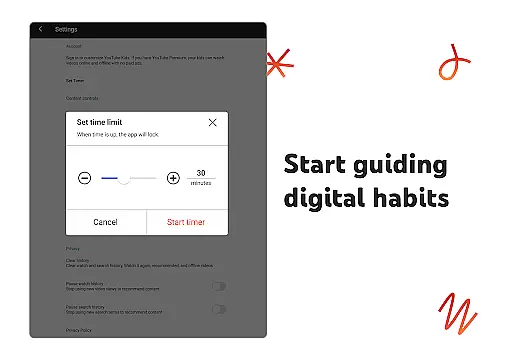
The app's ability to retain users is further enhanced by its Parental Controls, which allow guardians to curate a safe and enjoyable viewing environment. By setting time limits and blocking unwanted content, parents can ensure that screen time remains both beneficial and controlled, fostering a healthy relationship with digital media.
Additionally, the Watch it Again tab plays a crucial role in user retention by making it easy for kids to revisit their favorite videos. This feature not only boosts engagement but also creates a comforting routine for young viewers, encouraging them to return to the app frequently.
Through these carefully designed features, YouTube Kids successfully maintains high levels of user engagement and retention, making it a trusted choice for families seeking quality entertainment that supports their children's growth and development.
User-friendly interface
Customizable content filters
Parental control options
Age-specific viewing modes
Secure children's platform
Limited content variety
Potential ad exposure
Requires parental setup
Occasional inappropriate content
Less advanced features

Rain and lightning effects for your Philips Hue lights
 4.30
4.30
Heroclix search units with multi filter , team builder, collection manager.
4.40
Music visualizer and party effects for your Nanoleaf devices
4.0
A companion app for the game Elite Dangerous
4.10
Real ghost box scanner with echo, reverb, EMF, & multi-stream channels.
3.80
Collaboration with popular VTubers
4.5
Raise Christmas Magic with daily missions, magical scanners, and kindness.
4.4
Control your AWTRIX 3 easily
4.4
World's largest dedicated anime collection
4.70
Stories that spark in seconds.
4.80
Original short dramas with diverse genres for a rich viewing experience!
4.80
Tarot & Oracle Card Readings
4.50
* Multiple Matches * Intuitive UI * Scoring Made Easy!
4.40
Practice and master your ESP and intuition with five mode trainer.
4.20
Experience the video editing experience brought by our intuitive interface
4.10
Watch New Episodes & Live TV
3.80
Watch whatever you want, whenever you want, wherever you want.
3.30
Ultimate VR movie player for android mobile videos
4.2
A wonderful collection of the most beautiful sounds of animals and birds
4.5


User Reviews