
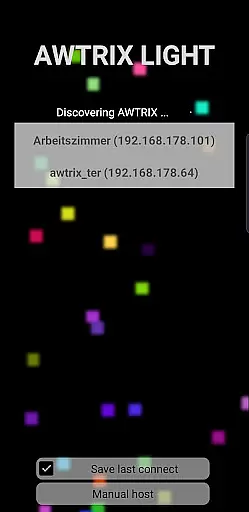
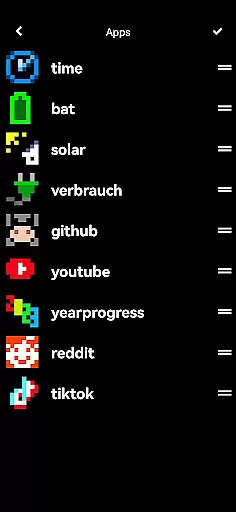
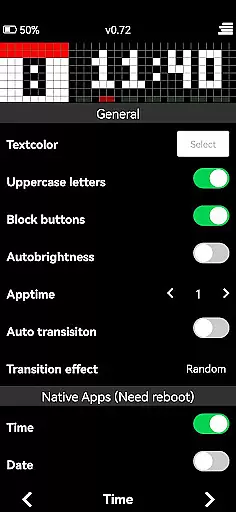
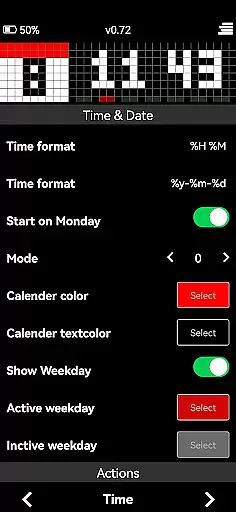
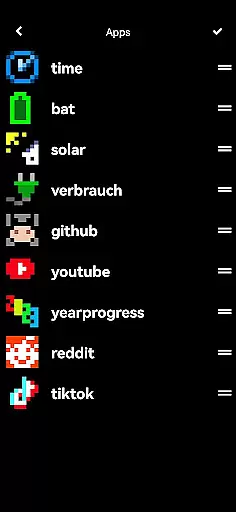
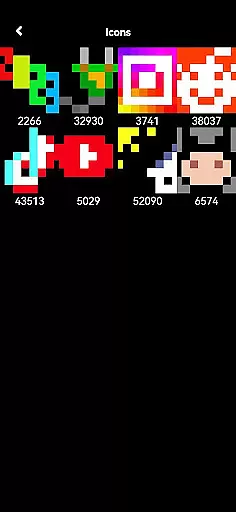
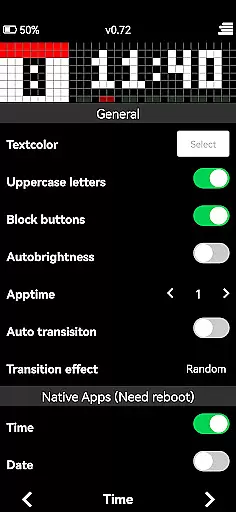
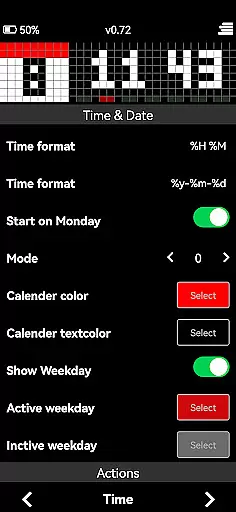
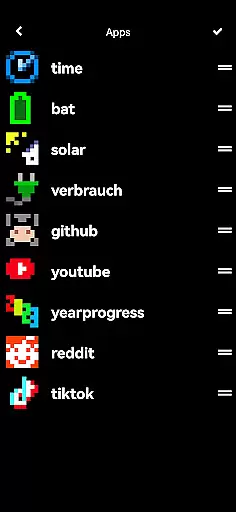
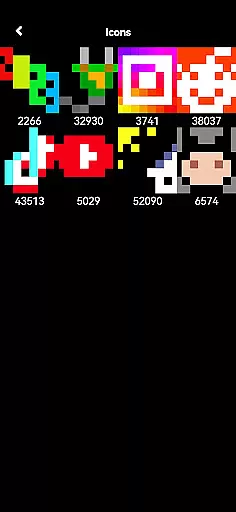
AWTRIX 3 is an innovative entertainment app designed to provide seamless control over your Awtrix device directly from your smartphone. With its intuitive interface, users can effortlessly manage a wide range of features including live view, text color adjustments, and one-click icon updates. The app also grants access to the exclusive Awtrix icon database, allowing users to customize their experience by creating and sharing their own icons with a vibrant community.
This application goes beyond basic functionality by offering advanced options such as AppLoop management and icon previews directly on the Awtrix device. Whether you are looking to personalize your device or explore new content, AWTRIX 3 delivers a comprehensive solution that enhances user interaction and engagement. By purchasing this app, you not only elevate your Awtrix experience but also support ongoing development and innovation within the Awtrix ecosystem.
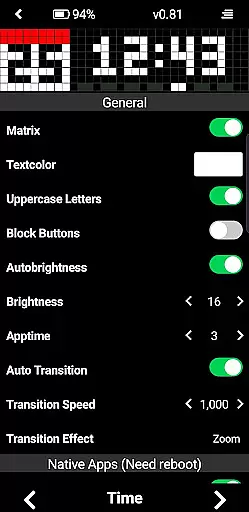
AWTRIX 3 stands out in the entertainment category due to its rich feature set tailored for Awtrix device management. One of the key highlights is the live view functionality, which provides real-time monitoring and control over your device's display. Users can easily adjust settings such as text color to match their preferences or update icons with just a single click, streamlining the customization process.
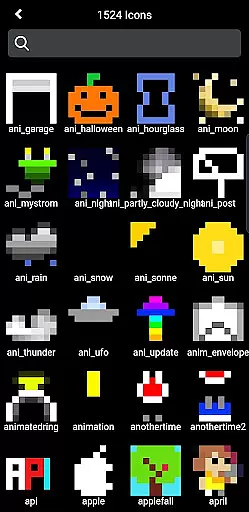
The app also includes exclusive access to the Awtrix icon database, empowering users to create, preview, and share their own icons. This feature fosters creativity and community engagement, making it easy to personalize your device. Additionally, AWTRIX 3 offers advanced capabilities like AppLoop management and detailed icon previews, ensuring that users have all the tools they need to optimize their Awtrix experience. These robust features collectively enhance usability and provide unparalleled value for tech-savvy individuals seeking complete control over their devices.
AWTRIX 3 offers a diverse range of content options that keep users engaged with fresh and exciting features. The app provides live views, customizable settings, and access to an exclusive icon database.
Users can update icons with a single click, preview them on their device, or delete as needed. This constant flow of new content ensures that the experience remains dynamic and up-to-date.
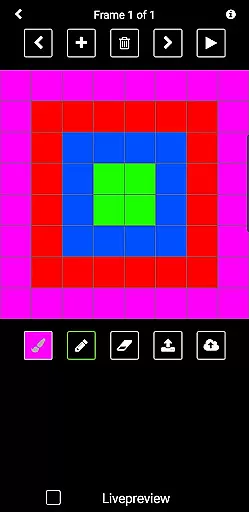
The ability to create and share custom icons adds another layer of variety, allowing users to express creativity while contributing to a growing community-driven library.
User engagement is at the core of AWTRIX 3's design, offering features that encourage longer interaction periods. With functionalities like AppLoop access and icon management, users are likely to spend more time exploring different customization options.
The app's intuitive interface makes it easy for users to navigate through various sections such as adjusting text colors or managing personal creations in the icon database. These interactive elements help maintain user interest over extended periods.
By continuously adding new content and providing tools for creative expression, AWTRIX 3 not only attracts but also retains its user base effectively.
User-friendly interface
Extensive customization options
Real-time device control
Vibrant community support
Exclusive icon database access
Premium purchase required
Limited to Awtrix devices
Advanced features may overwhelm beginners
Occasional performance lags
Dependent on internet connectivity

Rain and lightning effects for your Philips Hue lights
 4.30
4.30
Music visualizer and party effects for your Nanoleaf devices
4.4
Pathfinder 2e initiative tracker with bestiary, HP, reaction, conditions, etc
4.80
Fun brain twisting challenge with trending Whirlpool Filter.
4.70
Create melty bead designs by numbers, photos or your imagination
4.40
Your choice of 350+ networks plus movies and full TV series on-demand.
3.70
Necrophone is spirit box ghost hunting app made for spirit communication.
3.70
Geooh GO is the most feature rich geocaching app available today.
4.50
Bold original series & hit movies that don't hold back.
4.40
Watch Reels, Drama Shorts & TV Series Anytime. Download DramaWave Now!
4.70
Unleash Your AI Imagination
4.60
Everything FOX in one place. Watch FOX News, NFL, MLB, TV shows and more.
4.50
* Multiple Matches * Intuitive UI * Scoring Made Easy!
4.40
Come and watch short dramas, reels with diverse genres!
4.40
Create and play realistic-looking mock Emergency Alert System messages.
4.30
Watch New Episodes & Live TV
3.80
Binaural Brainwave Doses for Every Imaginable Mood
3.60
Connect. Discover. Control.
3.60
A wonderful collection of the most beautiful sounds of animals and birds
4.3


User Reviews