
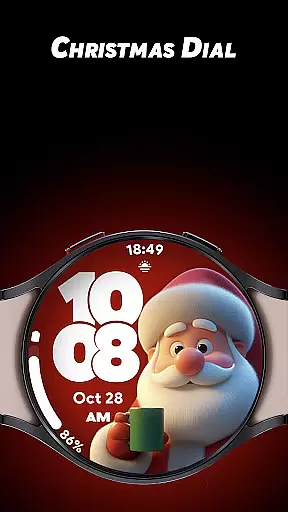
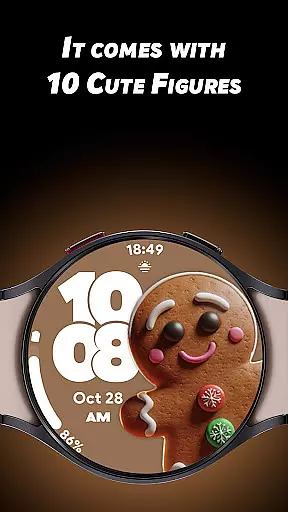
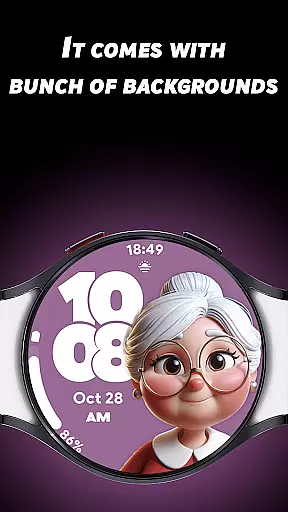
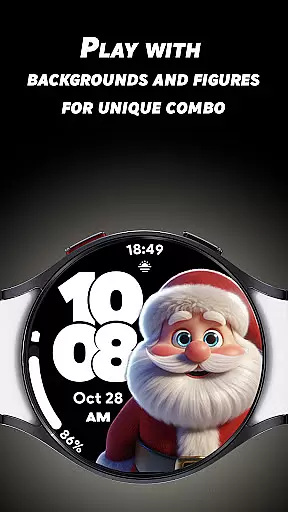

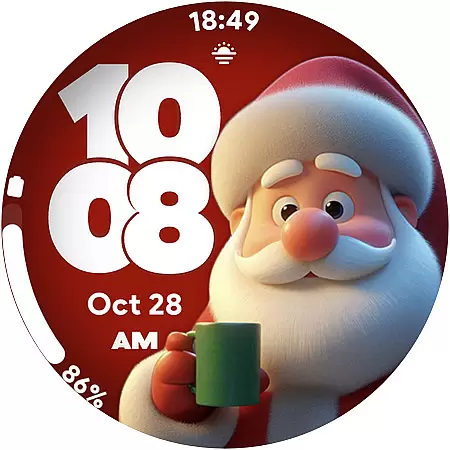
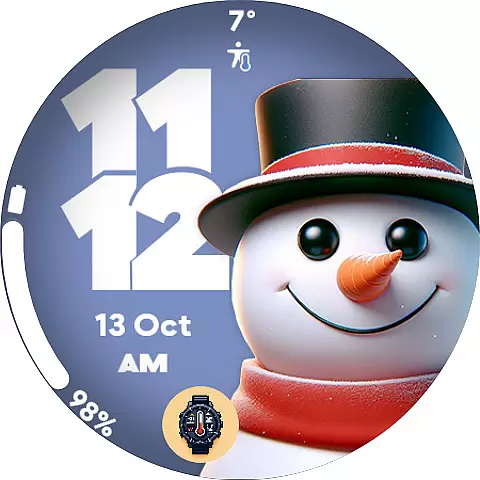
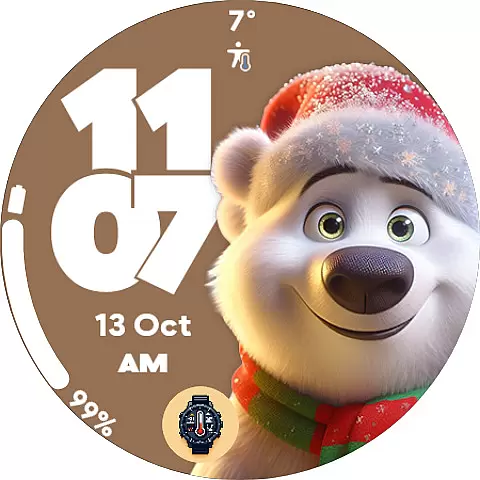
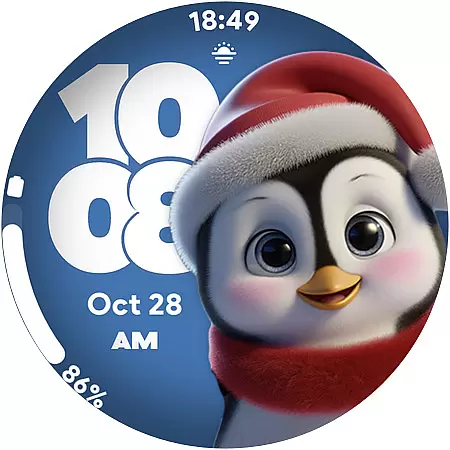
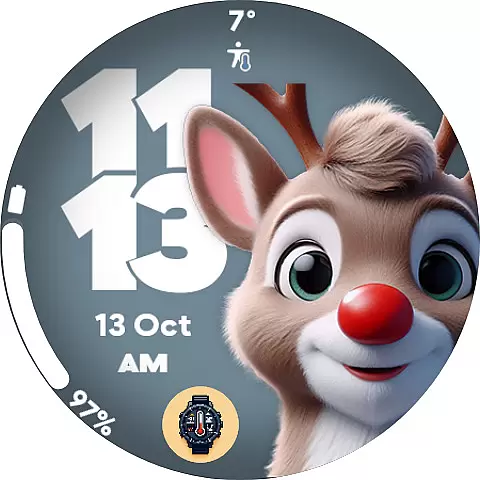
Christmas Dial is a festive watch face app designed for Wear OS users, bringing holiday cheer to your smartwatch. With 10 Christmas-inspired figures and multiple background color options, it allows you to customize your watch's appearance to match the holiday spirit. The app also supports practical features like 4 custom complications and battery-friendly Always-On Display mode.
This app is perfect for those who want to celebrate the season while maintaining functionality on their smartwatch. Whether you're tracking steps, monitoring battery life, or checking the weather, Christmas Dial combines utility with festive customization.
Christmas Dial offers rich customization options that make it stand out among watch faces. Users can choose from 10 adorable Christmas-themed figures, including Santa Claus and snowmen, and select from various background colors to create a unique look. The ability to disable shadows adds another layer of personalization.
Beyond aesthetics, the app provides practical features such as support for both 12-hour and 24-hour time formats and an optimized Always-On Display (AOD) mode that conserves battery life. These thoughtful additions ensure that users enjoy both style and functionality during the holiday season.
Christmas Dial offers a delightful selection of festive customizations that cater to the holiday season. With 10 Christmas-inspired figures, including Santa Claus and snowmen, users can embrace the spirit of the holidays right on their Wear OS watch face.
The app provides multiple background color options, allowing users to personalize their watch face to match their unique style. This feature ensures that the app appeals to a wide range of preferences within the lifestyle category, making it more than just a time-telling tool but also a fashion accessory.
In addition to aesthetic customizations, Christmas Dial includes practical features such as 4 custom complications. Users can display personalized information like steps, battery life, and weather, which adds an extra layer of utility to the watch face and enhances its appeal in the lifestyle segment.
Each of the 10 Christmas-inspired figures in Christmas Dial is crafted with attention to detail, ensuring an authentic holiday experience. The designs are not only cute but also culturally relevant, capturing the essence of Christmas traditions and characters.
Users can trust the quality and authenticity of the content provided by Christmas Dial. The app's features, such as the ability to disable shadows and switch between 12/24-hour time formats, reflect a deep understanding of user needs and preferences, which is indicative of expert design.
Furthermore, the battery-friendly Always-On Display mode demonstrates the developers' commitment to providing a watch face that is both visually appealing and practical. This balance of form and function speaks to the credibility of the app's content, offering users a reliable and enjoyable experience throughout the holiday season.
Festive designs
Customizable options
Battery-friendly AOD
Supports complications
Easy to use
Limited to Wear OS
Holiday-specific theme
Fewer features than some competitors
No iOS support
Paid upgrades may apply

Duo Watch Face (animated)
 4.2
4.2
Take Hobby Lobby with you wherever you go!
3.40
Immerse yourself in the serenity of lavender fields and white butterflies
4.5
Spirit Communicator is a real paranormal ghost hunting app with many fun modes.
3.90
Discover your Nationality, Family Origin, and Ancestry from one selfie
4.50
Your home in your hand
3.80
PARAVOX 4 is a professional ITC paranormal research application.
4.50
Futuristic watchface inspired by Back to the Future: sleek, retro, timeless
4.5
The App can control Roborock vacuum cleaners from anywhere with rich features.
4.60
Made To Order Faves
4.70
Earn points with every purchase with Moe Rewards.
4.20
Fly your Solo like a boss.
4.10
SmartHQ: Your Connected Home Command Center
4.10
Subwoofer school’s in session! You’ve now enrolled into KICKER U.
3.80
Easily manage your child's playtime, spending messaging and more.
3.50
An Eerie Musical Trigger Toy for Spirits to Play with!
3.50
View over 160,000 line dance stepsheets from the CopperKnob website.
3.30
Healthy eating timer app to track meal pace, improve habits, and eat slowly.
4.3
Big bold hybrid watch face with 30 colors, 5 fonts & 5 complications.
4.3


User Reviews