
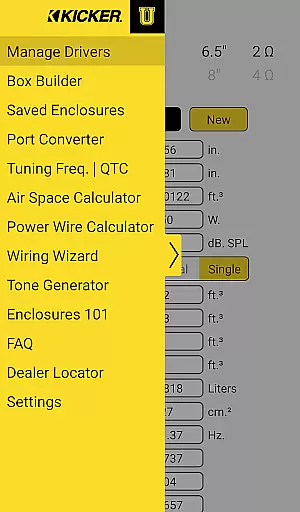
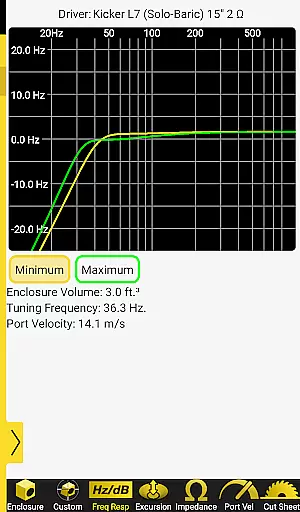
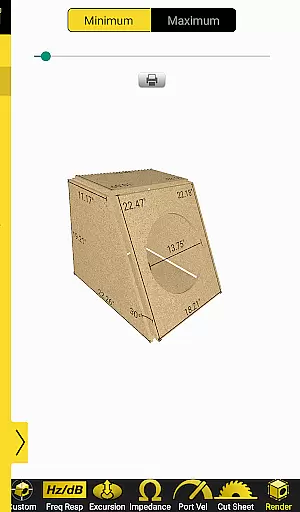
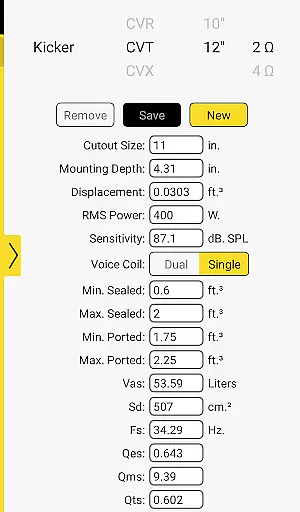
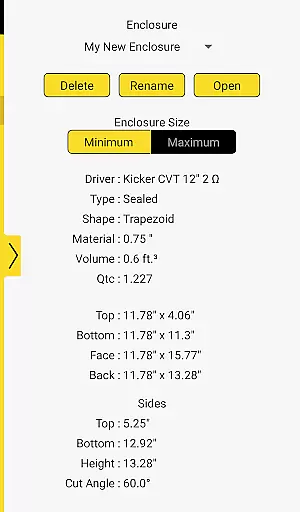
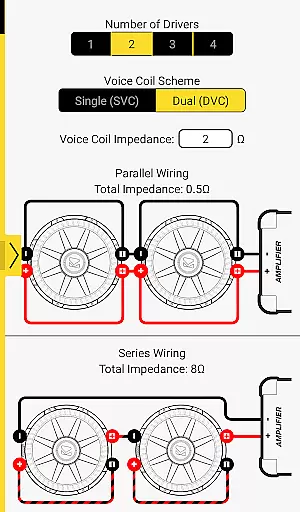
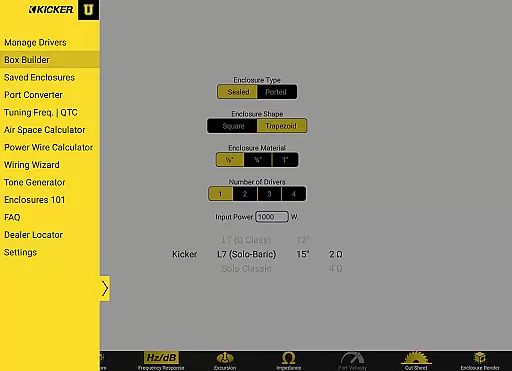
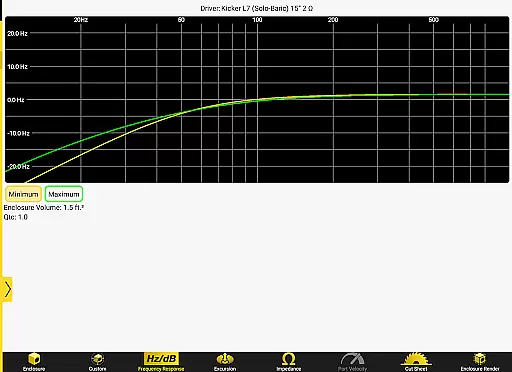

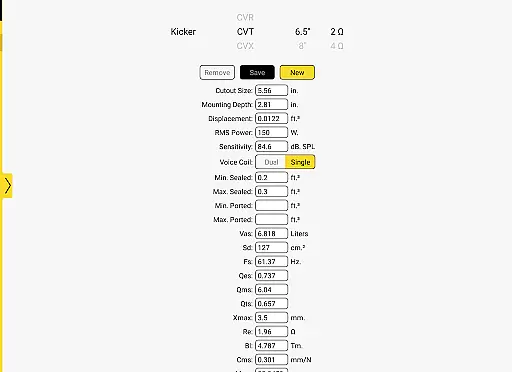

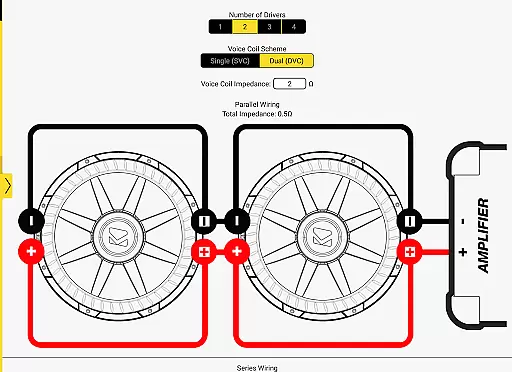
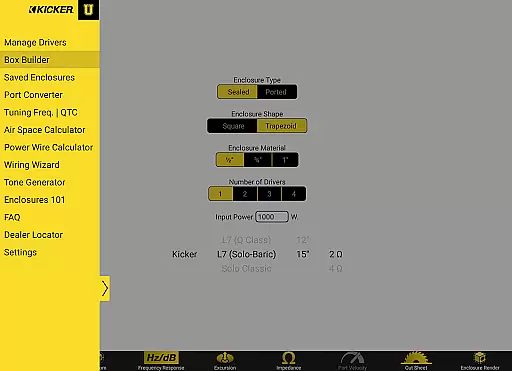
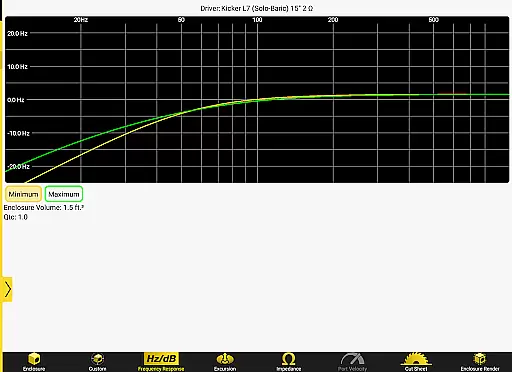
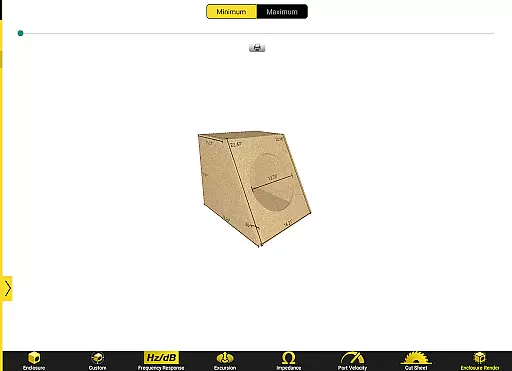
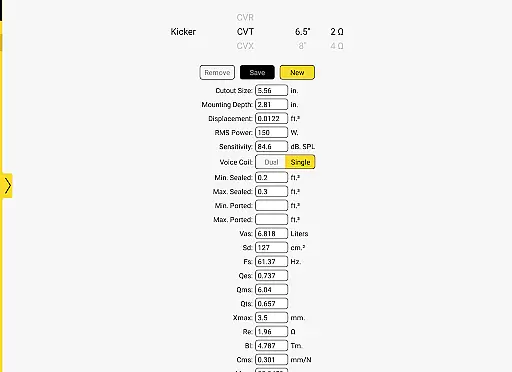
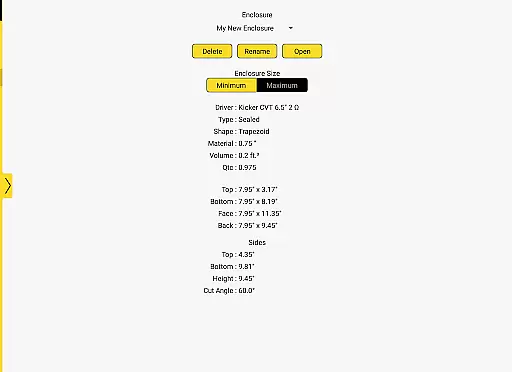
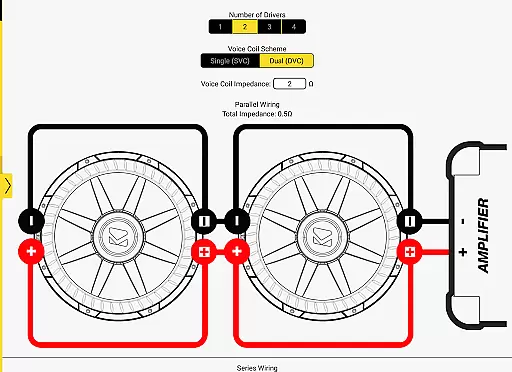
Kicker U is an educational application designed specifically for mobile-audio enthusiasts and professionals. This app serves as a comprehensive toolbox, providing users with essential knowledge and resources to design and build custom audio enclosures. With features like port dimension calculators, tuning frequency tools, and the ability to upload Thiele-Small parameters, Kicker U empowers users to create optimized speaker boxes tailored to their specific drivers.
The app also offers practical assistance in wiring subwoofers, making it an invaluable resource for both beginners and experienced installers. Whether you're a car audio hobbyist or a professional installer, Kicker U provides the technical support needed to achieve high-quality sound installations.
Kicker U stands out with its specialized set of features tailored for audio installation projects. The app includes advanced calculators that allow users to determine precise port dimensions and tuning frequencies, ensuring optimal performance of subwoofers. Additionally, the unique capability to upload and save Thiele-Small parameters enables users to customize enclosures for any driver they own.
Another notable feature is the app's integration with external services. Network permissions are utilized for functionalities such as Facebook sharing and dealer location services, enhancing user convenience. These features collectively make Kicker U a versatile tool that combines technical precision with practical usability in the field of mobile audio installations.
When it comes to mobile-audio installation, Kicker U offers a comprehensive curriculum that covers various aspects of subwoofer setup and customization. This app is not just about theoretical knowledge; it provides practical tools for designing custom enclosures tailored to your specific needs.
The application includes advanced calculators for determining port dimensions and tuning frequencies, which are crucial for achieving optimal sound quality. These features ensure that whether you're a beginner or an experienced installer, you have all the necessary information at your fingertips.
Additionally, Kicker U allows users to upload and save Thiele-Small parameters, enabling them to create boxes for any driver they own. This level of detail and personalization underscores the app's commitment to covering every facet of mobile audio lifestyle management.
Kicker U stands out by providing authentic and credible content curated by experts in the field of mobile audio. The app serves as a reliable resource for both novices and professionals looking to enhance their understanding of subwoofer installations.
Each feature within the app, from the enclosure design assistance to wiring guidance, is backed by KICKERu2019s reputation for high-quality audio products. Users can trust that the advice and tools provided are grounded in industry best practices and technical expertise.
Moreover, network permissions for Facebook and dealer locator functionalities further reinforce the authenticity of the content by connecting users with verified dealers and community feedback. This ensures that the information and support you receive are not only expert-approved but also community-validated.
User-friendly interface
Advanced calculation tools
Custom enclosure design
Comprehensive audio knowledge
Practical wiring assistance
Limited to audio projects
Requires network access
No offline functionality
Specialized user base
Interface may feel dated

Countdown to Christmas 2025 with festive games & activities in a virtual village
 4.80
4.80
Turn your watch into a key fob for your Tesla
2.90
Discover how to help puppies stay calm around noise with this helpful app.
4.1
A daily quote for success
4.4
Unique Dual Colors with 6 Custom Complications for Wear OS watches!
3.40
Smart & Healthy Living
4.60
Smart home security protection
3.20
Colorful minimal digital watch face for Wear OS
4.60
Digital smart watch face made for Wear OS.
4.70
Have your Tehillim with you at all times
4.70
Kasa Smart is your portal to your TP-LINK Smart Home.
4.70
Make money, get paid cash rewards & gift cards for every survey. Earn today!
4.60
Unique "Isometric" style digital watch face for Wear OS
4.50
A smart Siddur with halachic times
4.50
Play fun games, complete quick surveys, and earn money. It's fun and easy!
4.40
Share opinions, get paid cash
4.30
Unique BIG BOLD TIME with amazing colors and customisations.
3.70
Design and brew great homebrewing beer, mead, cider and wine recipes on the go!
3.60
The Miracle Box includes methods used by Steve Huff of Huff Paranormal.
3.20


User Reviews