
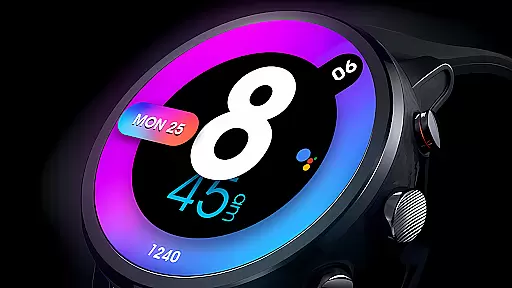
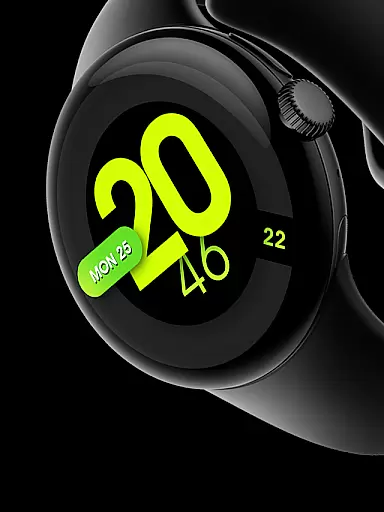
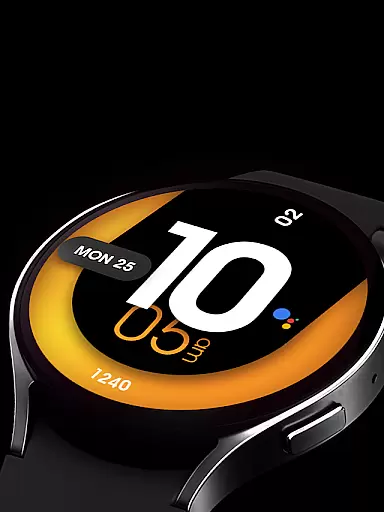
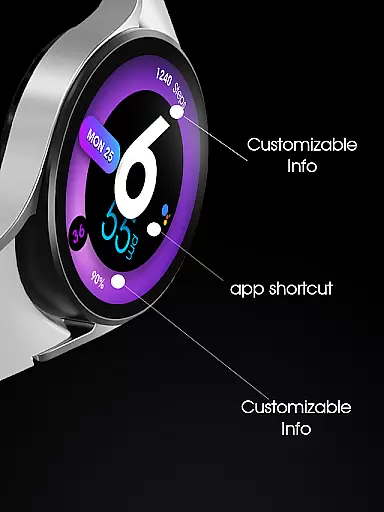
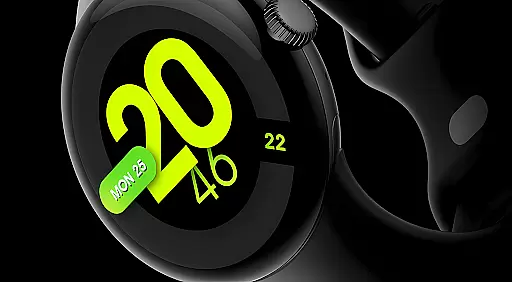
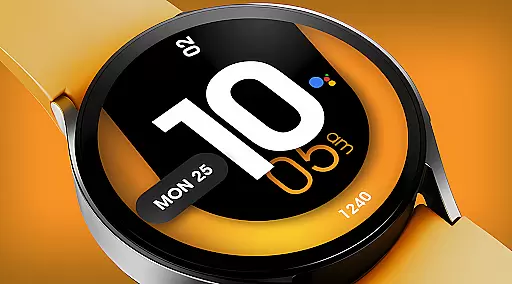
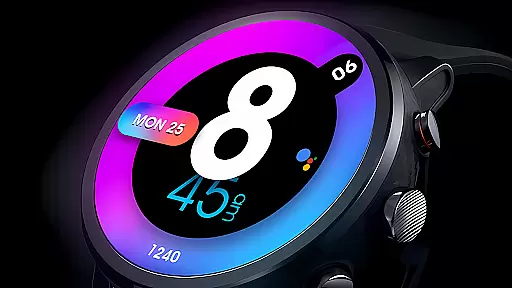
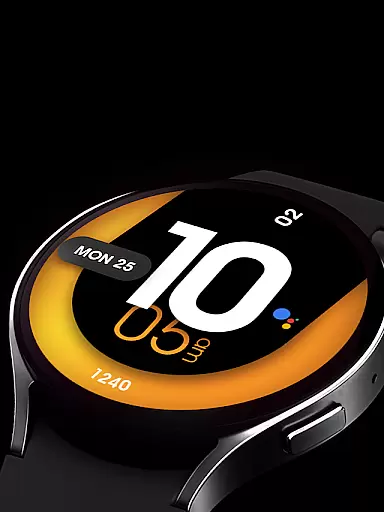
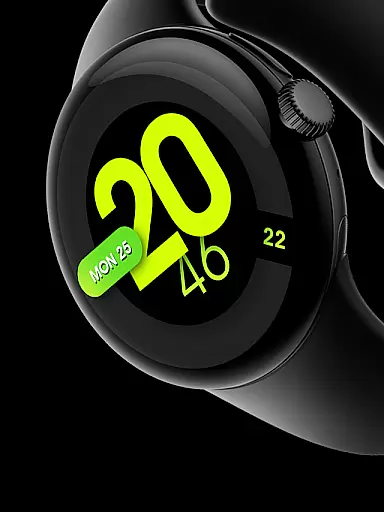
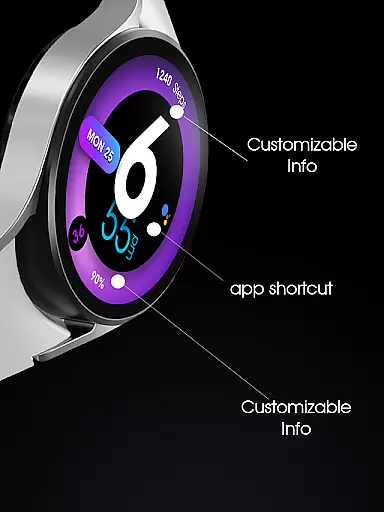
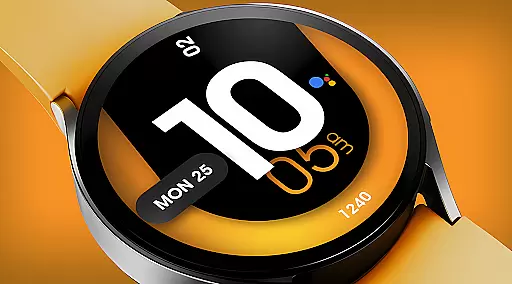
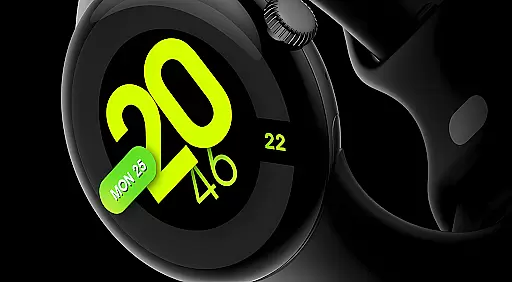
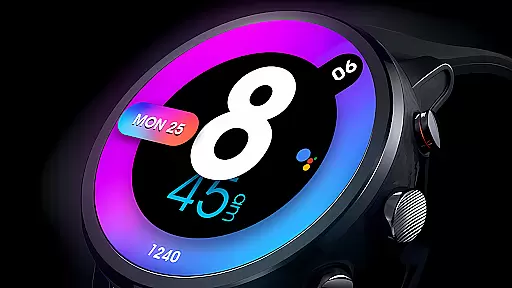
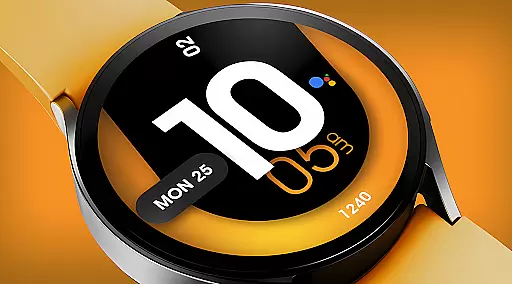
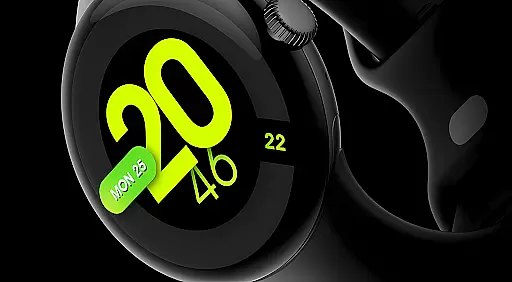
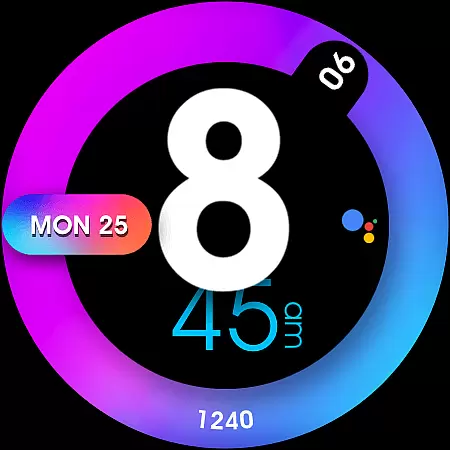
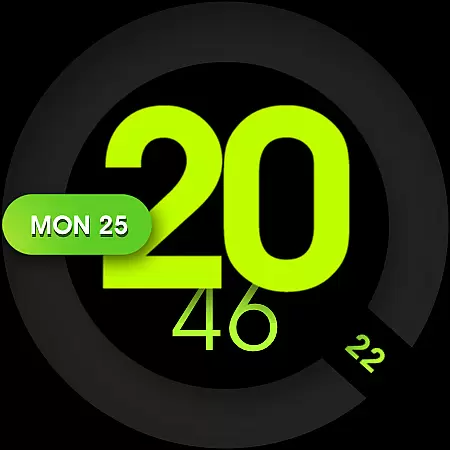
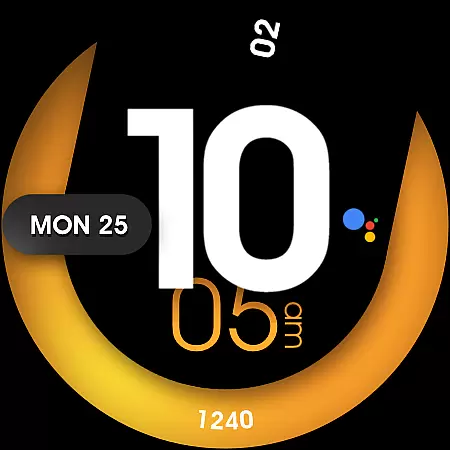
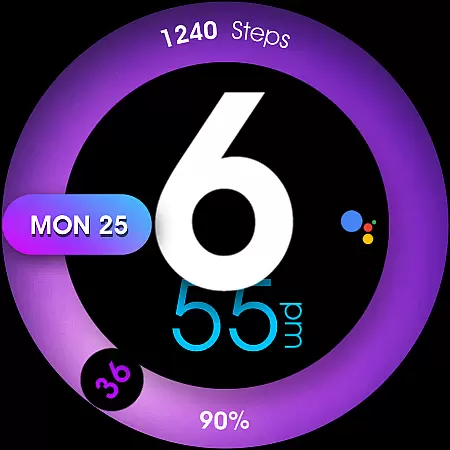
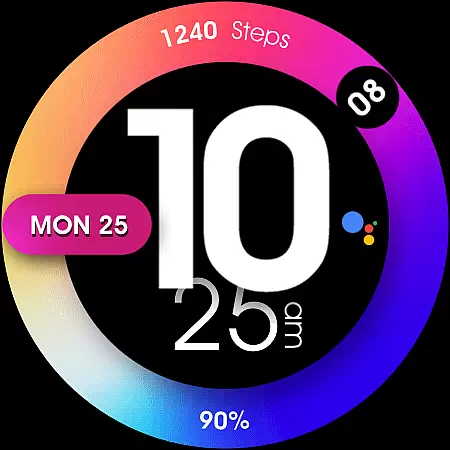
UsA Minimalist Digital is a vibrant and customizable watch face designed specifically for Wear OS devices. This digital watch face features a standout colorful design with complications that display health data and other useful information. Compatible with Wear OS 4 or newer, it supports Galaxy Watch 4/5/6/7/8 Series, Pixel Watch series, and other Wear OS devices.
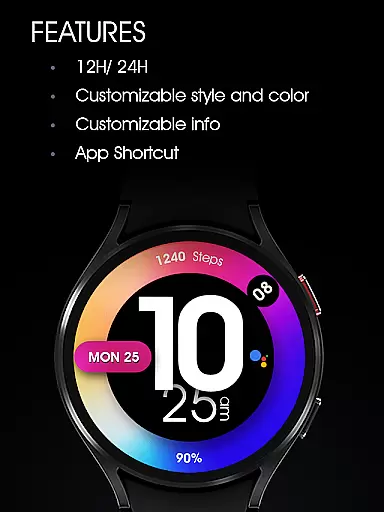
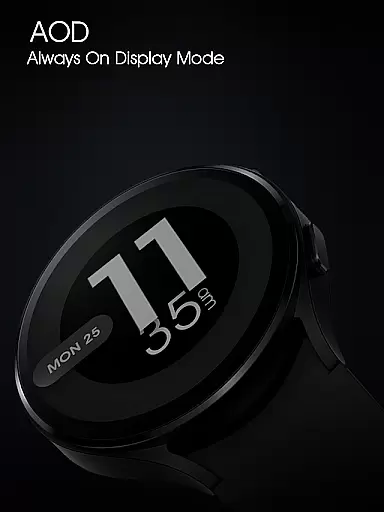
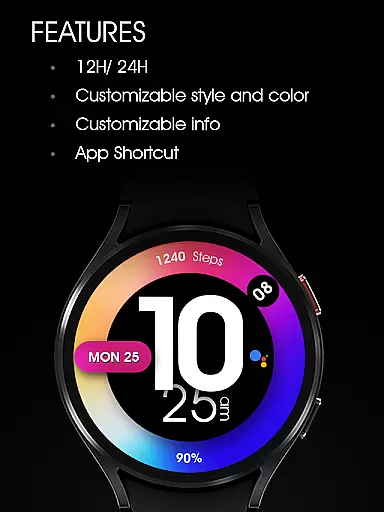
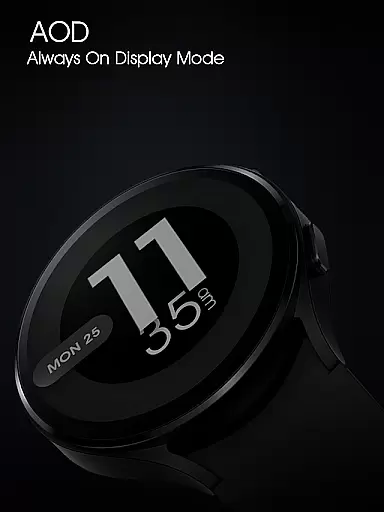
The watch face offers users the ability to personalize their smartwatch experience through custom colors, decorations, and app shortcuts. With support for both 12-hour and 24-hour time formats, automatic synchronization with phone settings, and an Always-On Display (AOD) mode, this app ensures both functionality and style. Whether you're tracking health metrics or simply want a modern digital look, UsA Minimalist Digital provides a seamless blend of aesthetics and utility.
UsA Minimalist Digital stands out with its array of innovative features tailored for Wear OS users. The app includes a dynamic digital design that syncs with your phone's time settings, supporting both 12-hour and 24-hour formats. Users can customize the color scheme and decorative elements to match their personal style, ensuring a unique and personalized appearance on their smartwatch.
In addition to its stylish design, the app offers practical functionalities such as two customizable information slots and one app shortcut complication. These allow users to access important data and frequently used apps directly from their watch face. The AOD mode ensures essential information remains visible even when the watch is in low-power mode. Furthermore, users can easily manage these features through the 'customize' menu, providing a user-friendly experience that enhances daily smartwatch interactions.
Colorful design
Customizable options
Health data integration
User-friendly interface
Wide device compatibility
Requires Wear OS 4+
Limited to compatible devices
No advanced fitness tracking
Paid installation
Dependent on phone settings

Design and brew great homebrewing beer, mead, cider and wine recipes on the go!
 3.60
3.60
Get roadside help, discounts, travel tools & more — AAA is with you everywhere.
4.80
Spiritus Ghost Box is an Audio and Visual ITC tool for paranormal research.
4.00
This app is intended to support professional EMDR therapy.
4.50
A uniquely designed isometric digital watch face made for Wear OS
4.4
Discover your Nationality, Family Origin, and Ancestry from one selfie
4.50
An Eerie Musical Trigger Toy for Spirits to Play with!
3.50
Control your Tapo smart devices from anywhere.
4.60
Create slime on your phone and enjoy satisfying and relaxing ASMR games
4.50
See wait times and check into a hair salon ahead of time with Online Check-In.
4.80
Daily lessons from A Course in Miracles with scheduled reminders
4.80
Have your Tehillim with you at all times
4.70
Vehicle ownership simplified. Get the myChevrolet® app today.
4.60
Unique "Isometric" style digital watch face for Wear OS
4.50
Cute Adorable Animals now on your wrist with our Wear OS watch face!
4.40
Paranormal Spirit Bell Trigger Device
4.30
A watch face with transparency and fluid visuals inspired by liquid glass design
4.0
Big bold hybrid watch face with 30 colors, 5 fonts & 5 complications.
4.4
Futuristic watchface inspired by Back to the Future: sleek, retro, timeless
4.5


User Reviews