
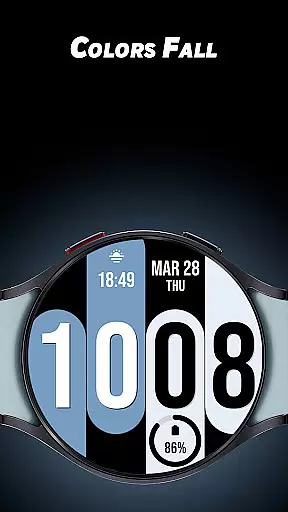
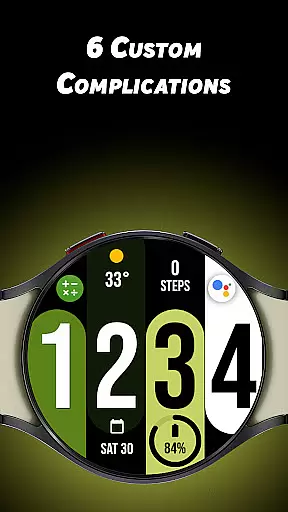
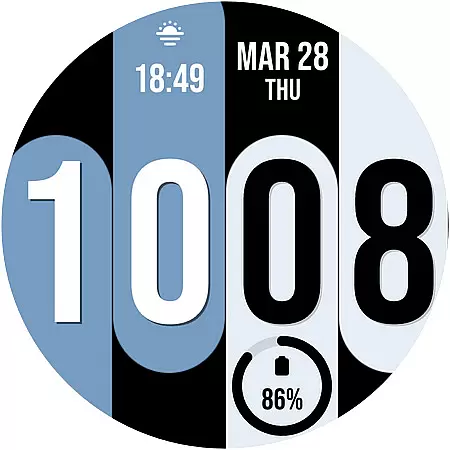
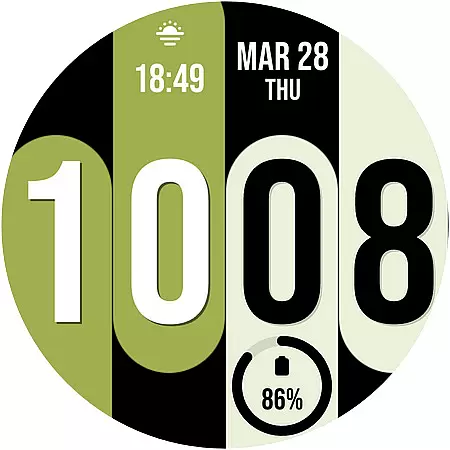
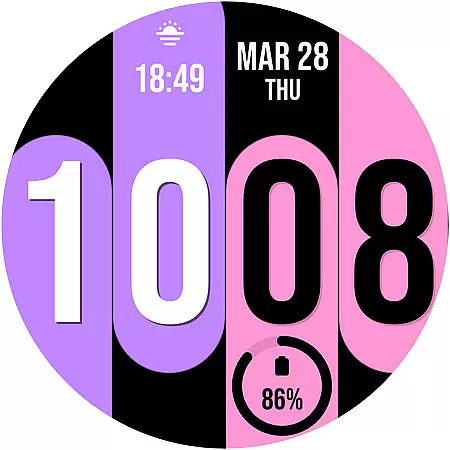
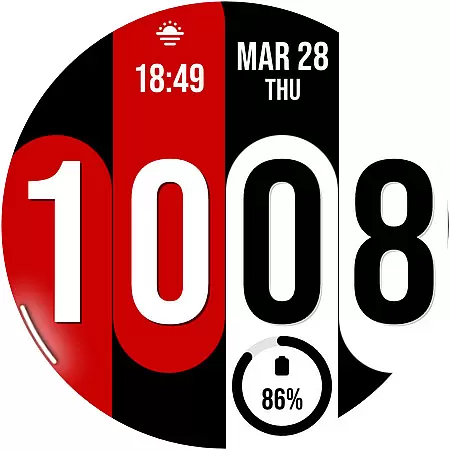
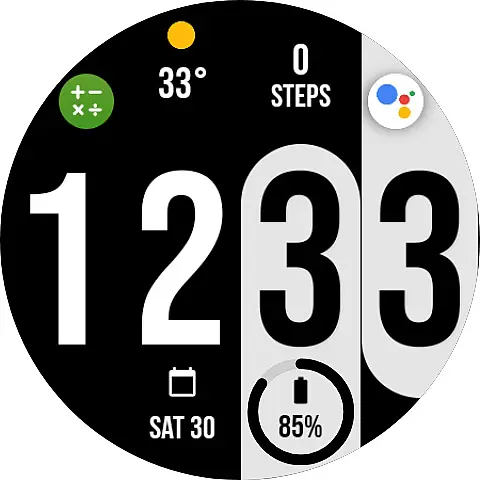
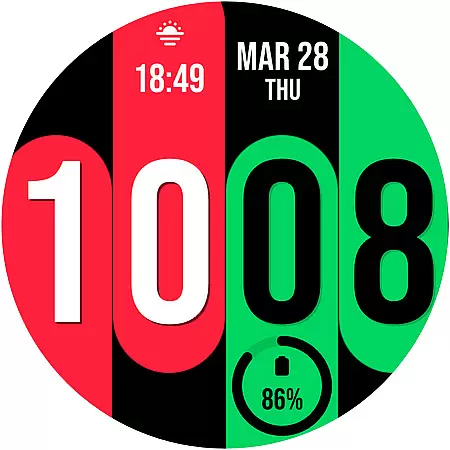
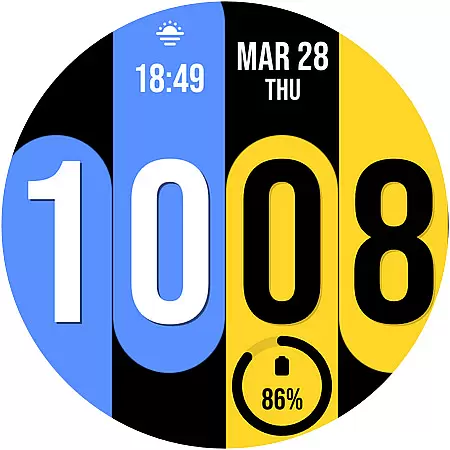
Colors Fall is a feature-rich customization app designed specifically for Wear OS devices. This application allows users to enhance their smartwatch experience by offering a wide range of color options and personalization features.
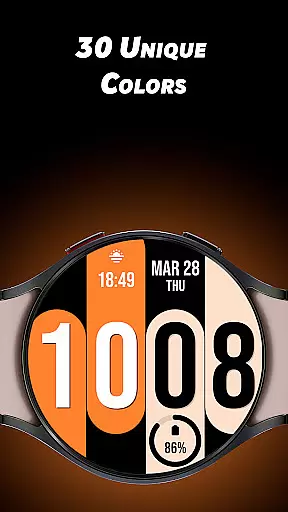
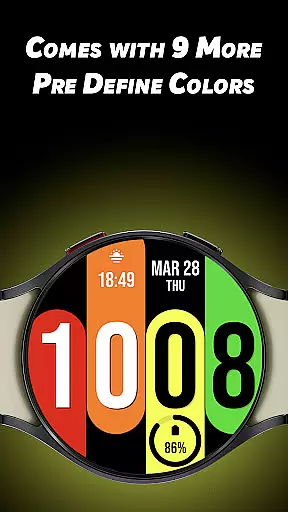
With 30 unique colors and 9 predefined color options, users can tailor the look of their watch faces to match their personal style. The app also supports up to 6 custom complications, giving users quick access to their most-used apps and information directly from their watch face.
Whether you're looking to simply change the appearance of your watch or want more control over its functionality, Colors Fall provides an intuitive solution that combines aesthetics with practicality.
Colors Fall stands out with its extensive customization capabilities tailored for Wear OS users. One of its key features is the ability to choose from 30 unique colors, allowing for complete personalization of your smartwatch display.
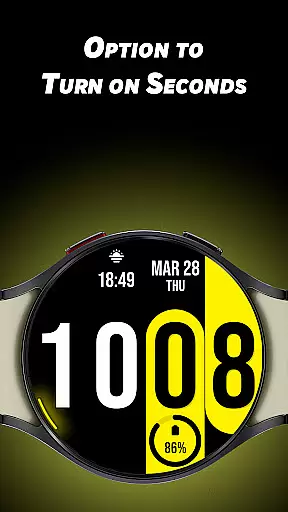
In addition to the color options, the app offers 6 customizable complications that enable users to add functional elements like weather updates, fitness tracking, and calendar events right on their watch face. The rotating seconds feature adds a dynamic touch to the overall design.
The inclusion of both 12-hour and 24-hour time formats ensures compatibility with user preferences across different regions. These features collectively create a versatile tool that enhances both the visual appeal and usability of Wear OS devices.
Colors Fall offers a comprehensive lifestyle experience by providing users with a wide range of customization options specifically designed for Wear OS devices.
The app features 30 unique colors and 9 pre-defined color options, allowing users to personalize their watch faces to match their personal style. With additional options like turning on seconds with a unique rotating animation, the app caters to various preferences and trends within the lifestyle sector.
Furthermore, it includes 6 custom complications that enhance the utility of your smartwatch, making it not just a stylish accessory but also a functional tool for everyday use. These features collectively ensure that users can tailor their device to fit seamlessly into their daily lives.
When it comes to content authenticity, Colors Fall stands out by offering verified and original design elements that assure users of the credibility behind each customization option.
Each feature, from the unique rotating seconds animation to the variety of color choices, is crafted to maintain high standards of quality and reliability. This commitment ensures that users are not only getting aesthetically pleasing options but also dependable functionalities.
Additionally, the app's provision of both 12/24-hour formats and multiple color choices reflects a deep understanding of user needs, further establishing its authority in delivering genuine lifestyle enhancements for Wear OS users.
Wide color selection
Custom complications
User-friendly interface
Rotating seconds feature
Predefined color options
Limited to Wear OS
No iOS support
Advanced features locked
Occasional bugs
High battery usage

Unique BIG BOLD TIME with amazing colors and customisations.
 3.70
3.70
Design and brew great homebrewing beer, mead, cider and wine recipes on the go!
3.60
Fly your Solo like a boss.
4.10
Bring the warm colors of fall directly to your wrist with Autumn Leaves!
4.4
This minimalist yet classic board design brings a futuristic twist to your wrist
4.20
Spirit Communicator is a real paranormal ghost hunting app with many fun modes.
3.90
Made To Order Faves
4.70
Celebrate the holidays with Advent Calendar: daily surprises and festive fun!
4.3
AAA Mobile provides on-the-go access to the services you know and trust.
4.60
Make money, get paid cash rewards & gift cards for every survey. Earn today!
4.60
The App can control Roborock vacuum cleaners from anywhere with rich features.
4.60
This app is intended to support professional EMDR therapy.
4.50
Earn money & gift cards when you take surveys, play games, scan receipts & more.
4.50
Smart controls for your Ember Smart Mugs
4.10
Do you want to communicate with spirits?
3.80
Unique informative Dial with Live Moon Phase at a glance!
3.60
BILT interactive 3D instructions help you get the job done right
3.50
Turn your watch into a key fob for your Tesla
2.90
Customize your Wear OS watch with festive Christmas figures and colors!
4.3


User Reviews