
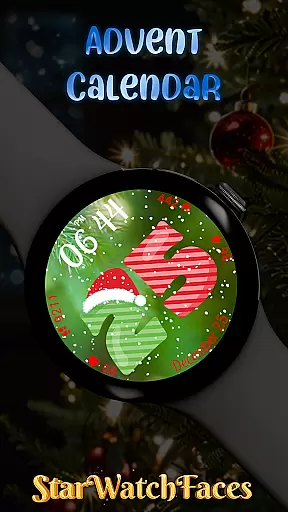
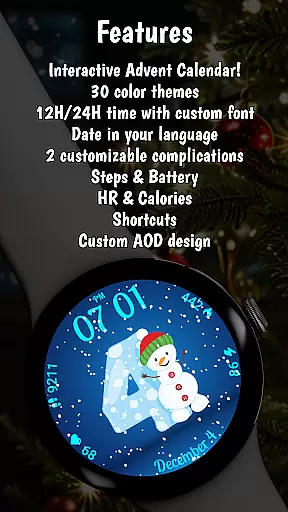
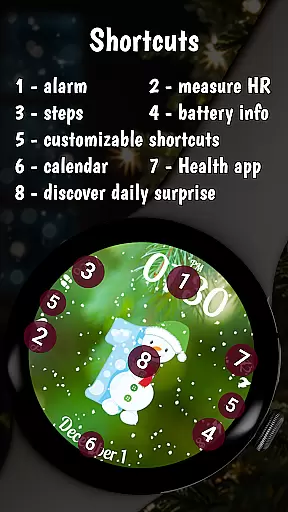
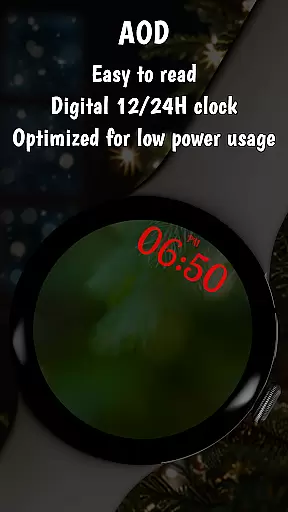
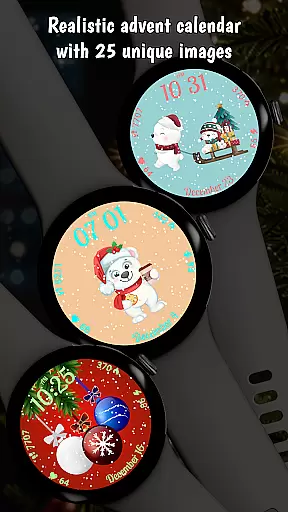
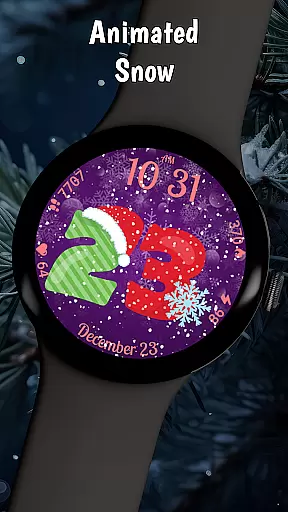
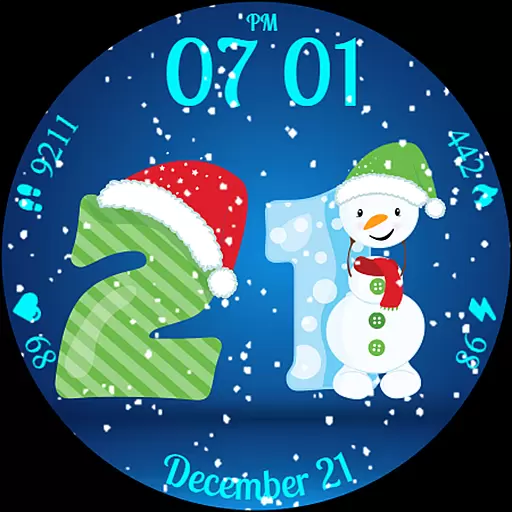
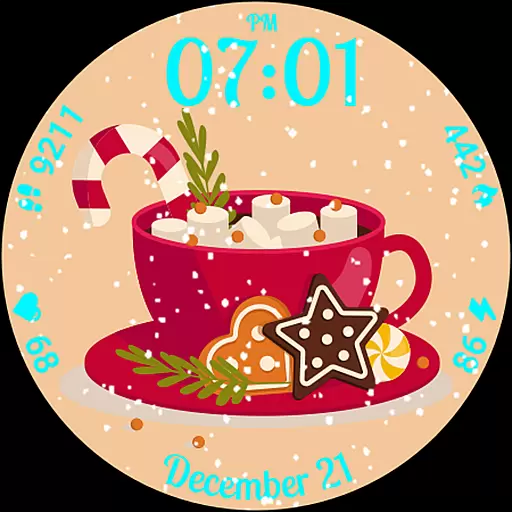
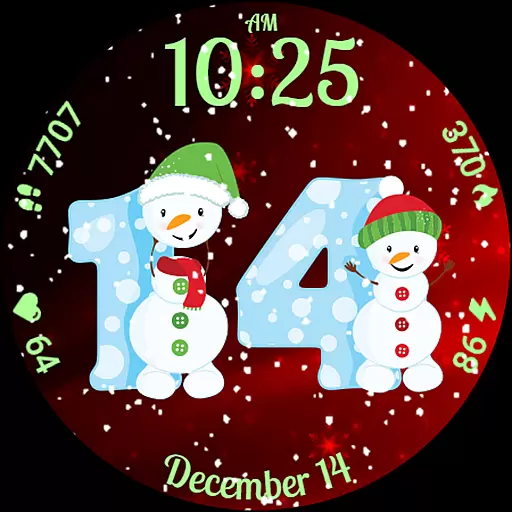
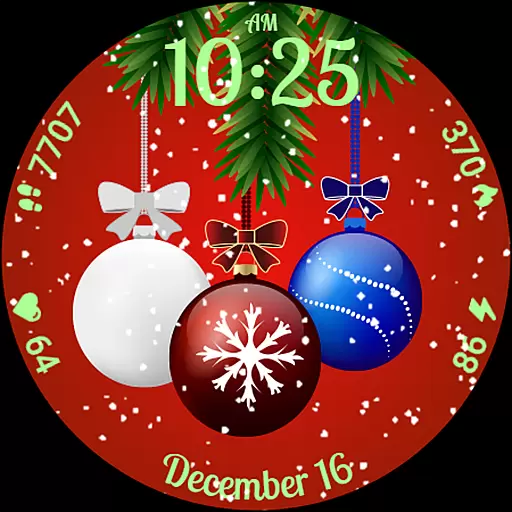
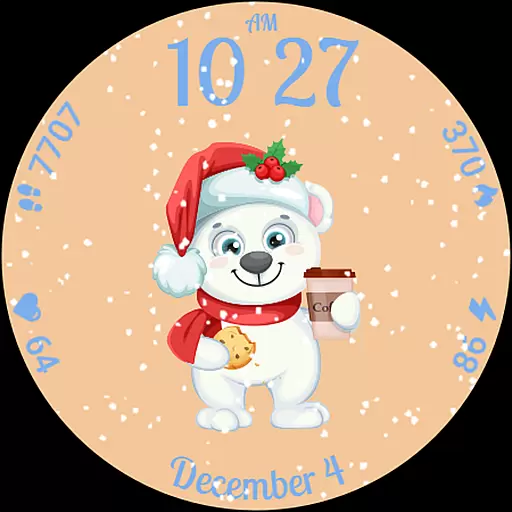
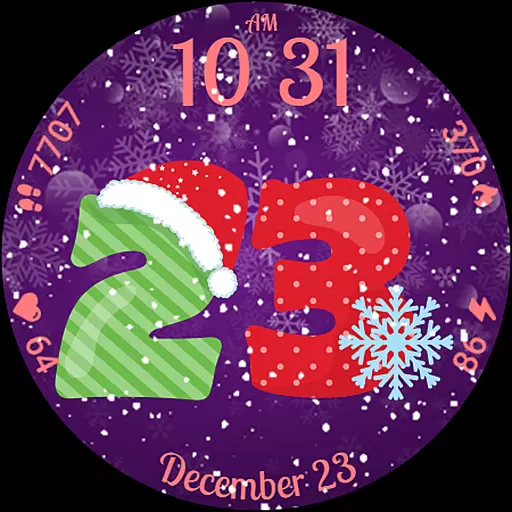
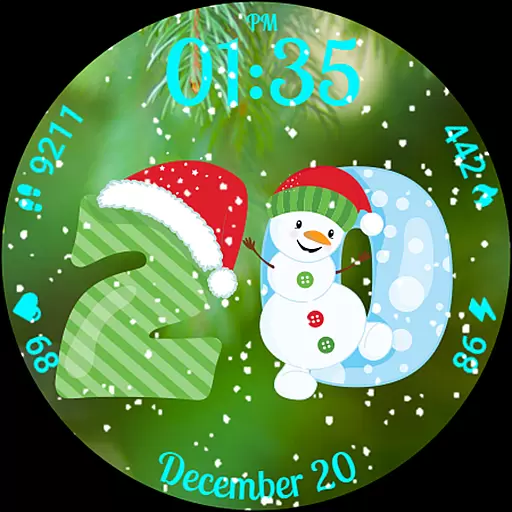
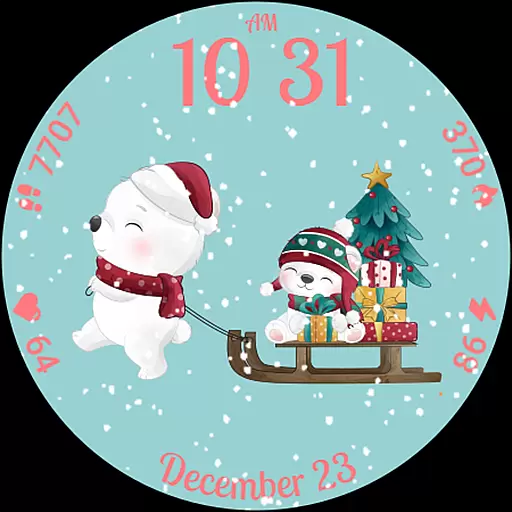
Advent Calendar is a festive watch face designed specifically for Wear OS devices, bringing holiday cheer directly to your wrist. This interactive app allows users to count down to Christmas by revealing a unique surprise photo each day from December 1 to 25. The watch face features customizable backgrounds and color themes, along with charming snow animations that enhance the holiday spirit.
Beyond its seasonal appeal, Advent Calendar also provides practical functionality. Users can view essential health metrics such as calories burned, heart rate, and step count, as well as battery life and time in either 12-hour or 24-hour format. Optimized for the latest Wear OS versions, this app combines festive design with advanced performance, making it both visually delightful and technically reliable.
Whether you're looking to personalize your smartwatch or stay informed while enjoying the magic of the holidays, Advent Calendar offers a perfect blend of fun and utility. It's an ideal choice for those who want to celebrate the season while maintaining access to important information on their wearable device.
Advent Calendar stands out with its rich set of features tailored for the holiday season. One of its most notable characteristics is the daily surprise photo feature, which reveals a new festive image every day from December 1 to 25. This interactive element keeps users engaged throughout the month, offering a fresh experience each day. Additionally, the app includes multiple background options and color themes, allowing users to customize their watch face to match their personal style.
The animated snow effect adds another layer of charm, creating a dynamic visual experience that captures the essence of winter. Beyond aesthetics, the app integrates essential health and fitness tracking capabilities, displaying real-time data like calories burned, heart rate, and step count. These features ensure that users remain informed about their wellness goals even during the busy holiday season.
Advent Calendar is built using the latest WFF format, ensuring optimal performance on Wear OS 4 and 5. This technical foundation guarantees smooth operation and compatibility with modern smartwatches. By combining interactive holiday surprises with practical functionality, Advent Calendar delivers both entertainment and utility, making it a standout choice among lifestyle apps.
Advent Calendar offers a unique blend of holiday charm and practical functionality, making it an ideal lifestyle companion for the festive season. This Wear OS watch face provides users with a delightful countdown to Christmas, featuring daily surprise photos from December 1 to 25. The app goes beyond mere aesthetics by integrating essential health and battery statistics, such as calories, heart rate, steps, and battery life, alongside the time display.
The application stands out in the lifestyle category through its thoughtful design elements. Users can personalize their experience with multiple background options and color themes, ensuring that the watch face matches individual preferences. Additionally, the animated snow feature adds a whimsical touch, enhancing the overall holiday spirit. These customization options cater to various tastes, making Advent Calendar suitable for diverse personalities and styles.
Moreover, Advent Calendar is optimized for the latest Wear OS versions, ensuring compatibility and performance. Its interactive nature, combined with functional features like health tracking, positions it as more than just a decorative watch face. By incorporating both entertainment and utility, Advent Calendar effectively covers essential aspects of the lifestyle category, providing users with a comprehensive and engaging experience throughout the holiday season.
Advent Calendar ensures content authenticity by delivering high-quality, seasonally-themed images that capture the essence of the holiday season. Each surprise photo revealed daily from December 1 to 25 is carefully designed to evoke festive cheer and anticipation. The inclusion of an animated snow feature further enhances the authenticity of the experience, creating a visually appealing and immersive environment on the user's watch.
The developers behind Advent Calendar have established credibility through their expertise in creating watch faces specifically for Wear OS. Their commitment to quality is evident in the optimization of the app for the latest Wear OS versions, ensuring a seamless and reliable user experience. By utilizing the WFF format, they guarantee advanced performance and compatibility, underscoring their technical proficiency.
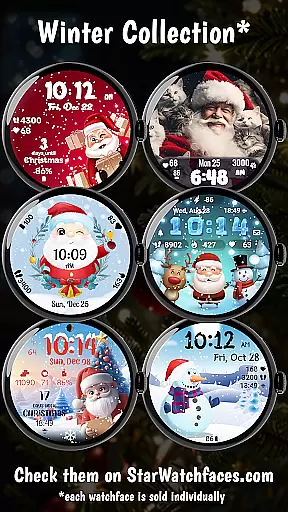
Furthermore, Advent Calendar extends its offerings beyond the app itself by promoting a broader collection of seasonal watch faces via the Watchface Shop app. This initiative not only highlights the developer's dedication to providing value but also reinforces their authority in the domain of wearable technology accessories. With clear instructions for customization and support available through their developer page, users can trust in the authenticity and reliability of the content provided by Advent Calendar.
Festive design
Daily surprises
Customizable themes
Snow animation
Health tracking
Limited to holidays
Requires Wear OS
Premium pricing
No year-round use
Complex setup

Premium floor cleaning robots
 4.50
4.50
A watch face with transparency and fluid visuals inspired by liquid glass design
4.1
A smart Siddur with halachic times
4.60
Bring the warm colors of fall directly to your wrist with Autumn Leaves!
4.4
This app is intended to support professional EMDR therapy.
4.50
Zodiac & Horoscope Launcher: Daily Sign Predictions & Astrology
4.40
A unique and customizable watch face which rotates its layout every minute.
4.80
Going above and beyond known spirit communication
3.60
Decorate your home screen with custom icons, color widgets, themes & wallpapers
4.70
Your store’s deals, where you are.
4.80
The all-new Cync app. The simple, connected app for Cync and C by GE.
4.50
Cute Adorable Animals now on your wrist with our Wear OS watch face!
4.40
This minimalist yet classic board design brings a futuristic twist to your wrist
4.20
Use your device sensors to detect energy and convert it into spoken words.
4.10
Paranormal EVP, Ghost Box, Spirit box, ITC, Haunted, Spirit communication device
3.70
The Miracle Box includes methods used by Steve Huff of Huff Paranormal.
3.20
Big bold weather watch face with dynamic backgrounds and 3 complications
4.4
Unique Dark Analog style for Wear OS watches.
4.3
A uniquely designed isometric digital watch face made for Wear OS
4.1


User Reviews