
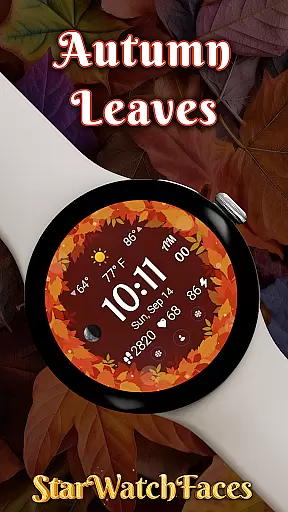
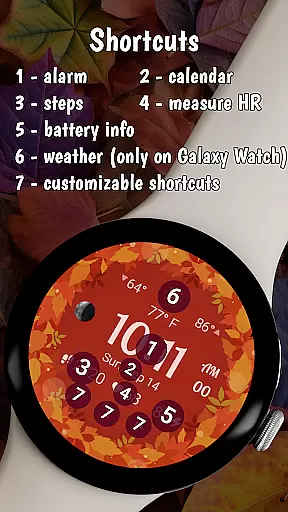


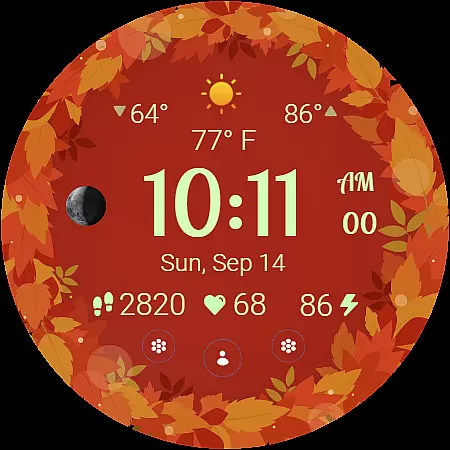
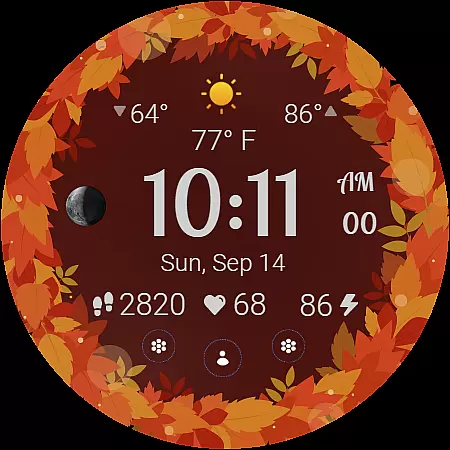
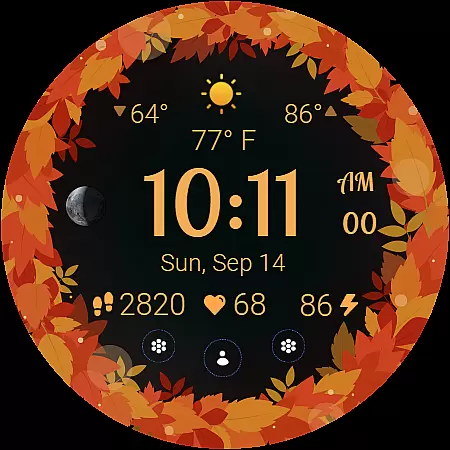
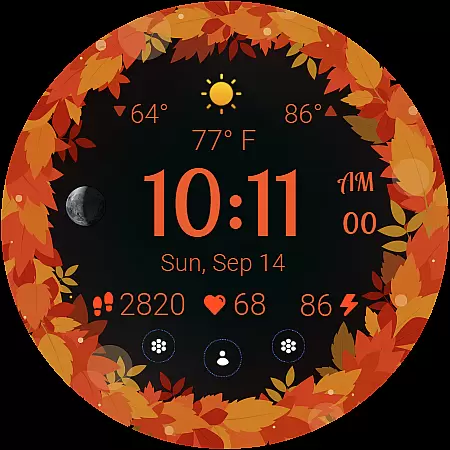
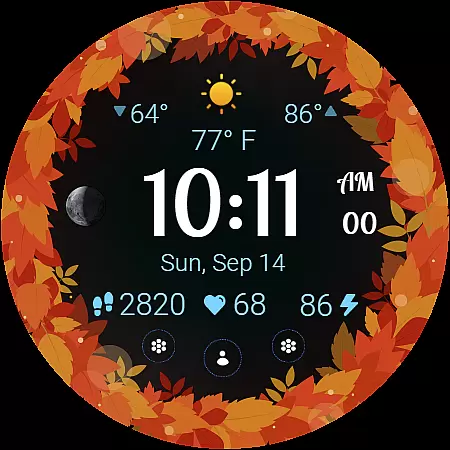
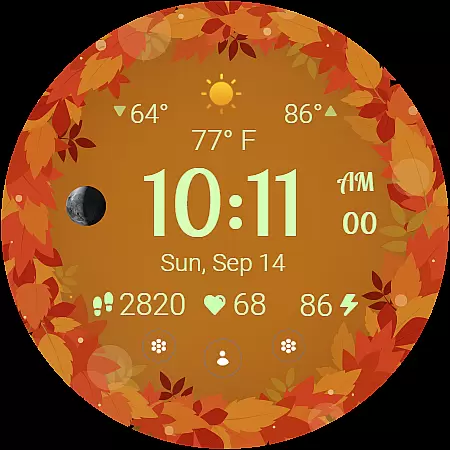
Autumn Leaves Watch Face brings the beauty of fall to your wrist with its stunning Wear OS design. This watch face combines elegant autumn aesthetics with practical functionality, offering users both style and essential information at a glance.
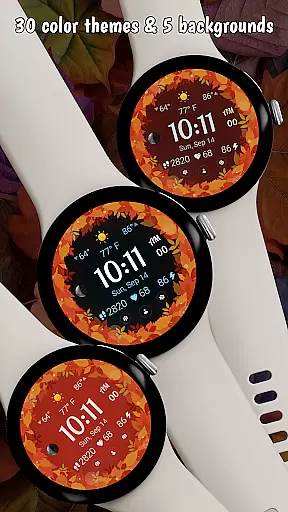
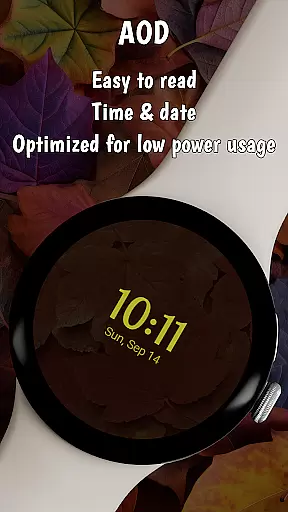
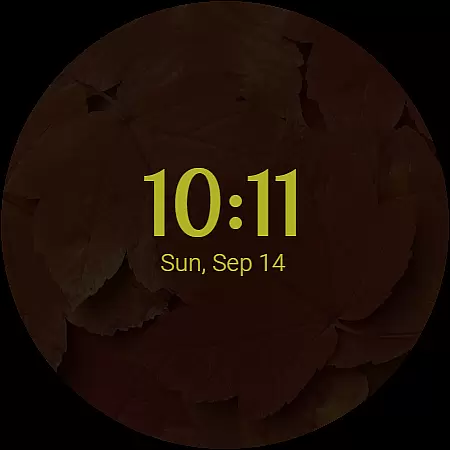
The app features rich customization options including 30 color themes, 5 background colors, and an always-on display mode that creates a cozy fall atmosphere while saving power. With health tracking, weather updates, and moon phase tracking, it provides both utility and seasonal charm for Samsung Galaxy Watches running Wear OS 5 or newer.
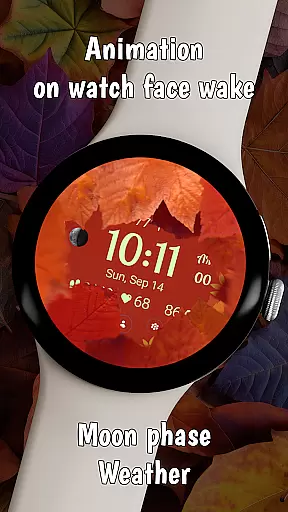
Autumn Leaves Watch Face stands out with its unique combination of style and functionality. The app offers a smooth animated transition when waking the watch, revealing vibrant autumn leaves that create an immersive seasonal experience.
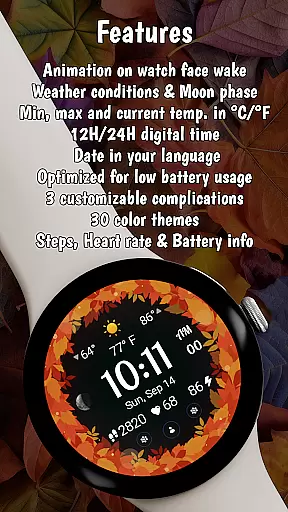
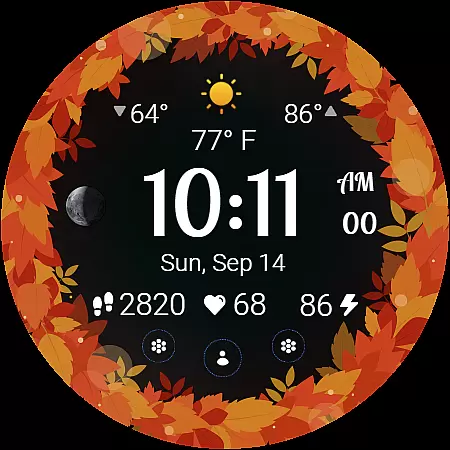
Users can personalize their watch face with 30 autumn-inspired color themes and 5 complementary background colors. The watch face displays crucial information including current time, weather conditions, temperature ranges, moon phases, and health metrics like heart rate and step count. Its battery-friendly design and always-on display make it both practical and visually appealing.
The Autumn Leaves Watch Face offers extensive lifestyle category coverage by integrating essential daily features into a visually appealing design. This Wear OS watch face goes beyond simple timekeeping, incorporating practical elements such as weather information, moon phase tracking, and health monitoring.
Users can access current, minimum, and maximum temperatures in both Celsius and Fahrenheit, along with live weather conditions. The inclusion of a moon phase tracker connects users with natural cycles, while health and fitness metrics like heart rate and step count cater to wellness enthusiasts. These features create a comprehensive lifestyle companion suitable for various user needs.
The watch face's 30 color themes and 5 background options provide customization possibilities that align with personal preferences and seasonal changes. This level of personalization ensures the watch face remains relevant and engaging throughout different occasions and moods.
The Autumn Leaves Watch Face demonstrates strong content authenticity through its carefully designed features and verified functionality. Each element, from weather data to health metrics, is accurately represented and regularly updated to ensure users receive reliable information at a glance.
The watch face's compatibility with Galaxy Watches running Wear OS 5 or newer guarantees optimized performance and accurate data display. The developer's commitment to quality is further evidenced by their BOGO promotion, which encourages users to explore their entire collection of verified watch faces.
Expert credibility is maintained through clear documentation of features and limitations. Users are informed about potential compatibility issues with non-Samsung devices and provided with detailed customization instructions. This transparent approach builds trust and helps users make informed decisions about their purchase.
Beautiful seasonal design
Rich customization options
Accurate weather updates
Health tracking integration
Power-efficient AOD mode
Limited Wear OS support
No iOS compatibility
Premium price point
Complex customization
Brand-specific features

Earn points with every purchase with Moe Rewards.
 4.20
4.20
Immerse yourself in the serenity of lavender fields and white butterflies
4.4
A daily quote for success
4.0
Discover the "To Be a Christian" App: Your Guide to Deepening Faith!
5.00
This is a simple and highly functional alarm clock "Smart Alarm" paid version.
4.20
Good magnifier app to see tiny things bigger and more clearly!
4.80
Your home in your hand
3.80
Crochet made easy: step-by-step tutorials, beginner patterns & projects
4.60
Create slime on your phone and enjoy satisfying and relaxing ASMR games
4.50
See wait times and check into a hair salon ahead of time with Online Check-In.
4.80
Countdown to Christmas 2025 with festive games & activities in a virtual village
4.80
Made To Order Faves
4.70
This app is intended to support professional EMDR therapy.
4.50
Unique "Isometric" style digital watch face for Wear OS
4.50
This minimalist yet classic board design brings a futuristic twist to your wrist
4.20
Subwoofer school’s in session! You’ve now enrolled into KICKER U.
3.80
Going above and beyond known spirit communication
3.60
Designed to delight, impress and energize your festive spirit every single day
4.0
A watch face with transparency and fluid visuals inspired by liquid glass design
4.2


User Reviews