
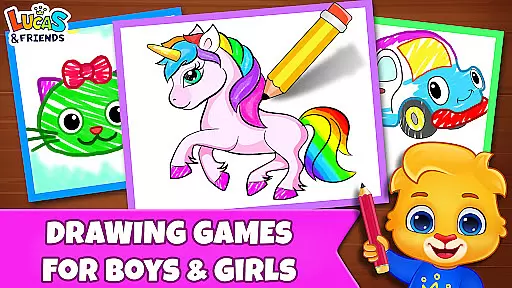
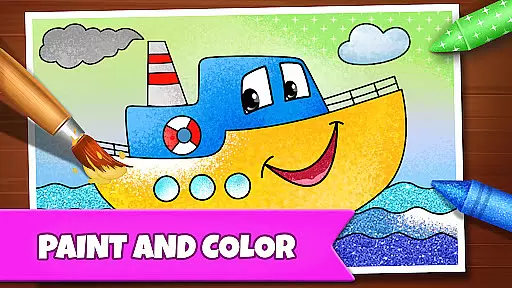
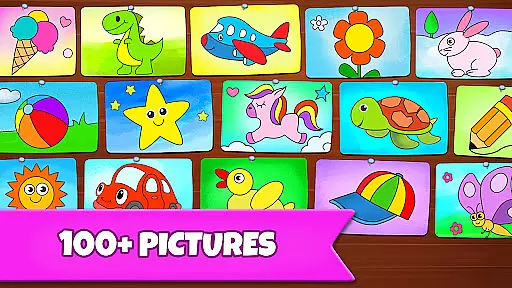
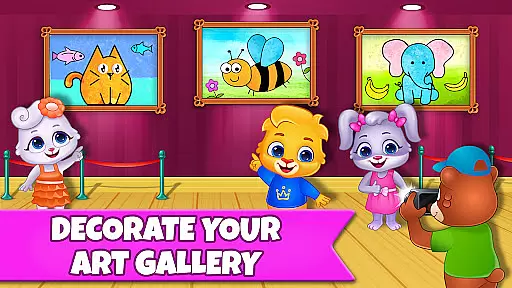
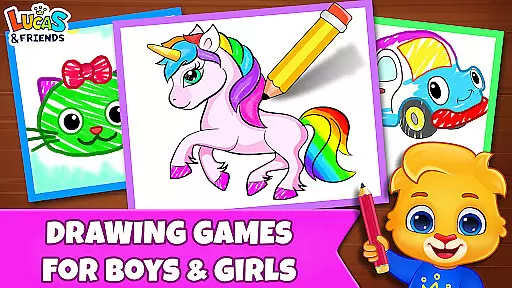
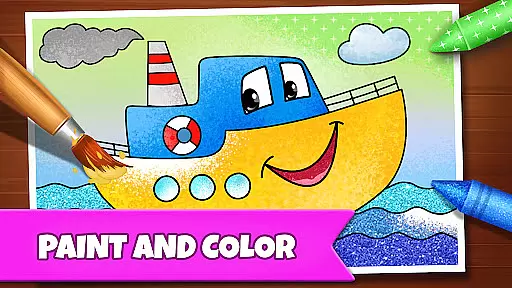
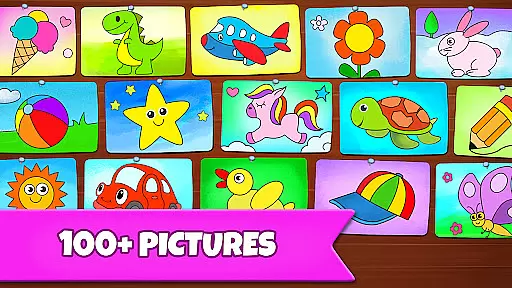
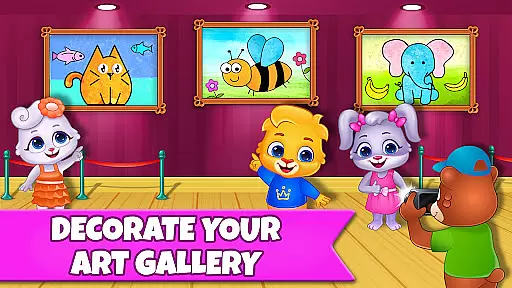
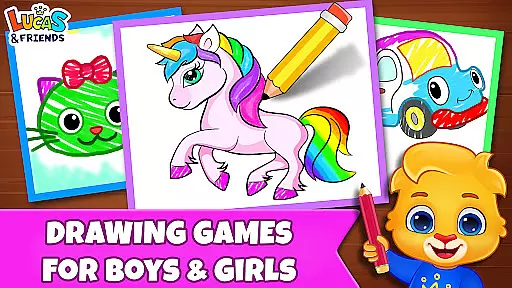
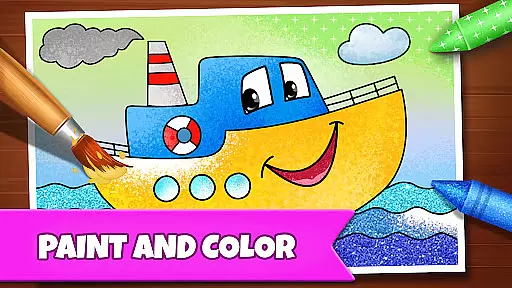
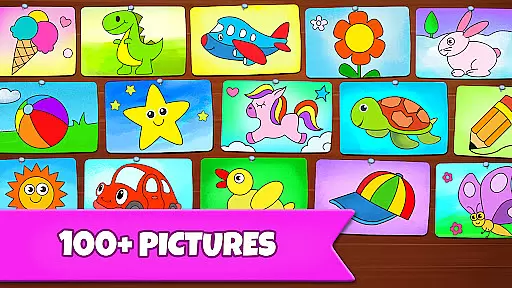
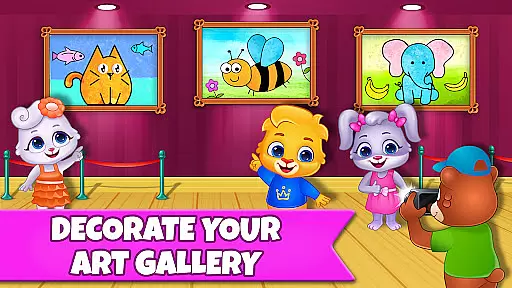
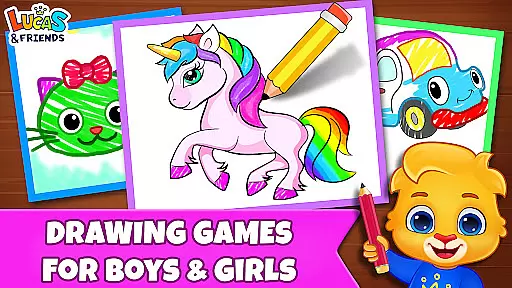
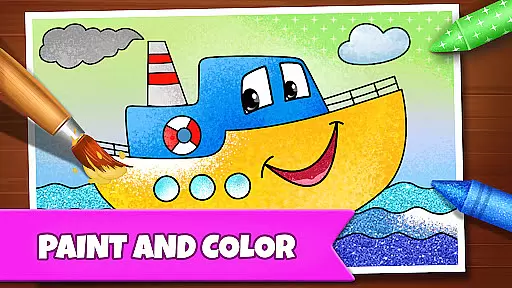
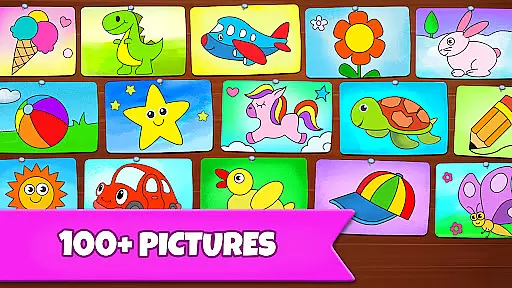
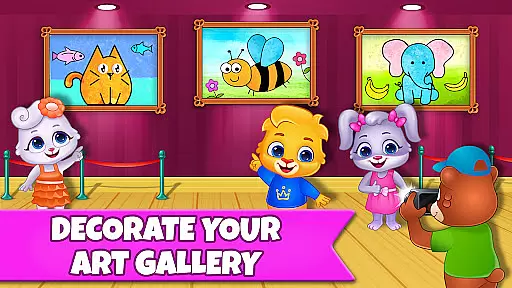
Drawing Games: Draw & Color is an educational app designed to engage children in creative drawing and coloring activities. The app offers a variety of modes that teach kids how to draw, recognize shapes, numbers, and pictures through interactive play. With features like Learn to Draw, Auto Draw, Connect & Color, and Glow Paint, it provides a comprehensive platform for young learners to express themselves artistically while developing essential skills.
The app caters to different age groups, from toddlers to kindergartners, ensuring that each child finds something enjoyable and educational. Its user-friendly interface and engaging content make it an ideal choice for parents looking to combine fun with learning. Best of all, Drawing Games is completely free, with no in-app purchases or ads, allowing uninterrupted exploration and creativity.
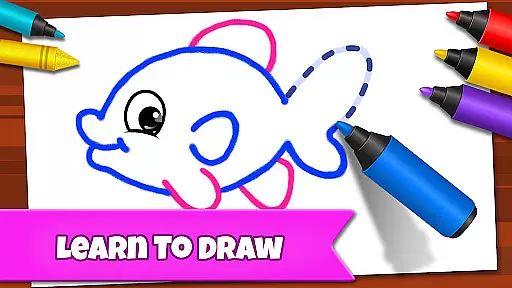
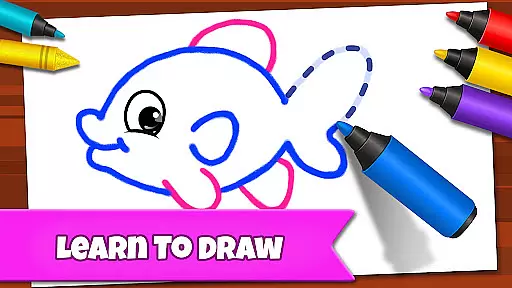
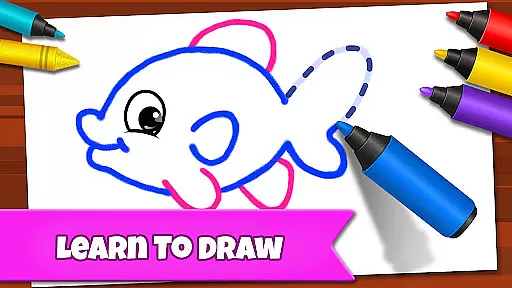
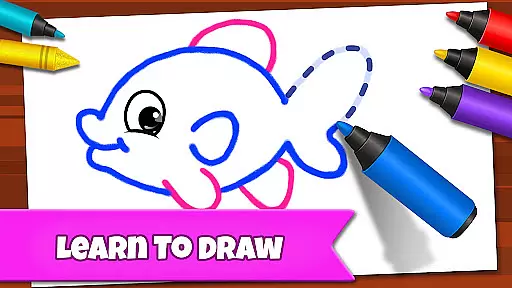
Drawing Games: Draw & Color boasts several unique features that set it apart as an educational tool. One standout feature is the Learn to Draw mode, which guides children step-by-step through the process of creating pictures, helping them understand the fundamentals of drawing. Another highlight is the Auto Draw mode, perfect for younger children who can watch as images are automatically painted and colored, sparking their interest in art.
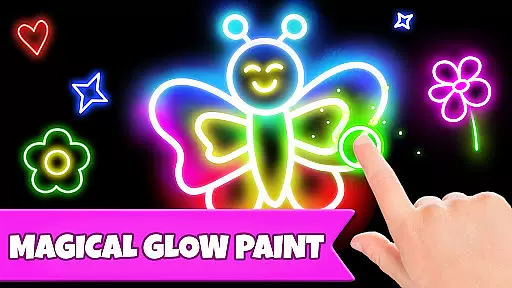
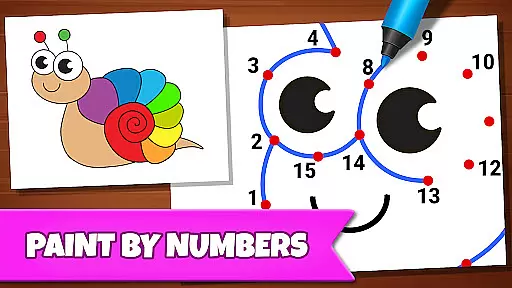
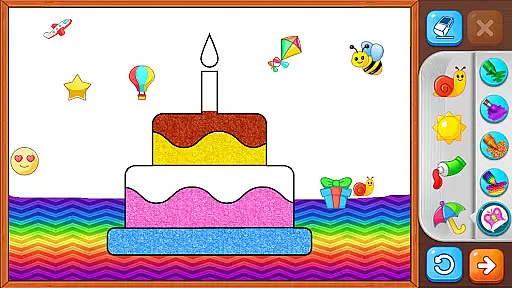
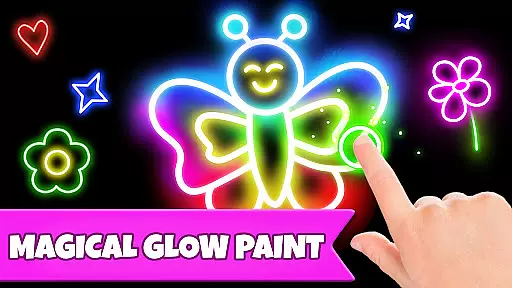
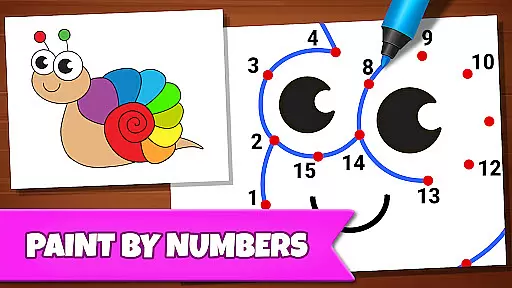
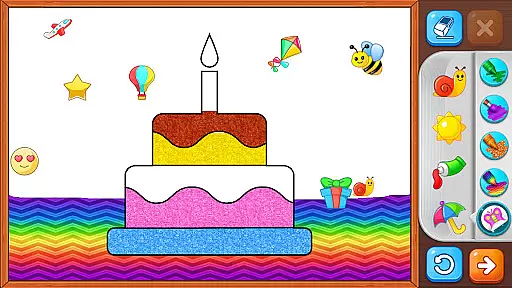
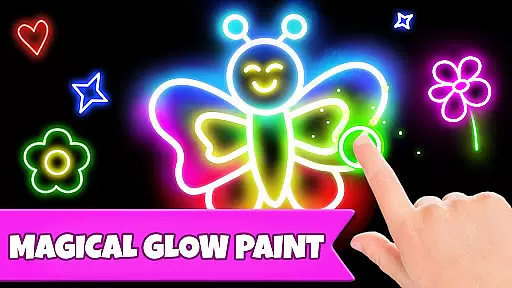
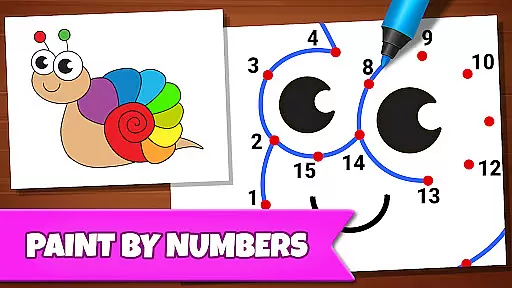
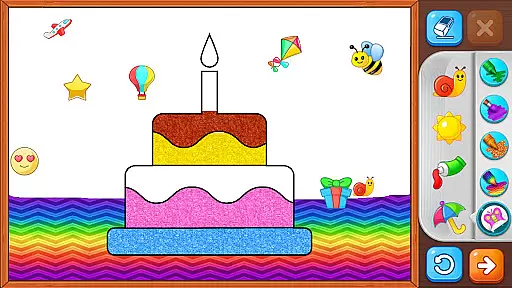
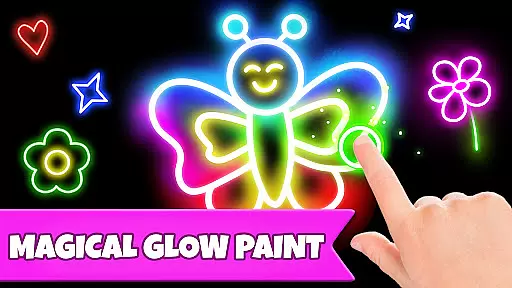
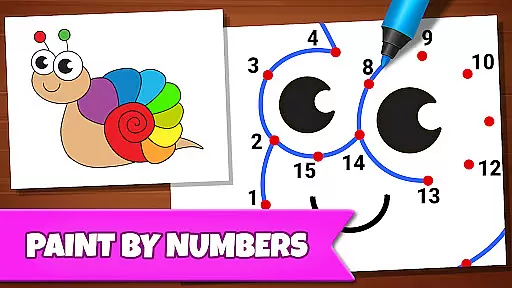
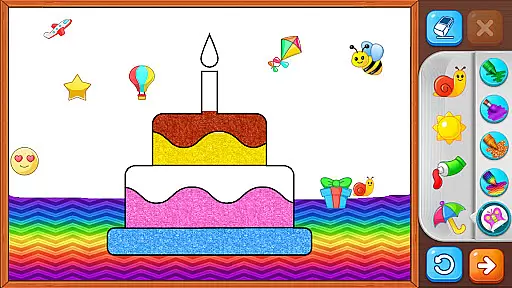
In addition to these, the app includes Connect & Color and Connect the Dots modes, where kids connect dots to reveal colorful images, enhancing their cognitive abilities and fine motor skills. The Memory Drawing mode challenges children to replicate lines from memory, promoting concentration and recall. Lastly, the Glow Paint mode lets kids experiment with glowing colors, adding an element of excitement to their creations. These diverse features ensure a rich, immersive experience that keeps children entertained while they learn.
In educational apps, content authority and curriculum alignment are crucial for ensuring that children receive accurate and relevant learning experiences. Drawing Games: Draw & Color provides a robust framework that aligns with early childhood education standards.
The app offers various modes like Learn to Draw, Auto Draw, and Connect the Dots, which are designed to teach kids essential skills such as shape recognition, number familiarity, and picture identification. These activities are crafted by educational experts to ensure they meet curriculum guidelines.
Parents can be confident that their children are engaging with content that is not only fun but also pedagogically sound. The app's dedication to authoritative content ensures that kids learn correctly from the start.
By integrating expert-approved methods and maintaining high standards of educational content, Drawing Games: Draw & Color successfully merges entertainment with structured learning, providing immense value to young learners.
Gamification in learning transforms traditional educational content into engaging experiences that captivate young minds. Drawing Games: Draw & Color excels in this area by incorporating game-like features that motivate and entertain children while they learn.
With modes such as Memory Drawing and Glow Paint, the app uses interactive and visually stimulating activities to keep kids engaged. These gamified elements encourage repeated play, reinforcing learning outcomes through enjoyable repetition.
Children using Drawing Games: Draw & Color benefit from an immersive environment where drawing, coloring, and connecting dots become exciting challenges rather than mundane tasks. This approach significantly enhances retention and understanding.
Ultimately, the app's successful gamification-learning integration fosters a love for drawing and creativity among kids, making it an invaluable tool for parents seeking both education and entertainment in a single package.
User-friendly interface
Educational content
No in-app purchases
Variety of drawing modes
Engaging for all ages
Limited advanced features
Basic color options
Occasional bugs
Simple graphics
Not for older kids

Explore the world of reading and writing with Booker!
 4.5
4.5
Stack the States® 2 makes learning US geography fun!
4.50
Create stories and build your own virtual world for your avatar!
3.00
Tons of kids safety games, cartoons, and stories are included in one kids app!
4.70
A speed-learning English vocabulary game designed for user to reach proficiency
4.0
Master your phonics letters and sounds with the Alphablocks!
3.80
Expert-designed fun interactive learning games to prep kids (2-5) for preschool.
4.00
Safe, fun, ad-free games for kids! For babies, toddlers, & kids age 2-6
3.60
Create, design & explore Mia’s avatar game world! Dress up a dreamhouse you love
3.80
Puzzles, Cats and Programming
4.80
Tracing, phonics & spelling games for toddlers, preschool & kindergarten kids!
4.50
A cube building game for small (and large) builders.
4.40
Play and build with Bluey & friends in this fun LEGO® game!
4.40
Kids letter tracing technique, which is the first step in learning how to write.
4.30
A fan of cute games? Try animal games & take care of fluffy virtual pets!
4.20
Play the fun princess party game for kids with Cocobi the little dinosaurs.
4.10
Fun baby care game for kids with dinosaur friends. Enjoy the fun kids game.
4.00
Play pretend & explore at the doctor's & school in Daniel Tiger's Neighborhood.
3.30
Absorbing, highly visual, effective learning of multiplication, division
4.3


User Reviews