
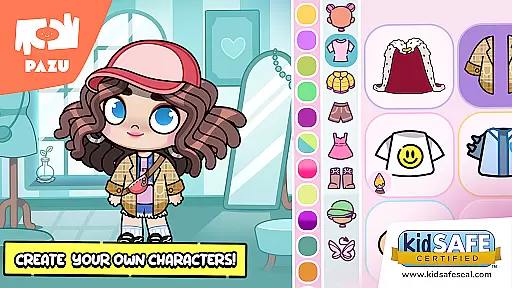
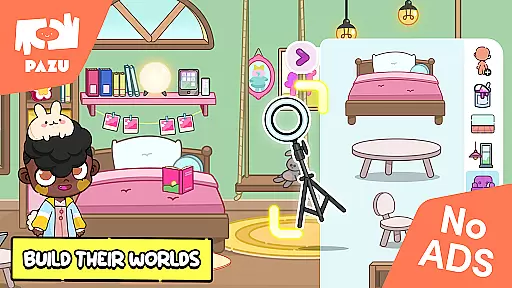
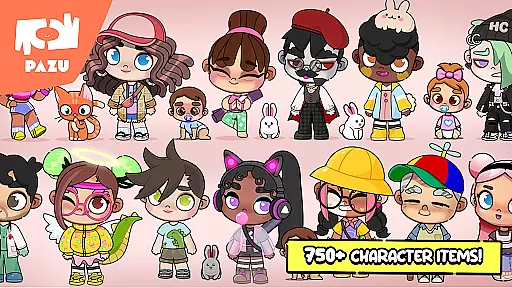
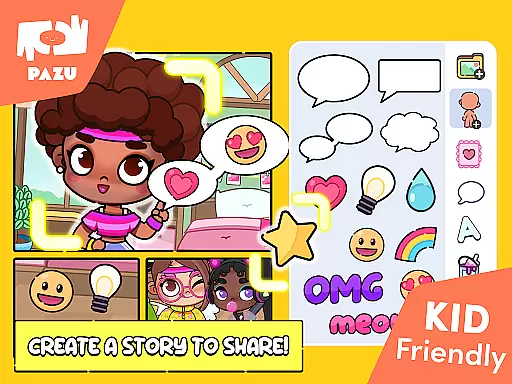
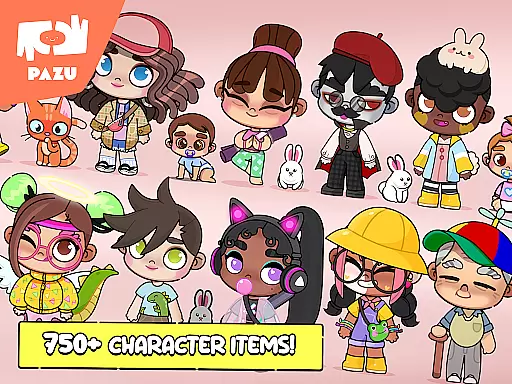
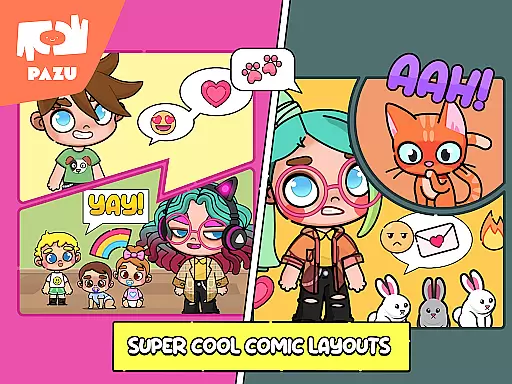
Avatar Maker Dress up for kids is an innovative educational app that allows children to design and customize their own cartoon characters. This app offers a magical world where kids can recreate any style they imagine, providing a large selection of accessories for endless variations of styles.
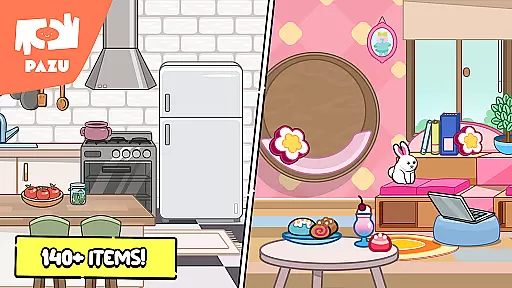
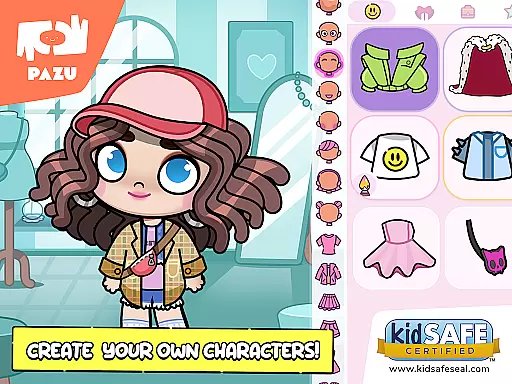
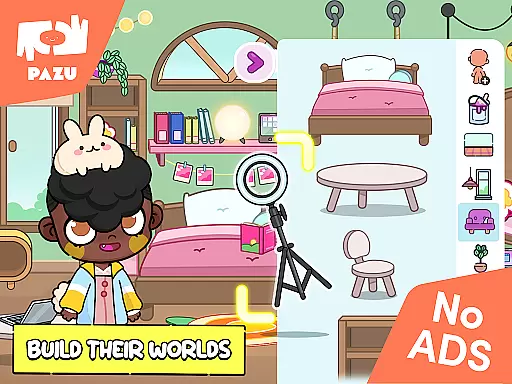
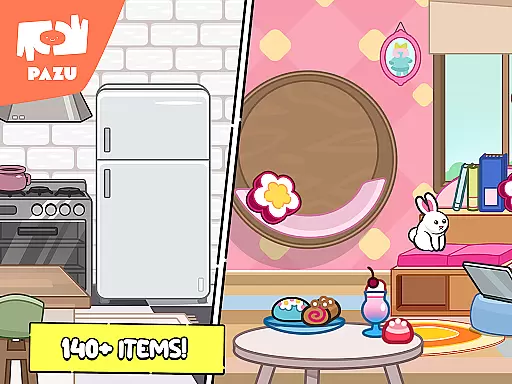
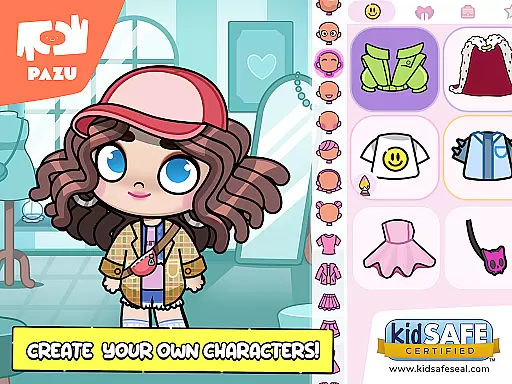
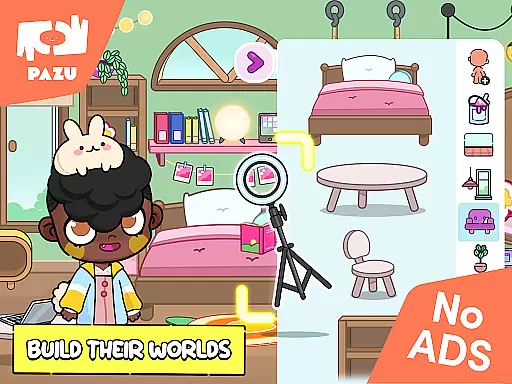
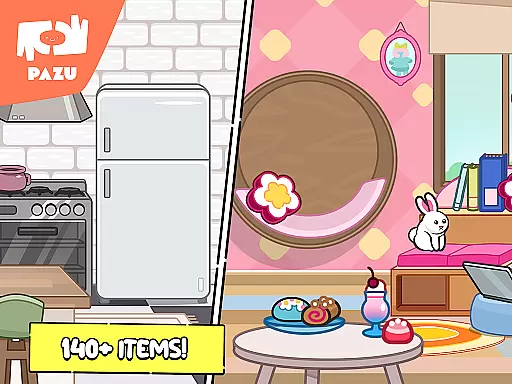
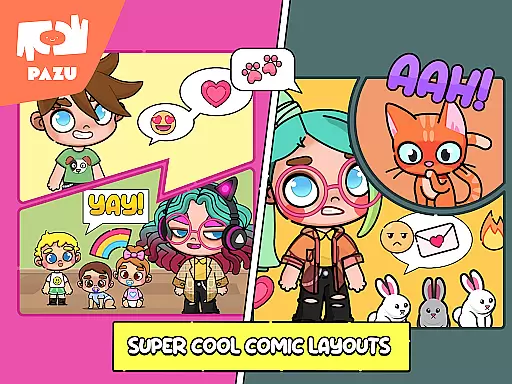
The app supports both boy and girl avatars, offering extensive customization options including skin color, hairstyle, facial expressions, and clothing. Children can express various emotions through detailed facial features and accessorize with items like masks, hats, and wings. The ability to decorate rooms with different furniture adds another layer of creativity.
This avatar maker serves as an excellent tool for developing creativity and fashion sense in children while also being educational. It helps them understand colors, shapes, and emotional expressions, making it suitable for both entertainment and learning purposes.
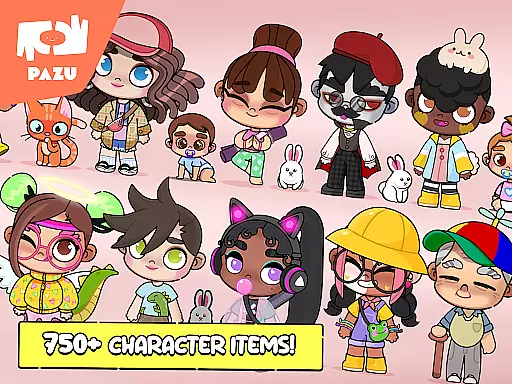
Avatar Maker Dress up for kids stands out with its comprehensive customization options. Users can choose from a vast array of personalized faces, hairstyles, and expressions, allowing them to create truly unique cartoon characters. The app provides full control over skin color, hair color, and clothing color, enabling children to showcase their imagination and fashion sense.
In addition to character customization, the app includes numerous accessories such as glasses, headwear, and tails, enhancing the distinctiveness of each avatar. Various clothing items and background decorations further expand creative possibilities. The inclusion of parental controls ensures a safe environment for children to explore and learn.
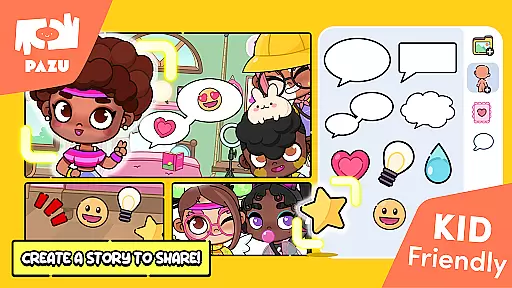
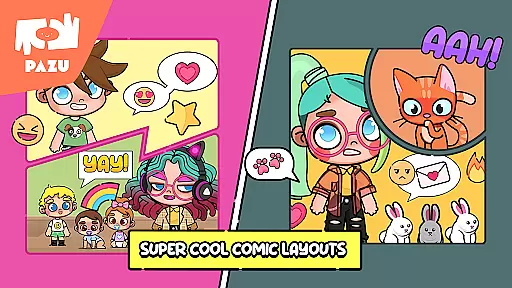
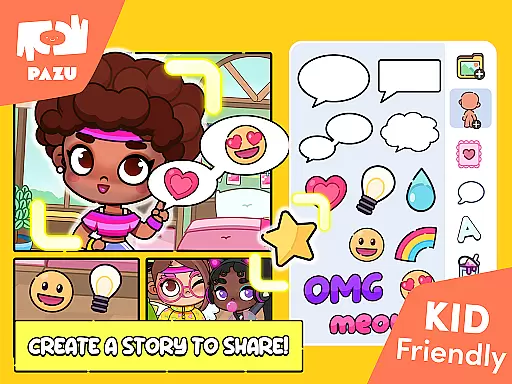
One notable feature is the ability to use created avatars as wallpapers or profile pictures, promoting sharing and social interaction. With no ads and trusted by millions of parents worldwide, this app from Pazu Games Ltd offers a secure and enjoyable experience for kids to develop essential skills through play.
In the realm of educational gaming, content authority and curriculum alignment are crucial for ensuring that learning is both effective and credible. Avatar Maker Dress up for kids establishes its authority through a variety of features designed to engage and educate children in creative expression and personal style.
The app offers an extensive selection of customization options, allowing children to experiment with different styles and aesthetics. This not only fosters creativity but also aligns with art curriculums that emphasize self-expression and design principles. The ability to choose skin color, hairstyle, facial expressions, and accessories encourages exploration of diversity and individuality.
Moreover, the inclusion of various clothing items and background decorations can be linked to lessons on cultural studies and social sciences, providing a playful platform for discussing societal roles and personal identity. By integrating these elements, the app subtly introduces young users to broader educational concepts while maintaining an engaging and fun environment.
Avatar Maker Dress up for kids, developed by Pazu Games Ltd., known for their commitment to quality children's games, ensures that all content is age-appropriate and aligns with educational standards expected by parents and educators worldwide.
Gamification-learning integration represents the fusion of game mechanics with educational content, creating an interactive and enjoyable learning experience. Avatar Maker Dress up for kids excels in this area by transforming the process of avatar creation into an educational journey filled with discovery and creativity.
Children using the app are not just playing a game; they are embarking on a personalized learning path where each choice they make contributes to their understanding of aesthetics, fashion, and even basic psychology through facial expressions. The app's vast array of customizable features serves as a toolset for children to explore different emotions and cultural symbols, enhancing their emotional intelligence and global awareness.
Furthermore, the feature allowing avatars to be used as wallpapers or profile pictures adds a layer of real-world application to the learning process. It motivates children to take pride in their creations and share them, promoting digital literacy and safe online practices under parental guidance.
With no ads and strict privacy policies, Avatar Maker Dress up for kids provides a secure environment where gamified learning thrives without distractions or privacy concerns, making it a trusted resource for parents seeking enriching digital experiences for their children.
User-friendly interface
Extensive customization
Educational value
Parental controls
Ad-free experience
Limited advanced tools
Fewer adult features
Basic animation
Offline only
No 3D option

A game to memorize
 4.5
4.5
Draw shapes, mix colors, and dodge traps to defeat foes in the vibrant Art Zone!
4.4
Join Duggee and the Squirrels as they practice their counting!
4.0
A logic puzzle game for 1 - 3 players
4.4
Learn numbers, letters, and shapes playing toddler balloon pop games ►NoAds◄
4.60
Amazing toddler coloring games for 2+. Enjoy painting games
4.60
A cube building game for small (and large) builders.
4.40
Design dreamhouses and dress up creatively in the ultimate role-playing game!
4.70
Play virtual baby daycare simulator & be a babysitter, take care of cute babies!
4.60
Preschool learning games: 123 numbers game for kids, abc learning for toddlers
4.70
Epic battles, interactive quests and exotic pets. Learn math with Prodigy today!
4.70
Tons of kids safety games, cartoons, and stories are included in one kids app!
4.70
Toddler Learning Games, Learn: Colors, Shapes, Puzzles, ABC ... ►NoAds!◄
4.50
Welcome to the dollhouse! Unboxing, doll games, dress up & cute pets await!
4.00
Magical girl game where dreams come true. Collect & care for cute princesses!
3.80
Wind down, relax and snuggle up with your favourite Blocks characters.
3.30 2.80
2.80
Get points, learn Spanish, repeat. Speedrun your way to knowledge.
4.1
Discover the infinite cycles of the universe
4.2


User Reviews