
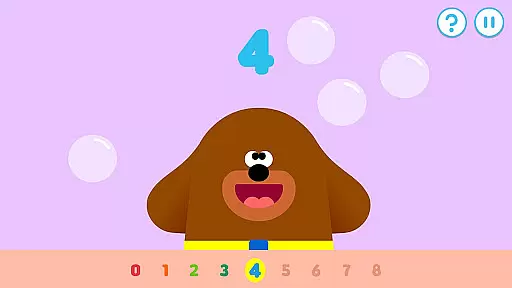
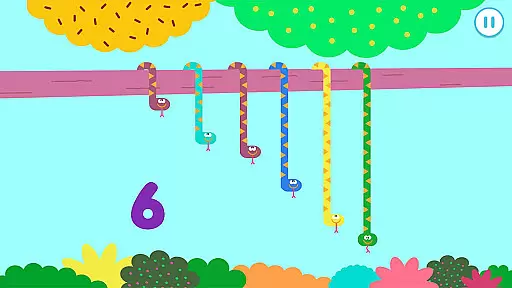
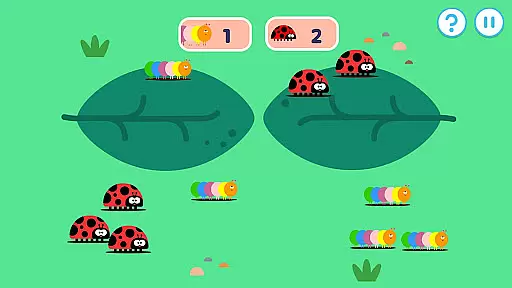
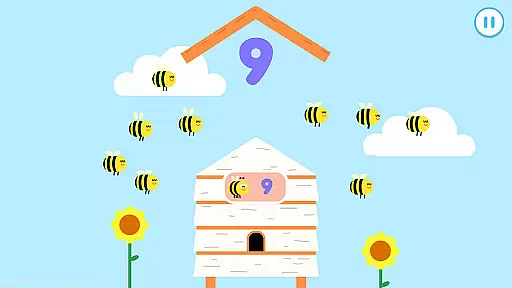

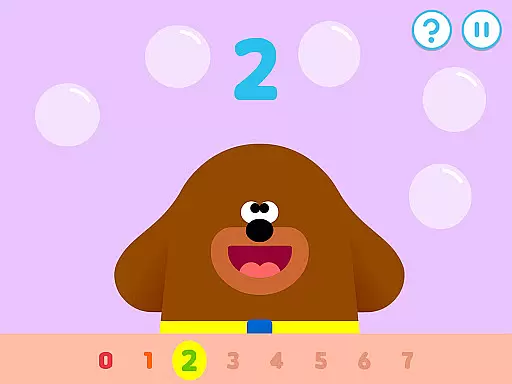
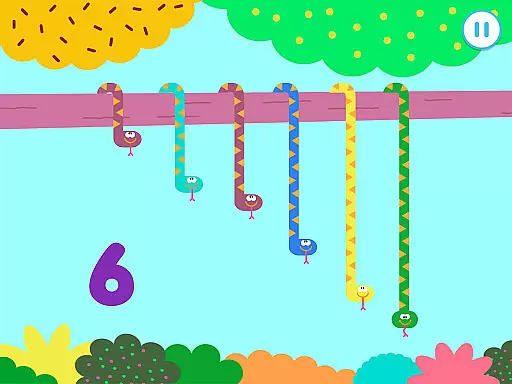
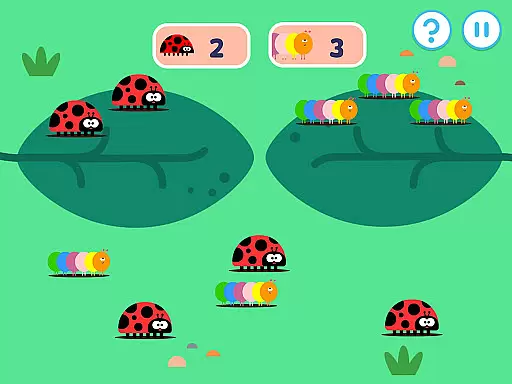
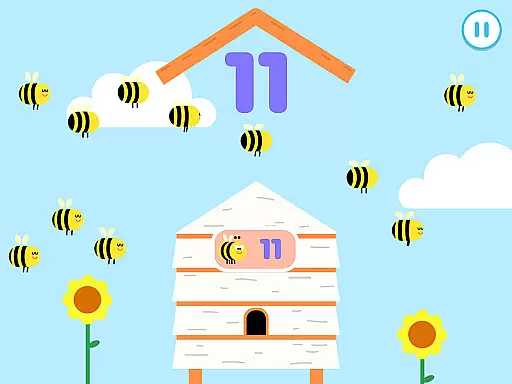
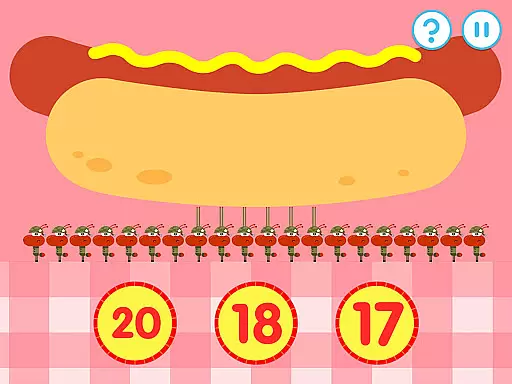
Hey Duggee: The Counting Badge is an educational app designed to make learning numbers fun for young children. Developed with Early Years Foundation Stage learning outcomes in mind, this app offers a diverse mix of engaging counting tasks that automatically adjust in difficulty, catering to Duggee fans of all ages. With nine counting tasks and four variations for each, the app provides 36 different activities that keep content fresh while ensuring longer engagement.
The app encourages player recognition of days of the week, dates, and weather, while its stored player profiles regulate difficulty progression for each counting mechanic. Gold star collection and daily awards of the Counting Badge motivate repeat plays. Profiles for up to three players can be saved, allowing children to pick up exactly where they left off each time they return to the app.
This app is ideal for parents and educators looking for safe, ad-free educational content that keeps young minds entertained and engaged. By incorporating elements of Early Years numeracy learning objectives, it ensures that children are learning essential skills while having fun.
Hey Duggee: The Counting Badge boasts a variety of features that make it an exceptional educational tool. One of the key features is its design based on Early Years numeracy learning objectives, ensuring that the activities are both educational and age-appropriate. The app includes 36 counting screens, each offering fresh content that maximizes engagement duration, with mechanics that have 4 variations and 3 difficulty levels.
Another standout feature is the stored player profiles which allow for personalized difficulty progression for each counting mechanic. This ensures that each child's experience is tailored to their individual learning pace. Additionally, the gold star collection mechanic, along with the daily awarding of the Counting Badge, encourages consistent play and learning.
Furthermore, Hey Duggee: The Counting Badge promotes learning beyond just counting. It encourages children to recognize days of the week, dates, and weather conditions, adding another layer of educational value. The app also supports profiles for up to three players, making it perfect for families or classrooms with multiple young learners.
Hey Duggee: The Counting Badge stands out as an educational app meticulously designed to align with Early Years Foundation Stage learning outcomes. This ensures that the content is not only engaging but also pedagogically sound, providing a structured approach to numeracy education for young learners.
The app features nine counting tasks, each with four variations, offering a diverse mix of activities that cater to different learning styles. These activities are crafted based on Early Years numeracy learning objectives, making them suitable for children aged 2 to 6 years. By covering varying abilities within this age range, the app ensures comprehensive curriculum coverage.
Through interactive tasks like tapping tadpoles, sorting toucans, and counting bees, children practice essential skills such as number recognition and one-to-one correspondence. The automatic adjustment of difficulty levels further enhances the learning experience by challenging children appropriately as they progress.
By integrating fun elements with educational rigor, Hey Duggee: The Counting Badge provides a valuable tool for parents and educators seeking to support early mathematical development in an enjoyable way.
Gamification is at the heart of Hey Duggee: The Counting Badge, transforming traditional learning into an exciting adventure. The app incorporates game-like features such as gold star collection and badge awards to motivate young learners and encourage repeat plays.
Players earn a Gold Star after completing five activities, and every fourth star results in Duggee awarding them their Counting Badge. This reward system creates a sense of achievement and progression, keeping children engaged and eager to continue their learning journey.
With profiles for up to three players, the app allows individual progress tracking while maintaining personalized difficulty levels for each user. This feature ensures that each child receives appropriate challenges based on their unique learning pace.
By combining educational content with engaging gameplay mechanics, Hey Duggee: The Counting Badge successfully integrates learning objectives with entertainment, making it an effective tool for early childhood education.
Engaging counting tasks
Automatically adjusting difficulty
Safe ad-free content
Stored player profiles
Educational and fun
Limited to counting skills
Only suitable for young children
No advanced math concepts
Requires device camera access
Some features need online connection

Learn numbers, letters, and shapes playing toddler balloon pop games ►NoAds◄
 4.60
4.60
Kids math games, abc games for kids 4-5 years old. Kindergarten learning games
4.50
Help your child improve their number literacy with Numberblocks: Card Fun!
2.60
The kids phonics and reading app that's helped millions of kids learn to read
4.00
OG Trail - Lets you play the classic Oregon Trail simulation game on Android
4.20
Explore Fantasy Land, get to know the world and create stories!
4.30
Fun game for preschoolers to learn addition, subtraction, counting and math!
4.50
Fun baby games for kids. Play baby piano, musical instruments & nursery rhymes.
4.50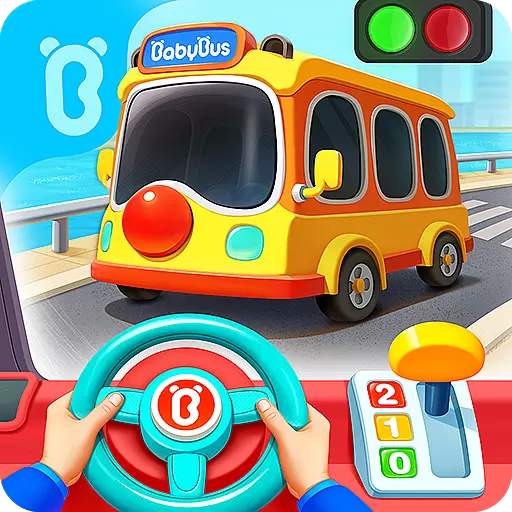
3D school bus driving game for kids!
4.50
Explore Dopples World, build your avatar life & create endless stories!
4.70
Tracing, phonics & spelling games for toddlers, preschool & kindergarten kids!
4.50
OG Munchers - Play classic Number Munchers game on Android
4.40
CASHFLOW - The Investing Game
4.00
Expert-designed fun interactive learning games to prep kids (2-5) for preschool.
4.00
Imagine, build and ride your own Rollercoaster!
3.90
Practice Early Literacy Skills and Build Vocabulary with Elmo & Cookie Monster!
3.90
Create stories and build your own virtual world for your avatar!
3.00
Draw shapes, mix colors, and dodge traps to defeat foes in the vibrant Art Zone!
4.5
Fun step-by-step drawing & coloring app to learn and create art!
4.4


User Reviews