
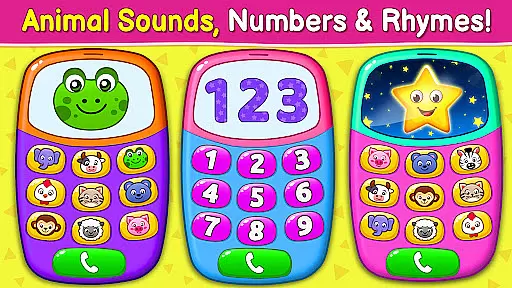
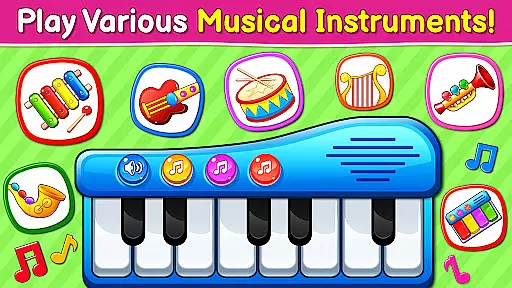
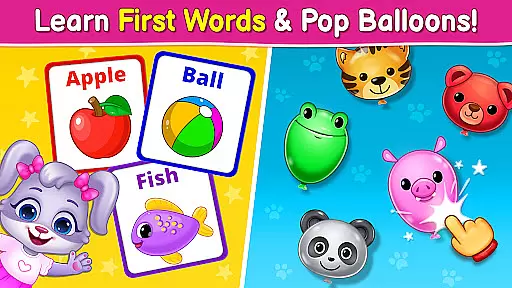
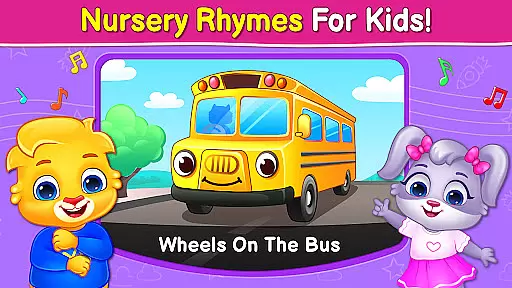
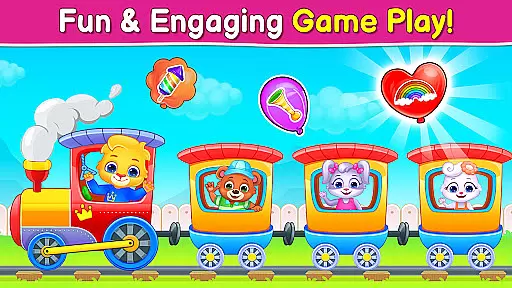
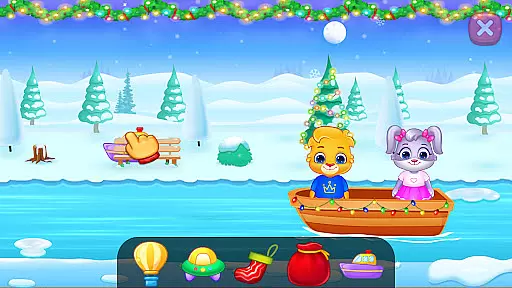
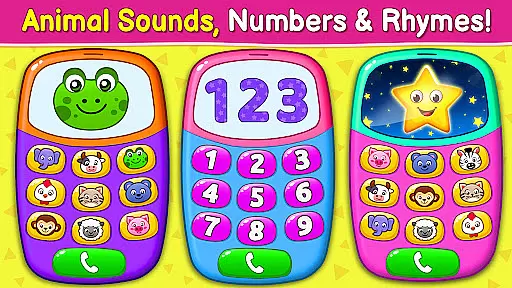
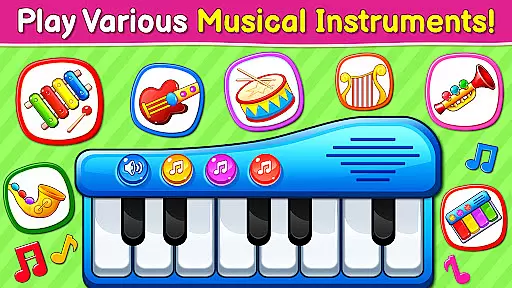
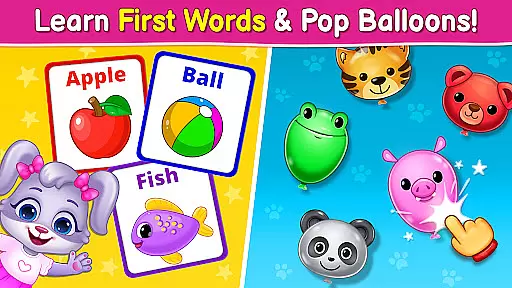
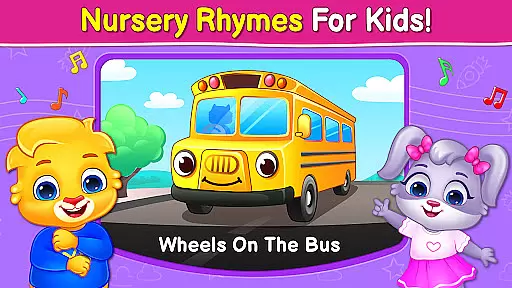
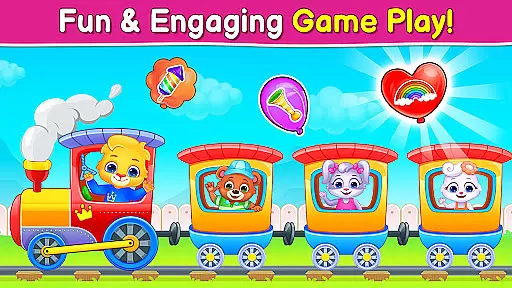
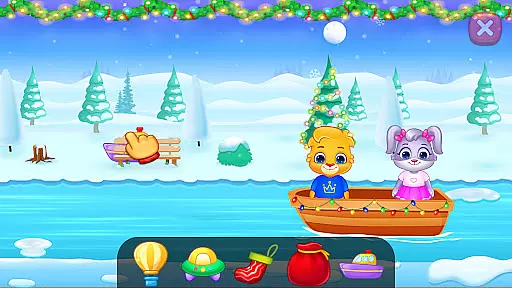
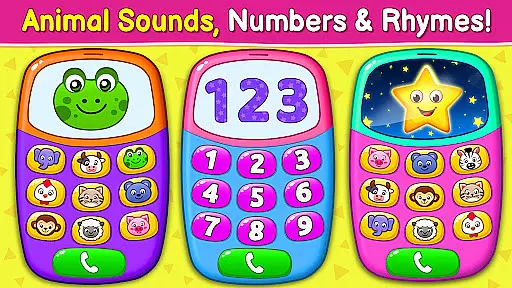
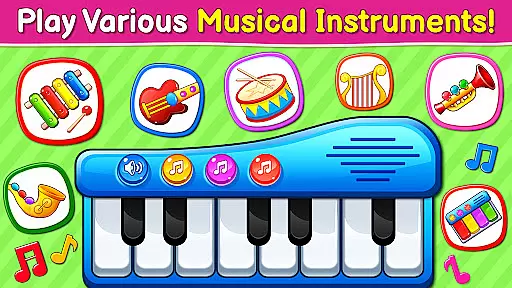
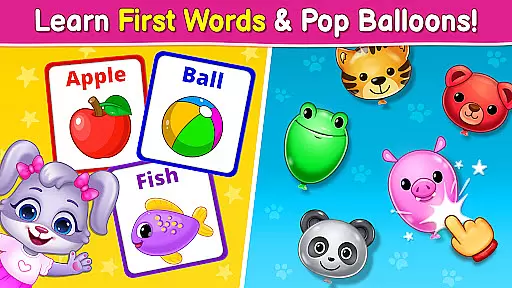
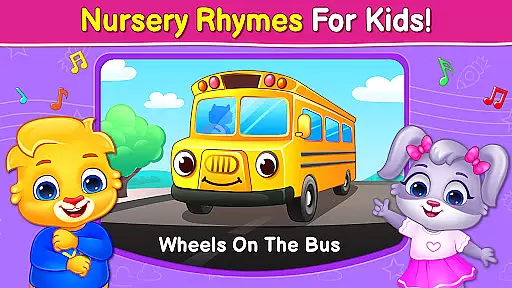
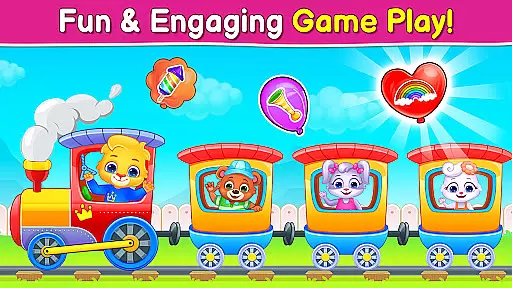
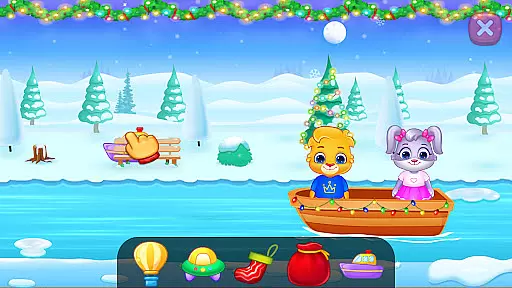
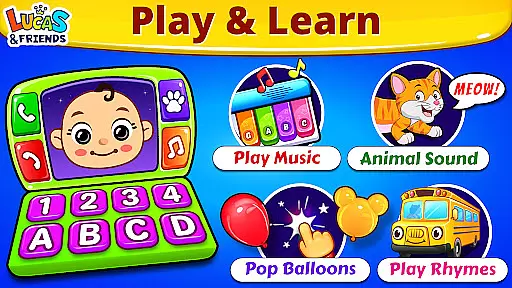
Baby Games: Piano & Baby Phone is an educational app designed to entertain and educate babies and toddlers through a variety of interactive mini-games. The app features activities such as matching animal sounds with pictures, popping balloons, and exploring musical instruments. With a focus on simplicity and safety, the app provides a colorful and engaging environment that helps develop attention, observational skills, memory, and fine motor control in children aged six months to two years.
The app also includes nursery rhymes and baby songs, creating a comprehensive learning experience that combines fun with early childhood education. Its child-safe interface ensures parents can feel secure while their children explore and learn at their own pace. Baby Games stands out as a valuable tool for early cognitive and motor skill development, all within a vibrant digital playground.
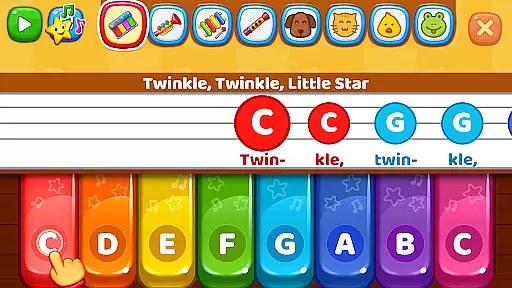
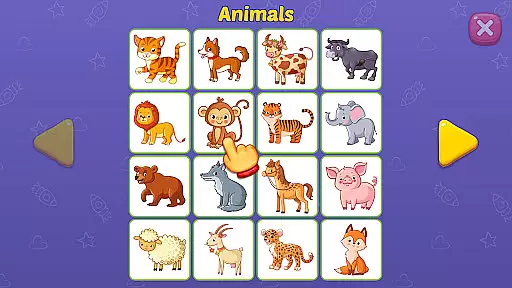
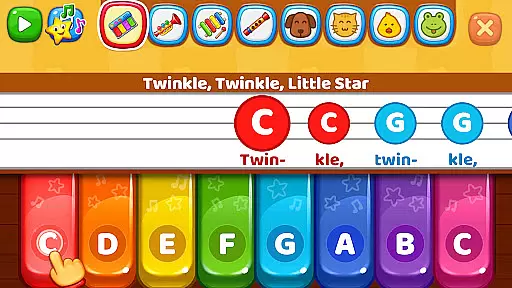
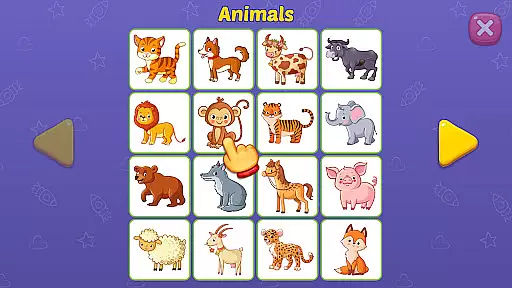
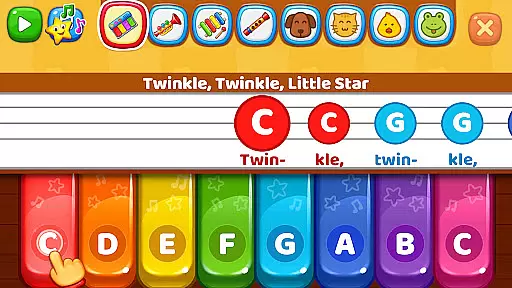
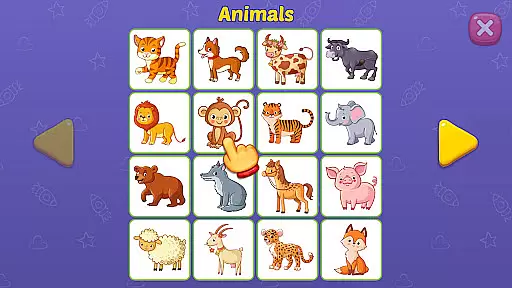
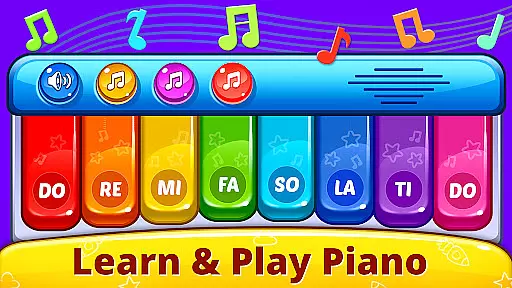
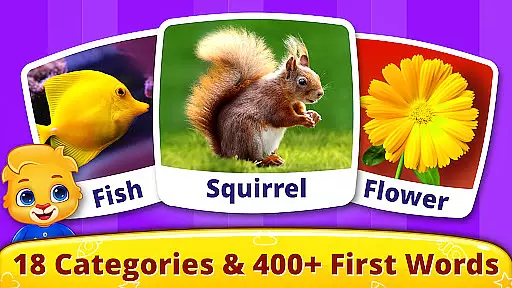
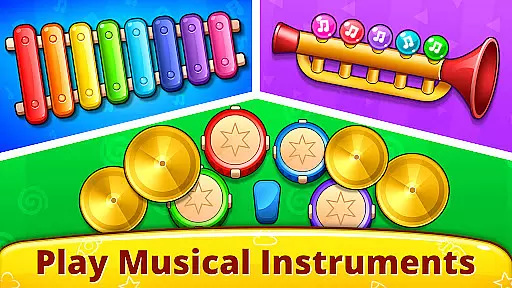
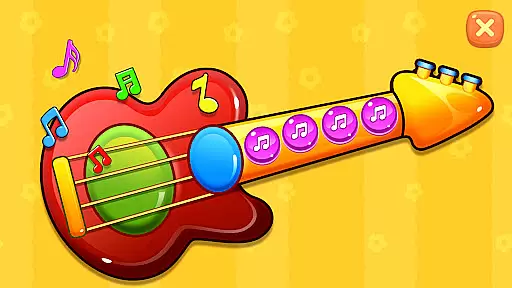
Baby Games offers a rich selection of features tailored to young learners. The First Words game teaches children about animal sounds and matches them with corresponding images, reinforcing memory retention through interactive play. The Music Room feature lets kids explore four different musical instruments, including pianos and xylophones, allowing them to create melodies by simply tapping the screen. Each touch produces realistic sounds, encouraging auditory exploration and appreciation.
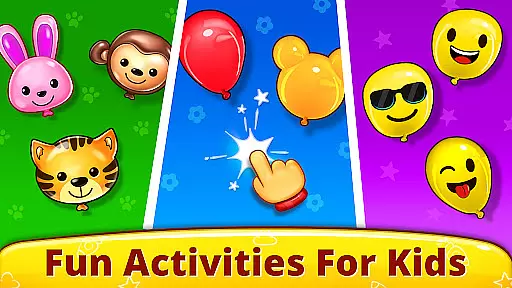
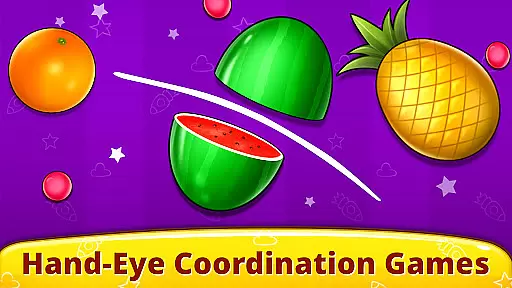
Pop 'n Play brings the joy of bursting balloons right to the screen, featuring various balloon shapes and a fruit smash game that enhances coordination. The Fireworks mode captivates young minds with dazzling light shows triggered by simple taps or drags, supporting multi-touch for an immersive experience. Additionally, the Baby Phone mode simulates phone calls with animals, integrating learning with play as children discover animal sounds, nursery rhymes, and musical notes. These diverse features collectively deliver a dynamic and educational experience for toddlers.
In the realm of educational applications, content authority and curriculum alignment are crucial for ensuring that learning is both effective and relevant. Baby Games: Piano & Baby Phone positions itself as not just a source of entertainment but also an educational tool designed with care for the developmental stages of children. The app integrates nursery rhymes like 'Twinkle Twinkle Little Star' and 'The ABC Alphabet Song,' which are time-tested tools for language acquisition and auditory development.
The app's First Words game exemplifies its dedication to curriculum alignment by teaching children about animal sounds and matching them with images, fostering associative learning skills. This method aligns well with early childhood education goals where associating words with objects or sounds is fundamental. Furthermore, the Music Room feature introduces young users to musical instruments such as pianos and xylophones, providing a foundational understanding of music theory and sound differentiation.
By incorporating these elements, Baby Games ensures that while children are engaged in playful activities, they are simultaneously building essential cognitive abilities that align with educational standards. Parents can be confident that their child's interaction with the app supports the early learning milestones critical for their growth and development.
Gamification in learning transforms the educational process into an engaging journey, merging pedagogy with entertainment seamlessly. Baby Games: Piano & Baby Phone leverages this approach through its diverse mini-games that captivate young minds while imparting key skills. For instance, the Pop 'n Play mode allows kids to pop balloons and smash fruits, turning basic screen interactions into opportunities for developing fine motor control and coordination.
This application goes beyond simple play by integrating educational content within its gamified features. In the Fireworks section, children create dazzling light shows, which might seem purely recreational. However, this activity encourages exploration and cause-and-effect learning as they discover how taps and drags translate into visual displays accompanied by authentic sound effects.
Moreover, the Baby Phone feature ingeniously combines pretend play with learning animal sounds and nursery rhymes, enhancing linguistic abilities and memory recall through interactive phone calls. By embedding these educational components within captivating gameplay, Baby Games achieves a harmonious balance between fun and learning, ensuring sustained engagement while promoting cognitive development in young learners.
User-friendly interface
Educational content
Engaging visuals
Safe for children
Free to use
Limited advanced options
No parental controls
Basic graphics
Repetitive gameplay
Occasional bugs

Monkey Preschool Fix-It is an early learning game for ages 2 to 5.
 4.40
4.40
This will quickly become your kids' favorite animals game!
4.40
Imagine, build and ride your own Rollercoaster!
3.90
Play the fun healthy habits game for kids with Cocobi the little dinosaurs.
3.40
A cube building game for small (and large) builders.
4.40
Fun step-by-step drawing & coloring app to learn and create art!
4.0
Endless runner fun packed with animal facts, exciting wildlife, & adventure.
4.10
Games, music, crafts and coloring with cats
4.10
Amazing learning and educational games for children of all ages.
4.70
Tons of kids safety games, cartoons, and stories are included in one kids app!
4.70
Explore Dopples World, build your avatar life & create endless stories!
4.70
Toddler Learning Games, Learn: Colors, Shapes, Puzzles, ABC ... ►NoAds!◄
4.50
A world for little builders to create, imagine, and learn through play.
4.20
Where Little Healers can Make a Big Difference!
4.00
CASHFLOW - The Investing Game
4.00
Create, design & explore Mia’s avatar game world! Dress up a dreamhouse you love
3.80
Featuring the Numberblocks
3.60
Absorbing, highly visual, effective learning of multiplication, division
4.3
A speed-learning English vocabulary game designed for user to reach proficiency
4.5


User Reviews