
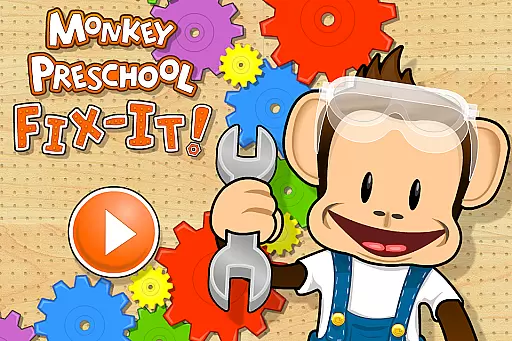

Monkey Preschool Fix-It is an engaging early learning game tailored for children aged 2 to 5. Developed by the creators of the acclaimed Monkey Preschool Lunchbox, this app captivates young minds through imaginative and age-appropriate challenges.
The app focuses on core educational concepts such as number and letter recognition, shape and color identification, and more. With its active tool-themed gameplay, children assist Monkey in various repair tasks using hammers and saws, making learning both fun and interactive.
Designed with simplicity in mind, Monkey Preschool Fix-It ensures a child-friendly experience with no confusing menus. It also guarantees safety by avoiding ads, in-app purchases, and data collection, providing parents peace of mind while their children explore and learn.
Monkey Preschool Fix-It offers six unique games that cover essential learning areas like colors, numbers, letters, shapes, patterns, and puzzles. Each game is crafted to engage children's curiosity while reinforcing fundamental skills.
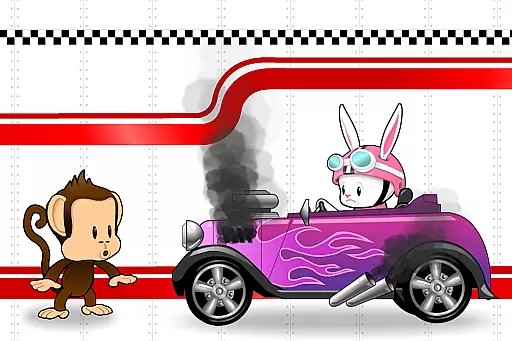
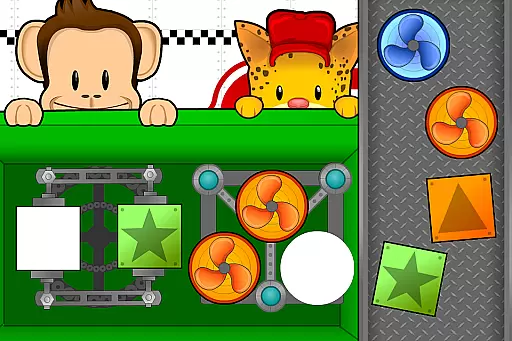
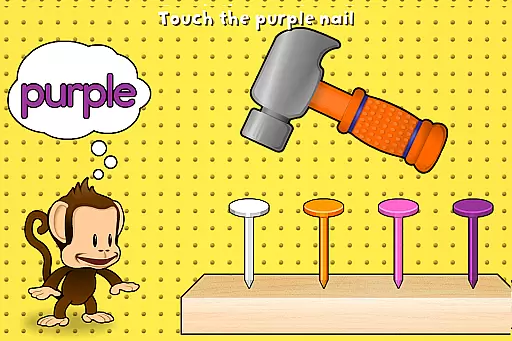
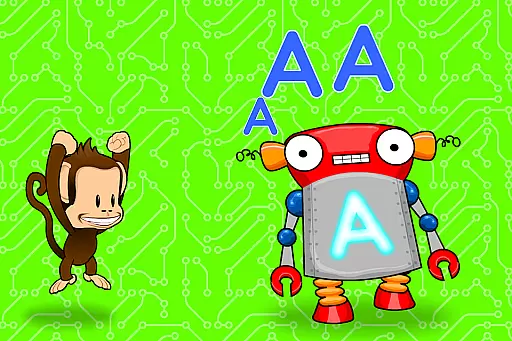
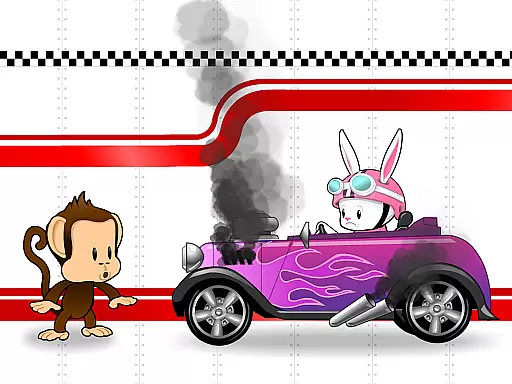
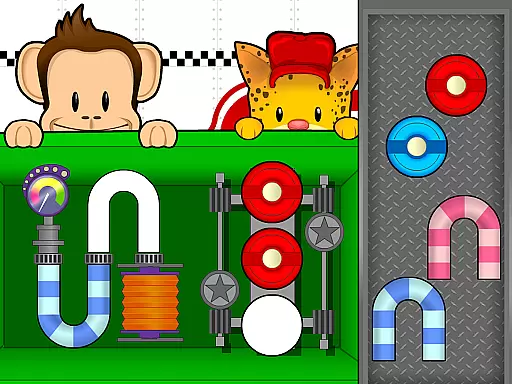
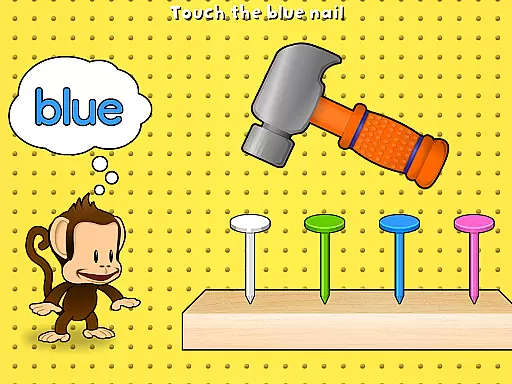
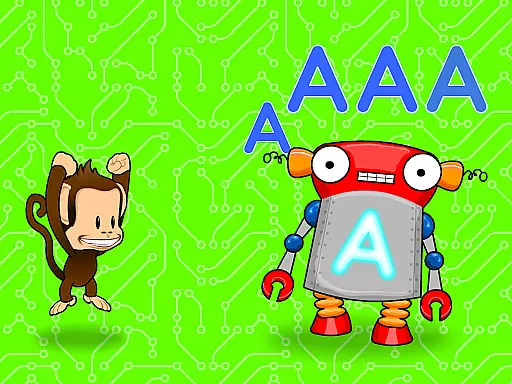
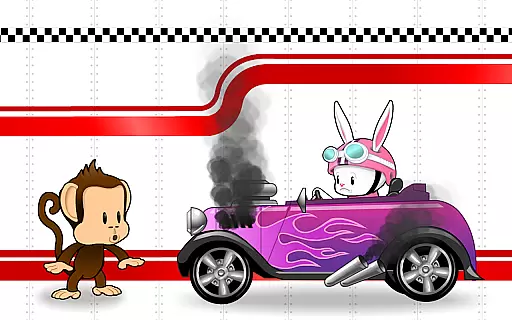
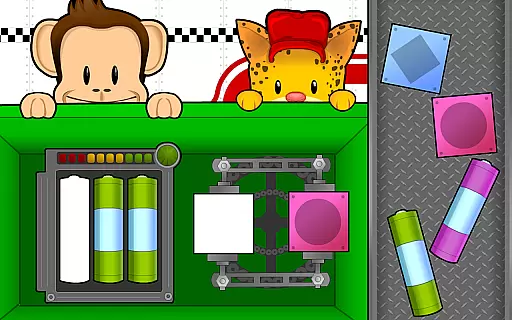
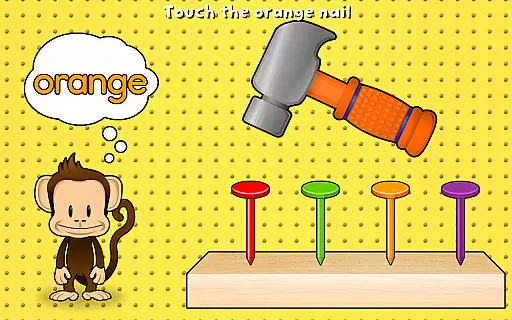
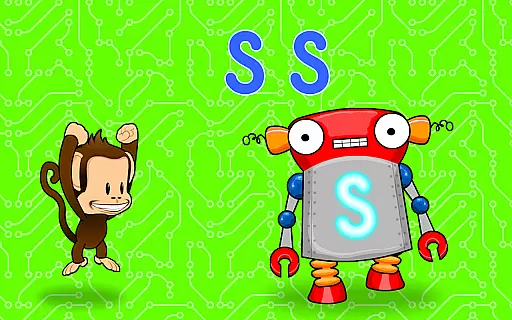
For instance, Mechanic’s Matching lets kids fix engines by matching parts, enhancing problem-solving abilities. Tap-Tap Colors encourages color recognition through hammering colored nails, and Alphabots helps with letter identification by powering up robots with letter-shaped batteries.
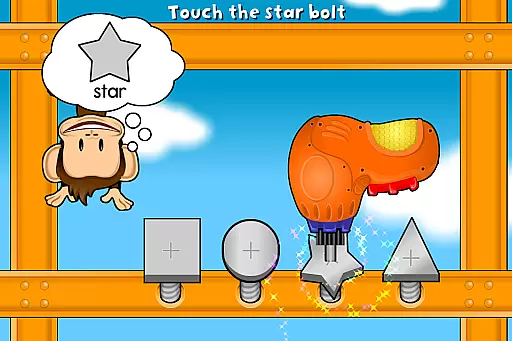
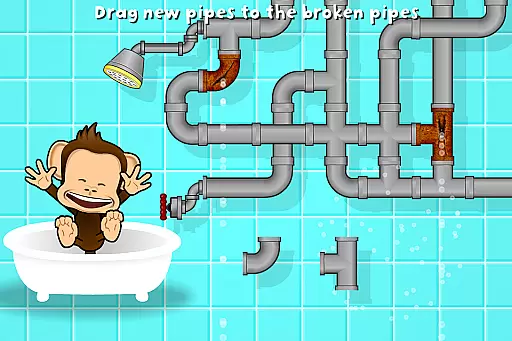
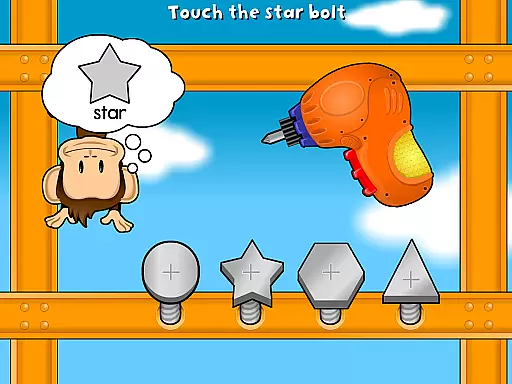
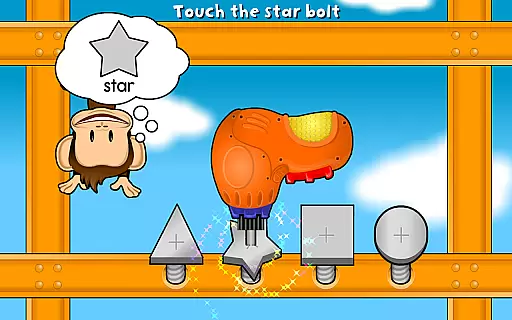
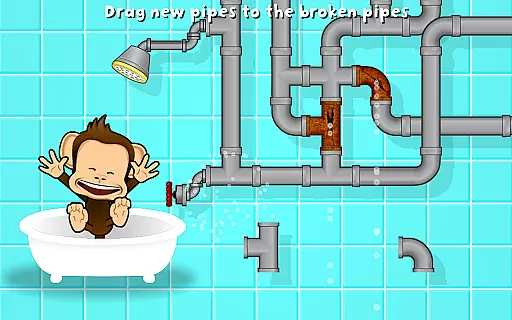
Other games include Number Buzz, which sharpens numerical skills through quick actions, Rub-A-Dub-Flub for puzzle-solving to fix broken pipes, and Tighten Up, which aids in shape recognition by tightening bolts. These diverse activities ensure a comprehensive learning experience.
Monkey Preschool Fix-It excels in delivering content that is both authoritative and aligned with early childhood educational standards. The game incorporates essential learning elements such as number and letter recognition, shape identification, and color differentiation, all of which are crucial for children aged 2 to 5.
The app's carefully crafted games ensure that preschoolers engage with content that is not only fun but also enriches their cognitive development. Each activity, from Alphabots to Number Buzz, is designed to reinforce foundational skills through interactive play.
Parents can trust that Monkey Preschool Fix-It provides a safe and educational experience without exposure to inappropriate content or unauthorized purchases. This dedication to child-friendly design and privacy underscores the app's commitment to maintaining high educational standards.
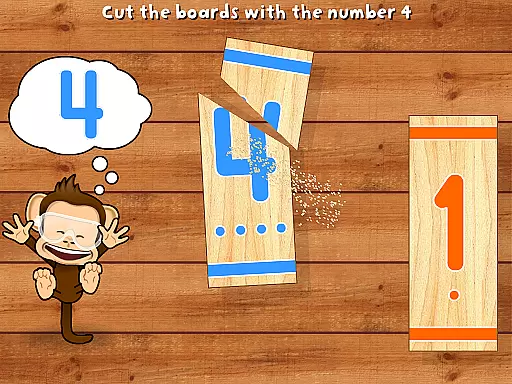
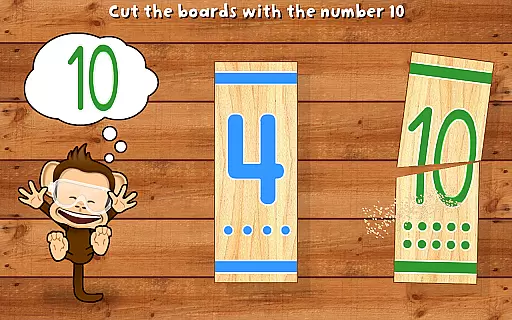
Gamification is at the heart of Monkey Preschool Fix-It, seamlessly blending learning objectives with engaging gameplay. Through six unique games, children participate in activities like hammering nails based on colors and sawing boards according to numbers, making education an enjoyable experience.
The app employs tool-themed gameplay where kids help a monkey 'fix-it' using various tools, thus creating an immersive environment that captures young imaginations while teaching core concepts. Activities such as Mechanicu2019s Matching and Rub-A-Dub-Flub integrate problem-solving skills into playful scenarios.
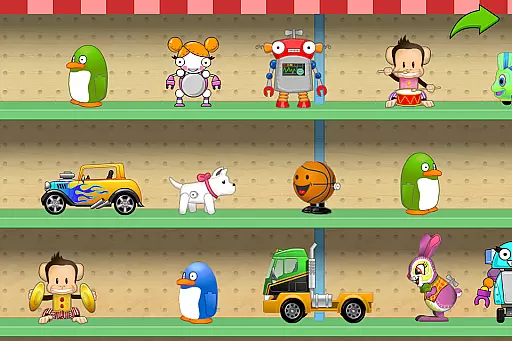
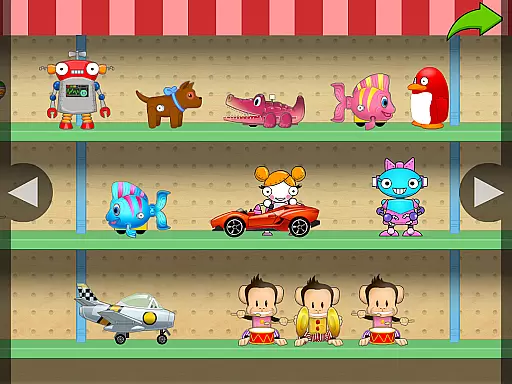
With delightful rewards like animated cars and robots for their virtual playroom, children are motivated to complete tasks successfully. This reward system enhances user engagement and retention, ensuring that learning continues beyond initial interactions.
Engaging gameplay
Educational content
Child-friendly design
No ads or in-app purchases
Privacy-focused
Limited to ages 2-5
Fewer advanced features
Simple graphics
Repetitive for older kids
Restricted content variety

A world to build at the tip of your fingers!
 3.80
3.80
Join Duggee and the Squirrels as they practice their counting!
4.5
Perfect for Dino fans of all ages.Vivid illustrations.Fascinating_Facts.Narrated
4.4
Play educational games for preschool toddlers—plus more to discover ►AdsFree◄
4.60
Math Games For Kids To Learn Addition, Subtraction, Multiplication and Division.
4.30
Master your phonics letters and sounds with the Alphablocks!
3.80
Play and build with Bluey & friends in this fun LEGO® game!
4.40
Coloring book for kids! Learn Color, paint, neon drawing with educational games.
4.40
Play safe educational games & learn with Daniel Tiger, Wild Kratts & more
4.40
Explore Dopples World, build your avatar life & create endless stories!
4.70
Amazing toddler coloring games for 2+. Enjoy painting games
4.60
Play virtual baby daycare simulator & be a babysitter, take care of cute babies!
4.60
Expert-designed fun interactive learning games to prep kids (2-5) for preschool.
4.00
Cure the patients to create your hospital story!
3.90
Spark your little ones’ imagination!
3.80
Magical girl game where dreams come true. Collect & care for cute princesses!
3.80
Educational game for children about emergency and other service vehicles
3.80
Companion app for Cozmo, the educational toy robot who’s got a mind of his own.
3.30
A game to memorize
4.5


User Reviews